Every school holiday follows the exact same predictable script. Parents start with high hopes, sketching out ambitious plans full of museum visits, board games, and outdoor fresh air. By 10:00 AM on Monday, those plans collapse under the weight of work emails, household chores, and endless requests for entertainment. An iPad gets handed over just to buy two hours of silence, guilt sets in, and the cycle repeats until school starts back up.
Total screen bans during school breaks do not work for busy households. Trying to enforce a strict digital detox while managing a home and a job is a fast track to constant arguing and burnout. You don’t need a total ban, nor do you need to spend your entire break acting as an unpaid security guard. What you need are practical, friction-based boundaries that automate enforcement and stop daily arguments before they start.
Setting Holiday Screen Time Limits for Kids That Actually Work
If your screen management strategy relies on memory, warnings, or your child’s self-control, it will fail. Kids treat verbal reminders like soft suggestions open for negotiation. To build a system that works, you must move enforcement out of your mouth and into the physical and digital environment.
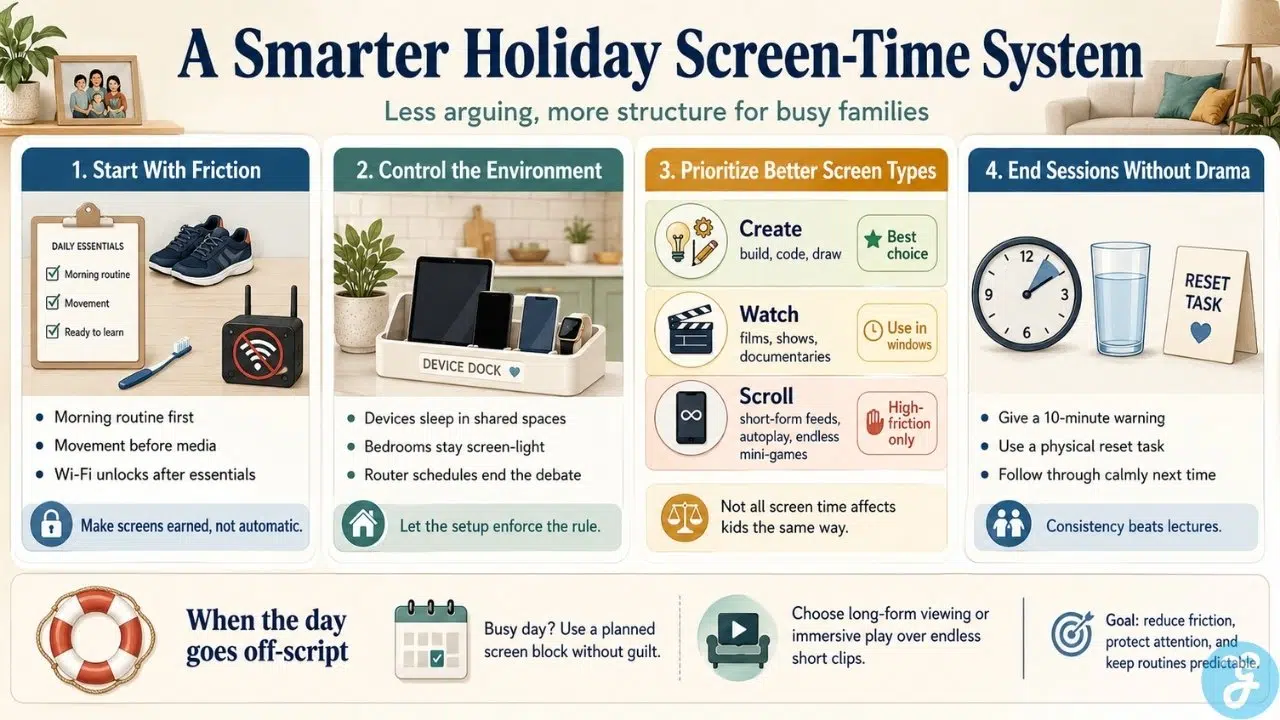
1. Require “Morning Essentials” First
Never let screens be the default setting when your kids wake up. Allowing a child to grab an iPad in bed sets a low-effort, high-dopamine tone for the entire day. Wi-Fi access should be locked until a basic morning routine is verified:
Dressed and washed: Clothes on, teeth brushed, bed made.
Physical movement: At least 30 minutes of outdoor play or physical activity.
One non-screen task: Reading a book, completing household chores, or working on a hands-on project.
The rule is simple: Wi-Fi stays off until the checklist is complete. You don’t argue, plead, or negotiate; the system remains locked until the work is done.
2. Centralize Hardware Out of Bedrooms
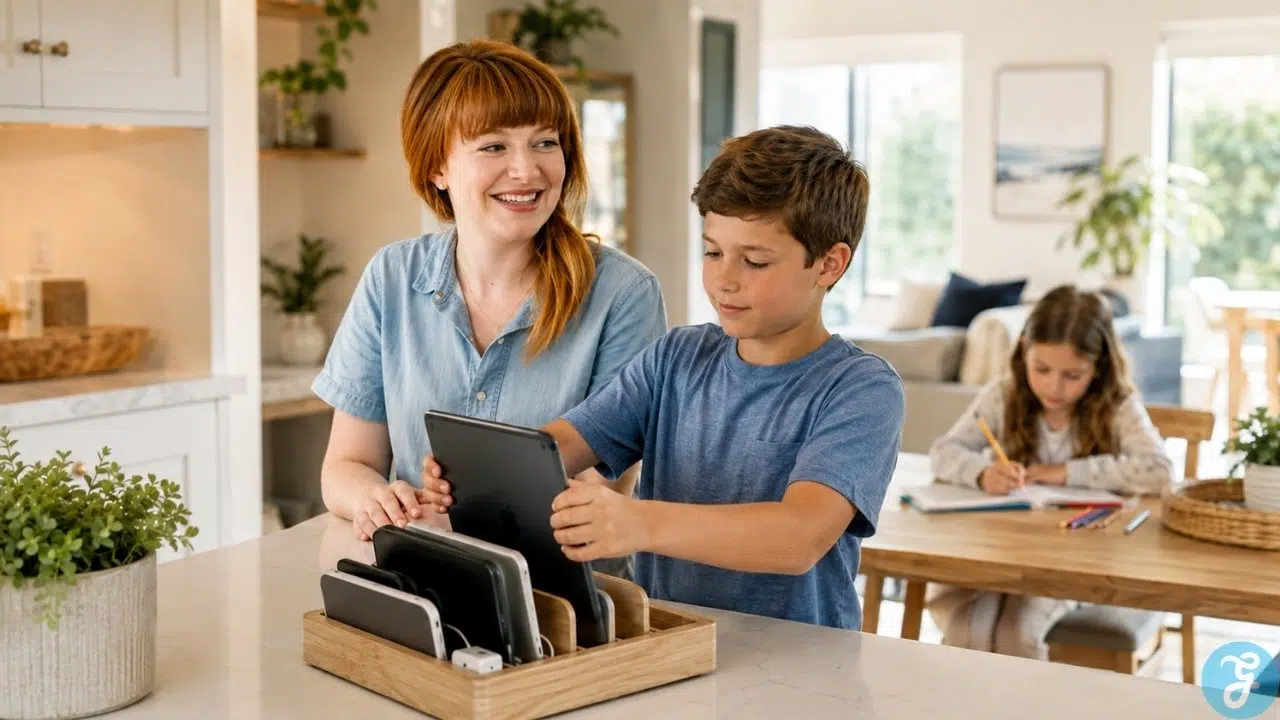
The easiest way to lose control of screen time during a holiday is allowing devices to drift into bedrooms behind closed doors. Establish a single, public charging station in a shared space like the kitchen or living room.
All tablets, phones, handheld consoles, and controllers live on the dock overnight.
Devices return to the dock immediately when screen time ends.
If a screen is behind a closed bedroom door, assume the rules are being broken.
3. Let Router Controls Be the Bad Guy
Stop relying on your own voice to tell kids time is up. Modern home Wi-Fi routers allow you to schedule automatic pauses for specific devices or profiles. Set an automatic cut-off time at 5:00 PM or block access during morning hours entirely. When the network drops, the debate ends—the internet simply stopped working.
Categorizing Screen Quality: Active vs. Passive vs. Brain Rot
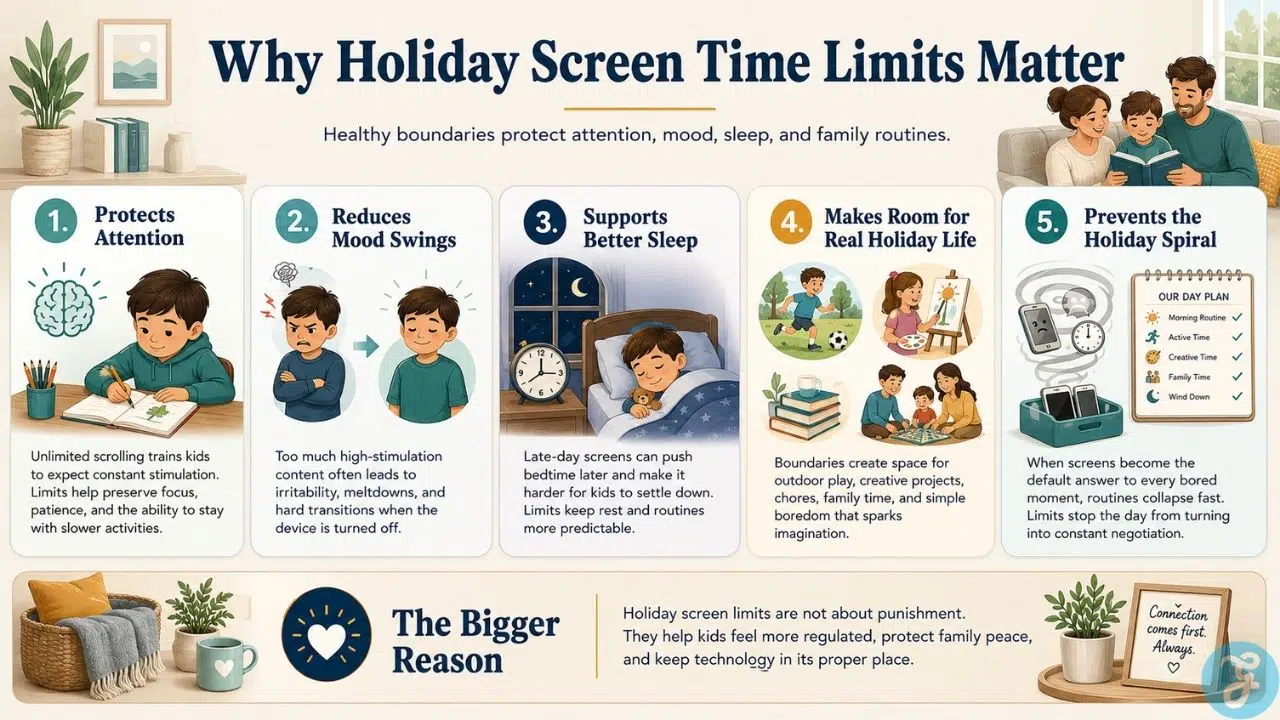
Treating all time spent in front of a glass rectangle as identical is a mistake. An hour spent building a complex redstone circuit in Minecraft or learning video animation requires focus, spatial thinking, and problem-solving. An hour spent flicking through 15-second TikToks or YouTube Shorts damages attention spans and leaves kids irritable.
Organize your child’s access into three clear tiers:
| Screen Category | Real Examples | Cognitive Impact | Practical Action |
| Active / Creation | Minecraft (survival/building), Scratch coding, digital drawing, video editing | Requires active focus, spatial reasoning, and creative problem-solving | Generous caps; higher tolerance allowed. |
| Passive Narrative | Feature-length movies, episodic shows, wildlife documentaries | Requires sustained, linear attention | Scheduled blocks (e.g., mid-afternoon movie or family evening show). |
| Rapid Dopamine / Brain Rot | TikTok, YouTube Shorts, auto-play mobile mini-games, algorithmic feeds | Delivers rapid micro-dopamine hits; severely degrades impulse control | Hard cap or total ban. Zero value returned. |
If a game or app relies on loot boxes, flashing lights every three seconds, or infinite vertical scrolling, treat it as high-hazard content. It is engineered specifically to hijack attention and trigger tantrums when interrupted.
How to Handle Screen Time Limits for Kids When Visiting Family and Friends
One of the biggest friction points during school breaks happens outside your house—at a grandparent’s home, during playdates, or at sleepovers. Grandparents often run on zero-screen-limit policies, and friends’ houses might have different rules entirely.
Handling these situations without destroying your home routine requires two distinct rules:
-
The Grandparent Clause: Accept that visiting relatives is an exception, not the baseline. If grandparents want to let kids watch TV for three hours so they can rest, let it go while they are there. Trying to enforce home rules remotely creates unnecessary conflict.
-
The Reset Protocol: State clearly before your kids leave for a playdate or family visit: “Rules are relaxed at Grandma’s, but the second we walk back through our front door, normal home rules resume.”
When you get home, immediately dock all devices for at least two hours to reset their focus before allowing standard home screen windows.
Managing the “Off-Switch” Meltdown
Telling a child to shut off a game mid-match feels to them like pulling a plug on their brain. The immediate screaming match or tearful outburst isn’t a personal attack, it’s a physiological reaction to a sudden drop in stimulation. Handle it like a professional running a business, not a peer getting drawn into an argument.
Step 1: Lock in the 10-Minute Buffer
Never ambush a kid with a sudden shutdown. Give a single warning 10 minutes prior, and force them to verbally confirm it. “Ten minutes left” isn’t enough; make them repeat the boundary: “I have 10 minutes left before the controller goes on the dock.”
Step 2: Force a Physical Bridge
Transitioning directly from high-intensity gaming to sitting quietly in an empty room causes immediate frustration. Force a physical bridge task to break the focus: have them sprint outside to grab the mail, get a glass of water, or help move dishes to the sink. Physical movement forces their brain to break out of the screen loop.
Step 3: Enforce Penalties Without Drama
If a child refuses to turn off the device, throws a tantrum, or starts arguing, do not yell, bargain, or give second chances. State the exact penalty once, calmly walk away, and enforce it the following day: “You chose not to shut it down on time. Tomorrow’s screen allowance is cut in half.”
When tomorrow comes, enforce the cut. No second chances, no dramatic speeches.
Screen Time Exceptions: Managing Unplanned Digital Babysitting
There will be days when you have a critical work deadline, a sick family member, or an urgent emergency, and you need two hours of uninterrupted quiet.
-
Drop the Guilt: Using a screen as a temporary babysitter a few times a month won’t ruin your child’s development. Accept the trade-off consciously instead of feeling guilty while secretly breaking your own system.
-
Swap Short-Form for Long-Form: Never give kids free-reign access to short-form video feeds during emergency windows. Queue up a long-form animated film, a documentary series, or an immersive single-player game. Long-form content keeps them occupied without leaving them hyper-agitated when it ends.
The Bottom Line
Surviving school holidays without losing your mind doesn’t require digital perfection or strict bans. It requires automated systems, clear physical friction, and rules that don’t depend on daily mood swings. Set up your morning requirements, lock down your network schedules, enforce firm off-switches, and let the routine do the heavy lifting for you.
Frequently Asked Questions(FAQs) About Holiday Screen Time Limits for Kids
How many hours of screen time should a child have during holidays?
Aim for a baseline cap of 1.5 to 2 hours of passive screen time per day, with flexible additions for active creation or family movie nights. The exact total matters far less than having predictable, firm boundaries around when screens are permitted.
How do I stop my kids from pestering me for screens all day?
Establish dedicated “screen windows” instead of letting access be requested on demand. For example, screen access is only open between 3:00 PM and 5:00 PM. If they ask at 11:00 AM, the answer is an immediate no. They quickly learn that pestering outside the window yields zero results.
Should I use parental control apps?
Yes. Built-in software like Apple Screen Time or Google Family Link removes you from the role of enforcer. When the app locks the device automatically at the deadline, the software becomes the bad guy, eliminating daily verbal bargaining.
What should I do when my kids complain about being bored?
Let them sit with the boredom. Boredom forces kids to develop problem-solving skills, imagination, and self-direction. Handing over an iPad every time a child complains wipes out their ability to entertain themselves independently.
How do I manage siblings of different ages with different rules?
Base screen allowances on privileges earned, not baseline age equality. Older kids get longer screen windows only if they consistently maintain their responsibilities and off-switch boundaries. If an older child throws a meltdown, their privileges drop to the younger sibling’s baseline.
How do I handle school-assigned reading or digital homework during breaks?
Treat school work as a task, not entertainment. Digital reading or educational apps must be completed during morning work hours, long before afternoon recreational screen windows open. Never let recreational gaming bleed into time reserved for school tasks.