

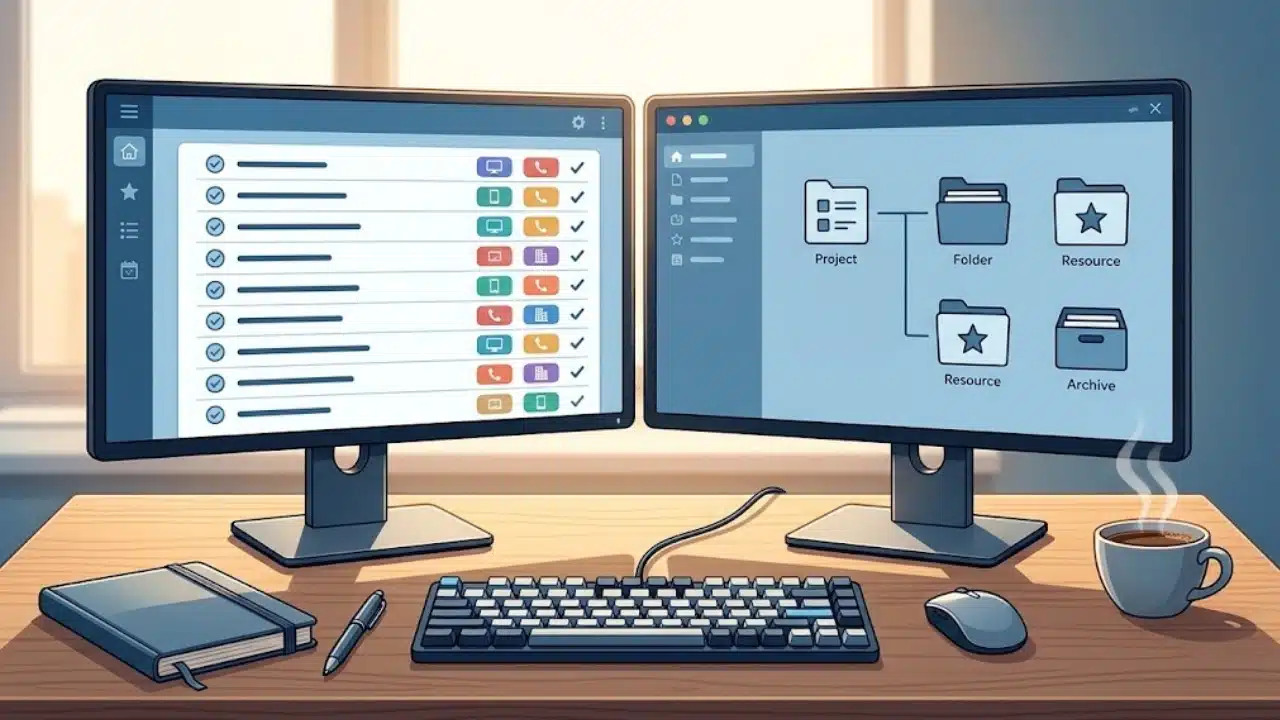
Selecting the right organizational methodology depends on whether your main challenge is executing daily actions or managing digital information overload. Getting Things Done (GTD) and Projects, Areas, Resources, Archives (PARA) solve productivity problems from two distinct angles.
| Feature or Dimension | Getting Things Done (GTD) | The PARA Method |
| Creator | David Allen | Tiago Forte |
| Primary Focus | Managing tasks, commitments, and daily actions | Organizing digital notes, files, and information |
| Core Philosophy | Offload task tracking into trusted external lists | Organize digital assets by current actionability |
| Key Framework | Capture, Clarify, Organize, Reflect, Engage | Projects, Areas, Resources, Archives |
| Best For | Task-heavy roles, complex daily schedules, inbox clearing | Knowledge workers, researchers, digital note-takers |
| Main Outputs & Assets | Next physical actions and time contexts | Digital folders, files, and reference material |
Understanding the Getting Things Done (GTD) Method
Created by David Allen, GTD is an action management framework designed to clear mental clutter. The core premise of GTD is that human short-term memory is inefficient at remembering unorganized tasks. Unmanaged commitments in your head cause continuous cognitive tension and distraction.
GTD addresses this problem through a continuous five-step workflow:
-
Capture: Collect incoming thoughts, requests, and ideas into external inboxes.
-
Clarify: Process captured items to decide if they require immediate action, reference archiving, or delegation.
-
Organize: Sort actionable items into context-specific lists (such as @Computer or @Calls) and high-level project lists.
-
Reflect: Review active task lists daily and run a comprehensive weekly review to keep the system updated.
-
Engage: Execute tasks based on your current physical context, available time, energy level, and priority.
Strengths of GTD
-
Reduces Cognitive Strain: Eliminates the worry of forgetting time-sensitive tasks or commitments.
-
Provides Immediate Actionability: Translates vague goals into explicit physical next steps.
-
Context-Driven Execution: Filters workloads by location, energy level, or available time slots.
Limitations of GTD
-
Weak File Architecture: Focuses heavily on action items but lacks a structured blueprint for organizing digital files, long-form notes, or reference assets.
-
High Maintenance Requirement: Demands daily processing and disciplined weekly reviews to maintain trust in the system.
Understanding the PARA Method
Developed by Tiago Forte as part of the Building a Second Brain framework, PARA is a modern information organization system. PARA categorizes digital information according to its current level of actionability rather than sorting files by static topics like “Finance” or “Marketing.”
PARA structures every file, document, note, and bookmark across four distinct categories:
| Category | Definition | Actionability Level | Examples |
| 1. Projects | Short-term efforts with a deadline and specific output | Highest | Launch Website, Write Q3 Report |
| 2. Areas | Ongoing responsibilities requiring continuous standards | High | Health, Personal Finance, Marketing |
| 3. Resources | Topics of interest or reference materials for future utility | Medium | SEO Guidelines, Recipe Collection |
| 4. Archives | Inactive items from the other three categories | None (Cold Storage) | Completed Projects, Old Tax Files |
Strengths of PARA
-
Universal Structure: Works identically across cloud storage (Google Drive, Dropbox), note-taking apps (Notion, Obsidian), and local drives.
-
Minimalist Maintenance: Prevents complex folder trees by grouping files into four straightforward categories.
-
Reduces Digital Clutter: Moves completed or inactive files out of immediate view into Archives without permanently deleting them.
Limitations of PARA
-
Lacks Task-Execution Mechanics: Does not define how to handle daily calendar blocking, physical next actions, or context-based work sessions.
-
Requires Active Moving: Files must be manually transferred between Projects, Areas, and Archives as status levels change over time.
GTD vs PARA: Direct Feature Comparison
While both frameworks aim to simplify personal workflows, they solve fundamentally different problems. GTD manages actions (what you need to do), whereas PARA manages information (where your digital assets live).
| Comparison Dimension | Getting Things Done (GTD) | The PARA Method |
| Primary Domain | Task and schedule execution | Information and digital file organization |
| Structure Basis | Workflow phases and task contexts | Actionability levels across four categories |
| Storage Method | Simple list-based reference filing | Dynamic four-folder structure across all apps |
| Decision Metric | What is the next physical action? | How immediately actionable is this file? |
| Review Frequency | Daily check-ins with weekly system reviews | On-demand as projects launch or wrap up |
| Primary Challenge Area | Clarifying vague inputs into concrete actions | Moving files between folders as priorities shift |
Key Differences in Workflow Philosophy
-
Task Execution vs Information Retrieval: GTD answers what to work on during a free 30-minute window. PARA answers where to store a research document so you can find it instantly when working on an active project.
-
Context vs Category: GTD groups actions by physical requirements or environments (@Calls, @Office, @Laptop). PARA groups assets by operational relevance (Projects, Areas, Resources, Archives).
-
Workflow Focus: GTD requires upfront effort during clarification to define explicit physical steps. PARA requires maintenance effort when moving files as projects complete.
The Hybrid Framework: Combining GTD and PARA
Choosing between GTD and PARA is rarely an either-or decision. Knowledge workers often achieve the best results by using a hybrid system: using GTD as the engine for task execution and PARA as the filing framework for digital information.
| Workflow Layer | System Used | Core Tools | Operational Function |
| Task Layer | GTD Framework | Todoist, Microsoft To Do, Apple Reminders | Tracks Next Actions, Waiting For items, and daily contexts. |
| Asset Layer | PARA Method | Google Drive, Notion, Obsidian, Apple Notes | Stores working files, meeting notes, and project documents. |
Step-by-Step Hybrid Setup Example
-
Initiation: You receive an assignment to create a quarterly marketing presentation.
-
PARA Folder Setup: In Google Drive and Notion, create a new folder under 1. Projects titled Q3 Marketing Deck. Save all research notes, draft slides, and assets in this folder.
-
GTD Task Setup: In your task manager, create an entry under your Projects list named Q3 Marketing Deck. Define its immediate next step (“Draft slide outline in Notion”) and tag it as @Computer.
-
Execution: Filter your task manager by @Computer, complete the outline, and update the next action to “Request sales figures from David.”
-
Archiving: Once the presentation is delivered, mark the project complete in your task manager and move the Q3 Marketing Deck folder from 1. Projects to 4. Archives in Google Drive and Notion.
Which Method Should You Choose?
Evaluate your immediate operational bottlenecks to decide which framework best fits your workflow requirements.
| Your Primary Challenge | Recommended Framework | Initial Setup Steps |
| Overwhelmed by daily to-do items & deadlines | GTD (Getting Things Done) | Build a capture inbox and list Next Actions by context. |
| Disorganized Google Drive, desktop, or notes | PARA Method | Create Projects, Areas, Resources, and Archives folders. |
| Managing complex projects & massive research | Hybrid System (GTD + PARA) | Run GTD in a task manager and PARA in your cloud storage. |
Choose GTD If You:
-
Feel overwhelmed by daily task lists, missed deadlines, and constant incoming requests.
-
Struggle with prioritization or defining clear next physical steps.
-
Manage a high volume of quick, reactive tasks across phone calls, emails, and meetings.
Choose PARA If You:
-
Spend valuable time searching for lost files, meeting notes, or research documents.
-
Feel overwhelmed by cluttered desktop folders, chaotic cloud drives, and unorganized note apps.
-
Work primarily on long-term knowledge deliverables, research reports, or content production.
Choose the Hybrid Framework If You:
-
Handle both heavy daily task volume and extensive digital documentation as a modern knowledge worker, creative professional, or business manager.
Common Implementation Pitfalls to Avoid
Guard against these common mistakes when setting up your organizational system:
-
Over-Categorizing Empty Folders in PARA: Creating dozens of nested sub-folders under Resources before gathering actual files creates unnecessary friction. Keep folder structures shallow until document volume requires expansion.
-
Using PARA Folders as a Task List: Storing action items inside file names or note documents without a centralized task tracking view leads to missed deadlines. Maintain action items in a dedicated task manager.
-
Skipping the GTD Weekly Review: Neglecting weekly system reviews causes task lists to grow stale. When lists no longer reflect current priorities, trust breaks down and forces a return to mental tracking.
-
Failing to Archive Completed Projects: Leaving finished projects sitting inside active PARA folders allows digital clutter to build up over time. Transfer inactive folders to Archives immediately upon project completion.
Building a Lasting Productivity Workflow
Productivity systems exist to support execution, not to serve as endless setup projects. Whether you choose the action-focused framework of GTD, the structured storage hierarchy of PARA, or a hybrid combination of both, the best system is the one you maintain consistently. Address your main administrative bottleneck today, keep your structure simple, and refine your setup as your daily requirements evolve.
Frequently Asked Questions (FAQs) About GTD vs PARA
What is the main difference between GTD vs PARA?
The main difference is their primary focus: GTD (Getting Things Done) is a task management methodology designed to track next physical actions and daily commitments, whereas PARA (Projects, Areas, Resources, Archives) is a file organization method designed to structure digital notes, documents, and reference materials by actionability.
Can you use GTD and PARA together?
Yes, GTD and PARA complement each other exceptionally well. You can use GTD mechanics inside your task manager app to handle daily actions, contexts, and check-ins, while using PARA folder structures inside your note apps and cloud drives to store project assets, research, and documentation.
Which method is better for beginners, GTD or PARA?
PARA is generally easier for beginners to implement because setting up four folder categories (Projects, Areas, Resources, Archives) takes minimal effort. GTD has a steeper learning curve because it requires establishing new daily habits for capturing, clarifying, and reviewing tasks.
Is PARA a task manager or a file system?
PARA is primarily a file and information organization system, not a dedicated task manager. While you can track high-level project names in PARA, executing daily time-sensitive tasks usually requires a dedicated task list or GTD-style action tracker.
What tools work best for GTD vs PARA setups?
GTD works best in dedicated task management tools like Todoist, Microsoft To Do, or OmniFocus. PARA works best in note-taking and file management storage platforms like Notion, Obsidian, Google Drive, Dropbox, and Apple Notes.























