

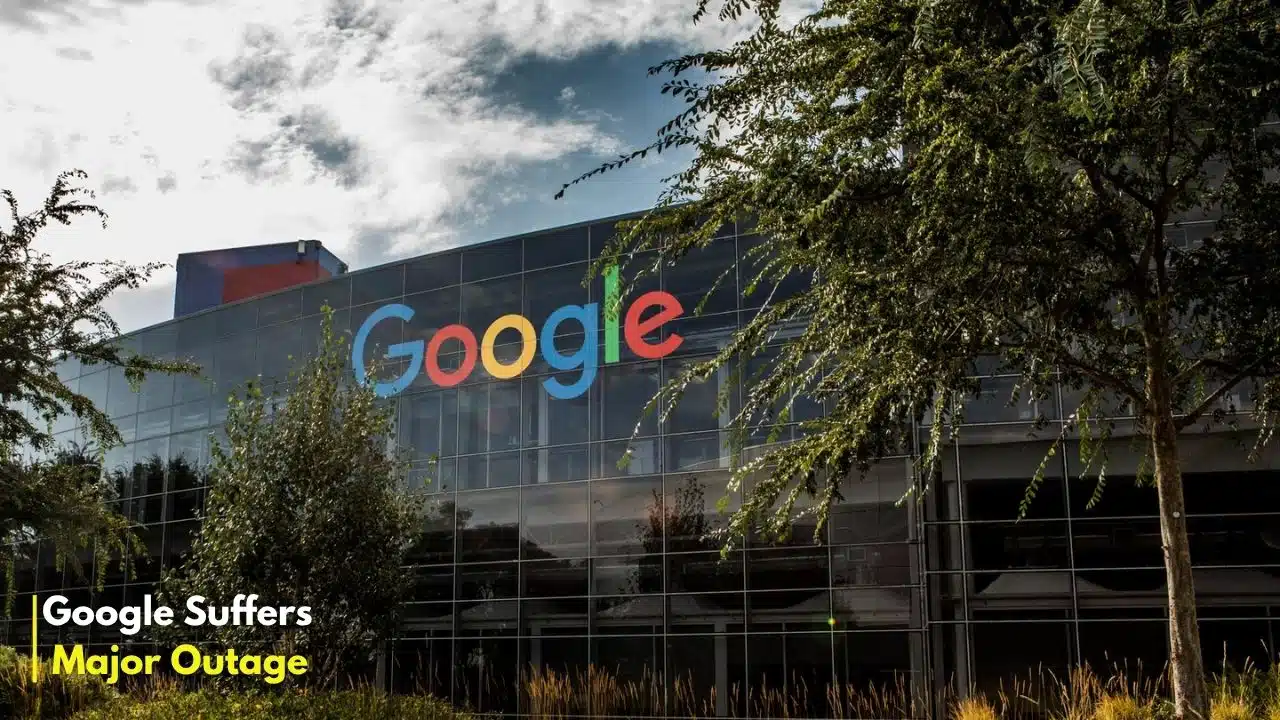
A major service disruption at Google yesterday left millions of users across the United States and globally unable to access their private data, halting business operations and academic work. The outage, which struck Google’s popular Workspace suite including Drive, Docs, and Sheets on Wednesday, November 12, 2025, was caused by a faulty, automated software update, Google confirmed.
Key Facts: The November 12 Outage
- What Happened: A widespread service outage hit Google Workspace and Google Cloud products.
- Impact: Users were locked out of Google Drive, Docs, and Sheets, receiving 503 errors and unable to access personal and corporate files.
- Peak Reports: Downdetector, a real-time outage monitor, logged nearly 3,000 unique user reports from the United States alone at the peak of the disruption
- Official Cause: Google identified the root cause as an “invalid automated quota update to the API management system,” which caused external API requests to be rejected
- Duration: The incident was officially logged by Google as lasting 4 hours and 45 minutes before full resolution
The Digital Shutdown: What Happened
The digital work and school day ground to a halt for many Americans just after lunchtime on the East Coast. Beginning at approximately 12:25 PM EST on Wednesday, November 12, 2025, reports began to flood social media and outage trackers. Users attempting to open critical documents in Google Docs, access spreadsheets in Google Sheets, or pull files from Google Drive were met with failure messages, most commonly “503 errors.”
The disruption was not isolated. While the bulk of the initial reports originated from major US metropolitan hubs like New York, Boston, Los Angeles, and San Francisco, the problem was global. Reports of connectivity issues and loading failures soon emerged from Asia, with users in Hong Kong confirming they were also impacted
The impact was immediate. On social media, users reported a “digital paralysis,” with one user on X (formerly Twitter) noting, “My entire company just stopped. All our project plans, client data, and collaborative documents are on Drive. We are literally sitting and waiting.”
This incident vividly illustrated the deep integration—and dependency—on Google’s ecosystem, which boasts over 2 billion daily active users for Google Drive alone. The outage highlighted that for modern workflows, “private data” is no longer just files on a local hard drive but a cloud-based service that, when unavailable, freezes productivity.
Google’s Official Response: A “Quota Update” Failure
As speculation mounted, Google’s engineers were already investigating. The company’s official Google Cloud status page quickly confirmed the issue, transitioning from “investigating” to providing a technical root cause with unusual speed.
In a statement posted to its service dashboard, Google confirmed Google Suffers Major Outage was not the result of a malicious external attack but a self-inflicted error.
The problem, Google explained, was an “invalid automated quota update to the API management system. In simple terms, a routine, automated change to the system that manages how services “talk” to each other went wrong. This faulty update caused the system to globally reject legitimate requests for data, effectively locking users out.
Recovery efforts involved bypassing the faulty quota check. Google reported that services were restored for “most regions within two hours.” However, the recovery was not uniform. The us-central1 region, a major data hub, “experienced longer recovery times due to an overloaded quota policy database.”
By the early morning of November 13, Google’s Workspace Status Dashboard officially marked the incident as “Closed,” logging its total duration at 4 hours and 45 minutes Google has apologized for the incident and stated a full, detailed incident report will be published in the coming days.
Expert Analysis: The High Cost of “Cloud-Locked” Data
While the immediate technical crisis is over, yesterday’s outage serves as a stark, real-world stress test of global reliance on a handful of cloud providers.
Experts argue that this event exposes the critical vulnerability at the heart of the modern digital economy: over-dependence on a single vendor.
This “concentrated risk” is no longer a theoretical problem. The business and technology analysis site Tech Business News recently published a report highlighting the growing dangers of this “vendor lock-in.”
The Growing Risk of Downtime
The convenience of the cloud has, for many organizations, overshadowed the risks. However, data shows these risks are growing.
- Rising Concern: According to a 2025 cloud industry report, 35.1% of organizations now identify “over dependence on a single cloud provider” as a core barrier to effective cloud implementation, a significant rise from previous years..
- Increasing Outages: The same report noted that critical cloud service outages increased by 18% in 2024 compared to the previous year.
- Provider-Specific Volatility: This volatility varies by provider. The report cited data showing that in 2024, “Google Cloud experienced a dramatic 57% increase in critical downtime,” while its competitor, Microsoft Azure, saw a decline of over 20%.
This data suggests that while all clouds promise high availability, their performance can be unpredictable. Yesterday’s outage was a prime example of “data gravity”—the concept that as more of an organization’s data (and tools, like Docs and Sheets) accumulates with one provider, the cost and complexity of moving it, or even having a backup, becomes prohibitively high.
What Happens to Data in an Outage?
The panic caused by the “locked out” feeling often leads to a critical question: was the data lost?
In this specific type of outage, the answer is no. Security and data integrity are different from service availability. Google’s own privacy policies and infrastructure are built on layers of encryption and redundancy to protect data from being lost or breached
The data itself was safe, but it was inaccessible. The outage did not breach Google’s security; it broke the “front door” that allows users to access their own information. As one expert from Cloutomate noted in a recent analysis on cloud dependency, the cloud’s promise of 100% availability “proves to be deceptive. The true risk is not data loss, but total operational paralysis.
What to Watch Next
The fallout from the November 12 outage will likely unfold over the coming weeks.
- Google’s Full Incident Report: Enterprise customers and the wider public will be eagerly awaiting Google’s detailed post-mortem. This report is expected to explain why the automated quota update was not caught in testing and what new safeguards will be implemented.
- Renewed Calls for Multi-Cloud: Expect C-suite executives and IT directors to face renewed pressure to diversify. The “multi-cloud” strategy—using services from multiple providers (e.g., Google Workspace for collaboration, Microsoft Azure for servers, Amazon S3 for backup)—is complex but looks far more appealing today than it did 48 hours ago.
- SLA Scrutiny: Businesses paying for premium Google Workspace and Cloud services will be closely examining their Service Level Agreements (SLAs), which guarantee a certain amount of uptime (often 99.9% or 99.99%). This event may trigger service credit claims and tough negotiations at renewal.
Yesterday, the digital world was reminded that “the cloud” is not an abstract fog; it is a physical infrastructure of servers and code, run by humans and automated systems that can—and do—fail.























