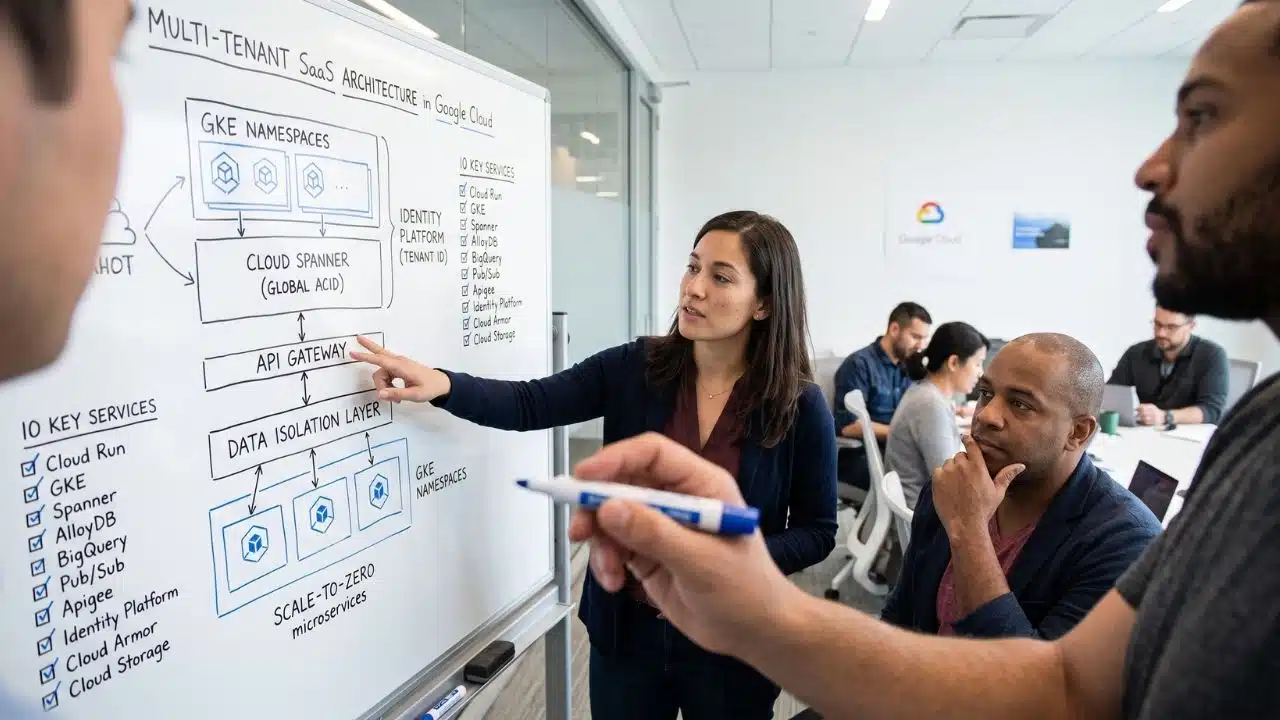
Building a multi-tenant SaaS platform is a fundamentally different beast than launching a standard web app. I’ve been in the trenches figuring out how to balance strict tenant data isolation, handle sudden traffic spikes, and keep cloud bills from destroying profit margins. You don’t just need basic compute; you need infrastructure that natively understands scale and multi-tenancy out of the box.
Through trial, error, and a lot of architectural whiteboarding, I’ve found that Google Cloud Platform (GCP) provides some of the best primitives for this. Here is the exact Google Cloud Services I rely on to build SaaS platforms for the long haul.
The Core Challenge of SaaS Architecture
Before we look at the specific tools, it’s worth addressing the elephant in the room: multi-tenancy is hard. When you are hosting data and compute for hundreds of different companies under one roof, the stakes multiply. A memory leak caused by Customer A shouldn’t crash Customer B’s dashboard. A sudden, massive spike in API requests from one user shouldn’t slow down the database for everyone else.
You need an architecture that isolates resources securely while still sharing enough underlying infrastructure to keep your margins healthy. Building on GCP gives you building blocks explicitly designed to solve these isolation and scaling problems.
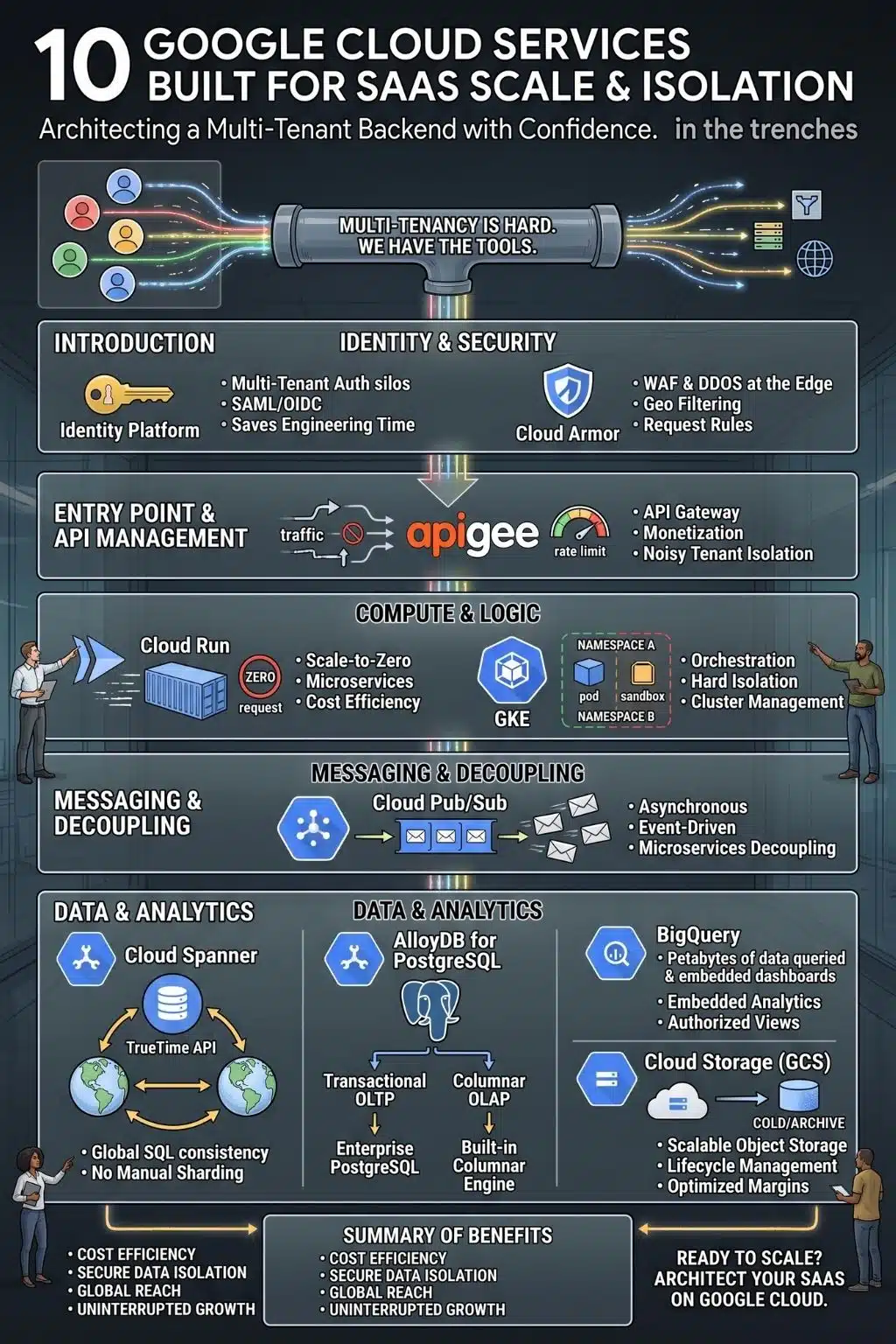
10 non-negotiable Google Cloud services for a scalable SaaS backend
Navigating Google Cloud’s massive catalog can easily lead to over-engineering. To keep your infrastructure lean and resilient, these ten services form the core backbone of a modern multi-tenant platform. Each one has been battle-tested to solve the hardest parts of SaaS scale, from strict data isolation and instant autoscaling to keeping your cloud bills under control from day one.
1. Cloud Run
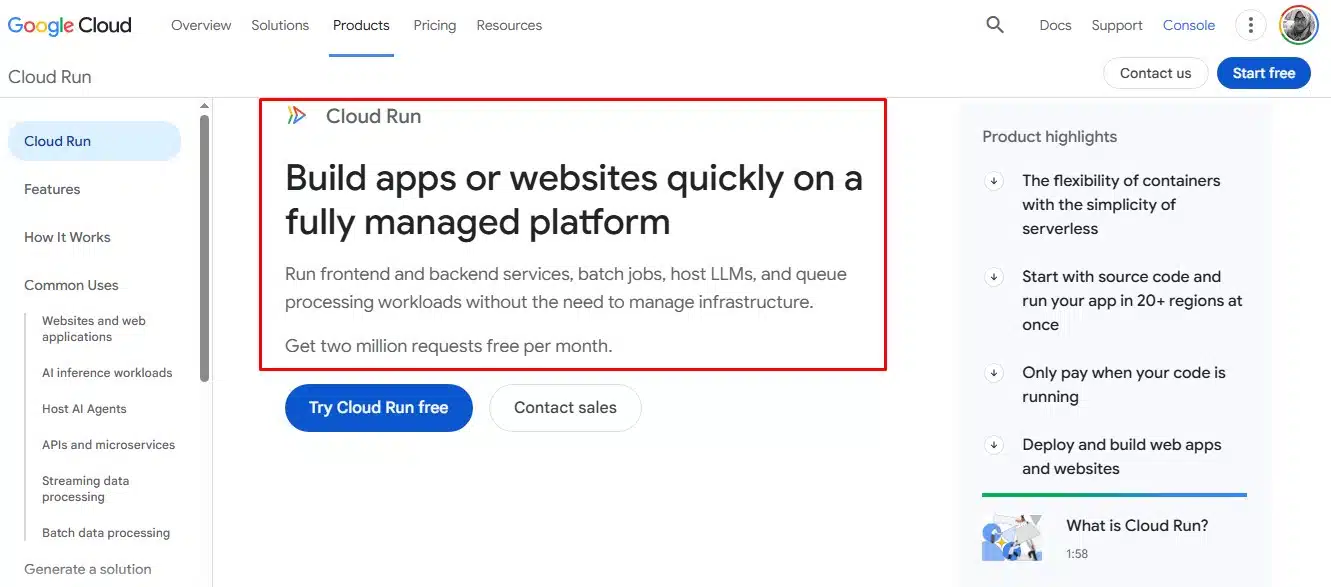
When I need to ship microservices quickly without paying for idle time, Cloud Run is my absolute go-to. It gives you the flexibility of containerized apps with a fully managed serverless environment.
The SaaS Win: The “scale-to-zero” feature. If a newly onboarded tenant has low traffic, you aren’t paying for a server to just sit there. When a request hits, Cloud Run spins up instantly, meaning your early infrastructure costs scale directly with your actual usage.
2. Google Kubernetes Engine (GKE)
Once a SaaS platform hits a certain complexity, serverless isn’t always enough. That’s when I migrate the heavy lifting to GKE, the undisputed industry standard for container orchestration.
The SaaS Win: Hard tenant isolation. You can use GKE namespaces and GKE Sandbox to strictly isolate different customers’ workloads on the same underlying cluster, maximizing your resource usage while keeping security exceptionally tight.
3. Cloud Spanner
Scaling a relational database globally used to mean choosing between consistency and horizontal scale. Spanner eliminates that headache completely.
The SaaS Win: If you’re building a mission-critical SaaS where financial ledgers or strict inventory counts matter, Spanner uses atomic clocks to guarantee globally consistent transactions. It scales horizontally without the traditional nightmare of manual database sharding.
4. AlloyDB for PostgreSQL
Most of the SaaS architectures I see run on PostgreSQL. AlloyDB is Google’s fully managed, enterprise-grade answer to this, designed to be significantly faster than standard Postgres.
The SaaS Win: It features a built-in columnar engine. This allows you to run heavy, complex analytical dashboards for your users right alongside real-time transactional operations without dragging down the whole system’s performance.
5. BigQuery
Modern SaaS products have to provide rich, embedded analytics to their users. You can’t just dump massive amounts of event data into a standard database and expect customer dashboards to load quickly.
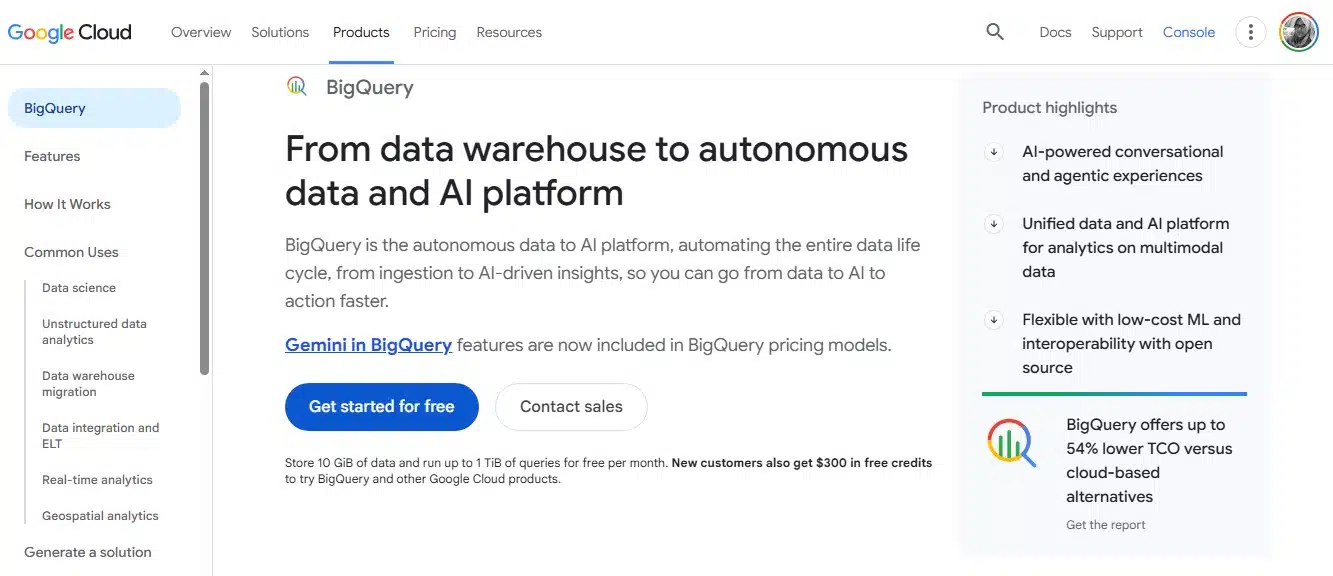
The SaaS Win: BigQuery is a serverless data warehouse that processes petabytes in seconds. By leveraging dataset-level permissions and authorized views, I can securely isolate tenant data while maintaining one unified backend for our internal data team.
6. Cloud Pub/Sub
As a platform grows, synchronous API calls between microservices become fragile, if one service goes down, the whole house of cards can collapse. I use Cloud Pub/Sub to decouple everything.
The SaaS Win: Whether it’s processing user registrations, managing webhooks, or streaming audit logs, Pub/Sub enables an asynchronous, event-driven architecture that automatically scales to handle millions of messages per second with incredibly low latency.
7. Apigee API Management
If your SaaS exposes an API directly to customers, you need a gatekeeper. Apigee sits in front of your backend and handles the dirty work of API management.
The SaaS Win: It provides out-of-the-box rate limiting, tenant-specific API keys, versioning, and monetization. It ensures that one noisy, high-volume tenant cannot overwhelm your backend compute layer and ruin the experience for everyone else.
8. Identity Platform
Handling B2B authentication is notoriously tricky, but Identity Platform saves months of engineering time.
The SaaS Win: It features native multi-tenancy. You can create distinct “tenants”, isolated silos of users and configurations, within a single project. Your enterprise customers get their own dedicated SAML or OIDC providers and custom branding, all managed from your unified API.
9. Cloud Armor
Security at scale means stopping bad traffic before it ever touches your servers. Cloud Armor provides enterprise-grade DDoS protection and a Web Application Firewall (WAF) right at the edge of Google’s network.
The SaaS Win: I rely on it to set up custom rules that filter traffic by geography or block specific malicious request patterns (like SQL injection attempts), keeping the core compute layer safe and highly available.
10. Cloud Storage (GCS)
SaaS apps generate a massive amount of unstructured data, user uploads, document archives, and media files. Cloud Storage is infinitely scalable, but the real magic for a SaaS business is the automation.
The SaaS Win: Automated lifecycle management. I always configure rules to automatically transition older, rarely accessed tenant data into cheaper storage tiers like Coldline or Archive. It’s an easy architectural win that aggressively optimizes storage margins over time.
Building for the Long Haul
Architecting a SaaS platform isn’t just about picking the most popular tools; it’s about choosing infrastructure that won’t punish you as you grow. The beauty of the Google Cloud ecosystem is how seamlessly these services interlock. You can start lean with Cloud Run and standard databases, and as your enterprise clients demand stricter isolation and faster analytics, you can gracefully evolve into GKE and AlloyDB without tearing down your foundation.
Build for the scale you have today, but use the building blocks that will support the scale you want tomorrow.
Frequently Asked Questions (FAQs) on Google Cloud Services
1. Is it better to start with Cloud Run or GKE for a new SaaS?
Start with Cloud Run. It’s vastly simpler to manage, allows you to deploy containers in seconds, and scales to zero so you only pay for active requests. Move to GKE only when your platform requires advanced networking, complex sidecar patterns, or specific hardware orchestration that serverless can’t handle.
2. How do I securely isolate tenant data in Google Cloud?
It depends on your database tier. In BigQuery, you use authorized views and dataset-level permissions. In relational databases like AlloyDB, you can use schema-based isolation (a separate schema per tenant) or Row-Level Security (RLS). For compute, GKE namespaces are the standard for isolating workloads securely within a shared cluster.
3. Why use AlloyDB instead of standard Cloud SQL for PostgreSQL?
If your SaaS is experiencing massive transaction volumes or you need to run complex analytical dashboards directly against your primary database, AlloyDB’s columnar engine makes it exponentially faster. However, if you are an early-stage startup with standard database needs, regular Cloud SQL is highly cost-effective and often more than enough.
4. Can Identity Platform handle complex enterprise SSO requirements?
Yes, and it saves you months of engineering time. Its native multi-tenant architecture allows you to easily plug into an enterprise customer’s existing identity provider (like Okta or Azure AD) via SAML or OIDC. You don’t have to build custom authentication pipelines for every new B2B client.
5. How does Spanner compare to traditional database sharding?
Traditional sharding forces you to manually split your database across multiple servers based on a key (like a Tenant ID), which makes schema migrations a nightmare and adds massive application-layer complexity. Spanner handles the data distribution, replication, and global consistency for you automatically under the hood.