
Tired of juggling multiple passwords just to check grades or see a lunch menu? The Conroe ISD SSO portal streamlines everything for students and parents, putting all your essential school tools behind a single, secure login.
It’s one username and one password to access everything you need.
This guide will walk you through logging in, setting up extra security with an authenticator app, and using the ClassLink-powered platform. You’ll save time, reduce frustration, and stay focused on what matters most, education.
Key Takeaways
- The Conroe ISD SSO portal, powered by ClassLink, launched in 2022 at sso.conroeisd.net, providing one-click access to apps like Canvas, Google Classroom, and the PowerSchool parent portal.
- Students log in using their student ID and network password, while parents use their registered email address. Both are required by district policy to use multi-factor authentication for security.
- The platform uses robust multi-factor authentication (MFA) options, including codes from Google Authenticator and Microsoft Authenticator, text messages, and fingerprint scans to prevent unauthorized access.
- A central dashboard provides instant access to grades, attendance records, digital textbooks, library resources, and school announcements, eliminating the need to log into multiple systems.
- The ClassLink LaunchPad mobile app, available on the Apple App Store and Google Play Store, allows students and parents to access all resources from their phones or tablets.
What is Conroe ISD SSO?

The Conroe ISD SSO is the district’s single sign-on solution, officially called the “LaunchPad,” which is powered by the ClassLink platform. Introduced in 2022, it provides students, parents, and staff with a unified gateway to all of the district’s digital resources.
Instead of remembering different login credentials for each application, you use a single Conroe ISD username and password. This gives you immediate access to everything from learning platforms to communication tools.
For enhanced security, the system requires multi-factor authentication, which typically involves a code from an app on your iPhone or Android device. This ensures that only authorized users can access sensitive information.
How to Access the Conroe ISD SSO Portal
You can access the portal by opening a web browser and navigating to the official sso.conroeisd.net website. From there, you will enter your specific username and password and complete a quick security verification step.
Steps to log in for students
Students can get into their digital classroom tools quickly with the Conroe ISD SSO. Follow these steps to ensure smooth and secure access.
- Navigate to the official SSO login page at sso.conroeisd.net.
- Use your student ID number as your username.
- Enter the same password you use for the school’s computer network.
- Complete the two-step verification using your chosen multi-factor authentication method.
- Click the “Sign In” button to load your personalized LaunchPad dashboard.
- Bookmark the page in your browser for fast, one-click access in the future.
Pro-Tip: If the login page isn’t loading correctly, try clearing your browser’s cache and cookies. This is a common solution recommended by IT professionals for resolving sign-in issues.
Steps to log in for parents
Parents can easily access student information like grades, attendance, and teacher messages through the portal. The system centralizes all necessary tools in one convenient location.
- Open your preferred web browser and go to sso.conroeisd.net.
- Bookmark the website so you can return to it easily.
- Enter your full email address (the one registered with the district) as your username, along with your password.
- Verify your identity by entering the code from your designated authenticator app, such as Google Authenticator or Microsoft Authenticator.
- Once logged in, click on icons for different resources like the PowerSchool Parent Access Center or Canvas.
- For convenience, consider using a password manager to securely store your login details.
Features of the Conroe ISD SSO Platform
The system provides a unified dashboard where you can access Google Classroom, Microsoft Teams, and library resources without entering new passwords. It secures your information using a centralized directory and strong authentication protocols.
Single dashboard for all resources
The Conroe ISD SSO LaunchPad gives you a single, organized screen with all your necessary applications. With just one click, you can access essential tools without needing to log in again.
This unified view simplifies the digital experience for both students and parents.
Key resources available on the dashboard include
- Learning Systems: Canvas, Google Classroom
- Student Information: PowerSchool Parent Access Center for grades and attendance
- Productivity Suites: Office 365 and Google Workspace (Docs, Sheets, etc.)
- Library and Research Tools: Access to digital databases and student resources
Multi-factor authentication for security
Conroe ISD protects your account with multi-factor authentication (MFA), a critical security layer. After entering your password, you must provide a second form of verification to prove your identity.
This two-step process is highly effective at preventing unauthorized access, even if someone learns your password.
The system supports several MFA methods, giving you flexibility in how you secure your account. Popular options include a one-time code generated by an authenticator app like Google Authenticator, a verification code sent via text message, or a biometric scan using your fingerprint.
Benefits of Using Conroe ISD SSO
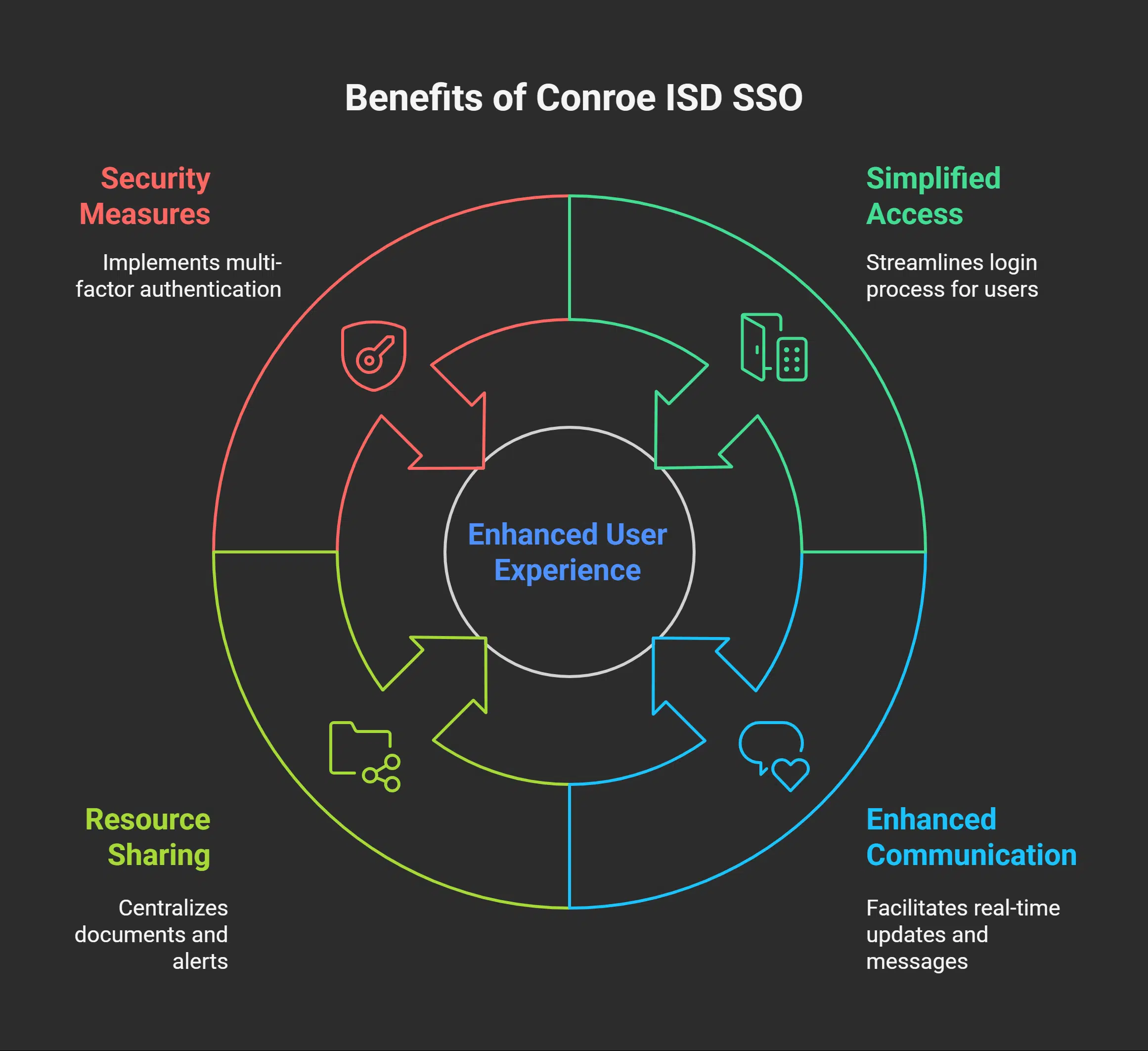
The Conroe ISD SSO platform drastically reduces the time spent logging into various school-related websites. It brings together tools like Google Docs, Canvas, and PowerSchool seamlessly. With strong security features like MFA, students and parents can confidently access resources.
Simplified access for students and parents
With the SSO portal, you log in just once to access everything from digital textbooks to gradebooks. This streamlined process saves valuable time every day, allowing you to focus on learning and communication rather than password management.
The central hub also delivers real-time notifications about grades, assignments, and school news. Parents can easily check messages from teachers and counselors in one place, strengthening the connection between home and school.
Enhanced communication and resource sharing
The Conroe ISD SSO portal serves as a central hub for communication. Important resources like home study guides, lunch menus, and school calendars are instantly accessible after logging in.
Students can find homework assignments on their learning platform, while parents can check for updates on their mobile app. This shared environment ensures everyone stays informed about school activities and academic deadlines. The integrated tools help teachers and families stay connected and work together more efficiently.
Takeaways
The Conroe ISD SSO platform provides a unified and secure login for all essential school tasks. By following the steps in the ClassLink Quickstart Guide, you can easily set up your dashboard and access everything you need.
Multi-factor authentication adds a vital layer of security to protect your information.
Whether on a browser or the mobile app, all your tools are in one convenient place. This system simplifies access to academics, athletics, and fine arts resources, saving time and improving the user experience for the entire Conroe ISD community.
FAQs on Conroe ISD SSO
1. What is the Conroe ISD SSO Login?
It is the district’s single sign-on portal, known as the LaunchPad. It lets you use one username and password to access all of your school-related applications and websites.
2. How do students and parents get started?
Go to sso.conroeisd.net. Students enter their student ID and network password. Parents use their registered email address and password. First-time users will be prompted to set up multi-factor authentication.
3. Who can help if I have trouble logging in?
If you encounter any issues, you should contact the Conroe ISD Help Desk. They are equipped to handle technical problems and can guide you through the login process or help reset your password.
4. What can I access with the Conroe ISD SSO Login?
Your single login gives you access to all approved district services. This includes Canvas, Google Classroom, PowerSchool for grades, digital textbooks, library resources, and more, all from one central dashboard.