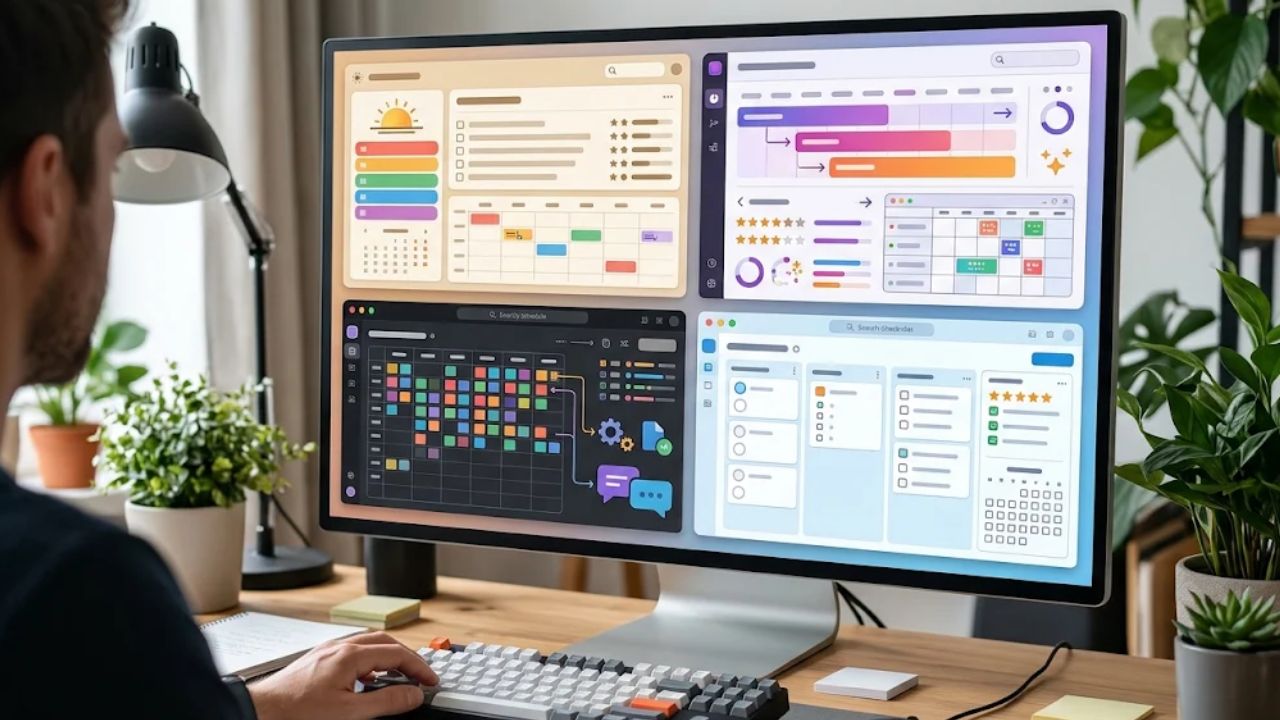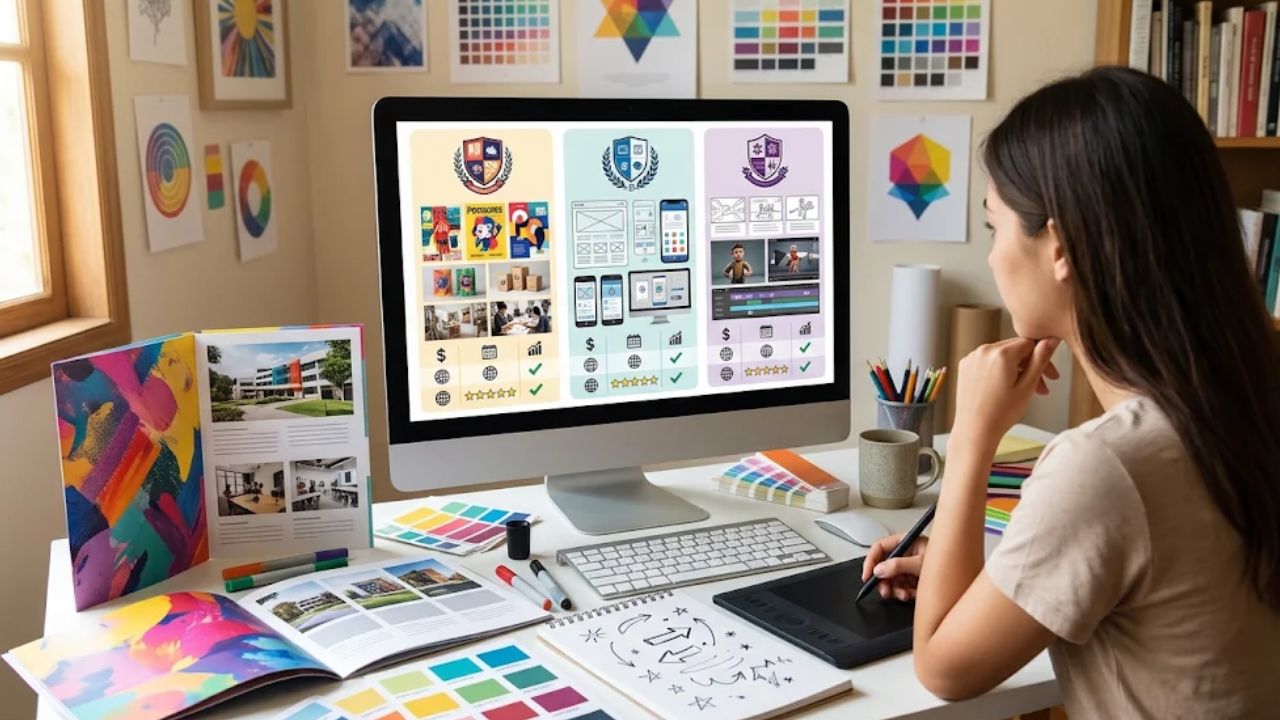
Choosing a graphic design school is a bigger decision than simply finding a program that teaches Photoshop, Illustrator, and other creative software.
The right program should help you understand visual communication, develop technical skills, build a professional portfolio, and prepare for the realities of working with clients, creative teams, and deadlines.
Imagine two programs that look almost identical on their websites: both mention experienced instructors, modern software, portfolio development, and career preparation.
Once you examine the curriculum, facilities, student work, and hands-on training, however, the differences can become much easier to spot.
Students comparing options can start by reviewing the curriculum and training approach offered by a graphic design school and then use those details as a benchmark when evaluating other programs.
Start With the Curriculum, Not the Marketing
A polished website can make almost any design program look impressive, so the curriculum deserves more attention than promotional language.
Look closely at the individual courses and ask what you will actually be able to create by the end of each one.
A well-rounded design education may cover typography, color theory, layout, branding, digital illustration, image editing, user-centered design, motion graphics, web design, and portfolio development.
The exact course mix will vary, but students should ideally progress from foundational concepts to more complex creative projects.
For example, an introductory typography assignment might involve designing a simple poster using only type, while a later branding project could require a complete visual identity with a logo, packaging, social media assets, and brand guidelines.
That progression matters because professional designers rarely work on isolated software exercises.
They are usually expected to solve communication problems through a combination of concept development, visual hierarchy, technical execution, and presentation skills.
Check Whether Software Training Has a Purpose
Learning industry-standard design software is important, but software knowledge alone does not make someone a strong designer.
Programs should teach students why they are making certain visual decisions rather than simply showing them where tools and commands are located.
A student might know how to create a gradient, mask an image, or manipulate typography, for example, but still struggle to create an advertisement that clearly communicates its message.
Strong coursework connects technical skills with design principles so that students understand both execution and creative reasoning.
Examine the Student Portfolio Expectations
A portfolio can become one of the most important assets a new designer has when applying for internships, freelance projects, or entry-level positions.
Before enrolling, find out whether portfolio development is built into the program or treated as something students are expected to handle independently.
Ideally, students should have multiple opportunities to refine projects after receiving feedback rather than simply submitting an assignment once and moving on.
Consider a branding project that starts with ten rough logo concepts and eventually develops into a complete identity system.
The first version may be technically competent but visually generic, while several rounds of critique can push the student to rethink typography, spacing, color choices, and overall brand personality.
That revision process closely resembles professional creative work, where designers frequently respond to feedback from clients, art directors, marketing teams, or other stakeholders.
Look at Actual Student Work
If a college displays graduate portfolios or student projects, spend time examining them rather than only looking at program descriptions.
Look for variety in branding, editorial layouts, digital design, illustration, advertising, packaging, websites, and other visual communication projects.
A collection of nearly identical portfolios can suggest that students are following highly prescriptive assignments, while diverse work may indicate greater room for individual creative development.
Pay attention to presentation quality as well, because employers often evaluate not only the final design but also how effectively a designer explains the thinking behind it.
Compare Hands-On Learning Opportunities
Design is difficult to master through lectures alone.
Students need opportunities to experiment, make mistakes, receive constructive criticism, and improve their work.
When comparing programs, investigate how much coursework involves practical assignments, studio projects, presentations, critiques, and collaborative work.
For example, students might receive a fictional brief for a neighborhood coffee shop that wants to attract younger customers without alienating its existing audience.
The assignment could involve researching competitors, defining a visual direction, creating a new identity, designing packaging, and presenting the finished concept.
Projects like this develop several skills simultaneously, including research, creative problem-solving, communication, time management, and visual storytelling.
Consider the Quality of Instruction and Feedback
Instructor credentials matter, but students should look beyond impressive job titles.
Find out whether faculty members have relevant professional backgrounds and whether the program provides meaningful opportunities for individual feedback.
Design education depends heavily on critique because students cannot always recognize weaknesses in their own work.
An instructor might notice that a poster has strong imagery but poor information hierarchy, or that an attractive website concept becomes confusing when someone tries to navigate it.
Specific feedback teaches students how to evaluate design decisions instead of relying purely on personal taste.
It is also worth investigating class sizes and how accessible instructors are outside scheduled lectures, since personalized guidance can become particularly valuable during advanced projects and portfolio development.
Evaluate the Technology and Creative Facilities
Design students spend significant time working with computers, software, digital files, and production equipment, so available resources can influence the learning experience.
Ask what software platforms students use, whether computer labs are available, and how frequently equipment is updated.
Depending on the program, facilities might also include drawing tablets, photography equipment, printing resources, production tools, or dedicated studio spaces.
Access alone is not enough, however.
What matters is whether students regularly use those resources for coursework that reflects modern creative workflows.
Look Beyond Graduation Day
A design education should prepare students for more than completing assignments and earning grades.
Research how the program introduces students to professional expectations such as client communication, presenting creative concepts, responding to criticism, managing deadlines, and preparing application materials.
Career preparation might include portfolio reviews, mock interviews, résumé development, networking opportunities, internships, or guidance on freelance practices.
Imagine graduating with 15 strong projects but having no idea how to explain them during an interview.
Another student with a slightly smaller portfolio may perform better because they can confidently describe the brief, creative process, challenges, revisions, and reasoning behind each project.
Communication skills can therefore be just as valuable as technical ability when entering a competitive creative field.
Compare Program Length, Schedule, and Cost
A program can look excellent academically and still be the wrong practical choice for a particular student.
Compare tuition, fees, supplies, software expenses, commuting costs, program duration, and weekly scheduling before making a commitment.
Someone working part-time may need a very different class schedule from a student who can study full-time.
Program length should also be considered alongside curriculum depth rather than evaluated in isolation.
A shorter program may provide concentrated career preparation, while a longer program may offer additional opportunities to explore specialized areas or complete more extensive projects.
The better choice depends on your goals, available time, financial situation, and preferred learning pace.
Ask What Graduates Are Prepared to Do
Instead of asking only what subjects a program teaches, ask what graduates should realistically be capable of doing when they finish.
Can they develop a visual identity from an initial brief?
Can they create effective layouts for print and digital formats?
Can they explain their creative choices during a portfolio presentation?
Can they receive criticism without becoming defensive and use that feedback to improve the work?
Questions like these shift the comparison from course descriptions to practical outcomes.
They also help prospective students determine whether the program develops adaptable creative thinkers rather than people who simply know how to operate design software.
Make the Final Comparison Personal
There is no single program that will be the best choice for every aspiring designer.
One student may prioritize intensive portfolio development, while another may care more about digital media, motion graphics, flexible scheduling, or access to specialized facilities.
Create a shortlist and compare each option using the same criteria: curriculum, student portfolios, practical projects, instructor feedback, technology, career preparation, schedule, and total cost.
If possible, attend an information session, tour the facilities, ask detailed questions, and examine examples of current student work before making the final decision.
The strongest choice is ultimately the program that matches both your creative interests and the skills you will need after graduation.
A thoughtful comparison before enrolling can help ensure that your education does more than teach design tools—it can give you the foundation to think, communicate, revise, and create like a working designer.