


Running social media for one brand is easy. Running it for 15 clients is a different job. You need separate calendars, client approvals, and reports that look good enough to send. That is why social media scheduling tools for agencies matter so much. The wrong one costs you hours every week, and the right one pays for itself fast.
Prices below were checked in October 2026. Plans change often, so confirm the live pricing page before you pay. If you only manage your own accounts, our list of the best scheduling tools covers simpler options.
Quick Comparison
Here is a short view of the 10 tools before the details. Every pick below is one of the social media scheduling tools for agencies that handle more than one client well, but each one wins in a different area.
| Tool | Best for | Starting price |
|---|---|---|
| Sendible | Most agencies | About $35 a month |
| Agorapulse | Inbox and reports | $79 per user a month, yearly |
| SocialPilot | Best value | $30 a month |
| Vista Social | Growing agencies | $99 a month |
| Planable | Client approvals | $33 per workspace a month |
| Metricool | Budget analytics | $20 a month, yearly |
| Loomly | Small teams | $49 a month, yearly |
| Publer | Pay per account | About $5 per account a month |
| Hootsuite | Big teams | $99 per user a month, yearly |
| Sprout Social | Large agencies | $79 per seat a month, yearly |
Starting prices are for the lowest-paid plan. Most agencies will need a higher plan to get client approvals or branded reports.
What Agencies Need From a Scheduling Tool
A freelancer can get by with almost any app. An agency cannot. Before you compare social media scheduling tools for agencies, check these five things:
- Client workspaces. Each client needs their own space, so posts never go to the wrong account.
- Approvals. Clients should approve posts inside the tool, not over email.
- Branded reports. You want reports with your logo, not the tool’s logo. This is called white label.
- Pricing model. Some tools charge per user. Others charge per client or per account. This changes your bill a lot as you grow.
- Team roles. Interns should not be able to publish without a review.
The 10 Best Social Media Scheduling Tools for Agencies
These social media scheduling tools for agencies are ranked by how well they handle client work, not by price alone.
1. Sendible
Sendible is built for agencies first, and it shows. Of all the social media scheduling tools for agencies on this list, it gives you the most client features for the money.
Every plan comes with unlimited users, which is rare. A feature called Client Connect lets clients link their own accounts, so nobody has to share passwords. The premium plan adds custom branded reports. Full white label branding is a paid extra on the Elite and Enterprise plans, starting from $349 a month.
The weak spot is the jump in price between plans. Core is cheap at about $35 a month, but it covers only one workspace and six profiles. Most agencies end up on Plus or Premium. There is a free trial of 14 days.
2. Agorapulse
Agorapulse is a strong pick if your agency handles a lot of comments and messages. Its shared inbox is one of the best, and that makes it stand out among social media scheduling tools for agencies.
The standard plan costs $79 per user a month billed yearly, or $99 monthly, with 10 profiles. White label reports come even on Standard. Approval workflows start on the Professional plan at $119 per user a month, billed yearly. The Advanced plan adds shared calendars you can send to clients.
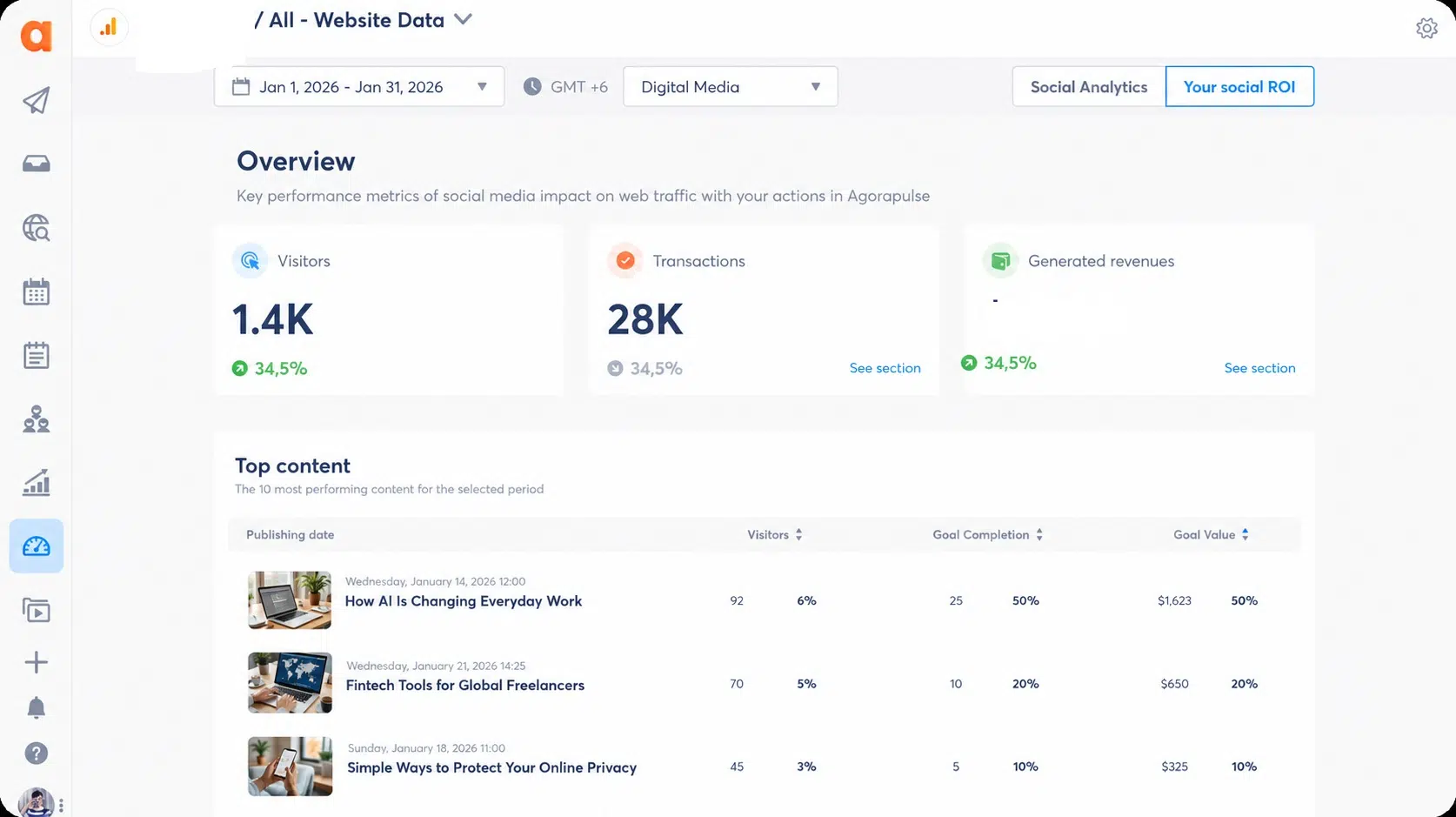
Per-user pricing hurts bigger teams. Five team members on Professional cost about $595 a month, billed yearly. You get a free trial of 30 days, with no card needed.
3. SocialPilot
For small and medium agencies, SocialPilot is the best value here. Plans run from $30 a month, though agencies should look at Premium.
Premium costs $100 a month, or $85 billed yearly. It includes six users, 25 accounts, white label reports, client approvals, and unlimited client seats. Ultimate, at $200 a month, gives you unlimited users and 50 accounts. Among social media scheduling tools for agencies, that is a low price for real client features. The free trial lasts 14 days with no card.
4. Vista Social
Vista Social has grown fast as an agency tool. The professional plan starts at $99 a month with 15 profiles. Client approvals arrive on Advanced at $199 a month. White label reports and dashboards need the Scale plan at $449 a month.
Vista Social is one of the social media scheduling tools for agencies that suits teams planning to grow into a bigger plan. Smaller teams may get more for less with SocialPilot. There is a free trial of 14 days.
5. Planable
Planable is all about approvals. Posts appear just as they will on the real feed, and clients leave comments right on them. Few social media scheduling tools for agencies make client feedback this easy.
Pricing is per workspace, not per person. Basic costs $33 per workspace a month, and Pro costs $49. Both come with unlimited users. Pro adds required approvals, so nothing goes live until the client says yes.
There are limits. Basic allows 60 posts per workspace each month, and Pro allows 150. Analytics and a social inbox cost extra. You can try it free for 50 posts total.
6. Metricool
Metricool is the cheapest way to get strong analytics. Its starter plan begins at $20 a month billed yearly. If reports matter most to your clients, also see our list of the best social media analytics tools.
Agencies need the Advanced plan, which starts at $53 a month billed yearly for up to 15 brands. It adds unlimited team members, client management, and post approvals. That makes it one of the most affordable social media scheduling tools for agencies with many small clients.
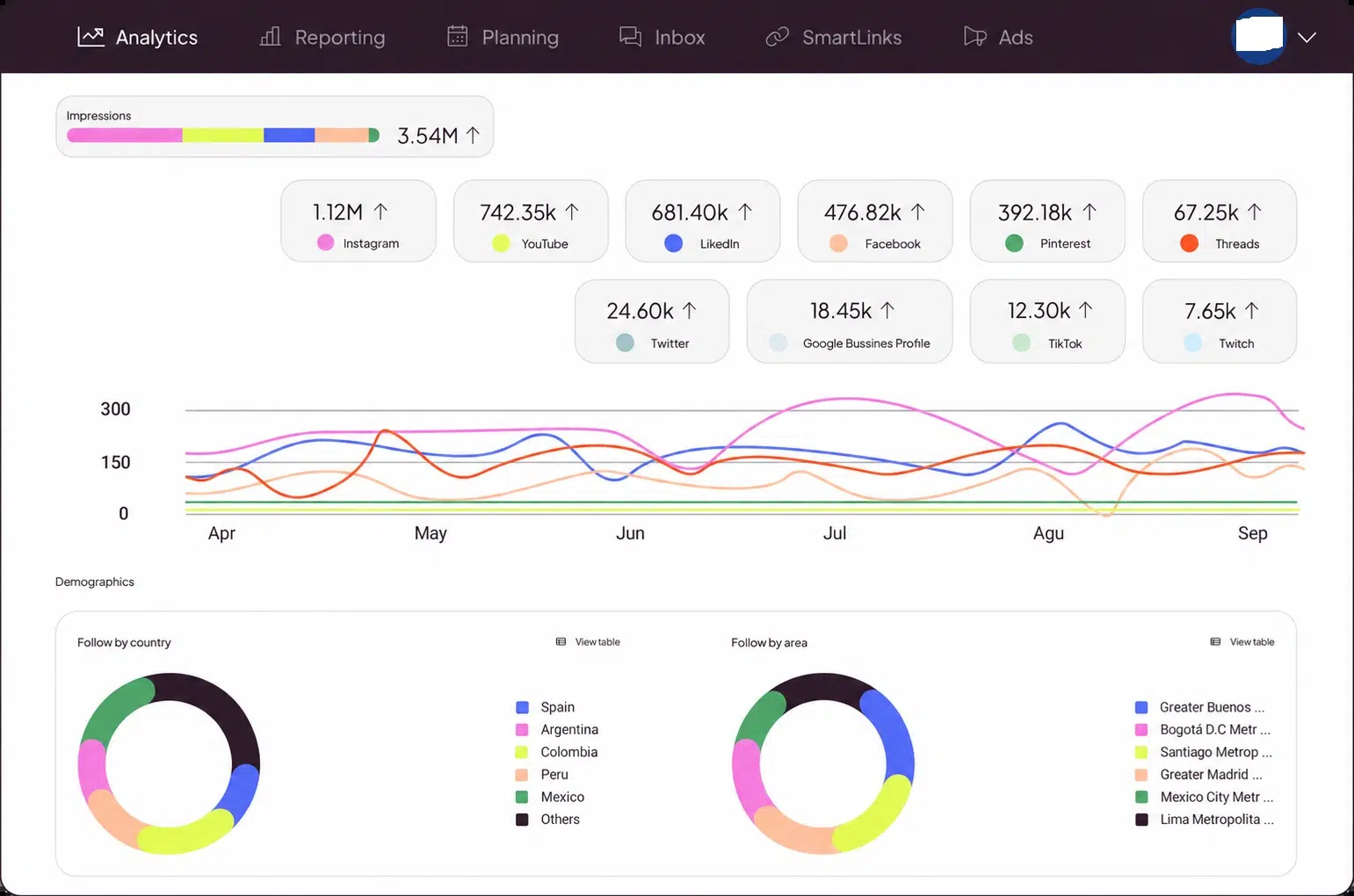
One warning: white label is only on the Custom plan. Reports will carry Metricool branding until then. The free plan covers one brand and 20 posts a month.
7. Loomly
Loomly keeps things simple. Its Starter plan costs $49 a month billed yearly, or $65 monthly, for three users and 12 accounts. Approval workflows come with every plan.
The Beyond plan costs $249 a month billed yearly and gives unlimited users with 60 accounts. Loomly is one of the easier social media scheduling tools for agencies to learn, which makes it a safe choice for small teams. There is a free trial with no card.
8. Publer
Publer charges by social account, which suits agencies with a few accounts per client. Professional starts at about $5 a month for the first account. Every tenth account and every tenth team member is free.
It has approval workflows for teams and outside clients. The free plan gives you three accounts but no X connection. Among social media scheduling tools for agencies, Publer is the easiest on a tight budget.
9. Hootsuite
Hootsuite is one of the oldest names in this space. The standard plan starts at $99 per user a month billed yearly, with up to 10 accounts.
The problem for agencies is approvals. They only come on the Advanced plan, which can cost up to $399 per user a month. Hootsuite fits large teams with big budgets. For smaller agencies, other social media scheduling tools for agencies give more for less. The free trial lasts 14 days.
10. Sprout Social
Sprout Social is the premium choice. Essentials cost $79 per seat a month billed yearly, or $99 monthly, with five profiles. Professional, at $299 per seat a month, opens unlimited profiles.
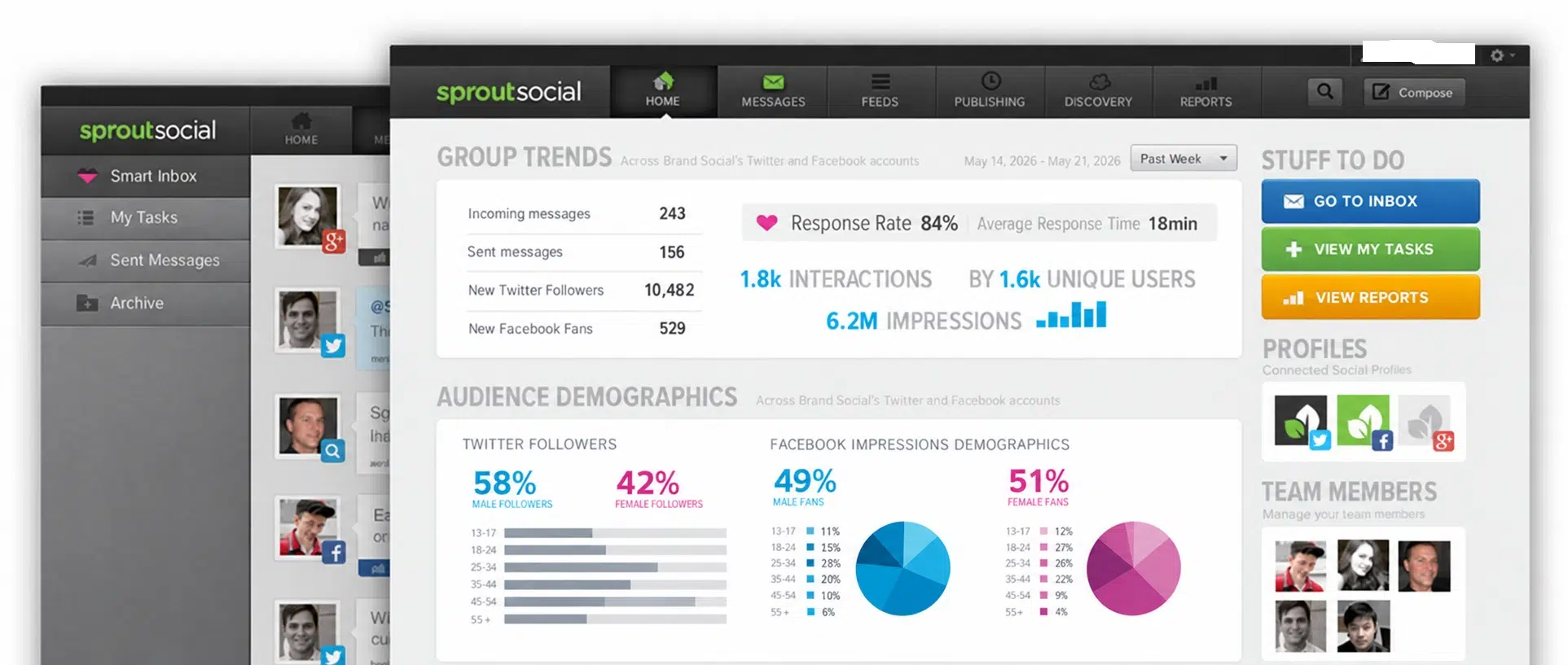
Sprout is polished and its reports are well known. But seat pricing adds up fast. Five people on professional costs nearly $1,500 a month, billed yearly. Among social media scheduling tools for agencies, it fits large agencies that need deep reporting and have the budget. The free trial lasts 30 days.
How to Pick the Right Tool for Your Agency
Start with your team size and client count, not with features. The right social media scheduling tools for agencies depend on how you grow.
- One to three people, many small clients: Look at Metricool or Publer. They stay cheap as you add clients.
- Clients who approve every post: Choose Planable or SocialPilot Premium.
- Five to 15 people: Sendible or Agorapulse give the best mix of features.
- Big teams with big budgets: Hootsuite or Sprout Social.
Once the tool is set up, timing still matters. Our guide to the best times to post on social media can help you plan each client’s queue.
Frequently Asked Questions (FAQs) on Social Media Scheduling Tools
Sendible is the best all-round choice. SocialPilot is the best value, and Planable is best for client approvals.
Which scheduling tool has white label reports?
Agorapulse includes white label reports on its cheapest plan. SocialPilot adds them on Premium, and Vista Social on Scale.
Is there a free scheduling tool for agencies?
Metricool and Publer have free plans, but both are too limited for client work. They are good for testing.
Should I pick a tool that charges per user or per client?
If you have a small team and many clients, per-user pricing is usually cheaper. If you have a big team, per-workspace pricing like Planable can save money.
Final Thoughts
There is no single winner for every agency. Sendible is the safest start for most teams. SocialPilot is the best deal. Planable is the best for clients who want to approve every post. Use a free trial and test real client work before you commit.
The best social media scheduling tools for agencies save time, but strategy still wins. For help with that side, read our guide to building a strong social media presence.























