


A freelancer sends you 1,800 words. It reads fine. You still want to know who wrote it, and a score from a detector feels like an answer. It is not an answer. It is a signal. The best AI detection tools for content publishers are accurate enough to sort a queue and nowhere near accurate enough to accuse a writer. That gap is where most editorial teams get into trouble.
Short version: Pangram Labs has the strongest independent evidence behind it, Originality AI fits publishing workflows best, and GPTZero has the most usable free tier. Every one of them can be wrong about your writer.
The 10 AI Detection Tools for Content Publishers, Ranked by Usefulness
1. Pangram Labs
The only detector that keeps coming out ahead in outside research rather than its own marketing. A University of Chicago Booth working paper tested detectors on roughly 2,000 human passages and 2,000 AI passages across four frontier models. Pangram’s false positive rate was close to zero across most thresholds, and its accuracy never dropped below 99.8% on that corpus.
It also handles text that has been run through a humanizer better than most rivals, which is the failure case publishers actually face.
Downsides: smaller brand, pricing is quote-based for teams, and the same researchers warned that detector performance shifts as models change.
2. Originality.ai
Built for publishing teams rather than classrooms. You get AI detection, plagiarism checking, a fact checker, readability, team scans, a WordPress plugin, and a site scan that crawls published URLs.
Pricing runs on credits. One credit covers 100 words. The Pro plan is around $14.95 a month for 2,000 credits, with a $30 pay-as-you-go option and an enterprise tier near $179 a month that adds API access.
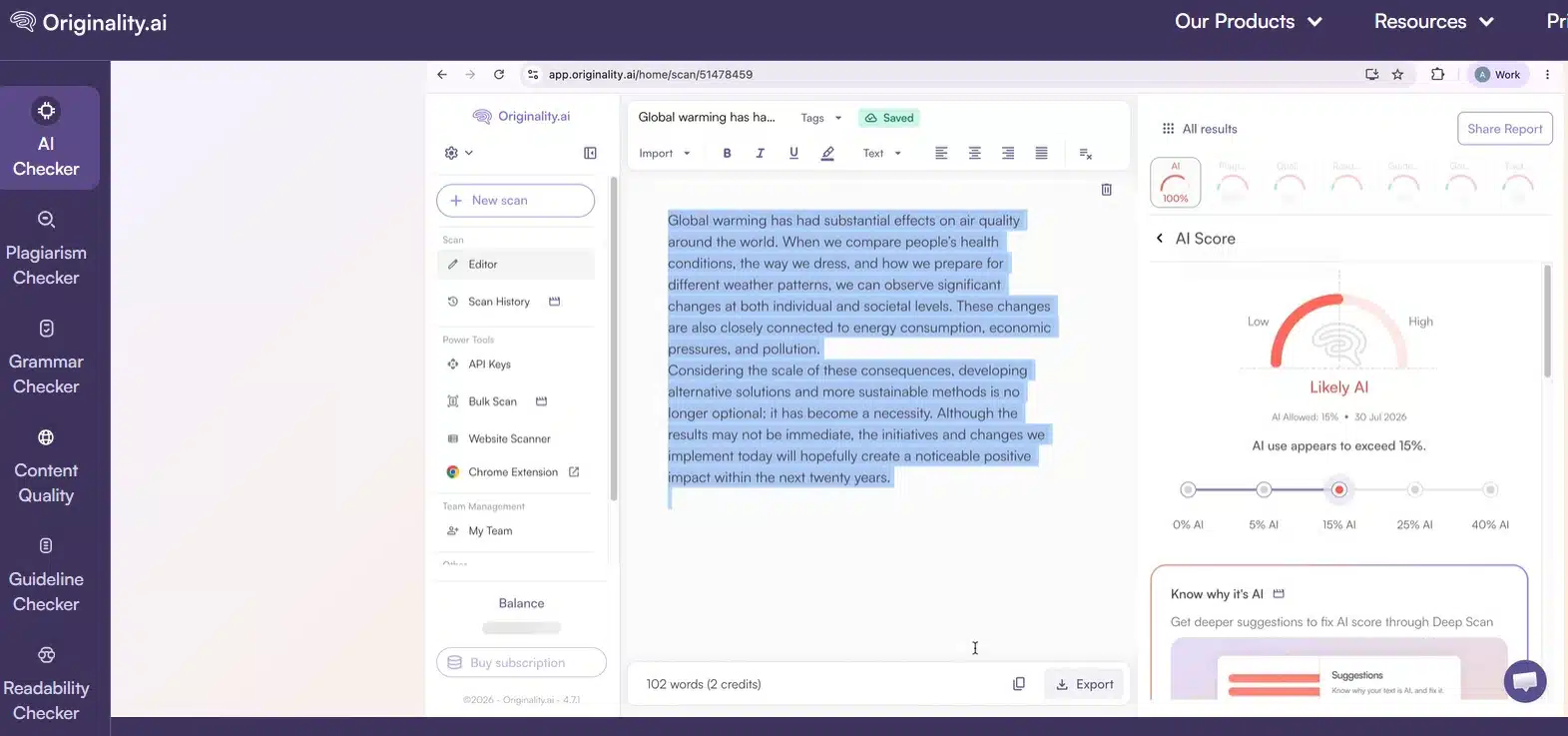
One honest warning. In the same Chicago Booth tests, Originality.ai missed between 10% and 40% of AI text depending on the model. Its false positives stayed low, so a flag means something, but a clean score means less than the marketing suggests.
3. GPTZero
The most generous free tier in the category is roughly 10,000 words a month, which is enough for an editor doing spot checks. Its Writing Replay feature shows how a document was built, which is more persuasive in a dispute than a percentage.
Where it slips: stacked humanizer passes. Independent tests put its miss rate far higher on text that has been rewritten several times.
4. Copyleaks
Pick this one if you publish in more than one language. It covers 30 or so languages, explains which passages triggered the flag, and carries the security certifications enterprise buyers ask for.
Pricing is per user per month, roughly $8 to $14 depending on plan. That is predictable for a steady team and expensive once you add seats for every editor.
5. Winston AI
Its sentence-level map is the practical part. Instead of one number, you see which paragraphs pulled the score up, so an editor can ask a specific question instead of a vague one. Reports export as shareable PDFs, which agencies use with clients.
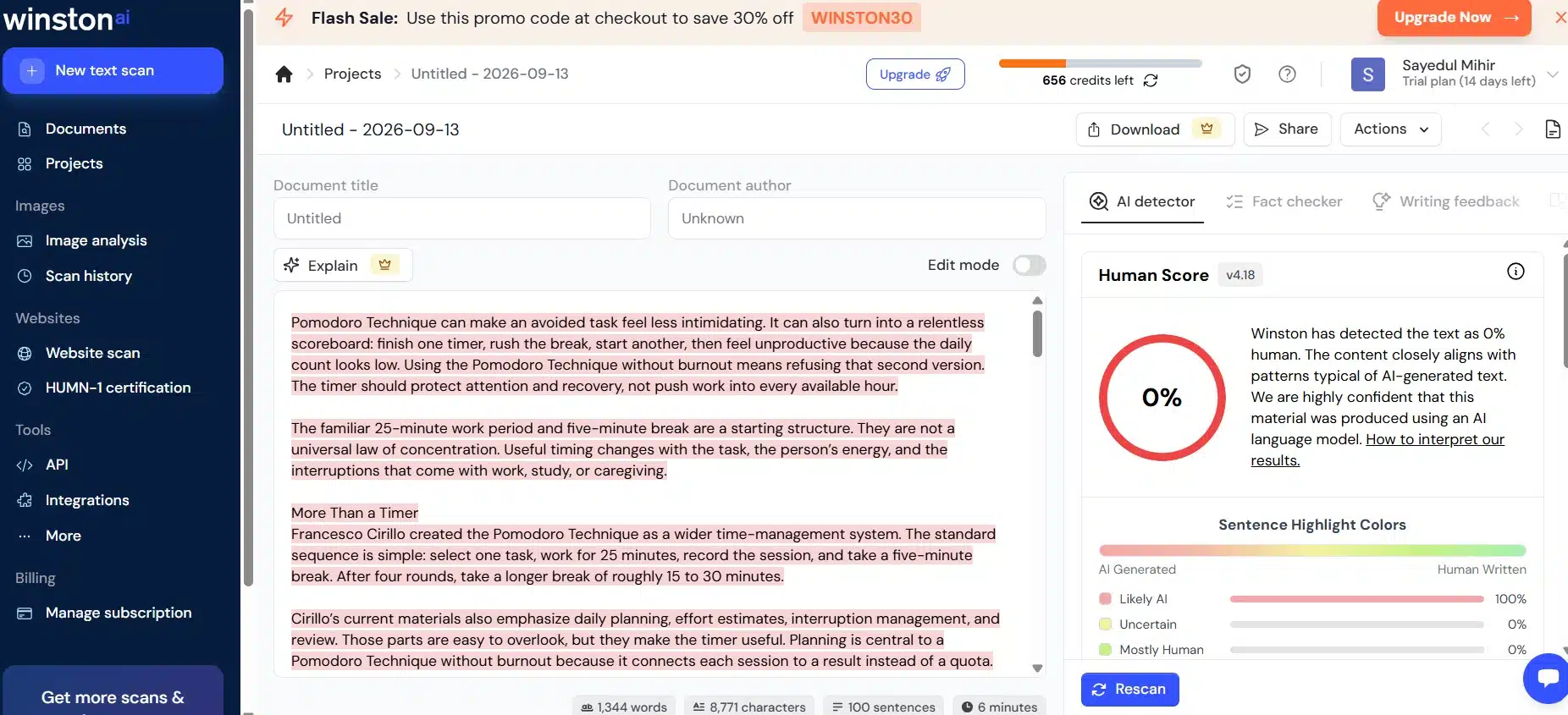
Plans run about $18, $29, and $49 a month. No free tier beyond a short trial.
6. Grammarly Authorship
This is not a detector, and that is the point. Authorship records how a document was written inside Google Docs or Word, then color-codes what was typed, pasted, AI-generated, or AI-edited. There is a replay of the whole drafting process.
For a publisher, that flips the problem. You stop guessing about finished text and start asking writers to show their process.
The limit is coverage. It only sees work done inside Grammarly. A writer who drafts elsewhere and pastes in produces a report that proves very little.
7. Turnitin
Widely deployed in universities, rarely available to publishers, and included here because writers will mention it. Its AI report needs a few hundred words of prose before it will produce anything, and several universities switched it off over reliability concerns.
Useful to understand. Not a tool you will be buying.
8. Sapling
Sapling is now Textguard AI. The option for teams that want detection inside their own system instead of a dashboard. Metered API pricing starts at a fraction of a cent per thousand characters, which makes automated scanning at publication volume affordable.
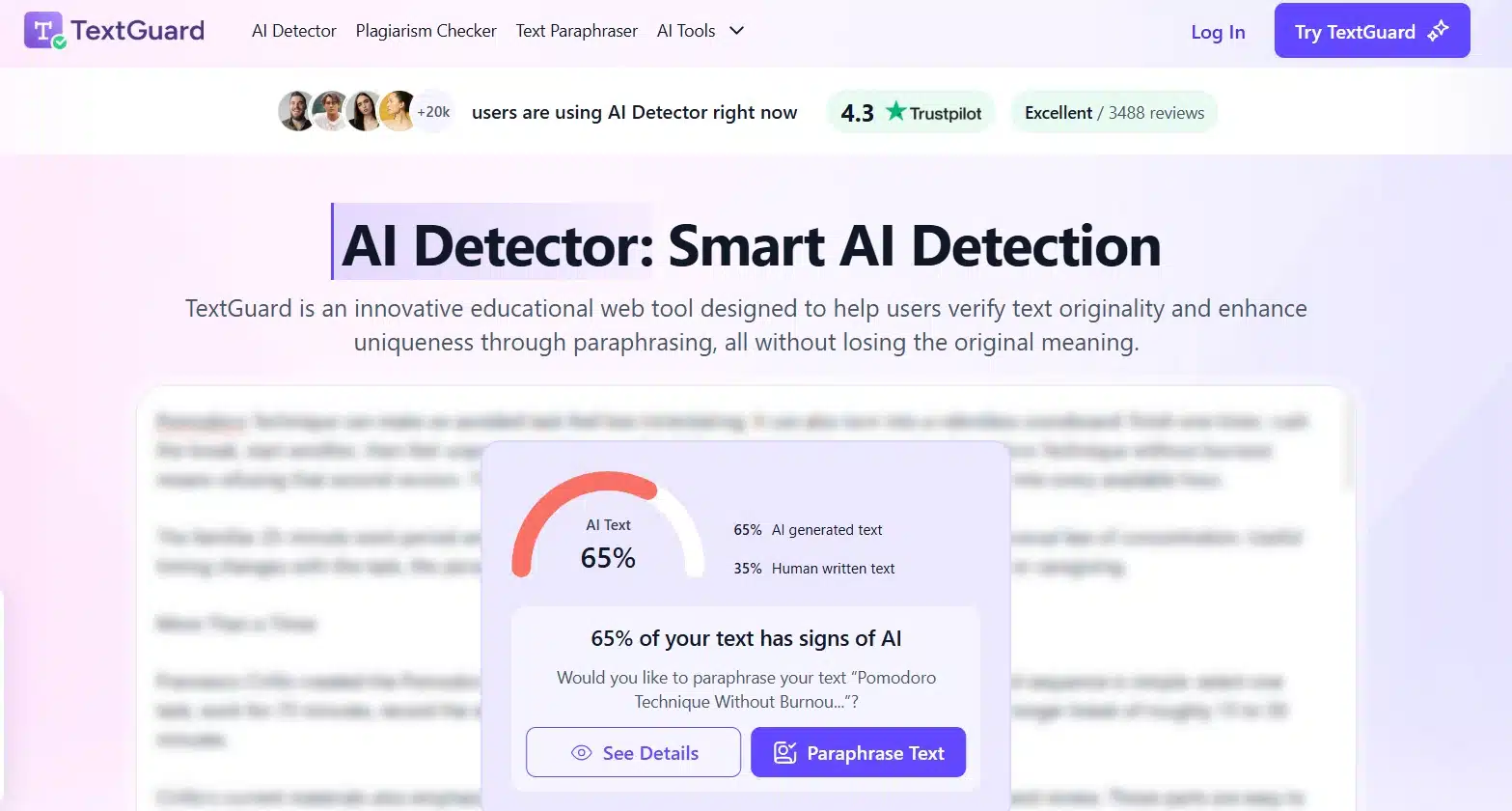
You need a developer. Without one, skip it.
9. Scribbr and Quillbot Free Checkers
Fine for a quick look before you commit credits. Accuracy sits well below the paid tools, so treat a clean result as meaningless and a flag as a reason to scan properly.
10. ZeroGPT and Similar Free Web Detectors
Listed as a caution. Open-source and free web classifiers performed badly in the Chicago Booth tests, and one heavily promoted free detector failed every AI sample in a separate evaluation. Free is not the problem. Published methodology is. A tool that will not explain how it was measured should not decide whether a writer gets paid.
What the Research Actually Shows
Three findings matter more than any feature list.
False positives are rare but never zero. The commercial tools tested at Chicago Booth all stayed under 1%. At 1%, a site publishing 500 articles a month wrongly flags five honest pieces.
The bias is real and it lands on non-native writers. A Stanford study published in 2023 ran seven detectors over TOEFL essays written by non-native English speakers. The detectors were near-perfect on US eighth-grade essays and wrongly labeled about 61% of the TOEFL essays as AI. When the researchers simplified the vocabulary in the native-speaker essays, misclassification jumped. Plain, careful English reads as machine writing to these models.
Humanizers break most detectors. Every tool loses ground on paraphrased text, and some collapse entirely.
What Google Actually Cares About
Google’s published guidance says AI can help with research and structure and that using it to generate many pages without adding value for users may break the spam policy on scaled content abuse. The rule targets thin pages made at volume to chase rankings, no matter who or what produced them.
So no detector score protects you, and no detector score condemns you. What protects you is editorial judgment on the page. Content optimization for SEO covers the on-page side of that, and GEO content structure covers how answer engines read the result.
What We Do on Client Content
Running SEO and content marketing work through our digital services has pushed us toward a simple rule: the score opens a conversation; it never closes one.
A flagged draft gets three questions. Can the writer show the outline and sources? Does the piece contain anything that could not be produced without doing the work, such as a screenshot, a number pulled from a dashboard, or a named example? Does it repeat what already ranks?
Most weak drafts fail the second question, and that failure has nothing to do with AI. Running detectors while ignoring the brief is one of the more expensive content marketing mistakes a team can make.
Our writing teams include people who work in English as a second language. That single fact should make any publisher cautious about a 1% false positive rate, because those errors do not spread evenly.
Final Thoughts
Buy one tool, not four. For most editorial teams, that means Pangram if accuracy is the priority, Originality AI if you want scanning and plagiarism in one place, or GPTZero’s free tier if you are checking a handful of drafts a week.
Then write the policy down. AI detection tools for content publishers work as triage, so decide in advance what a flag triggers, what evidence a writer can offer, and what threshold means nothing at all. A rule everyone agreed to beforehand is worth more than a better detector.























