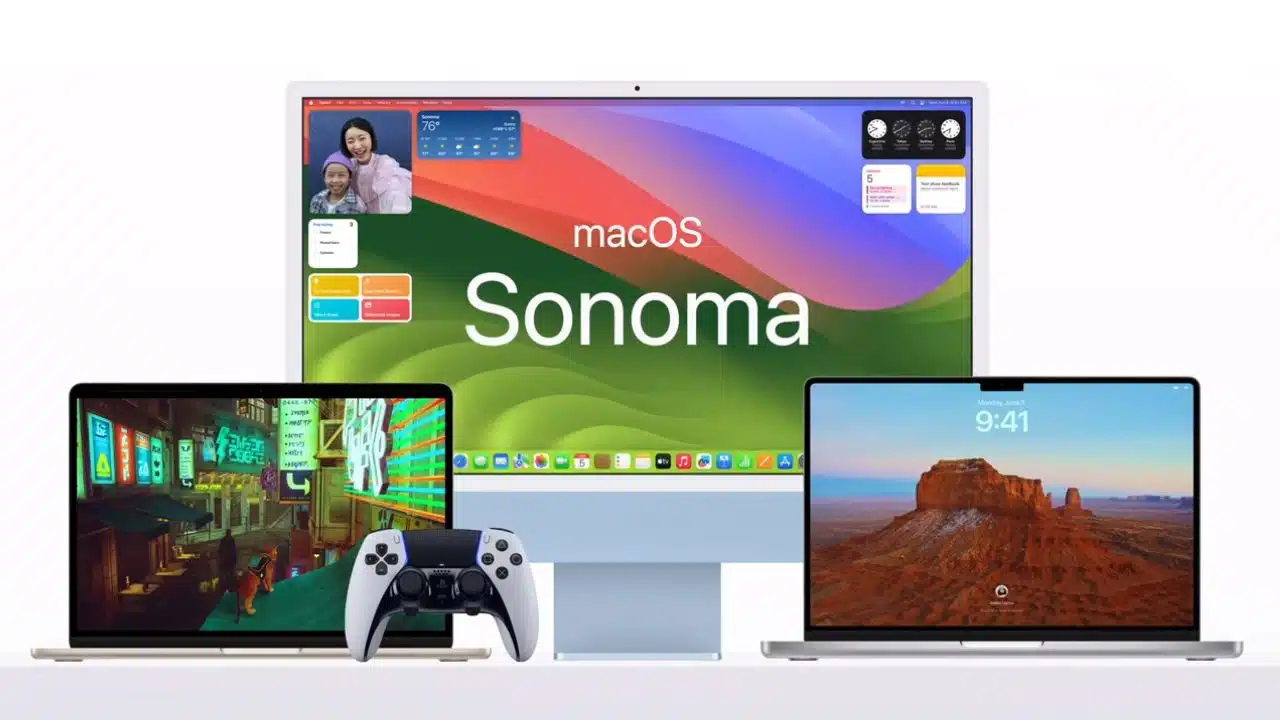
The most recent macOS update is now readily accessible, and it brings a number of subtle enhancements to the operating system that might go unnoticed unless you’re actively searching for them.
Apple is sticking to its tried-and-true formula of delivering seemingly minor updates to an already stable operating system, which may not come as a shock to many. However, despite the appearance of small-scale changes, macOS Sonoma actually has quite a bit to offer, and when all these elements come together, they contribute to what I consider one of the most refined versions of macOS to date.
Finally, Usable Widgets
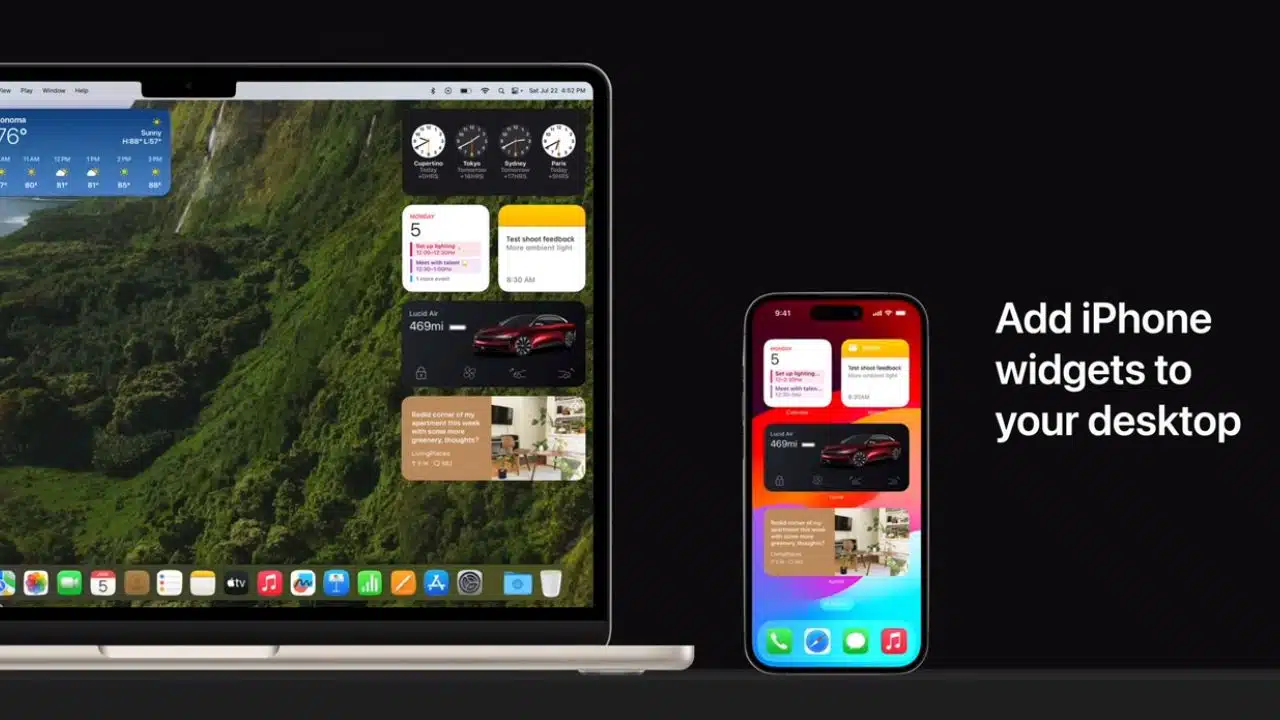
macOS Sonoma finally addresses the long-standing widget issue that has been a concern for both Apple and Microsoft computer users over the past few years. Gone are the days when you had to open Notification Center to access vital information like weather updates and battery status for your connected Apple devices. Now, you can conveniently view all this data right on your desktop, thanks to some well-designed widgets.
These widgets closely resemble those found on iOS 17. To get started, simply right-click (or double-click) on your desktop, select “Add Widgets,” and choose the ones you need. It’s worth noting that the first widget you add will determine the layout for the rest of your widgets, which might be the only downside here. Additionally, the quality of widgets can vary depending on the app you’re using, so keep that in mind.
In essence, these widgets make it a breeze to stay updated with important information directly on your Mac’s desktop. What’s even better is the option to tap on the desktop to clear all windows, providing a neat way to check on things before diving back into work. While it’s easy to clutter up the smaller display of a 13-inch MacBook Air, the 15-inch MacBook Air seems to offer ample space for setting up multiple widgets without obstructing your workflow.
Web apps, Passkey Sharing, and Safari Goodies
Apple has not only refreshed the desktop but has also revamped how it handles passwords, passkeys, and website functionality on the Mac.
While Apple began supporting passkeys in last year’s software updates, the latest updates give them more prominence. Passkeys offer a simpler and more secure way to log in, and you can now easily share them with other users in both macOS Sonoma and iOS 17.
Safari has also introduced the ability to set up different profiles, a feature that has long been available in other browsers like Chrome and Edge. These profiles allow you to separate your various browsing activities, keeping work-related browsing separate from personal browsing. It’s a great way to achieve a better work/life balance on your Mac, a feature I’ve found myself using quite frequently. When I want to take a break from work, I simply switch to my personal profile, and vice versa.
macOS Sonoma has also improved private browsing. Now, when you’re not actively using private browsing windows, they automatically lock and require a password or Touch ID to unlock. Additionally, Safari now blocks internet trackers from loading and removes tracking elements that can identify you from URLs.
One of the most significant updates to web browsing on Sonoma is the introduction of web apps. This feature allows you to transform any website into an app complete with its own icon in the Dock. Web apps offer faster access to your most frequently visited websites and help keep your toolbar clutter-free, making browsing more convenient without the need for a multitude of bookmarks.
Video Conferencing, Messages, and Gaming
Certainly, your MacBook serves a variety of purposes beyond email and web browsing, especially in the realm of video conferencing, which remains integral to our daily routines. macOS Sonoma introduces several new video conferencing features, including the Presenter Overlay. This feature, available on Macs with Apple silicon, lets you keep yourself prominently displayed during FaceTime and third-party conferencing apps.
Speaking of FaceTime, there’s a fun addition – the ability to use hand gestures to trigger 3D effects like balloons, confetti, hearts, and other icons around your video. This feature is also available on Macs with Apple silicon and can be used in conjunction with the iPhone’s Continuity Camera for added fun.
For Messages, Apple has enhanced the search functionality, making it easier to find people, keywords, and specific content types within your messages. You can now swipe to reply to any iMessage bubble, just like in iOS 17. Live Stickers also sync seamlessly across iOS, iPadOS, and macOS, ensuring you have access to your complete library of Live Stickers no matter which device you’re chatting on.
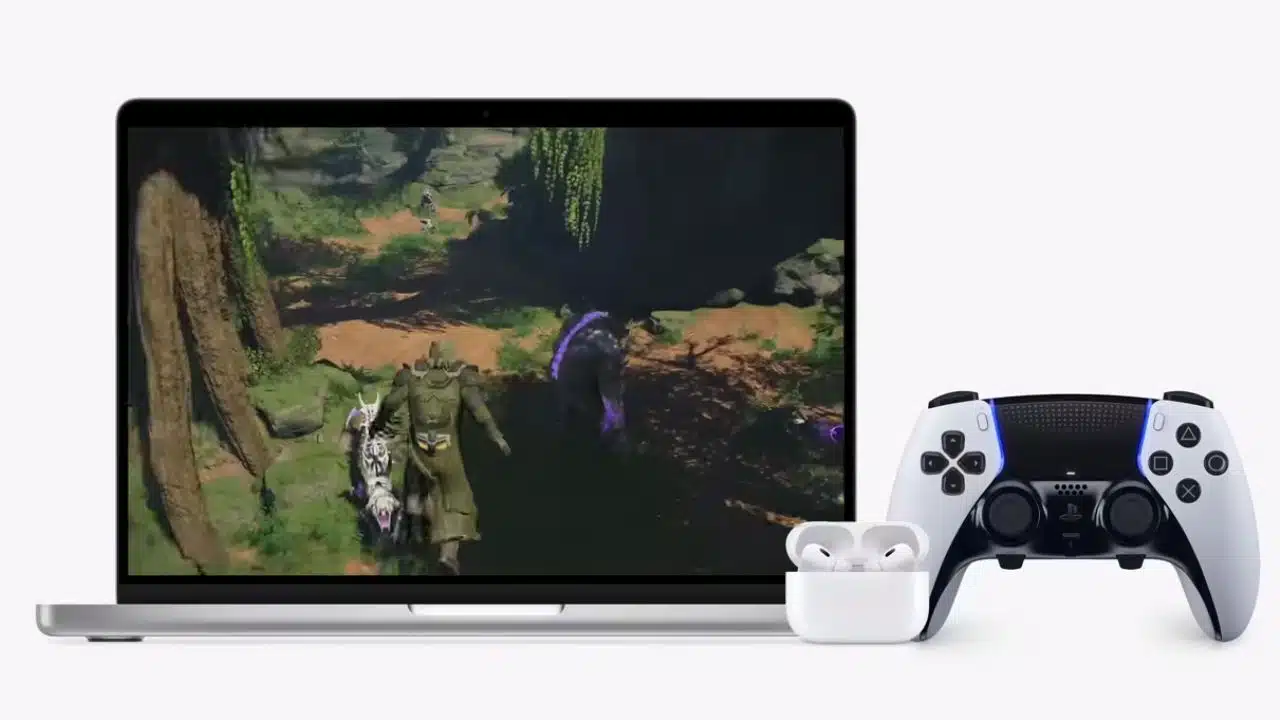
Lastly, there’s a new Gaming Mode for Apple silicon Macs, prioritizing games by allocating the highest GPU and CPU resources. This is designed to deliver more consistent frame rates and reduce frequency fluctuations. In my testing with a game like Baldur’s Gate 3, one of the year’s biggest titles, I noticed a significant improvement in smoothness, although the 15-inch MacBook Air’s M2 chip also plays a crucial role. However, it’s worth noting that while Mac gaming has come a long way, it still doesn’t quite match the support and performance of dedicated gaming PCs or consoles, which many gamers may prefer.
Numerous other Minor Upgrades
macOS Sonoma builds upon the foundations laid by Apple’s previous macOS releases, Ventura and Big Sur. While the additions in Sonoma may not be groundbreaking, they don’t need to be.
It’s a solid update that, while not as revolutionary as Big Sur was in its time, introduces a host of small improvements that contribute to the overall polished and smooth experience of macOS. Among these refinements are new motion wallpapers and screensavers, showcasing stunning landscapes from around the world, which make for a visually appealing welcome when you power up your Mac and log in. Additionally, the login screen has been updated to provide a broader view of your selected wallpaper while displaying icons and usernames at the bottom of the screen. All in all, macOS Sonoma feels like a valuable addition to the Mac ecosystem.