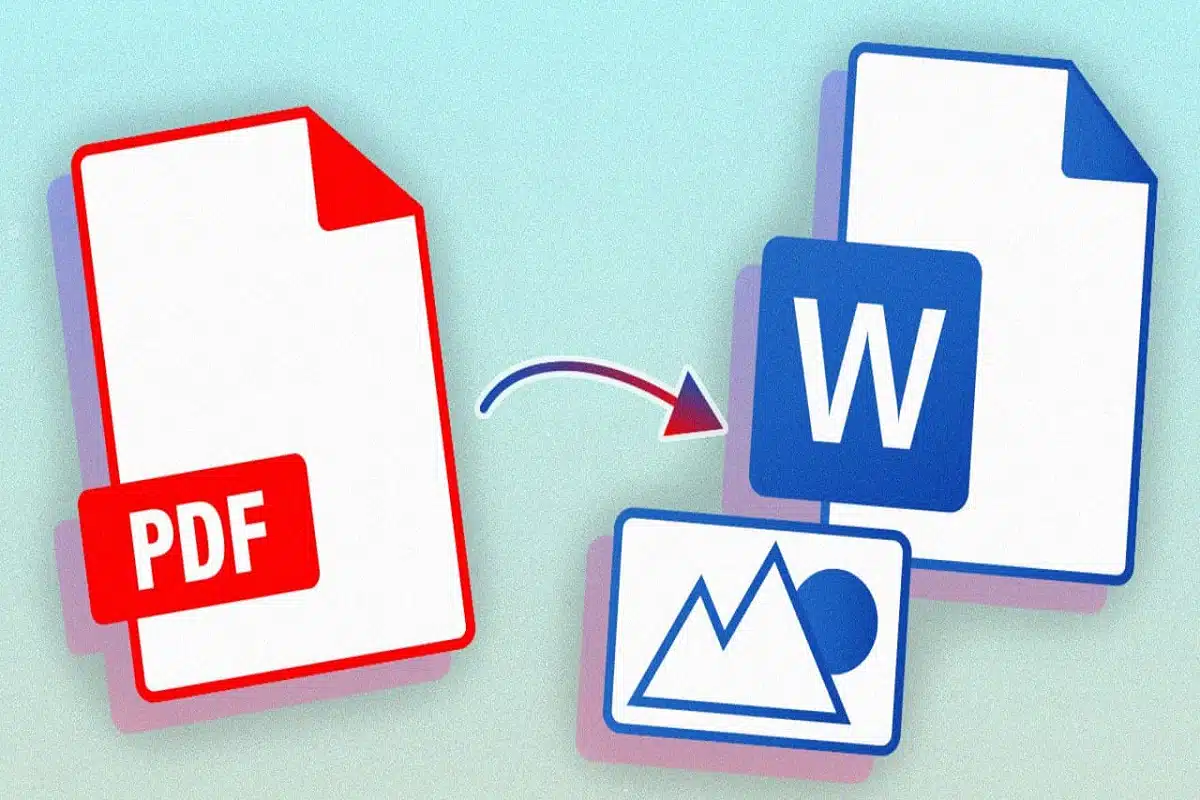
PDF to Word conversion has become a common practice for businesses, organizations, and individuals alike. Converting PDF documents into more accessible formats like Microsoft Word is an easy way to make information easier to share and work with. But why should you bother with the extra step?
You can open Table of Contents
show
Here’s What You Need To Know
- Ease of Editing: If you’ve ever tried to edit a PDF file, you know that it can be extremely difficult, if not impossible. By converting your PDFs to Word format, all of your content will become much more malleable and easier to revise as necessary.
- Improved Compatibility: PDFs are widely used due to their compatibility across different platforms and devices; however, they can still pose problems when trying to share with others. PDF to Word conversion can ensure smoother collaboration and compatibility across various users, no matter the platform or device they are using.
- Increased Efficiency: Not only is converting PDFs to Word more efficient than retyping a document from scratch, but it also eliminates much of the hassle that comes with reformatting as well. By converting your documents into a Word format instead of typing them out from scratch, you can save time and money in the long run.
- Enhanced Security: Converting PDFs to Word can also provide an extra layer of security for sensitive information. With the help of password-protected encryption technology, all converted files will be safely stored on your computer or shared with other users.
- Seamless Integration: Word documents can easily be integrated with other programs, making it easier to embed multimedia elements or integrate applications for quick data collection and analysis. With PDF to Word conversion, you can take advantage of these seamless integrations without any hassle.
- A Smart Solution: A JPG to PDF converter is an essential tool for anyone looking to combine multiple images into a single, shareable document. Whether you need to convert scanned receipts, handwritten notes, or image-based documents into an organized PDF, this tool simplifies the process. JPG to PDF conversion ensures that your images retain their quality while providing a professional and easily distributable format.
7 Tips To Remember When Converting PDFs to Word
- Run a Virus Scan: Before converting any PDF file to Word, be sure to run a virus scan on it. This is important for protecting your computer from malicious programs and keeping you safe from potential threats.
- Use Online Tools: If you don’t own any software that can convert PDFs to Word, there are plenty of free online tools available that can help you do the job quickly and easily.
- Check Quality Settings: Different programs offer different options when it comes to quality settings, so make sure you check this before starting the conversion process. Higher quality settings will provide better results but may also take longer to complete the task.
- Only Convert Necessary Files: Don’t convert every file into Word format if you don’t need to. Only convert the files that you know will be used for editing or collaboration purposes.
- Use Password Protection: If you are sharing converted documents, it is important to password-protect them in order to ensure their secure transmission and prevent unauthorized access.
- Create Backup Copies: Whenever possible, create backup copies of all documents before converting them from PDF to Word format – just in case something goes wrong during the process.
- Pay Attention to Formats: Not all PDFs are created equal; make sure that you pay attention to the original formatting when converting any document into a different format like Word. This will help make sure that your converted document looks as close to the original as possible.
Conclusion:
Converting a PDF file to Word format is an easy and efficient way to share, edit or collaborate with others. Not only does it provide improved compatibility across different platforms, but it also offers increased security and seamless integration capabilities as well. Keep these seven tips in mind when converting your PDFs, and you can be sure that the process will go as smoothly as possible.