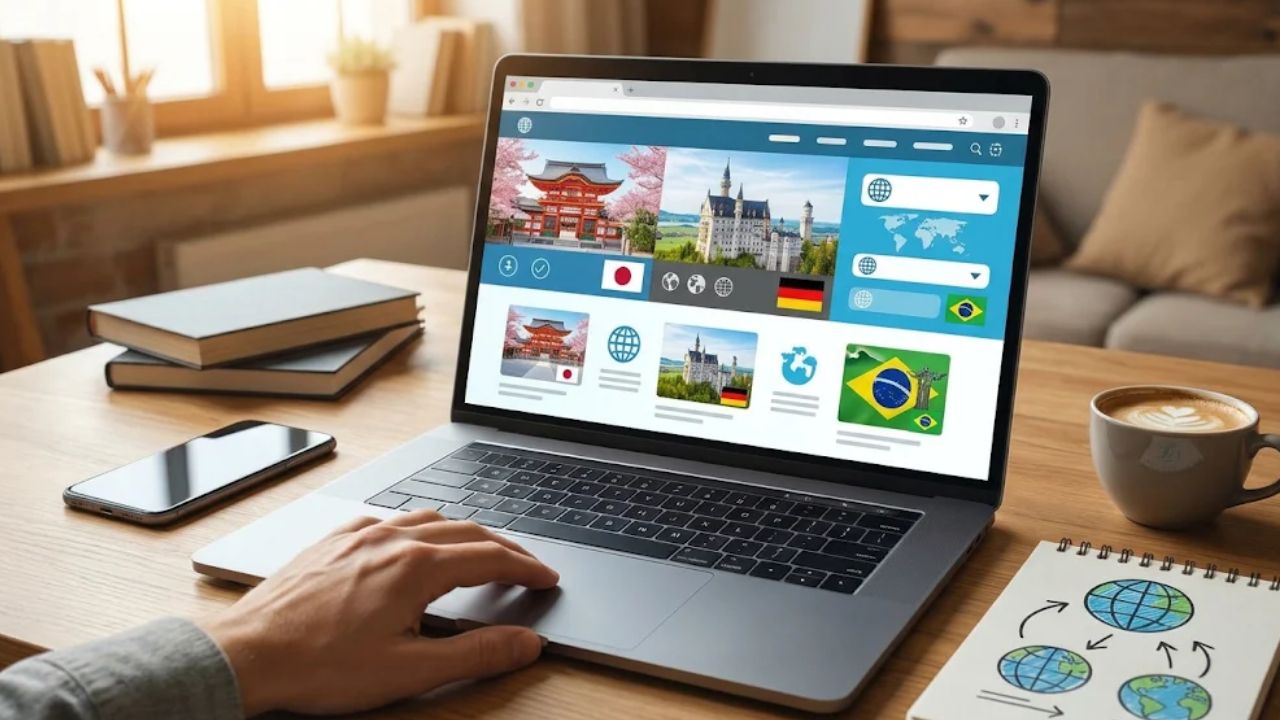
If you want to turn global traffic into real revenue, you need more than just a multi-language site—you need website translation and localization tools. Data shows that 76% of online shoppers prefer buying in their native language, and simply translating words isn’t enough to earn their trust.
True localization adapts dates, currencies, and cultural nuances so your site feels native in every market. Fortunately, modern software automates much of this process, saving you from hiring separate teams for each language. Let’s explore the top platforms to find the right fit for your goals and budget.
Key Features to Look for in Website Translation and Localization Tools
A good translation management system needs four things: AI and machine translation integration, workflow automation, support for multiple file types, and visual context for translations.
These core features let your team move faster, cut costs, and ship accurate multilingual content across all your platforms.
AI and Machine Translation Integration
Modern translation management systems pair artificial intelligence with machine translation to speed up localization work. Lokalise, for example, uses AI translation powered by translation memories, and the company says this delivers results ten times faster than manual work alone.
XTM Cloud plugs in Google Translate, DeepL, and Microsoft Translator to handle the early stages of a project. Your team then focuses on quality rather than repetitive tasks. XTM says these AI-driven tools save around 2,000 hours of work and cut translation effort by 80 percent.
AI automation also fixes a specific bottleneck: matching translators to projects. The technology handles this automatically, which vendors say reduces translation errors by up to 50 percent.
Pricing for AI varies more than you might expect:
- Phrase offers AI model training to keep your brand voice consistent across languages.
- Lokalise includes AI in every paid plan with unlimited users.
- Other platforms charge for AI translation separately, so budget and team size shape your choice.
This shift changes how product teams, engineering departments, and content managers handle multilingual content across websites and apps.
Workflow Automation
Workflow automation removes the busy work that slows localization teams down. Localization automatically creates translation and review tasks the moment you add new content to a project.
XTM Cloud takes this further. It automates file management and task creation across more than 60 integrations, including GitLab, Bitbucket, and your content management systems. Developers, product managers, and translators stay in sync without manual handoffs.
The time savings can be large. Consider a mid-size SaaS localization pipeline that adopted XTM automation for file routing and task creation:
| Metric | Before automation | After automation |
|---|---|---|
| Time per release for translation handoffs | 21 days | 6 days |
| Manual file transfers per locale | 3 | 0 (across 5 locales) |
| Turnaround improvement | – | Over 70 percent faster |
Automation also protects quality. Message drift and content inconsistencies fade when the system handles routine tasks without human error.
Enterprise tech companies use this approach to localize new features fast and keep pace with product releases. A global SaaS company might pick a provider like XTM that offers both single-tenant and multi-tenant options, so workflows adapt to exact needs.
Project management features in modern translation management systems now include task automation and role-based permissions. You control who does what, and the system tracks everything for quality assurance.
Support for Multiple File Types
Your localization platform must handle many file formats so your whole team can use it. Here is how the main tools compare:
- Crowdin supports over 100 file formats, so developers, designers, and content creators share one tool without converting files.
- Transifex handles 65 file formats and suits engineers who want to automate localization at scale.
- XTM accepts Google Docs, Adobe InDesign, and code-based platforms like Java.
- Lokalise supports over 400 languages across many file types, from mobile apps to websites.
At minimum, your translation software should support HTML and XML files, which are standard in web development and software localization projects.
File format support matters because it connects your translation memory and continuous localization workflow to your actual work. Phrase, for instance, integrates directly with your codebase and supports Git branching, so translations sync with your repositories without extra steps.
Strong integrations with developer and design platforms help your team work faster. They also cut the manual tasks that slow down your international SEO strategy and product launches.
Visual Context for Translations
Translators do better work when they can see how text looks in the real interface. In-context previews let them edit words directly in the user interface, which improves translation quality.
XTM shows translators how text will appear in the UI or website before launch. Lokalise integrates with Figma so design teams can verify visual accuracy before coding starts.
The difference shows up in the numbers. In one evaluation of 36 product pages, translators using Lokalise in-context previews flagged 6 UI-label issues and 1 overflow instance on short labels. Without visual previews, the same work produced 14 flagged issues and 5 overflows. Seeing the text in place cut overflow alerts by more than half and nudged translators toward shorter, functional strings for buttons.
This matters most in a few specific cases:
- Gaming companies, where subtitles must fit character limits and line up with game UI elements.
- Mobile app developers, who can check how text displays on iOS and Android screens at the same time.
- Manufacturing firms, which use tools like Rigi to preview translated text on equipment displays so instructions stay clear.
The Lokalise dashboard gives project managers a full overview of all translation projects, including context-based issues that might otherwise slip through. Translators spot formatting problems, text overflow, and alignment issues before customers ever see them. Fewer revision cycles means products ship faster to new markets.
1. Lokalise: Best for Product and Engineering Teams
Lokalise is the top pick for product and engineering teams that need fast, reliable translation work. The platform creates translation and review tasks automatically as new content lands in your project, so the workflow keeps moving without extra manual steps.
You get support for over 400 languages, which suits teams building global products. The tool integrates with more than 60 services, including git integrations and content synchronization tools developers use every day.
Context-aware translations show translators exactly where text appears in your app or website. The collaboration features are strong too:
- Live comments and built-in chat
- Task chains and branching, so your team works on multiple text versions at once
- Analytics that let you track team performance, task timelines, and overdue tasks
- Custom workflows for freelance translators or in-house staff
Lokalise also keeps costs down. It batches tasks to avoid minimum translation fees and uses AI translations for bulk content that needs a fast turnaround.
User permissions give you control over who accesses what. The user interface is intuitive, so your team learns the tool quickly. Customer support answers queries in about 1 minute across 108 languages, and the team earns high ratings on Capterra and G2.
You can test the platform free for 14 days. Paid plans start at $144 per month.
2. Smartling: Best for Enterprise-Grade Translation
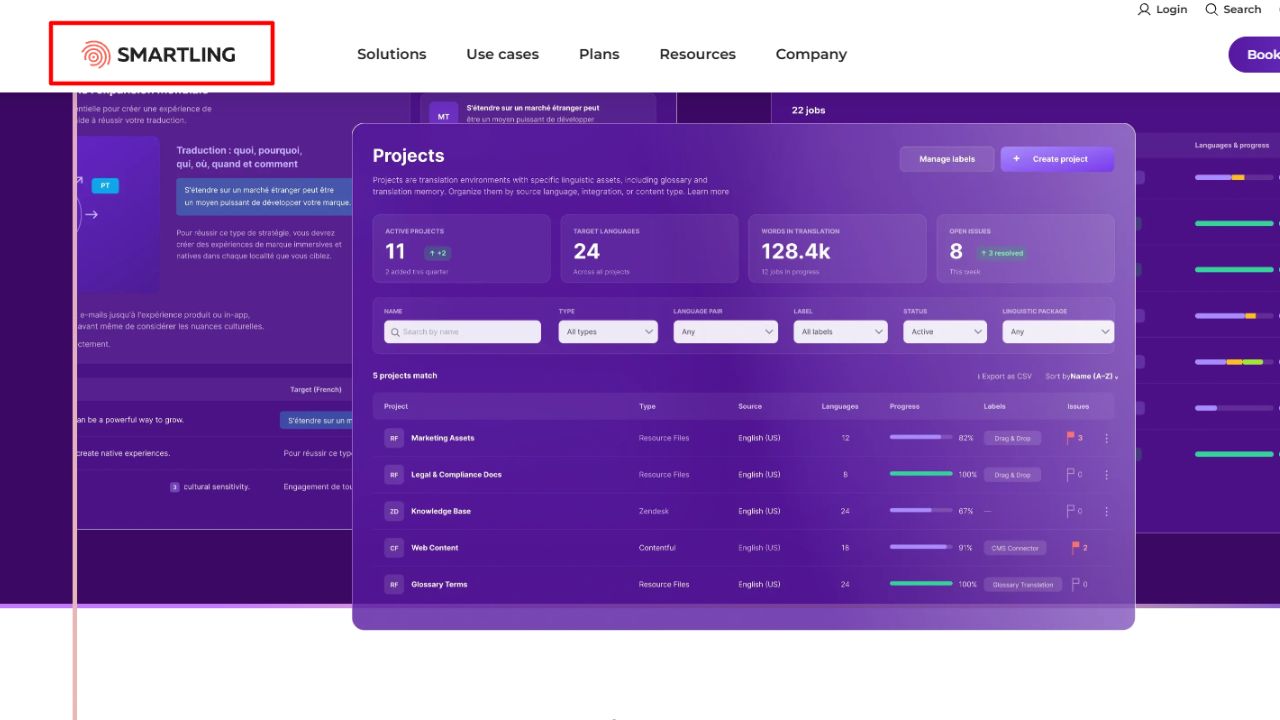
Smartling is built for large companies that need serious translation power. Its extensive translation memory stops you from doing the same work twice, which speeds up big projects.
Brand style guides and term bases keep your message consistent across every market. Smartling also supports many types of visual context files, so translators see exactly what they are translating.
Two features stand out. SmartMatch finds matching strings and translates them without manual work. The Global Delivery Network handles language switching for international websites on its own, which saves time and money.
Quality and security get enterprise-level attention:
- The Language Quality Assistance suite checks every translation before it goes live.
- PCI, SOC 2, HIPAA, GDPR, and ISO certifications meet the strictest security rules.
Smartling offers custom pricing built around your company’s needs rather than a one-size-fits-all plan. One thing to plan for: Smartling does not publish its prices, so you will need to talk to sales. According to 2026 comparison guides such as Costbench and Dupple, that sets it apart from Crowdin (from about $50 per month), Phrase (from about $27 per month), and Lokalise (from $144 per month), which all list entry prices.
Large teams use Smartling to manage collaborative localization across multiple projects, departments, and markets without losing control or quality.
3. Crowdin: Best for Developer-Friendly Localization
Crowdin is the top choice for development teams that want a localization platform built around their workflow. It supports over 100 file formats, so you can work with code from React Native, Flutter, Unreal Engine, and many other frameworks without friction.
The platform uses string-based localization that manages translations at the code level. Your team stays in familiar territory while handling multiple languages. Crowdin also integrates directly with GitLab and presents new strings for translation whenever you push code changes.
Control and quality are built in:
- Role-based access control manages translator permissions, so junior developers cannot accidentally change critical translation settings.
- Automated QA checks catch errors before translations are finalized, which prevents broken text from shipping.
- Customizable workflows set translation phases, reviews, and automations for agile teams.
- Translation glossaries keep terminology uniform whether you are localizing a Webflow site or a complex backend service.
Community voting is what really sets Crowdin apart. Translators propose different versions, and the community votes on which one best fits your product’s voice. This crowdsourced approach works especially well for open source projects and distributed teams across time zones, while you keep oversight of quality.
Pricing is friendly to startups and enterprises alike. According to 2026 pricing comparisons from Costbench and Dupple, Crowdin has a free tier of about 60,000 words, and paid plans start at about $50 per month. You can also take a free trial to test the platform with your actual code before committing.
4. Weglot: Best for Hands-Free Website Translation
Weglot is the pick for businesses that want hands-free website translation. The platform automates the translation process, so you spend less time managing localization and more time growing the business.
Weglot works with popular CMS platforms like Squarespace and Wix, which makes setup quick for non-technical users. It keeps your website layout and functionality intact while translating text, so visitors get a smooth experience.
Small businesses and startups choose Weglot for its rapid deployment and ease of use. The pricing model is different from the other tools here, though. Weglot bills by translated word count and language count rather than by seats, so costs grow with your site.
According to Weglot’s 2026 pricing as listed on Capterra and review sites, the tiers break down like this (check weglot.com for current figures):
| Plan | Price | Limits |
|---|---|---|
| Free | $0 | 2,000 words, 1 language |
| Starter | About $17/month ($150/year) | 10,000 words |
| Business | $290/year | 50,000 words, 3 languages |
| Advanced | About $329/month | Higher word and language limits |
For a small site, that is very affordable. For a large content-heavy site in many languages, do the math before you commit.
Quality assurance runs automatically, so translations stay accurate across your pages. Weglot plugs into your existing website infrastructure, which means no expensive development work. Your website localization happens in the background while you focus on strategy and growth.
5. Phrase: Best for Broad Functionality
Phrase is the top choice for teams that need broad functionality across their entire localization workflow. It targets automated, code-integrated localization for enterprise teams, especially those working in agile environments.
Phrase offers AI model training and automated workflows that carry a project from string extraction to translation delivery without manual steps. It integrates directly with your codebases and supports Git and branching, so developers and translators work side by side without friction.
Here is what you get:
- Over 30 integrations with the tools your team already uses
- An in-context editor that preserves your site layout when text changes
- Phrase Orchestrator, which builds custom workflows through a no-code setup
- AI localization paired with quality assurance tools that catch errors before content goes live
Pricing is flexible. Freelancer and LSP plans start at $27 per month, while Direct plans begin at $135 per month, so there are options for different team sizes.
Phrase suits product teams and engineering groups that want localization to scale without adding staff. You control every step, from how strings get extracted to how translations reach your live site.
6. Transifex: Best for Agile Localization Teams
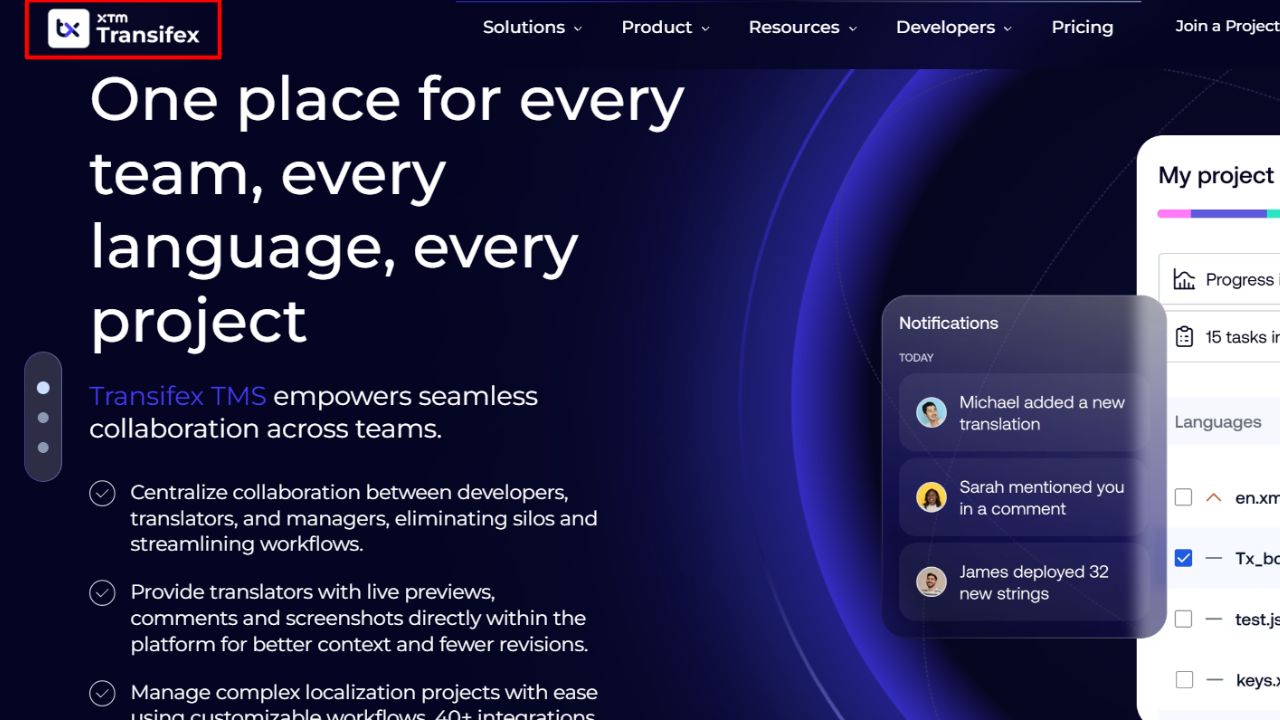
Transifex is a cloud-based localization platform for agile teams that publish content often. Your team moves fast without slowing down the translation process.
It supports 65 file formats and leans heavily into automation and scalability. Transifex Native lets developers work on projects without learning the Transifex platform itself, which removes friction from the workflow.
The continuous localization features are the heart of the product:
- Webhooks and Git integration auto-push updates, so code changes sync with translations instantly.
- Transifex Live deploys translations without code changes, so new languages ship faster.
- The Transifex Quality Index reviews work for errors before publishing.
- Transifex AI uses generative AI from providers like OpenAI and Anthropic to produce suggestions that match your brand voice.
AI usage depends on your plan limits and add-ons, so pricing grows with your content needs. Your team decides how much AI assistance to use.
Transifex by XTM combines enterprise-grade features with agile flexibility. Product managers track progress in real time, developers automate repetitive tasks, and localization managers oversee quality without manual reviews.
It works for startups launching in new markets and for enterprises managing hundreds of languages. If your team values speed, automation, and quality in equal measure, Transifex is a strong fit.
7. XTM: Best All-in-One Platform for Enterprises
XTM is a leading cloud-based platform that brings translation, software localization, and vendor management into one place. Enterprises choose it because it handles complex projects without forcing teams to juggle multiple tools.
The platform automates workflows and powers AI website translation across more than 60 integrations, including CMS platforms, design software, development tools, and marketing systems.
XTM’s machine translation tools work alongside computer-assisted translation features to speed up projects. The company lists support for 887 languages, so you can reach markets across the globe. Visual context handling lets translators see how text will appear in your interface before final delivery, which cuts errors and keeps your brand voice consistent.
The results for large organizations are concrete:
- AI-driven tools save around 2,000 hours of work per project and cut team effort by 80 percent, according to XTM.
- Johnson Controls cut its lead times for file transfers and project assignments to one quarter of the original time, a fourfold speedup.
- Quality assurance automation catches issues early and checks translations against your brand guidelines and terminology databases.
Deep translation memory and strong terminology management keep every project consistent. XTM also accepts many content formats, from Google Docs to Adobe InDesign, plus code-based systems like Java, so it fits your existing tech stack.
Pro Tip: How to Evaluate the Right Localization Tool for Your Needs
The right localization tool depends on your requirements and budget. Your choice shapes how fast your team works and how well your product reaches global users.
Here is the checklist I would run through before signing anything:
- List your core requirements first: team size, file types you need to translate, and whether you need enterprise-level security for sensitive data.
- Check whether the platform offers single-tenant or multi-tenant options. Single-tenant platforms provide private cloud environments for organizations with strict privacy needs, while multi-tenant platforms share environments and cost less.
- Test API-based tools if you run a global e-commerce company. They enable smooth updates across applications without downtime and keep your workflow centralized.
- Evaluate quality assurance features that catch translation errors before they reach users. Strong QA tools save time and prevent costly mistakes.
- Review customer support quality and availability. Lokalise support, for example, responds in 108 languages and earns high marks for responsiveness.
Then look at cost and fit:
- Compare pricing against your budget, and pay attention to the pricing model. Seat-based tools like Lokalise, Crowdin, and Phrase behave very differently from word-based pricing like Weglot’s as your site grows.
- Look for visual context tools in the user interface that show translators where text appears in your product or website.
- Verify workflow automation capabilities. Good connectivity keeps workflows centralized and prevents disruptions across your team.
- Test integration with tools you already use, like Microsoft Translator, Azure AI, or Gemini, to confirm smooth data flow.
- Take a quiz or request a demo. Hands-on testing shows whether the platform matches your workflow.
Final Thoughts
The right website translation and localization tools shape how well your business reaches global audiences. The platforms covered here offer proven solutions for different team sizes and project needs.
Lokalise, Smartling, Crowdin, Weglot, Phrase, Transifex, and XTM each bring distinct strengths. Some lead with AI-powered machine translation, others with quality assurance features or developer-friendly workflows that sync content across platforms.
Your choice comes down to what matters most to your team: real-time collaboration, visual context for translations, support for multiple file types, or automation that cuts work hours by the thousands.
Start by listing your must-have features, testing free trials, and checking how each tool integrates with your existing systems and UI design processes.
Do that, and you will end up with a localization tool that speaks your customers’ languages while respecting their cultures and local customs.
Frequently Asked Questions About Website Translation and Localization Tools
1. What should you look for in a website translation and localization tool?
Look for strong quality assurance checks, a clean user interface, and easy integrations with your current software. Tools like Centus and Trados Studio offer these features, helping your team work faster and avoid costly mistakes.
2. Can translation tools work with Webflow sites?
Yes, tools like Weglot offer direct Webflow integration, so you can translate pages without touching code.
3. Why does quality assurance (QA) matter in localization?
QA catches broken links, mistranslations, and layout errors before your visitors see them. Without it, even a small typo can damage your credibility and hurt sales in a new market.
4. How does localization support an AEO strategy?
Localized content answers questions using the exact terms your audience searches for, which helps answer engines surface your pages in results. Pair region-specific phrasing with a tool that maintains consistent terminology, and your site becomes a trusted source in each market.