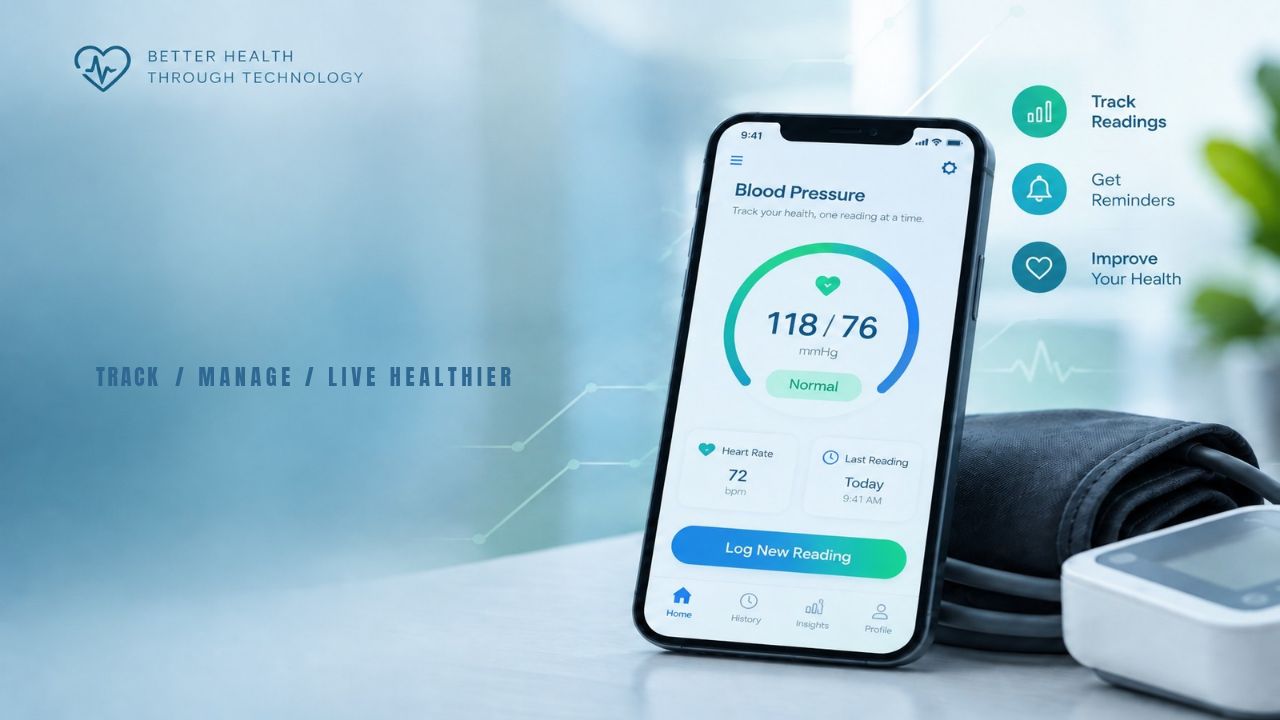
Nearly half of US adults, about 119.9 million people, have high blood pressure. Only about one in four of them have it under control. Many people see their numbers only at the doctor’s office, where stress can push one reading up. Paper logs get lost or never make it to the visit. The best apps for tracking blood pressure at home fix this. They save every reading, show your trends, and turn weeks of numbers into a short report your doctor can read in a minute.
There is one catch. An app cannot measure blood pressure on its own. It needs a good cuff or a clear wearable to feed it numbers. Below are 10 picks sorted by need, plus how to choose one, how to take a reading the right way, and what your numbers mean under the newest guideline.
Why This List Is Personal for Me
My mother and I both live with blood pressure that swings. Some days it runs high. Other days it drops low. I also have diabetes. So we check our blood pressure at home on a regular basis, and I judged these apps for tracking blood pressure at home by what a family like ours really needs.
Here is what tracking for two people has taught me:
- Two people need two clean records. Readings from my mother and me must never mix. Look for apps with separate profiles, like SmartBP, or give each person their own account and phone.
- Low readings matter as much as high ones. Many apps make high numbers stand out and quietly skip the lows. For most adults, a reading below 90/60 counts as low. Use the notes field to write how you felt, such as dizzy or tired, so your doctor sees the full picture.
- Diabetes raises the bar. The 2025 guideline sets a goal below 130/80 for most adults with diabetes. I keep my blood pressure and blood sugar in one place, like Apple Health on iPhone or Health Connect on Android, so both trends sit side by side.
- A chart explains swings better than words. Morning and evening averages show the doctor exactly when the highs and lows happen.
I am not a doctor. This is our own routine, and any change to our treatment goes through our doctors first.
What to Look for in a Blood Pressure App
The 2025 high blood pressure guideline from the American Heart Association and the American College of Cardiology puts more weight on readings taken outside the office. It also says validated home monitors should be used to diagnose high blood pressure and adjust medicine. So when you compare apps for tracking blood pressure at home, start with the cuff, not the app.
Check these five things:
- A validated cuff: Look up your monitor on the AMA’s free US Blood Pressure Validated Device Listing at validatebp.org. A panel of 13 physician experts reviews each device on it.
- Automatic sync: Bluetooth sync stops typing mistakes.
- Averages, not single numbers: Your category is based on an average of readings, so the app should show weekly and morning or evening averages.
- Easy sharing: A PDF or CSV export you can email or print saves time at your visit.
- A company that will stay around: If the maker shuts down, your cuff can stop working with its app.
One more warning: an app that claims to read blood pressure from your fingertip on the phone camera is not a medical tool. As of late 2024, no such finger app had FDA approval.
The 10 Best Apps for Tracking Blood Pressure at Home
Each pick below solves a different problem. Some apps for tracking blood pressure at home work only with one brand of cuff. Others accept readings from many devices or from your own typing. Prices were checked in October 2026 and can change.
1. OMRON Connect: Best for Omron Cuff Owners
Cost: Free, with an optional premium plan
Supports: iPhone and Android
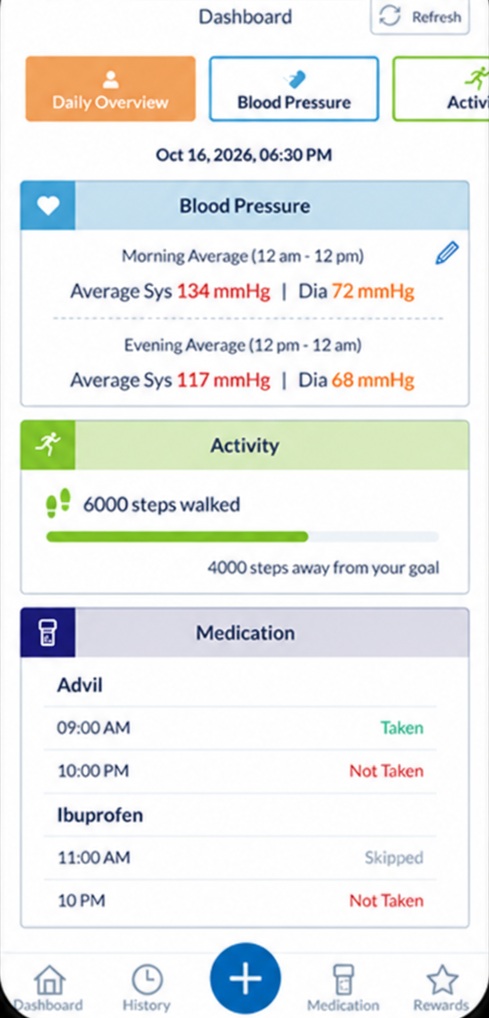
OMRON connect pulls readings from Omron monitors over Bluetooth and shows daily, weekly, and monthly averages in color. You can download PDF and CSV reports for your doctor. It also links with Apple Health and Samsung Health. Since Omron makes many validated cuffs, this is one of the simplest apps for tracking blood pressure at home.
Watch out: you need an account, even when data stays on your phone.
2. Withings App: Best for a Sleek Connected Cuff
Cost: Free app; Withings+ is $9.95 a month or $99.50 a year.
Supports: iPhone and Android
The Withings app pairs with the BPM Connect ($129.95, HSA and FSA eligible) and BPM Core. Withings says these cuffs were tested to the international ISO 81060 accuracy standard. You can share a full health report from any reading.
Good to know: Withings+ adds coaching but is not needed to use the cuff.
3. Apple Health with Apple Watch: Best for iPhone Users
Cost: Free
Support: iPhone
Apple Health stores readings from almost any cuff app, or you can type them in. Newer iPhones include a guided blood pressure log you can export as a PDF. If you wear an Apple Watch, hypertension notifications (cleared by the FDA in September 2025) review 30-day stretches of heart sensor data and alert you to signs of high blood pressure. For iPhone owners, it is one of the easiest apps for tracking blood pressure at home.
Watch out: the watch does not show numbers. It is not meant for people under 22, during pregnancy, or for those already diagnosed.
4. Samsung Health Monitor: Best for Galaxy Watch Users
Cost: Free with a Galaxy Watch
Supports: Samsung Galaxy, Android 12 or newer
Since March 31, 2026, US users with a Galaxy Watch4 or newer can measure blood pressure from the wrist. You must first calibrate the watch with an upper arm cuff, then repeat it every 28 days.
Watch out: Samsung says the feature is not meant to diagnose high blood pressure, so keep your cuff for key readings.
5. Hilo: Best for Cuffless, All-Day Tracking
Cost: Varies by kit
Supports: iPhone and Android
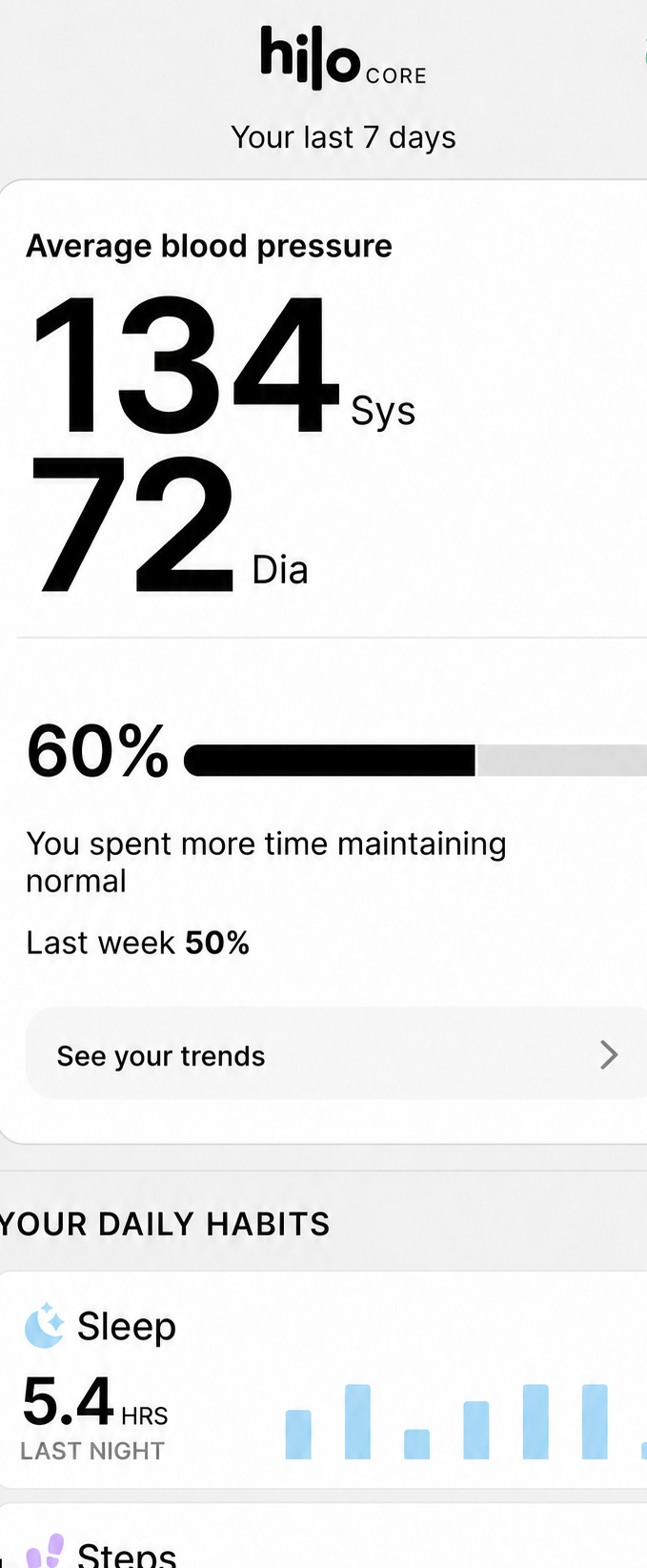
In July 2025, the Hilo Band became the first cuffless blood pressure monitor cleared by the FDA for over-the-counter use. It uses light sensors on the wrist and needs a monthly cuff calibration. Of all the apps for tracking blood pressure at home, this one shows how your numbers change during the day and night.
Watch out: the newer Hilo Core kit is sold as a wellness product and is not FDA cleared. Check which kit you buy.
6. iHealth MyVitals: Best for iHealth Cuff Owners
Cost: Free
Supports: iPhone and Android
This free blood pressure app works with iHealth monitors, which are often among the lowest priced Bluetooth cuffs. Its share screen exports your history as CSV, XLS, or PDF files. That makes it a strong choice for caregivers who send readings to a family doctor.
7. MedM Blood Pressure Diary: Best for Any Brand of Cuff
Cost: Free basic plan; $99.99 lifetime upgrade
Supports: iPhone and Android
MedM connects to over 200 Bluetooth monitors from brands like Omron, A&D, and ForaCare. You can use it with or without an account. It also syncs with Health Connect on Android. If you own an older or less common cuff, this is one of the most flexible apps for tracking blood pressure at home.
Good to know: MedM labels the app for general wellness, not medical use.
8. SmartBP: Best Blood Pressure Log for Families
Cost: Free, with premium plans
Supports: iPhone and Android
SmartBP is a classic blood pressure tracker app. You type or sync readings, add medicines and weight, and create separate profiles for each person in the home. It backs up to Dropbox or Google Drive and connects with Apple Health.
Watch out: many premium price options appear in the App Store, so check the price before you subscribe.
9. Hello Heart: Best Free Option Through Work
Cost: Free if your employer or health plan offers it
Supports: iPhone
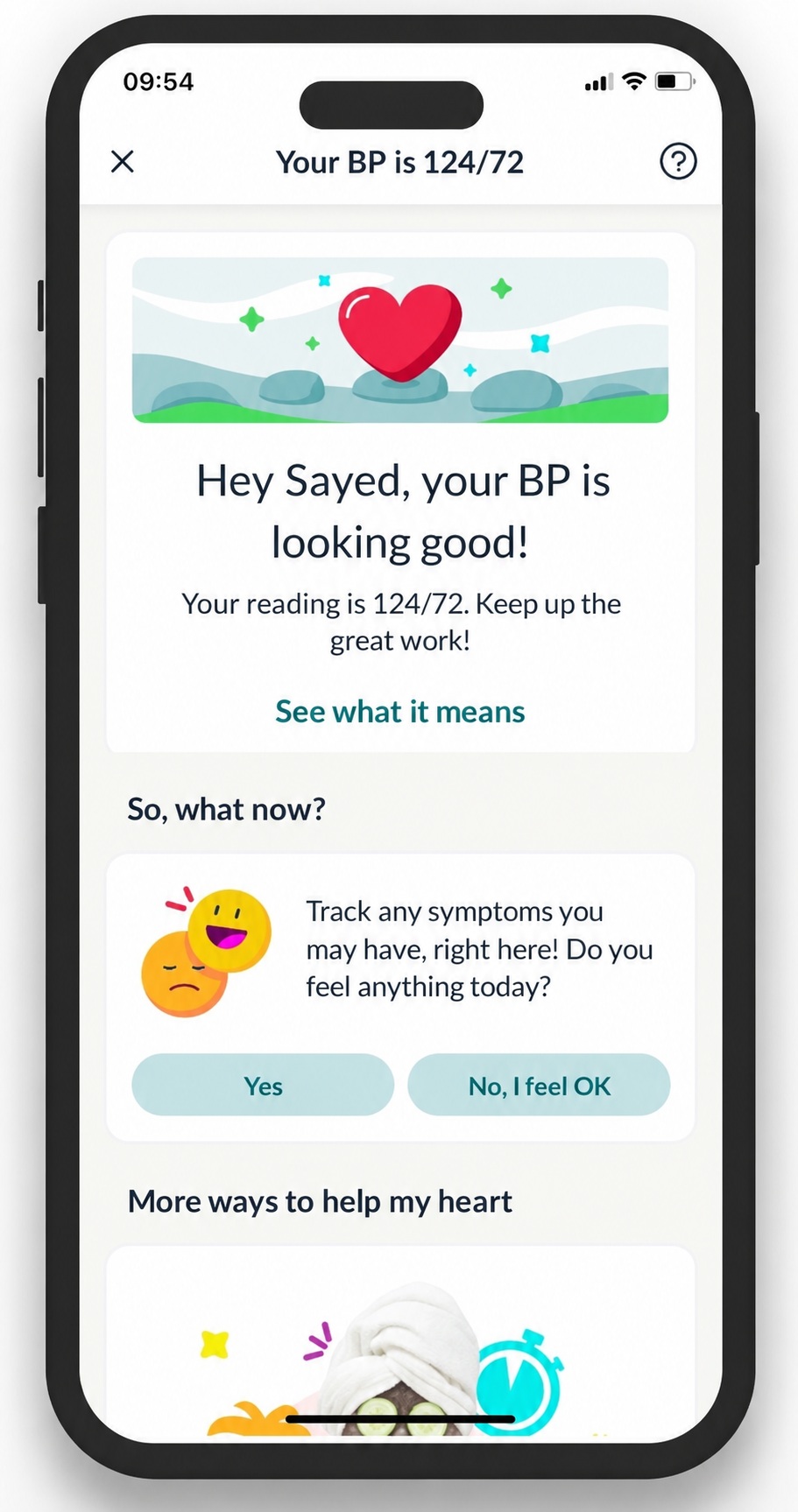
Hello Heart comes with a free monitor cleared by the FDA that pairs with your phone. The app tracks blood pressure, cholesterol, weight, and medicines, and you can choose to share reports with your doctor. If your job offers it, it may be the best value among apps for tracking blood pressure at home. Check eligibility at join.helloheart.com.
10. BP Journal: Best for Privacy
Cost: Free
Phones: iPhone and iPad (iOS 18 or newer)
BP Journal is a plain blood pressure log with color-coded charts and clean PDF reports. The developer states it collects no data from the app. Readings sync between your own Apple devices, and you can share them with Apple Health if you want. Android users can get a similar setup by saving readings to Health Connect.
One app to skip for now: Some lists still rank Qardio first. In 2025, many users reported the app could not reach its servers and that customer support had disappeared. A QardioArm cuff cannot work without its app, so we left it out.
Quick Comparison Chart
Use this chart to match apps for tracking blood pressure at home with the device you already own.
| App | Best for | What you need | Cost | Share with doctor |
|---|---|---|---|---|
| OMRON Connect | Omron cuff owners | Omron Bluetooth cuff | Free; premium optional | PDF, CSV |
| Withings App | Sleek connected cuff | Withings BPM cuff | Free; Withings + $9.95 a month | Health report |
| Apple Health | iPhone users | iPhone; Apple Watch is optional | Free | PDF log, Health Sharing |
| Samsung Health Monitor | Galaxy Watch users | Galaxy Watch4 or newer, Galaxy phone, a cuff | Free | In app |
| Hilo | Cuffless all day data | Hilo kit | Varies | In app |
| iHealth MyVitals | iHealth cuff owners | iHealth cuff | Free | CSV, XLS, PDF |
| MedM Blood Pressure Diary | Any brand of cuff | Any of 200+ Bluetooth cuffs | Free; $99.99 lifetime | Export, cloud sharing |
| SmartBP | Families | Any cuff (typed or synced) | Free; premium plans | Reports, cloud backup |
| Hello, Heart | Workers with the benefit | Employer or plan coverage | Free if offered | Reports |
| BP Journal | Privacy | iPhone or iPad, iOS 18+ | Free |
How to Get Accurate Readings at Home
Even the best apps for tracking blood pressure at home can only save what your cuff gives them. Bad habits lead to bad numbers. Follow these steps every time:
- Skip coffee, exercise, and smoking for 30 minutes before you measure.
- Use the bathroom first.
- Sit in a chair with your back supported and your feet flat on the floor. Do not cross your legs.
- Rest quietly for 5 minutes.
- Put the cuff on your bare upper arm, and rest that arm on a table at heart level.
- Stay still and do not talk.
- Take two readings about one minute apart, and let the app save both.
The 2025 guideline shows a simple plan: two readings in the morning and two at bedtime, for at least 3 days and ideally 7. Most of the apps above can remind you at these times.
What Your Numbers Mean
The 2025 guideline keeps the same four groups used since 2017. When your top and bottom numbers fall into different groups, the higher group counts.
| Category | Top number (systolic) | Bottom number (diastolic) | |
|---|---|---|---|
| Normal | Below 120 | and | Below 80 |
| Elevated | 120 to 129 | and | Below 80 |
| Stage 1 high blood pressure | 130 to 139 | or | 80 to 89 |
| Stage 2 high blood pressure | 140 or higher | or | 90 or higher |
A reading above 180/120 with chest pain, shortness of breath, weakness, or vision changes is a medical emergency. Call 911.
Most apps for tracking blood pressure at home color code these groups for you. If your averages run high, small daily changes help. Try the best foods for lowering blood pressure and these simple ways to lower blood pressure naturally, and talk with your doctor about your trend.
Frequently Asked Questions (FAQs)
These are the questions people search most often about apps for tracking blood pressure at home.
Can my phone measure my blood pressure?
No. A phone alone cannot measure blood pressure. Apps that claim to read it from your fingertip on the camera are not accurate enough for medical use. You need a cuff or a cleared wearable.
What is the best free app to track blood pressure?
If you own a branded cuff, use its free app, such as OMRON connect or iHealth MyVitals. If you type readings in, Apple Health on iPhone or MedM on Android are good free choices.
Does the Apple Watch measure blood pressure?
No. Its hypertension notifications look for signs of high blood pressure over 30 days, but they do not show numbers. If you get an alert, confirm it with a cuff.
Are smartwatch blood pressure readings accurate?
Watches that estimate blood pressure, like the Galaxy Watch, must be calibrated with a cuff every 28 days. Use them for trends, and use a validated cuff for readings your doctor will act on.
How often should I check my blood pressure at home?
The 2025 guideline shows two readings each morning and two each night for at least 3 days, and ideally 7. Your doctor may give you a different plan.
How do I know if my monitor is accurate?
Search for it on validatebp.org, the AMA’s free listing of validated devices. You can also bring your cuff to a visit and compare it with the office reading.
What if my blood pressure goes both high and low?
Log every reading, not just the high ones, and add a note about how you felt. Bring the app’s report to your doctor, since swings can come from medicines, missed meals, or standing up too fast. Your doctor may ask you to also check while standing.
Should people with diabetes track blood pressure at home?
Yes. Diabetes and high blood pressure often go together, and the 2025 guideline aims for below 130/80 for most adults with diabetes. Home tracking shows whether you are reaching that goal between visits.
Final Words
The best apps for tracking blood pressure at home do three jobs well. They save every reading, show your averages, and make sharing with your doctor easy. Start with the app that matches your cuff or watch. Pick OMRON connect, Withings, or iHealth if you own their cuffs.
Choose Apple Health, Samsung Health Monitor, or Hilo for wrist tracking, and MedM or SmartBP if you want one app for any device. Most important, make sure the cuff behind the app is validated. Good data is what turns a simple app into a real tool for your heart.
Sources
Checked October 17, 2026. This article is for information only and is not medical advice.
- Samsung: Blood pressure monitoring now available to US users (also source for CDC prevalence figure)
- HT World: Galaxy Watch BP in the US, CDC control rate
- AppleInsider: Apple Watch hypertension notifications get FDA clearance
- Neowin: Apple hypertension notifications age and pregnancy limits
- Caring Village: Best blood pressure apps (Apple Health log, iHealth export)
- Fierce Biotech: FDA clears Hilo cuffless monitor
- MobiHealthNews: Hilo Core launch, not FDA cleared
- OMRON connect app page
- Withings BPM Connect and shop terms
- MedM Blood Pressure Diary (App Store) and MedM device support
- SmartBP (App Store)
- Hello Heart (App Store)
- BP Journal (App Store)
- Applevis forum: Qardio app outages
- AMA: US Blood Pressure Validated Device Listing
- Medical Dialogues: 2025 AHA/ACC guideline summary
- Hilo: Categories and the 2025 home reading schedule
- Medvarsity: Measurement technique and 180/120 emergency
- MedM: Finger blood pressure apps not FDA approved
- PMC: AHA 2025 vs ESC 2024 targets for people with diabetes (below 130/80 goal); low blood pressure threshold of 90/60 per NHLBI, cited in the Hilo source above