
The best tools for creating interactive lessons turn students from passive viewers into active participants. They can answer questions, annotate slides, explore scenarios, collaborate with classmates, or receive immediate feedback.
Nearpod is the strongest all-round option, while Pear Deck works particularly well for existing presentations and Edpuzzle leads for video-based learning. Other platforms serve more specialized needs, including gamification, collaborative work, LMS content, and real-time assessment.
The right choice depends on how the lesson will be taught, not on which product has the longest feature list.
1. Nearpod: Best Overall
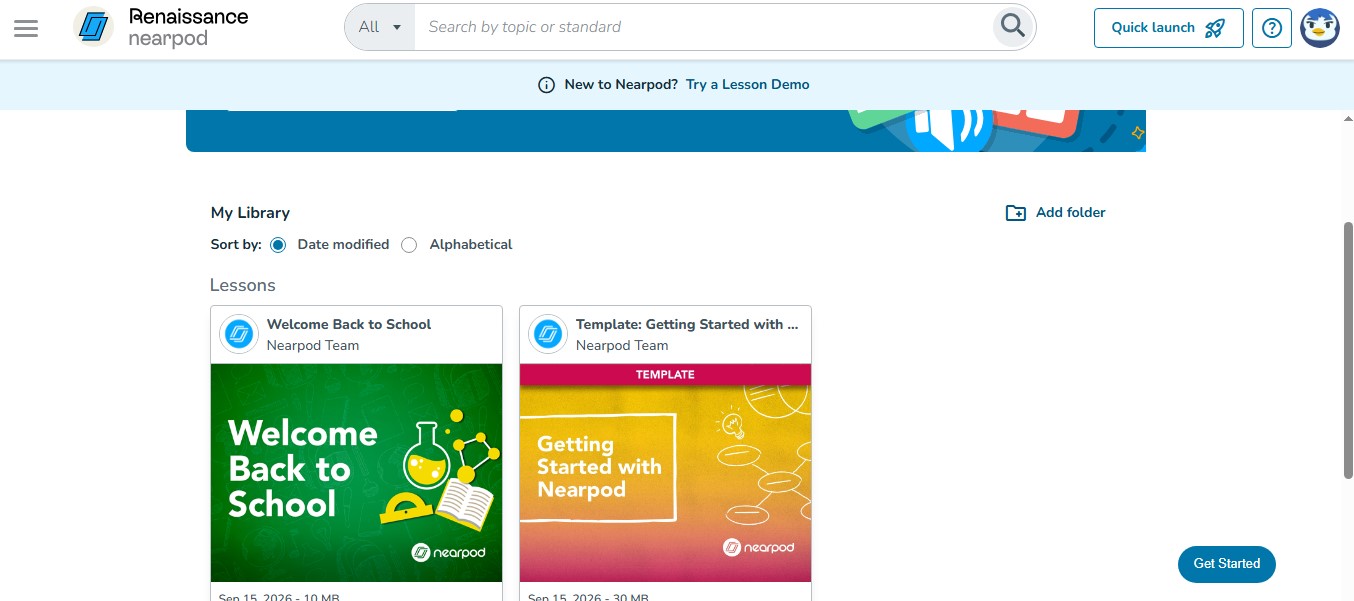
Nearpod brings presentation, participation, and formative assessment into one lesson. Educators can combine slides, videos, open-ended questions, quizzes, drawing activities, simulations, collaborative boards, and games.
Lessons can run in teacher-led, student-paced, or front-of-class modes, making the platform suitable for classroom, hybrid, and independent learning. Existing PowerPoint files, PDFs, Google Slides, and videos can also be imported.
Nearpod’s free plan has storage and participation limits, while several advanced activities require an upgrade. Still, it offers the most balanced toolkit for building a complete interactive lesson in one place.
2. Wayground: Best for Gamified and Differentiated Learning
Wayground, formerly Quizizz, now supports more than quiz-based review. Teachers can create lessons, assessments, passages, flashcards, and interactive videos with different response formats.
Live and self-paced delivery make it useful for whole-class teaching, homework, and revision. The platform also provides accommodations such as reading support, translation, and focus tools, although availability can vary by plan.
Wayground is a strong choice for repeated practice and differentiated instruction. Schools needing advanced reporting, administrative controls, or deeper integrations may require a paid institutional plan.
3. Pear Deck: Best for Interactive Slides
Pear Deck fits naturally into a slide-based teaching routine. It works with Google Slides and PowerPoint Online, allowing educators to add text, number, multiple-choice, drawing, and draggable responses to presentations.
Sessions can be instructor-paced during class or student-paced for independent work. Responses give teachers a quick view of understanding without requiring an entirely new lesson-building system.
Its Microsoft integration works with PowerPoint Online rather than desktop PowerPoint. Basic interactions are available free, but the Teacher Dashboard, private feedback, and several advanced controls are premium features.
4. Lumio: Best for Collaborative Activities
Lumio by SMART Technologies is particularly useful when students need to work together. Teachers can import presentations, PDFs, Google Slides, and SMART Notebook files, then add games, polls, assessments, manipulatives, and group workspaces.
Students can sort information, annotate materials, solve problems, and contribute from their own connected devices. A SMART Board is not required for student participation.
The free plan has limited storage. Shared libraries, co-editing, advanced administration, and some LMS connections belong to higher-level plans.
5. Genially: Best for Visual and Branching Lessons
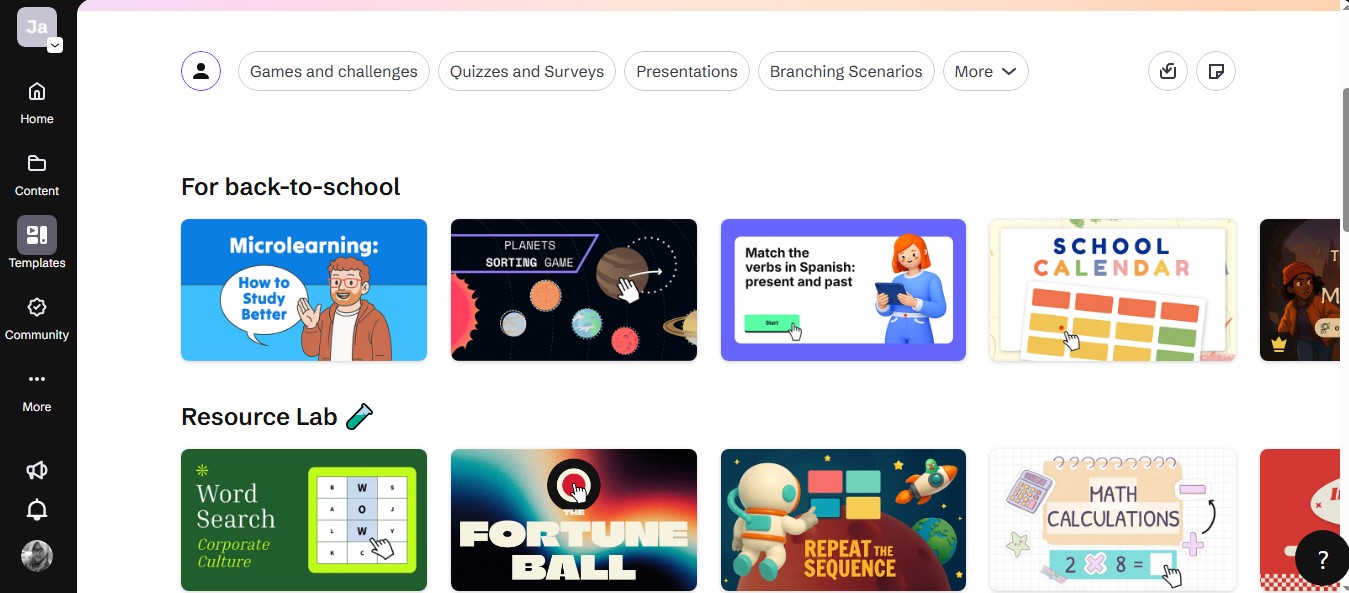
Genially helps educators create interactive images, maps, presentations, choice boards, escape games, and scenario-based lessons. Hotspots, pop-ups, embedded media, animation, and decision paths make it well suited to storytelling and exploration.
It is especially effective when learners need to investigate content or make choices instead of following a fixed slideshow. However, building a polished experience can take time, and excessive animation may distract from the learning objective.
Advanced tracking, branding controls, downloads, and certain LMS-ready export options generally require a paid plan.
6. Edpuzzle: Best for Interactive Video
Edpuzzle turns video into a guided learning activity. Educators can select or upload a video, trim it, add narration or notes, and insert questions at specific points.
Its gradebook can show viewing progress and student answers. Teachers can also restrict skipping when appropriate, making Edpuzzle useful for flipped classrooms, demonstrations, tutorials, and assigned review.
The free plan places a relatively tight limit on stored activities. Video should also be followed by discussion, application, or practice rather than treated as a complete lesson by itself.
7. H5P: Best for LMS-Embedded Content
H5P is designed for reusable interactive content. Its formats include interactive videos, course presentations, branching scenarios, interactive books, image hotspots, drag-and-drop exercises, and fill-in-the-blank activities.
It works especially well inside compatible learning management systems. Content can be edited, reused, imported, and exported, while reporting capabilities depend on the platform and integration.
H5P’s open-source technology can be self-hosted, but hosting and maintenance still require technical resources. H5P.com is a separate paid managed service, so H5P should not be described as universally free.
8. BookWidgets: Best for Exercises and Worksheets
BookWidgets provides more than 40 customizable activity templates. Educators can create quizzes, worksheets, video quizzes, puzzles, games, and exit activities without coding.
Many question formats support automatic grading, while teachers can monitor progress, provide feedback, and synchronize results through supported classroom and LMS integrations.
BookWidgets is useful when a standard form is too restrictive but a full presentation platform is unnecessary. It offers a free trial rather than a permanent general free plan, so continued use requires a subscription.
9. Kahoot!: Best for Live Games and Reviews
Kahoot! remains a strong option for live knowledge checks and energetic lesson reviews. Educators can combine slides with quizzes, polls, open responses, word clouds, and other interactions, depending on the chosen plan.
Games can run live or as student-paced assignments, and reports help reveal questions that caused difficulty.
Kahoot! works best when accuracy, explanation, and follow-up matter as much as speed. Turning every activity into a competition may disadvantage some learners. Question types, imports, session size, and reporting features also vary by plan.
10. Formative: Best for Real-Time Assessment
Formative lets teachers see student responses while an activity is still underway. Lessons and assessments can include multimedia, varied question formats, feedback, standards alignment, and automatic grading where supported.
Live response monitoring helps expose misconceptions early. A teacher can pause, clarify a concept, or provide individual guidance instead of waiting until the work is submitted.
Formative is less focused on visual storytelling or games. Its main strength is giving educators timely evidence they can use to adjust instruction.
Choose Learning Value Over Novelty
A successful interactive lesson is not defined by how many animations, games, or buttons it contains. It gives students a meaningful task and gives the teacher useful evidence of their understanding.
Nearpod is the strongest general starting point, but every tool on this list serves a different workflow. Matching the platform to the lesson, learners, and existing school systems will produce a better result than choosing one simply because it is popular.
Frequently Asked Questions on the Best Tools for Creating Interactive Lessons
1. What is the best overall interactive lesson tool?
Nearpod is the most versatile overall choice because it combines instructional content, varied activities, multiple delivery modes, and formative reporting. A specialized platform may be better when lessons rely mainly on video, slides, or an LMS.
2. Which free tool is best for interactive lessons?
Wayground offers broad gamified lesson options, while Pear Deck is practical for Google Slides users. Nearpod also provides a capable free starting point. The best choice depends on class size and the limits that matter most.
3. Can students participate without creating accounts?
Some platforms allow learners to join selected sessions through a code or link. Accounts or LMS authentication may still be required for named results, saved progress, grade synchronization, or long-term reporting.
4. Which tool is best for Google Slides?
Pear Deck provides the most direct Google Slides workflow. Nearpod and Lumio can also import slide content when teachers need additional activities or delivery options.
5. Do interactive tools automatically improve learning?
No. Technology can encourage participation, but the lesson still needs clear objectives, meaningful questions, useful feedback, and opportunities to apply knowledge. Interaction used only as decoration adds little educational value.