Canva stopped being the cheap option somewhere around its second price increase. Pro now sits at roughly $15 to $18 a month depending on billing cycle and region, the old flat-rate Teams plan is gone, and its replacement bills per seat are around $21 to $25 per person. If you publish four social graphics a week, that math has quietly stopped working.
So this is the shortlist I’d hand a freelancer or a two-person marketing team hunting for Canva alternatives for design on a budget. A few are free forever. A few cost less than one coffee a month. None of them replace the Canva feature for a feature, and I’ll say where each one breaks down. Canva became the default for real reasons—I’ve written about why Canva became the default design tool — but a default that raises its price twice deserves a price check.
The 12 Canva Alternatives for Design on a Budget
| Tool | Cost | Use it for |
|---|---|---|
| Adobe Express | Free; Premium $9.99/mo | The closest like-for-like swap |
| Affinity | Free | Pro-grade layout, photo, vector |
| ImagineLab.art | 50 free tokens; 500 EDT for $7 | AI images, video, voice, infographics |
| VistaCreate | Free; Pro $10/mo | Template-driven social posts |
| Figma | Free Starter; $16/editor/mo | Precision layout and team files |
| Photopea | Free with ads; ~$5/mo | Opening and fixing PSD files |
| Penpot | Free, self-hostable | Design systems without vendor lock-in |
| Microsoft Designer | Free with a Microsoft account | Fast one-off social graphics |
| Pixlr | Free; Plus $1.99/mo | Quick photo cleanup |
| Kittl | Free plan available | Merch, print, and display typography |
| Inkscape | Free | Logos and print-ready vectors |
| GIMP | Free | Heavy raster editing offline |
Prices move. Confirm on each vendor’s own pricing page before you commit to a year.
1. Adobe Express
If you want to change one tab and keep working, this is the swap. Express does templates, resizing, background removal, brand kits, and social scheduling in a layout that a Canva user recognizes inside ten minutes. Premium runs $9.99 a month, which undercuts Canva Pro by a third or more, and the free tier is genuinely usable rather than a demo, around 100,000 templates, a million stock assets, and 5GB of storage.
Two things to watch. Free exports can carry a watermark on premium content, which is the single most common reason people upgrade. And generative AI runs on a monthly credit pool, so heavy image generation drains it faster than the marketing pages suggest. If you already pay for any Creative Cloud plan, Express Premium is likely included already, and you may be paying Canva for something you own.
2. Affinity
Here’s the part that surprises people: the strongest free professional design suite in 2026 is owned by Canva. After the acquisition, Affinity dropped its one-time license entirely and merged photo editing, vector work, and page layout into a single free app. Not a trial, not a stripped build—RAW development and CMYK print export included.
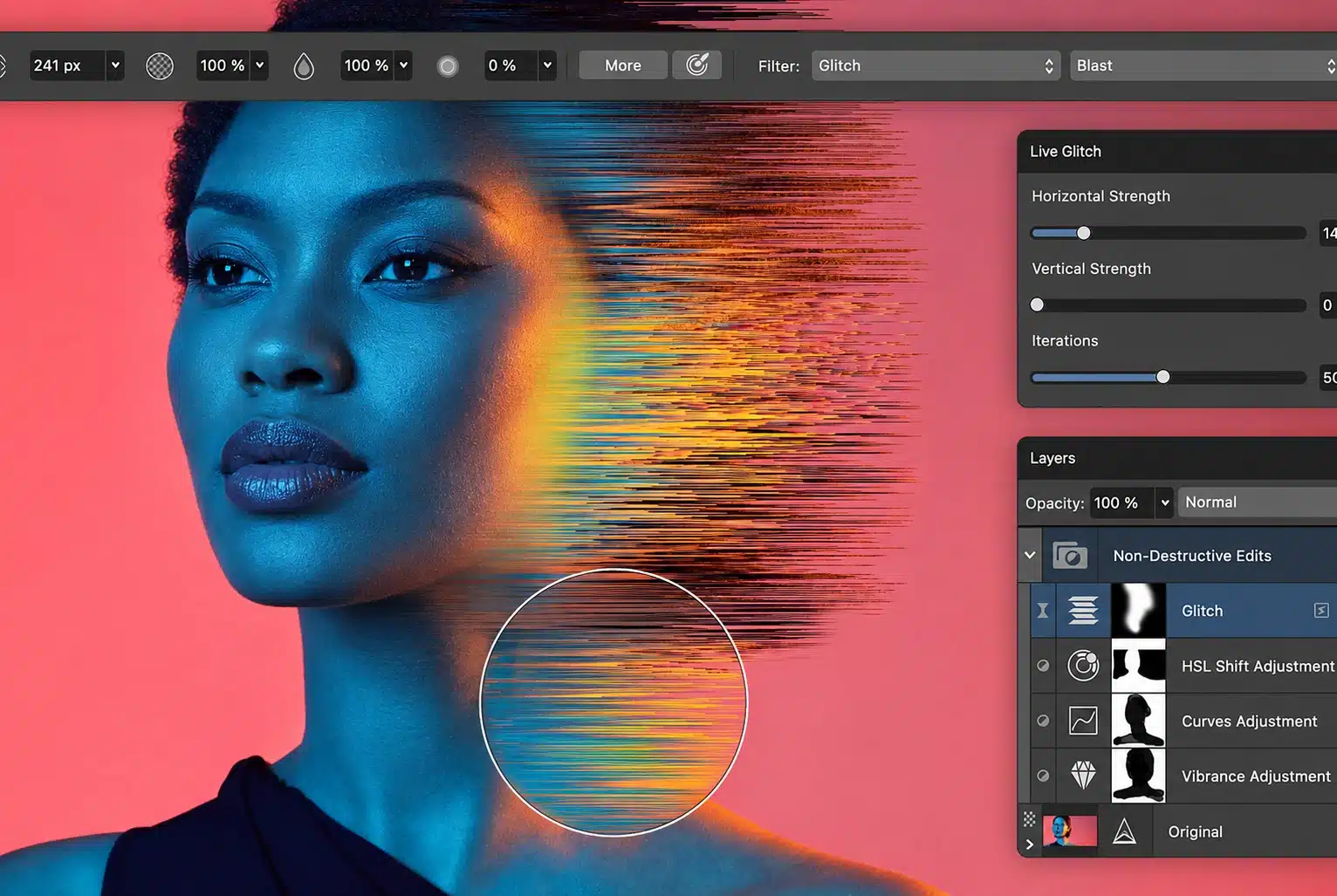
You need a free Canva account to activate it, and the AI tools inside (generative fill, background removal) require a paid Canva plan. Skip those and you pay nothing at all. The trade-off is the learning curve: this is a real design application, not a template picker, so budget a weekend rather than an afternoon.
3. ImagineLab.art
Full disclosure—ImagineLab Art is a sister concern of ours, so treat my enthusiasm accordingly and check the numbers yourself. It also belongs on this list for a specific reason: it solves a cost problem the other eleven don’t.
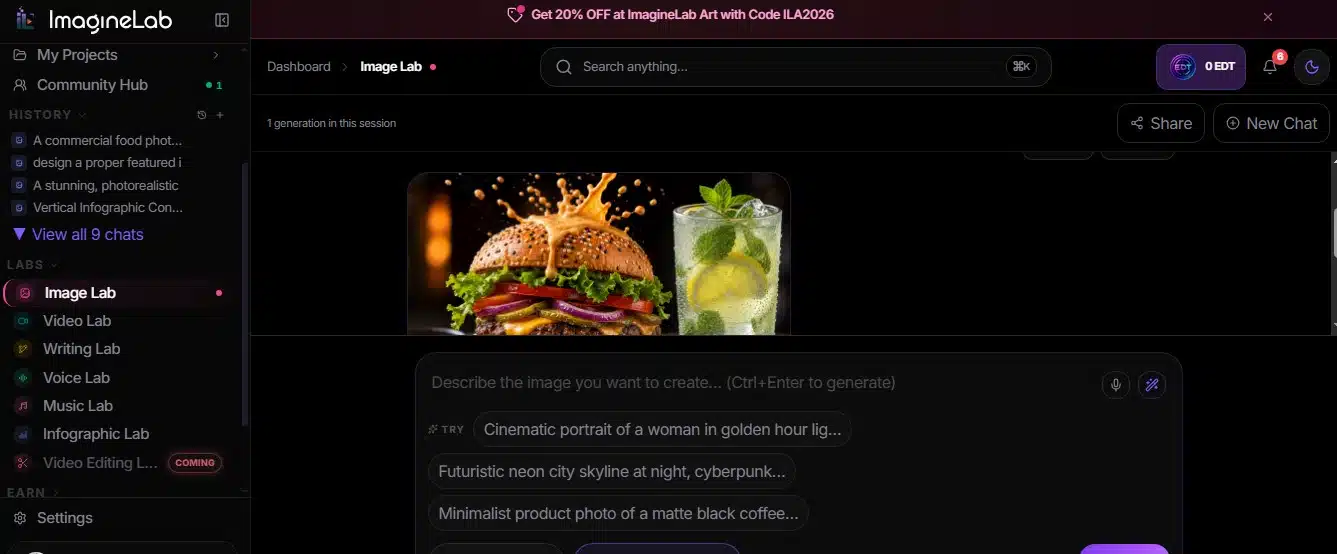
Canva’s AI generation is capped by tier. Free accounts get a small monthly allowance of premium AI uses, and Pro isn’t unlimited either. ImagineLab runs the opposite model—pay-as-you-grow credits called EDT instead of a flat subscription. New accounts get 50 free tokens, a 500-token pack costs $7, and the Starter plan is $10 a month for roughly 700 tokens, which the platform estimates at about 45 standard images or five short clips. Nothing carries a watermark on any plan, which matters when you’re handing files to a client.
Seven labs sit under one balance: images, video, voice, music, infographics, writing, and chat, across 38 models. What it is not is a drag-and-drop layout editor with 100,000 templates. If your work is mostly resizing a flyer, one of the tools above fits better. If half your monthly spend goes to separate AI subscriptions you only half-use, consumption pricing usually wins. I’ve broken the comparison down properly in ImagineLab Art vs Canva.
4. VistaCreate
The most direct budget clone of the Canva experience. Pro is $10 a month flat, and the free Starter tier includes a brand kit, over 100,000 templates, and a million royalty-free assets. Background removal and the 70M-asset library sit behind Pro.
Quality is the honest weak point. The template library is thinner and a little more dated than Canva’s, and you’ll do more manual adjusting to make a design look current. For scheduled social output where speed beats polish, that’s a fair trade for saving $60 a year.
5. Figma
Figma’s free Starter plan is more useful for non-designers than most people realize. Frames, auto-layout, real typography control, and FigJam for whiteboarding all cost nothing, and files live in the browser. For anyone tired of fighting Canva’s snap-to-grid behavior, the precision is a relief.
The Professional tier is $16 per editor per month, which is not a saving over Canva—so treat Figma as a free-tier tool here, not a paid one. There’s also no template library worth mentioning for marketing graphics. You’re building from scratch, and that’s slower.
6. Photopea
A browser-based Photoshop clone that opens PSD files natively, plus SVG, PDF, and Sketch. It costs nothing beyond an ad panel down the side, and roughly $5 a month removes it. I keep a tab open permanently for the job Canva genuinely can’t do: opening a layered file a designer sent and fixing one text layer without owning Photoshop.
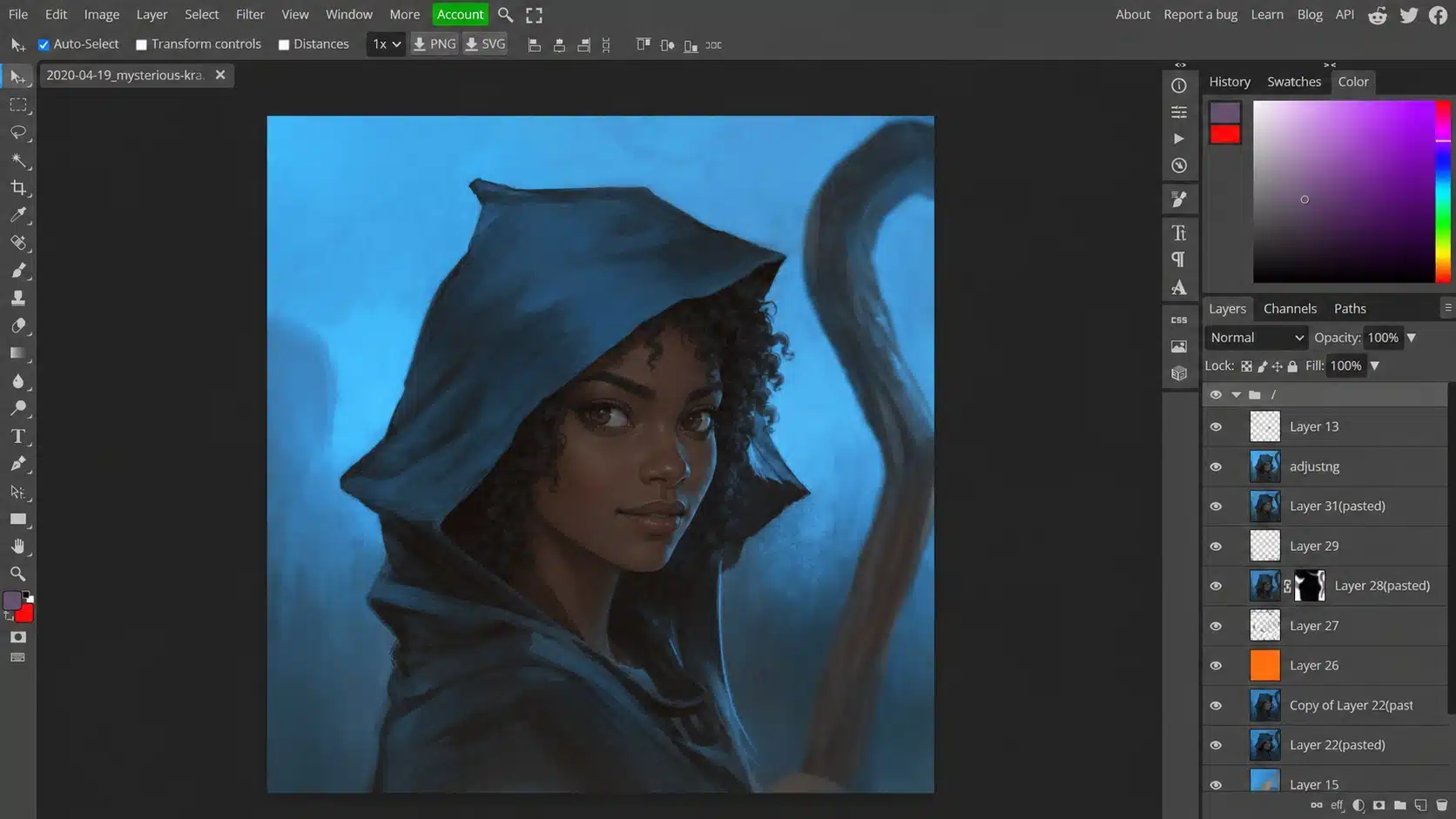
Layer masks, adjustment layers, and Photoshop shortcuts all work. The interface is dense and unfriendly to beginners, and it’s a photo editor, not a brand tool.
7. Penpot
Open source, browser-based, and free with no seat limits—the only serious design tool you can self-host on your own server. That last part matters if client contracts restrict where files live. Design tokens are native, and it exports clean CSS and SVG.
Paid Unlimited is $7 per user monthly for extra storage and team management. It’s aimed at product design rather than marketing collateral, and it’s still behind Figma on polish.
8. Microsoft Designer
Free with a Microsoft account, and quietly good at one thing: generating a passable social post from a prompt in under a minute. If you already have Microsoft 365, this costs you nothing extra. Template depth and brand control are limited, so it works better as a first-draft machine than a design system.
9. Pixlr
The browser editors are still free, with ads and a daily save cap. Plus is $1.99 a month billed yearly to remove both; Premium at $7.99 is where AI credits become practical for daily use. Better than Canva at pixel-level retouching, weaker at everything template-shaped. A sensible pairing with a free layout tool.
10. Kittl
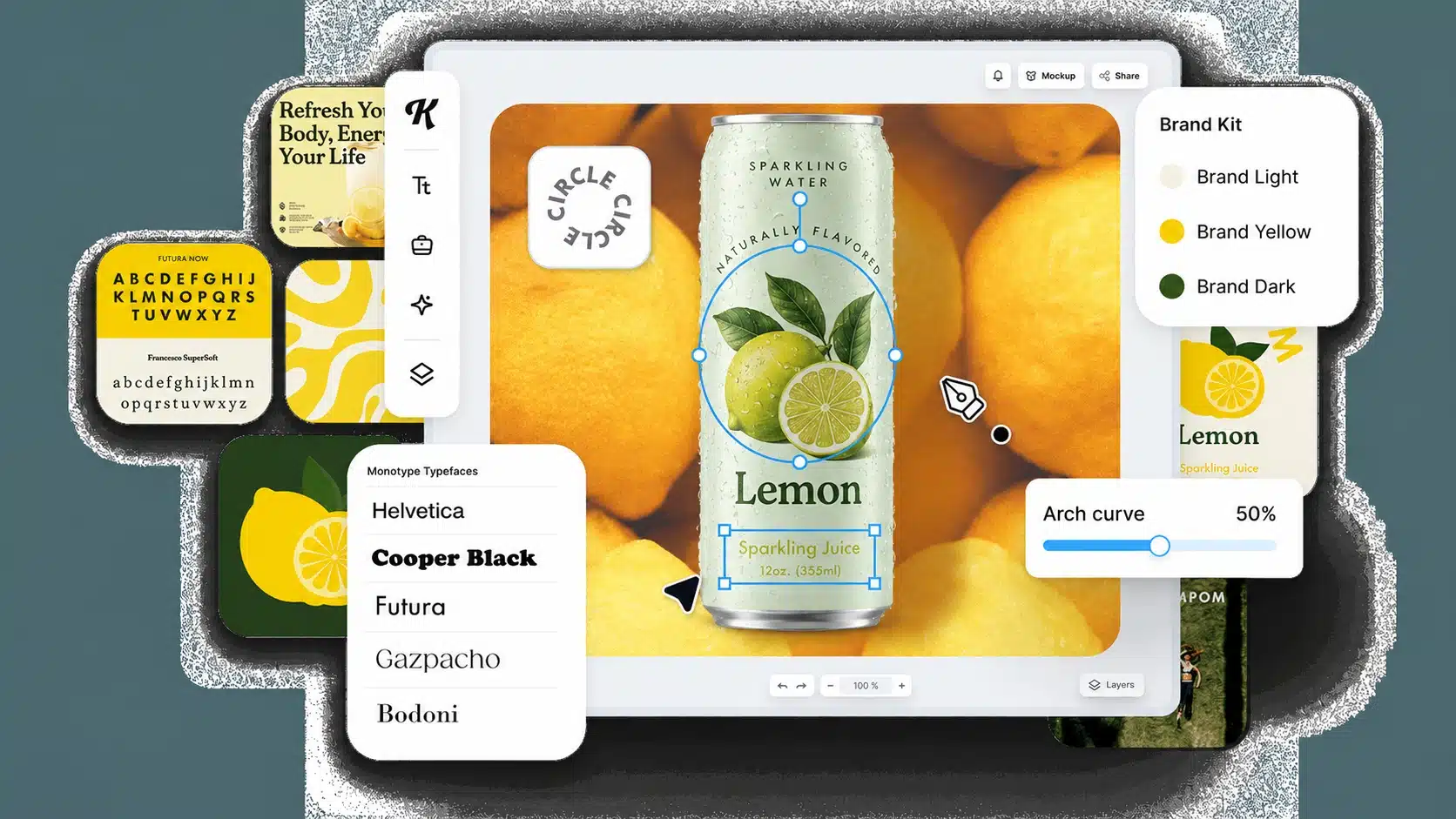
Narrow but excellent: apparel, print-on-demand, badges, and display typography. The effects and text-warping tools are things Canva simply doesn’t do well. The free plan is generous enough to judge it properly. Not a general-purpose replacement—buy it for merch work or skip it.
11. Inkscape
Free, open-source, desktop vector editing. This is where you make a logo that scales cleanly to a billboard and exports a real SVG. The interface is dated and the learning curve is steep. Worth installing anyway if you ever need print-ready files.
12. GIMP
The long-standing free raster editor. Slower to learn than Photopea and heavier to run, but it works offline and handles large files without complaint. Install it when you have work that shouldn’t touch a browser.
Two Mistakes that Cost More than the Subscription
The first is switching everything at once. Move one workflow—social posts, or client deliverables—and keep Canva running for a month. If nothing breaks, cancel then.
The second is forgetting the export. Free tiers hide the tax at the download step: watermarks on premium assets, no transparent PNG, and low-resolution files. Before you commit to any tool, run one real project through it and export the final file. That’s the test that actually matters.
Final Thoughts
Most people looking at Canva alternatives for design on a budget don’t need twelve tools. They need two: something that lays out a page and something that makes or fixes an image. Adobe Express Plus and Photopea cover that for under $10 a month. Affinity Plus Inkscape covers it for nothing if you’ll spend a weekend learning. And if AI generation is what’s actually draining your budget, credit-based pricing beats stacked subscriptions almost every time.
Start with your last three months of design work. Whichever tool covers those specific jobs is your answer, regardless of what tops any list.
Frequently Asked Questions (FAQs)
1. Is there a Canva alternative with no watermark on the free plan?
Several. Affinity is entirely free with no watermark, since it’s a desktop app rather than a template service. ImagineLab.art applies no watermark on any tier, including its free tokens. Photopea, Penpot, Inkscape, and GIMP don’t watermark either. Adobe Express and VistaCreate can watermark premium assets on free plans, so check the specific template before you build on it.
2. Can I import my existing Canva designs into another tool?
Not directly, and this is the real switching cost nobody mentions. Canva exports flat files (PNG, JPG, PDF) rather than editable project files. You can export a PDF and open it in Affinity or Inkscape to recover some editable layers, but text and effects often shift. Rebuild your five most-used templates in the new tool before cancelling, not after.
3. Are free design tools safe for commercial client work?
Usually, read the asset license, not the software license. The app being free doesn’t mean the stock photo inside it is cleared for commercial use. Open-source tools like GIMP and Inkscape have no restrictions at all, since you supply your own assets.