Netflix has quietly removed the ability to cast shows and movies from its mobile apps to most modern TVs and streaming devices, forcing users to rely on native Netflix apps instead. The change affects popular hardware like Chromecast with Google TV and other devices that come with their own remote and on-screen interface.
What Netflix changed
An updated Netflix help page now states that casting from phones and tablets is no longer supported on the majority of TVs and TV-streaming devices. Users are instead told to open the Netflix app that runs directly on their TV or streaming box and navigate with the included remote.
Reports indicate that the change began rolling out in mid‑November, with users noticing the Cast button disappearing from the Netflix app without any prior warning. The decision has since been confirmed across multiple outlets after being spotted by Reddit users and Android-focused publications.
Which devices still support casting
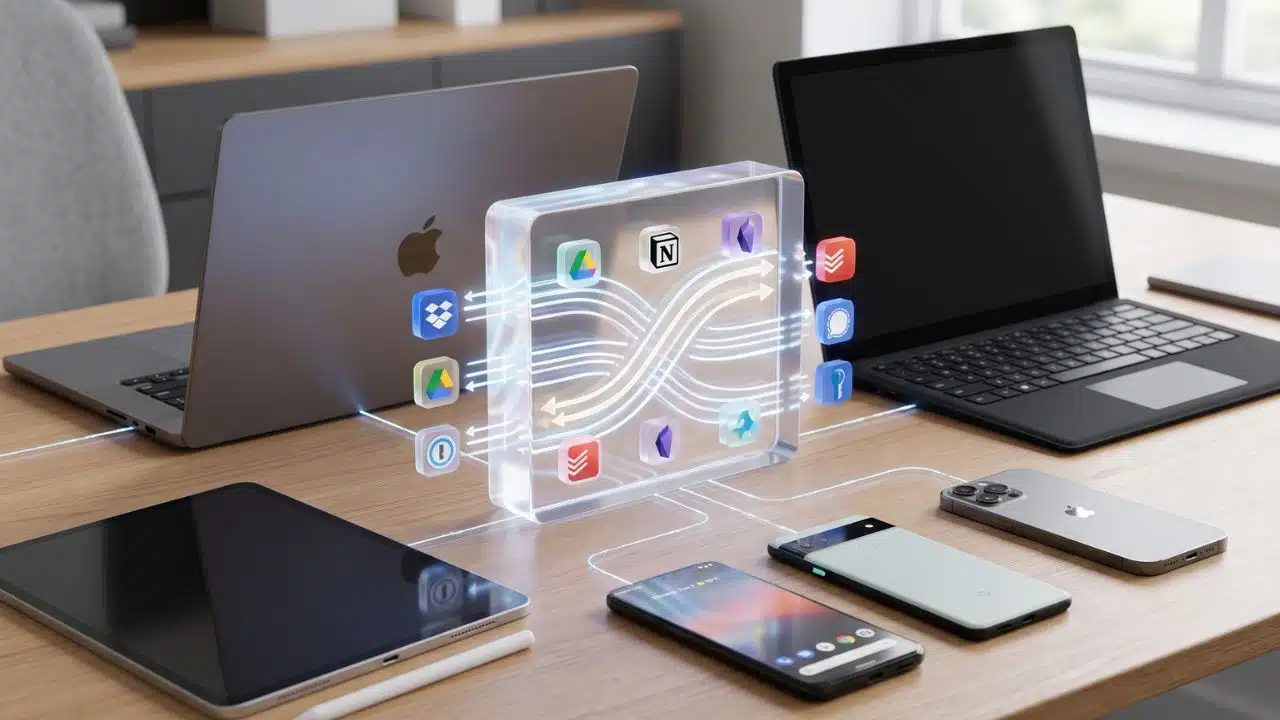
Casting is now effectively limited to older “dongle-style” Chromecast models that do not have a remote or their own on-screen interface. Certain TVs with built‑in Google Cast support can also still receive casts from the Netflix mobile app under the new rules.
Even on those legacy devices, casting is restricted to subscribers on ad‑free Standard or Premium plans, while customers on Netflix’s cheaper ad‑supported tier have lost casting entirely. That means budget subscribers cannot cast from their phones at all, regardless of how old their Chromecast or TV may be.
Possible reasons behind the move
Netflix has not issued a formal public explanation, beyond generic references from support staff to “improving the customer experience.” However, the company’s own guidance steers people toward using native apps, which give Netflix tighter control over the interface and advertising.
Analysts note that forcing viewers into TV apps fits with Netflix’s broader push to enforce household‑based accounts and reduce casual password sharing across locations. Native apps also make it easier to guarantee ad delivery on supported tiers and collect more consistent data on viewing behavior.
Impact on travelers and everyday users
The change is a particular blow for travelers who relied on casting from their phones to hotel or Airbnb TVs instead of logging into personal accounts on shared devices. Many of those setups use modern smart TVs or streamers with remotes, which are now blocked from receiving Netflix casts.
Online reaction has been sharply critical, with users calling the move anti‑consumer and pointing out that casting was a core part of their daily streaming habits. For households that preferred using the phone as the main remote and content browser, the removal adds friction to a previously simple workflow.
What Netflix users can do now
For most people, the only official path forward is to open the built‑in Netflix app on their TV or streaming device and control playback with the hardware remote. Users who still own older Chromecast dongles without remotes may preserve casting, provided they pay for one of the ad‑free plans.
Those who depend on casting in hotels or guest spaces may need to adapt by carrying a legacy Chromecast, traveling with a laptop and HDMI cable, or signing into native Netflix apps and logging out afterward. Hosts who want to keep things simple for guests are now more likely to rely on prominently configured Netflix apps on smart TVs rather than expecting visitors to cast from their phones.