AI-driven art tools are changing the way we create. These apps allow anyone, from hobbyists to professionals, to generate stunning digital art in seconds. In this article, we’ll look at the top AI art generator apps for Android. These apps are fast, easy to use, and powerful.
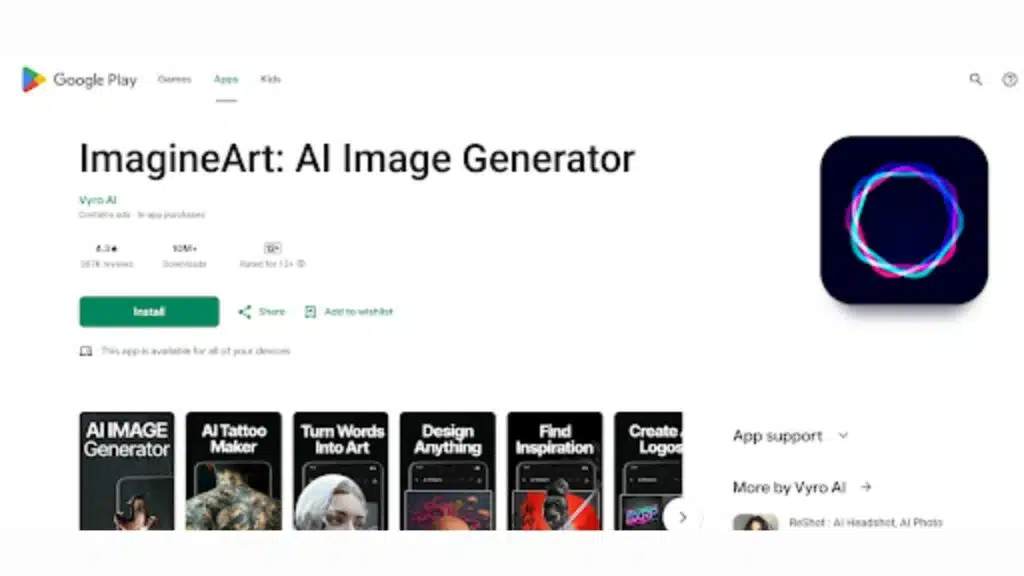
1. ImagineArt: Your All-in-One AI Creative Suite
Overview
ImagineArt is a complete AI creative suite. It provides everything from generating art to advanced editing and upscaling images. With its simple interface, it’s designed for users who need versatility.
Key Features
- Text-to-Image Generation: Easily create images from text descriptions.
- Background Removal: Use AI to remove backgrounds with a click.
- Advanced Editing: Includes tools like cropping, rotating, and enhancing.
- AI Upscaling: Increase image resolution without losing quality.
Why Choose ImagineArt
It’s an all-in-one tool for content creators. Whether generating new artwork or enhancing existing images, ImagineArt offers an efficient and reliable solution for all your creative needs.
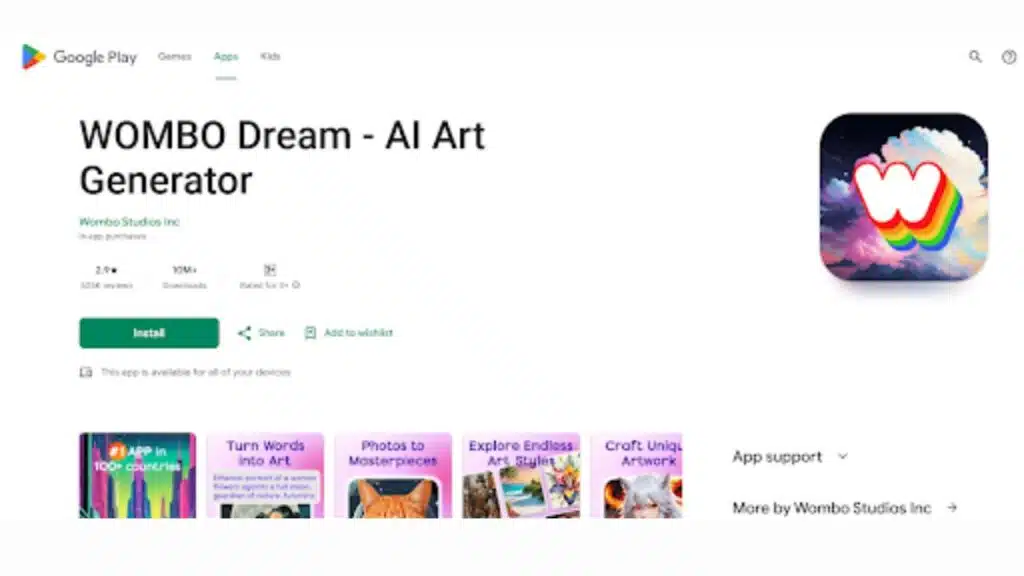
2. WOMBO Dream: Create Art from Your Imagination
Overview
WOMBO Dream converts text into artwork in seconds. With a variety of styles, it’s one of the fastest and most user-friendly AI art apps.
Key Features
- Multiple Art Styles: Surreal, abstract, cartoon, and more.
- Text-Based Prompts: Simply describe what you want and let the AI do the rest.
- Speed: Generate art instantly, making it ideal for quick creative projects.
Why Choose WOMBO Dream
WOMBO Dream is perfect for users looking for fast, diverse, and easy-to-create art. Its simplicity and speed make it accessible to all levels of users.
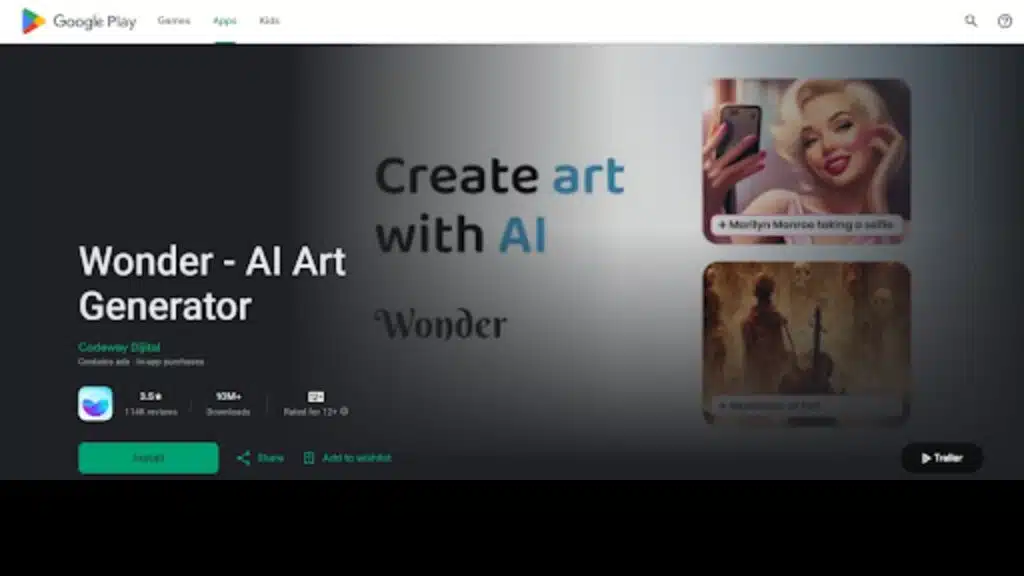
3. Wonder – AI Art Generator: Mesmerizing Art at Your Fingertips
Overview
Wonder turns text prompts into impressive artwork. Known for speed and quality, it’s ideal for those needing beautiful results fast.
Key Features
- Fast Art Generation: Create art in seconds.
- Variety of Styles: Choose from a range of artistic styles.
- Customizable Prompts: Fine-tune your description to control the output.
Why Choose Wonder
Wonder is fast, simple, and delivers high-quality results. It’s perfect for users who need great art with minimal effort.
4. StarryAI: Your Personal Art Assistant
Overview
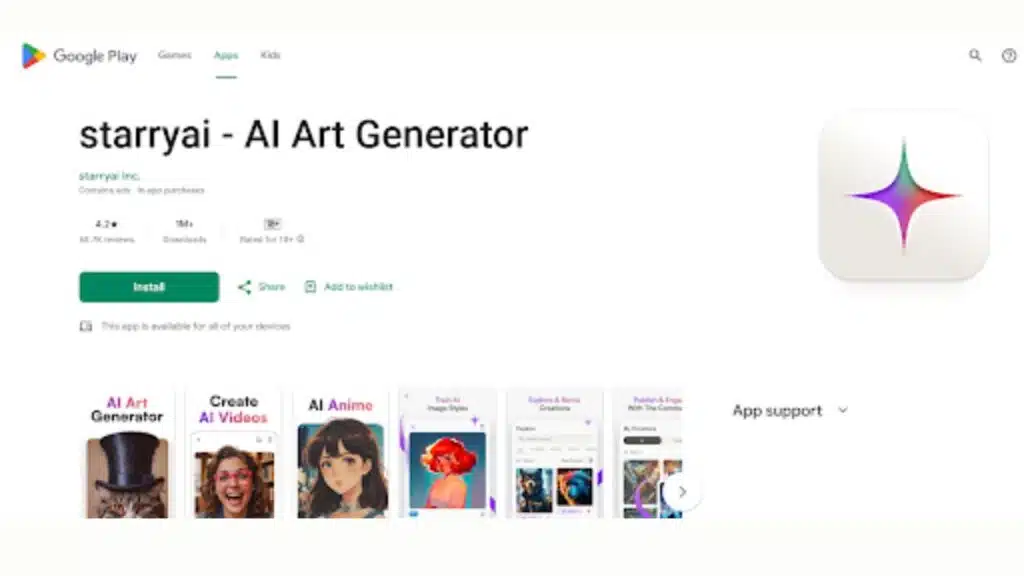
StarryAI lets you create art with high customization options. It’s tailored for those who want control over the composition and style of their art.
Key Features
- Free Daily Image Generation: Get one free creation per day.
- Customization Options: Adjust style, color, and more.
- Save Your Art: Use your creations for personal or commercial purposes.
Why Choose StarryAI
For those who need a personalized art experience, StarryAI provides deep customization and control, making it a top choice for artists.
5. Picsart: More Than Just AI Art
Overview
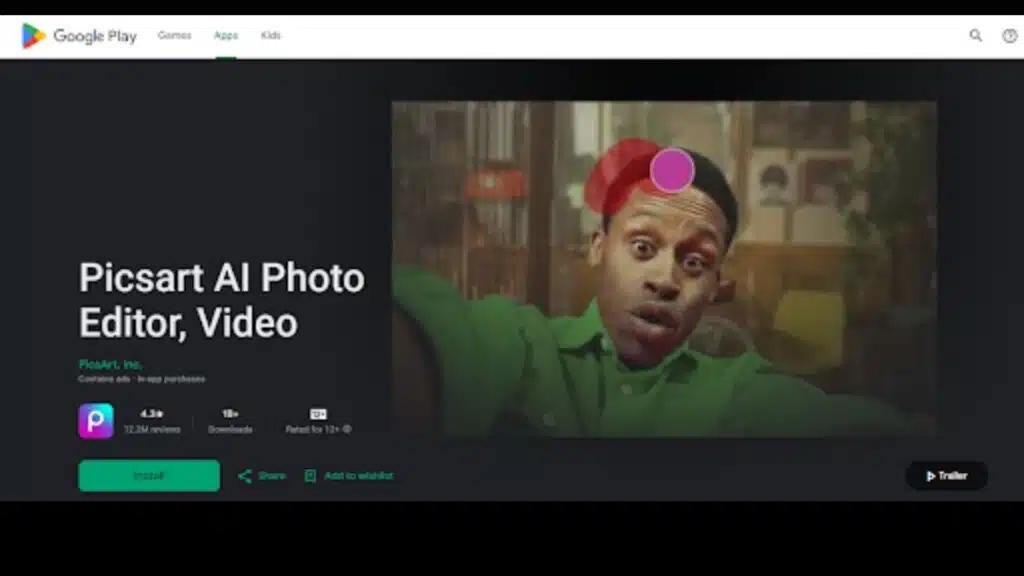
Picsart is not only an art generator but a full creative suite. Along with AI-powered image creation, it offers powerful photo and video editing tools.
Key Features
- Text-to-Image Generator: Create art from text prompts.
- Editing Tools: Edit photos and videos with a range of advanced tools.
- AI Effects: Enhance images with AI-powered filters and effects.
Why Choose Picsart
Picsart is an all-in-one platform, perfect for users who need both art creation and advanced editing features. It’s especially great for social media content creators.
6. Fotor: From Text to Art and Beyond
Overview
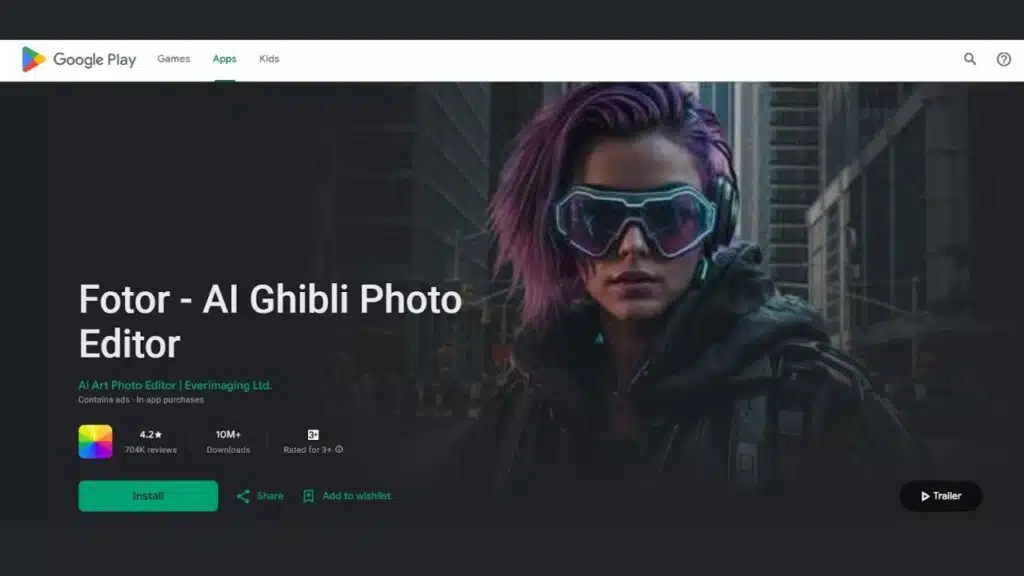
Fotor allows users to generate art from text and offers powerful image editing tools. It’s simple, yet effective for both creating and refining art.
Key Features
- AI Art Generation: Generate art quickly from text.
- Editing Tools: Enhance, crop, and adjust your images.
- Multiple Styles: Choose from a variety of artistic styles.
Why Choose Fotor
Fotor is perfect for those looking for a combination of AI art generation and editing. It’s easy to use, with powerful features for refining images.