


You open your task manager to decide what to work on, but twenty minutes later, you have only rearranged projects, tweaked labels, and updated due dates. The actual work remains untouched. Recognizing the signs your productivity system is failing begins here—when managing your tools takes more energy than executing your goals.
A functional system reduces friction, clarifies priorities, and automates decisions. When workflow overhead causes burnout, tool hopping, or constant rescheduling, your setup is actively bottlenecking your output. Spotting these early warnings lets you simplify your stack, rebuild trust in your routine, and shift your focus back to high-impact deep work.
What Neat Productivity Advice Usually Misses
A productivity system can create unnecessary work, but it can also reveal a problem it did not cause. No task-management method can repair chronic understaffing, unclear ownership, excessive meetings, or a manager who treats every request as urgent. When the workload repeatedly exceeds the available time and support, simplifying the system may provide some relief. It should not become a way to disguise an organizational problem as a personal failure.
How to Spot the Signs Your Productivity System Is Failing
The signs usually appear as friction before they become missed deadlines. Watch for time lost maintaining tools, priorities that change constantly, tasks that never become actionable, and work spread across too many places. The following warning signs show where a productivity system may be adding effort instead of reducing it.
1. Maintaining the System Feels Like Work in Its Own Right
A short planning session becomes an hour of editing tags, changing colors, moving cards, and rebuilding views. The dashboard looks better afterward, but the proposal, design, or report remains untouched.
Some maintenance is necessary. Constant redesign is not. It often becomes a respectable-looking form of avoidance, particularly when the next piece of real work is difficult or unclear.
Freeze the structure for one week. Keep the same lists and views, and use them only to capture, select, and finish work. If the week feels easier, the system was probably overbuilt.
2. You Keep Rewriting the Same Tasks
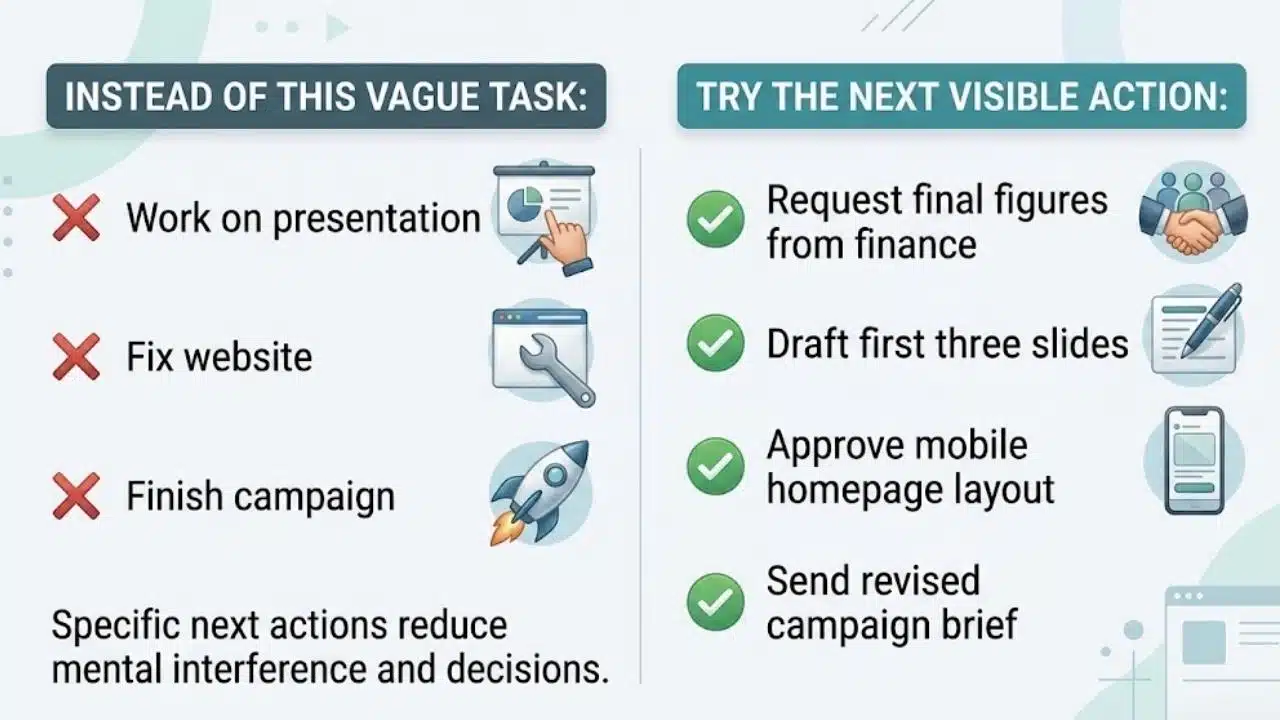
“Work on presentation” is not a useful task. Neither is “fix website” or “finish campaign.” Each one describes a broad intention without identifying where the work begins.
Repeatedly moving these tasks to tomorrow preserves the uncertainty. Replace them with the next visible action:
- Request the final figures from finance.
- Draft the first three slides.
- Approve the mobile homepage layout.
- Send the revised campaign brief.
Research on unfinished goals suggests that forming a specific plan can reduce some of the mental interference they create. It does not guarantee that the work will be completed, but it removes a decision that would otherwise need to be made each time the task appears.
3. Your Priorities Change Several Times a Day
Urgency spreads quickly when priorities have no cost. A new message arrives, becomes the top task, and pushes the previous priority aside without anyone deciding what should be delayed.
Keep a small lane for genuinely urgent work. When something enters it, name the task that will move out or receive a later deadline. This forces a real trade-off.
If everything can become urgent without affecting the rest of the plan, the priority system is only recording pressure. It is not helping anyone decide.
4. Everything Is Marked as In Progress
A crowded “In Progress” column can look reassuring. It shows activity. What it often hides is a collection of half-started tasks waiting for attention to return.
Controlled research has found measurable time costs when people switch between tasks, with larger costs appearing as task rules become more complex. Workplace projects are messier than laboratory exercises, but the practical concern remains: switching requires people to stop, reorient, and reconstruct context.
Kanban deals with this by explicitly controlling work in progress. For individual work, two or three substantial active tasks can be a sensible starting experiment. That is not a universal limit. A support lead handling incidents will need a different setup from a writer preparing one long report.
The useful question is simple: how much work can remain active before completion starts slowing down?
5. Your Tasks Are Scattered Across Too Many Apps
Email, Slack, Microsoft Teams, Asana, Trello, and notes apps can all hold legitimate pieces of a workflow. Using several tools is not automatically inefficient. Trouble starts when a commitment can disappear inside any one of them.
Choose one location as the trusted task list. Communication can stay in email or chat, while documents remain in their proper folders. Anything requiring action, ownership, or follow-up should reach the trusted list.
Avoid copying every message. A task system filled with informational updates is just another inbox, and often a worse one because the original context has been stripped away.
6. You Capture Everything but Review Almost Nothing
Capturing is easy. Reviewing requires decisions, which is why backlogs gradually fill with expired deadlines, duplicate reminders, abandoned ideas, and projects nobody has formally cancelled.
Among the quieter signs your productivity system is failing is the feeling that the task list can no longer be trusted. Important work may be there, but so is months of debris.
Match the review schedule to the pace of the work. A live project may need a brief daily check; a stable personal list may only need a weekly review. Delete without ceremony. A task list should support current decisions, not preserve every idea indefinitely.
7. Your Schedule Only Works on an Ideal Day
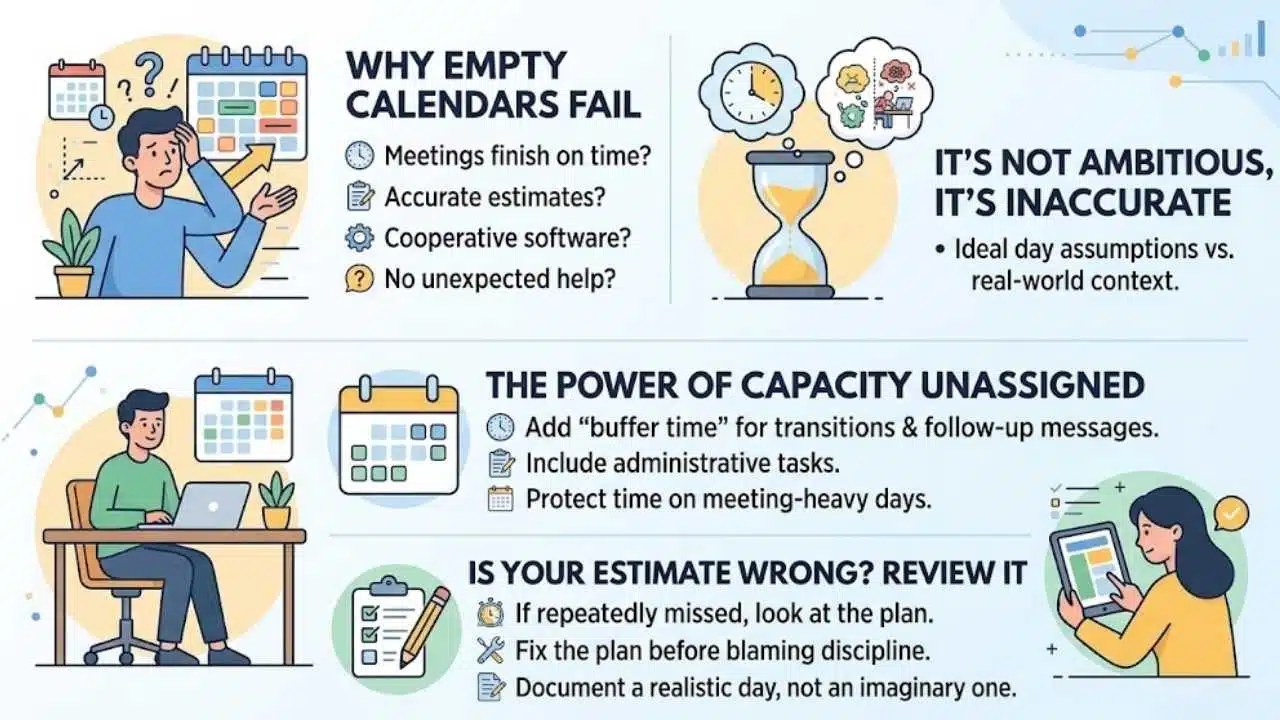
A calendar with no empty space assumes meetings will finish on time, estimates will be accurate, software will cooperate, and nobody will ask for unexpected help.
That is not an ambitious schedule. It is an inaccurate one.
Leave some capacity unassigned, especially on meeting-heavy days. Include time for transitions, follow-up messages, and small administrative tasks created by larger pieces of work. If a time block is repeatedly missed, examine the estimate before blaming discipline. The calendar may simply be documenting a day that does not exist.
8. Finishing Work Does Not Feel Like Progress
Low-value work is often easier to count. Messages answered, meetings attended, and dashboards updated all produce visible activity, even when the important deliverable has barely moved.
Review completed work at the end of the week and separate necessary maintenance from outcome-producing work. Both categories matter, but they should not be confused.
If administrative tasks consistently win, protect time for one concrete deliverable before opening the channels that allow other people to shape the day.
9. Rest Makes You Feel Guilty
Guilt around rest is one of the more serious signs your productivity system is failing. The system has stopped supporting work and started treating unfinished tasks as evidence of poor character.
“Toxic productivity” is useful as shorthand for this pressure, but it should not become a casual diagnosis of burnout. The WHO describes burnout as an occupational phenomenon associated with chronic workplace stress that has not been successfully managed. Its definition includes exhaustion, greater mental distance or cynicism toward work, and reduced professional effectiveness.
Ordinary tiredness after a difficult week is not enough to establish burnout. Persistent exhaustion or reduced functioning, however, deserves more than a new morning routine or stricter calendar.
Work demands, control, support, role clarity, and organizational change can all contribute to stress. Raise unreasonable expectations with the appropriate manager or client. When symptoms continue or affect daily life, seek qualified professional support.
10. One Disrupted Day Breaks the Entire Setup
A system built around perfect mornings and uninterrupted weeks will eventually fail. Illness, travel, urgent client work, family responsibilities, and low-energy days are part of real life.
Create a minimum version that remains usable under pressure:
- One place to capture commitments
- A short list of current priorities
- A reliable record of deadlines and appointments
- A clear next action for important projects
Dashboards, color coding, automations, and detailed time tracking can be useful additions. They should not be structural supports. If removing them makes the entire system unusable, the foundation needs simplifying.
Final Thoughts
Recognizing the signs your productivity system is failing does not mean you need a new app or a complete reset. Start by deleting outdated tasks, limiting active work, and choosing one trusted place for commitments. Keep what reduces decisions and remove what demands constant maintenance. A useful system should help you complete important work, adapt when plans change, and stop at a reasonable time without letting the task list control the rest of your day.























