


Struggling with Kahoot Log in? You’re not alone—many users hit roadblocks while trying to access their accounts. This guide will help you log in, manage settings, and start creating fun learning games with ease.
Ready to make your Kahoot experience simple? Keep reading!
Key Takeaways
- Kahoot Log in lets you create and host fun, interactive learning games easily.
- You can log in using email, username, or third-party services like Google or Apple ID.
- Solve login issues by resetting passwords, clearing cache, or checking server status.
- Secure your account with strong passwords and avoid saving details on shared devices.
- The free version allows quiz creation, while Kahoot+ offers advanced tools for more features.
How to Access Kahoot Log in
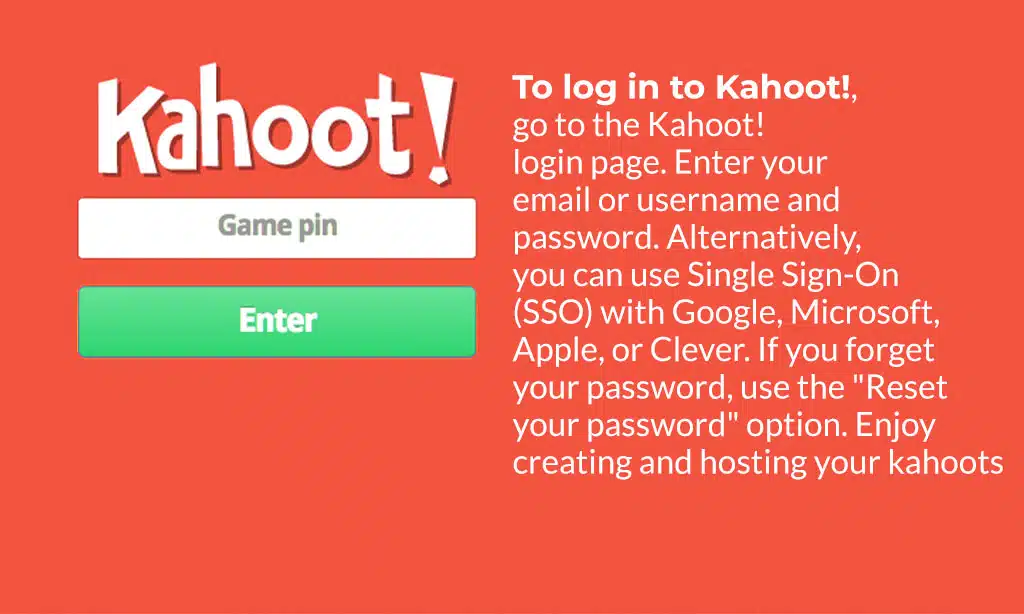
Logging into Kahoot is simple and quick. Grab your device, open the page, and get started with just a few clicks!
Step-by-Step Guide to Logging In
Logging into Kahoot! is quick and simple. Follow these steps to access your account and get started with game-based learning.
- Go to kahoot.com on your browser or open the Kahoot! mobile app on your device.
- Click the “Log In” button at the top right of the page or app screen.
- Enter your email address or username in the first text box.
- Type your password in the second field, then click “Sign In.”
- Use third-party options like Google, Microsoft, or Apple if you prefer single sign-on services.
- Forgot your password? Select “Forgot Password,” enter your email, and follow instructions sent to reset it.
- Don’t have an account yet? Click “Sign Up” instead, choose an account type (personal, student, or professional), and fill out the form.
- Check that you agree to Kahoot!’s Terms and Conditions before finalizing your signup process.
- Access advanced features by upgrading to a premium subscription if needed for hosting larger games or creating custom quizzes.
- Log in securely on any device, but avoid saving passwords on shared computers for privacy reasons.
Troubleshooting Common Login Issues
Login issues can halt your Kahoot fun, but they’re easy to fix. Follow these steps to solve common problems and get back on track.
- Double-check your username and password. Typos are easy to make, so retype both carefully.
- Reset your password if you’ve forgotten it. Use the “Forgot Password” link on the login page and follow the instructions sent to your email.
- Try a different browser or clear your cache. Older cookies can cause login errors.
- Check if you’re using third-party login options like Google or Apple ID correctly. Make sure you’re logged into those accounts first.
- Confirm Single Sign-On (SSO) settings if your account uses them. Reach out to your provider for help if SSO isn’t working as expected.
- Update your app on Google Play or App Store if using Kahoot! on mobile devices.
- Disable browser extensions that could block pop-ups needed for signing in.
- Check Kahoot’s server status online during maintenance periods, which might limit access temporarily.
- Contact the support team through their resource center for issues that don’t resolve easily.
- Test another device or network in case of connectivity problems with yours.
Features of the Kahoot Log in Dashboard
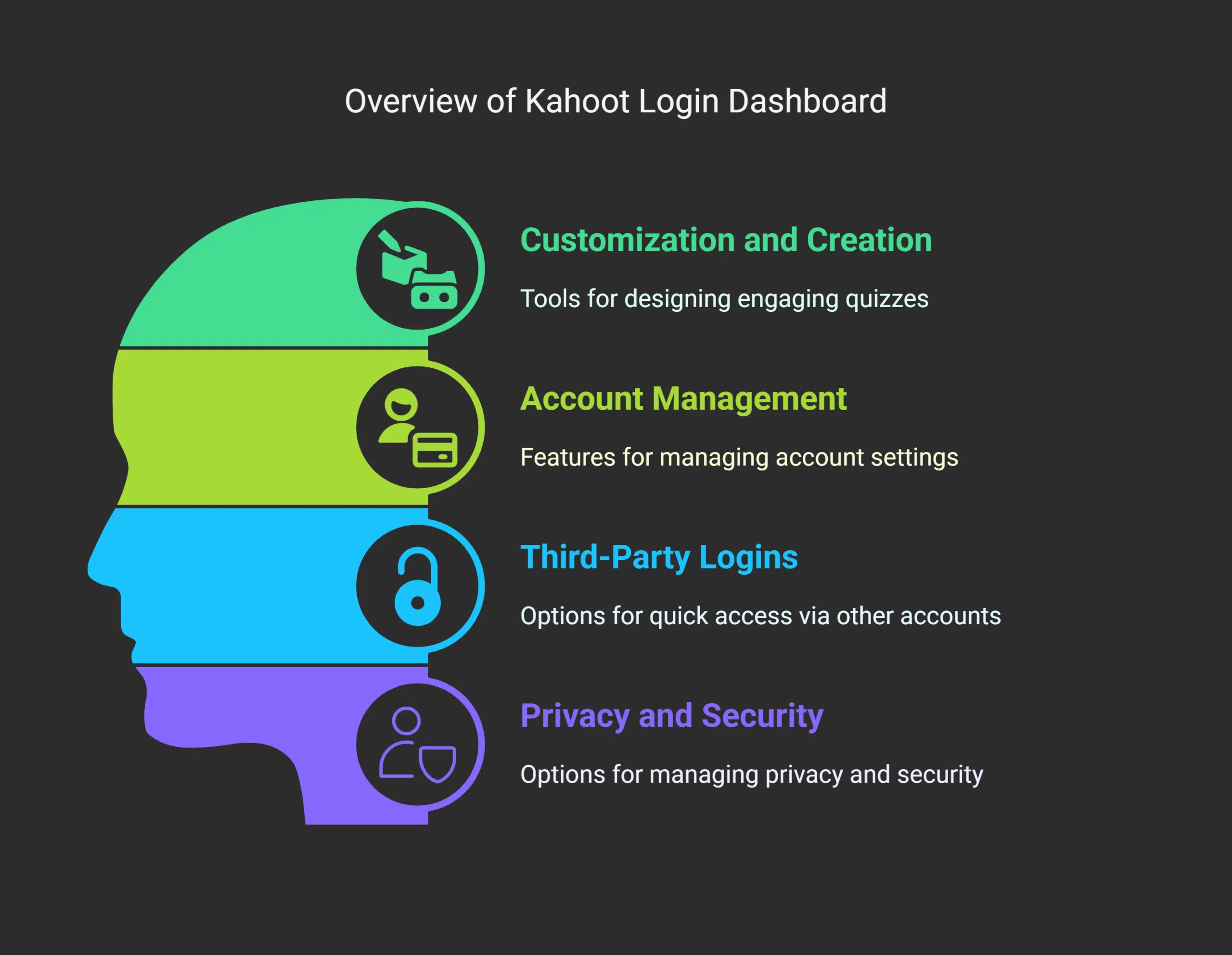
The Kahoot Login Dashboard is your hub to create engaging quizzes and host interactive games. It also helps you manage key settings, making learning fun and smooth.
Customization and Creating Kahoots
You can easily create quizzes on the Kahoot platform. Use your dashboard to design kahoots for any topic or course. Add fun features like images, videos, and interactive questions for more engaging sessions.
The library also offers pre-made options if you’re short on time.
Kahoot+ enhances customization with advanced tools to match your needs in meetings or classrooms. Assign asynchronous challenges or host live Kahoot games through video conferencing tools like Zoom.
With a free version of Kahoot available, anyone can start creating right away!
Managing Your Account and Settings
Set up your Kahoot account by updating details like email, password, and username. Use the “account settings” section for this purpose. If you forget your password, reset it via email in seconds.
Third-party logins through Google, Apple, or Microsoft make access quicker.
Review privacy policies while managing settings—it’s optional but wise. Link accounts with Single Sign-On (SSO) if using higher education tools or company platforms. Adjust subscription preferences or opt-in emails easily to fit personal needs.
Tips for Securely Using Kahoot Log in

Keep your Kahoot login details private. Avoid sharing passwords or usernames, even with friends. Use a strong password that mixes letters, numbers, and symbols. This helps protect your account from unwanted access.
Check the Privacy Policy before signing up. Signing up means agreeing to their Terms and Conditions, so read them carefully. Users can withdraw consent anytime without affecting prior agreements stated in the policy.
If you’re under 18, ask an adult about Kahoot’s Children’s Privacy Policy first!
Takeaways
Kahoot Log in opens the door to endless game-based learning. It’s your hub for creating, hosting, and enjoying interactive sessions. Whether teaching or joining a quiz, this platform makes learning fun and easy.
Explore its tools, stay secure, and make every session awesome! Adventure starts with a simple log-in—jump in now!
FAQs
1. What is Kahoot and how does it work?
Kahoot is a game-based learning platform designed to make learning awesome. Players join live games using a game pin or complete assignments at their own pace. It’s great for in-person sessions, videotelephony, or even tertiary education.
2. How do I log in to Kahoot?
To log in, you’ll need access to your account through single sign-on or other login credentials. If you’re new, creating an account is quick and easy.
3. Can one person create and host a Kahoot game?
Yes! One person can create and host games tailored for specific contexts like exams, feedback sessions, or deadlines. The developer tools are simple yet powerful.
4. What type of subscription options does Kahoot offer?
Kahoot operates on a subscription business model with various pricing plans based on licenses that correspond to different user needs—whether for personal use, schools, or businesses.
5. Do I always need internet access to play Kahoot?
Yes, players need internet access during live games or when joining assignments online. However, some features may allow offline preparation before hosting.
6. Are there any resources available if I get stuck while using Kahoot!?
Absolutely! Related articles provide helpful information about creating and hosting games as well as tips for engaging players effectively within the platform’s context—don’t hesitate to explore them!






















