

Do you want to make learning genuinely exciting for your students? It’s a common goal for educators, and becoming a gimkithost is one of the most effective ways to achieve it.
Gimkit is a dynamic game-based learning platform that transforms standard classroom quizzes into engaging competitions. It was famously created by high school student Josh Feinsilber, who wanted to build a game he would actually want to play in class. This tool empowers you to create an interactive environment where students are motivated to learn.
This guide will walk you through everything you need to know to host successful Gimkit sessions. You will learn how to set up your account, customize games with unique modes, and keep your students energized about their lessons.
We will also cover how to handle common issues along the way. Let’s get started.
What Exactly Is Gimkit?
Gimkit is a live quiz learning game that puts a unique spin on classroom review. Teachers, known as the Gimkithost, create quizzes called “Kits” that students play through on their own devices.
As students answer questions correctly, they earn in-game virtual currency. They can then invest this currency during the game on power-ups and upgrades, adding a layer of strategy that other platforms lack. This gamified approach turns subjects like science, history, and languages into captivating sessions where students compete and strategize.
Key Features That Make Gimkit Stand Out
Gimkit is packed with features designed to make learning fun and effective. One of its best aspects is the ability to create games from scratch, import question sets from platforms like Quizlet, or search the Gimkit gallery for pre-made Kits.
Students get instant feedback on their answers, which helps them learn from mistakes without penalty. The platform is built to encourage a growth mindset, as there is no penalty for incorrect answers, allowing students to try again and master the material. It works well across many different subjects and grade levels.
Gimkit Free vs. Gimkit Pro: What’s the Difference?
Gimkit offers a robust free plan, but the paid version, Gimkit Pro, unlocks the platform’s full potential. Understanding the differences will help you decide what’s right for your classroom.
The free version, Gimkit Basic, allows you to create up to 5 Kits and use some of the classic game modes. It’s a fantastic way to try out the platform. However, you cannot edit public Kits or assign work as homework.
Gimkit Pro removes these limitations, offering unlimited Kit creation, access to all game modes, and the ability to assign Kits as homework. According to Gimkit’s official site, it also allows you to add audio questions and millions of images to your Kits, making them far more engaging for students.
How Do You Set Up a Gimkit Account?
Getting your Gimkit account ready is a straightforward process that only takes a few minutes. Simply head to the Gimkit website and choose the sign-up option that works best for you.
Step 1: Create Your Account
To begin, visit the Gimkit website and click the “Sign Up” button. You have the option to register with an email address or to connect your existing Google account for a faster process.
Gimkit will ask for some basic information to set up your profile. Once you are signed up, you will have immediate access to the Gimkit Basic plan to start exploring.
Step 2: Get to Know the Dashboard
After logging in, you will land on the Gimkit dashboard. This is your central hub for creating, managing, and launching games.
Here you will find your created “Kits,” manage your “Classes,” and create “Assignments” for homework. The dashboard also shows you reports from past games, offering valuable insights into student performance and giving you access to tools like virtual currency data.
How Do You Create Your First Gimkit Game?
Building your first Kit is an exciting step. You get to choose the format of the game and add your own questions to tailor the experience directly to your lesson plan.
Choose the Right Game Mode
Selecting the right game mode is crucial for student engagement. Gimkit offers a wide variety, from individual competitions like “Classic” to collaborative formats like “Team Mode,” where students pool their money together.
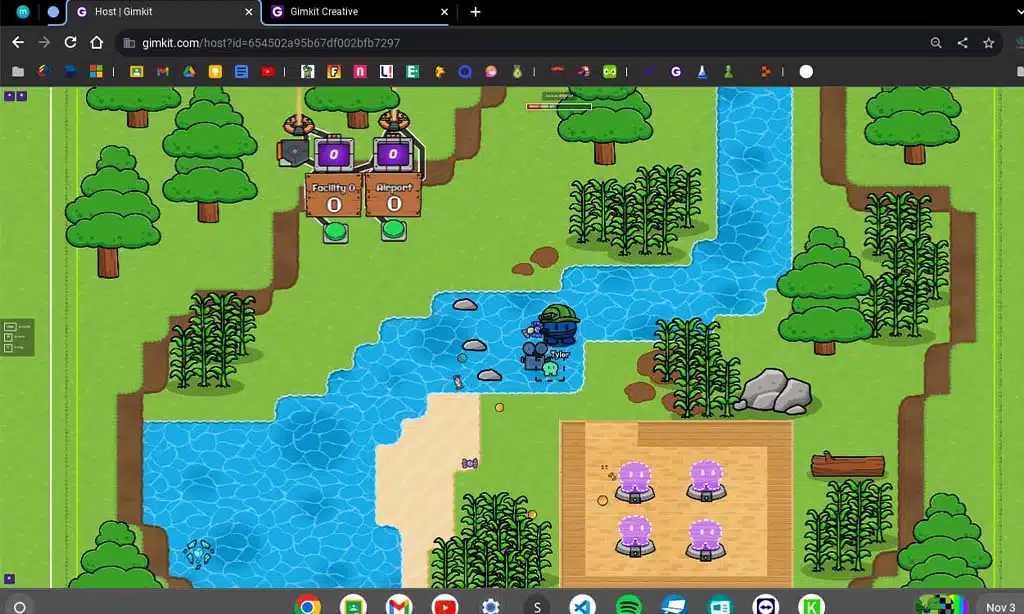
For a more strategic experience, you could try “Trust No One,” a mode inspired by the popular game *Among Us*, where students must complete tasks and identify impostors. Choosing different modes for different lessons keeps the experience fresh and exciting.
Customize Your Questions and Settings
You can easily customize your game to match your specific learning goals. Use the Kit creator to write your own questions, or save time by searching the Question Bank for content created by other educators.
A great feature for student involvement is “KitCollab,” which allows students to submit questions to the Kit before the game starts. You can also save your Kits, which means you can reuse or slightly modify them for future classes without starting from scratch.
How to Host a Successful Gimkit Session
Hosting a live Gimkit game transforms your classroom into an energetic and competitive learning environment. Managing the session effectively ensures that the focus remains on learning while maximizing the fun.
Step 3: Manage Your Classes
Organizing your students into classes within Gimkit makes hosting much smoother. You can create classes manually or import them directly from Google Classroom.
This allows you to easily track student progress over time. The detailed reports show which questions were challenging for the class, helping you identify areas that may need more review.
Step 4: Launch an Engaging Game
When you’re ready to play, start a game from one of your Kits and share the game code with your students. They can join from any device with a web browser.
To make the game more exciting, use real-time scores and leaderboards to fuel friendly competition. You can customize game goals, such as racing to a certain cash amount instead of playing for a set time. This keeps every student motivated to participate.
What Are Gimkit’s Advanced Features?
As a gimkithost, you can use several advanced features to make learning even more fun and effective. These tools are designed to save you time and add more variety to your sessions.
Use Ready-Made Kits and Questions
Gimkit’s gallery contains millions of questions and thousands of Kits created by other educators. This is an incredible time-saving resource.
You can search for a topic, find a Kit you like, and either play it as-is or duplicate it to make your own edits. This streamlines game preparation and lets you focus on teaching.
Implement Time-Saving Techniques
Reusing and modifying your existing Kits is one of the best ways to save time. You can easily duplicate a Kit and swap out a few questions to tailor it for a different class or a review session.
Features like instant feedback and automated scoring also reduce your workload. They let students learn at their own pace while giving you clear data on their performance without any extra grading.
What Are the Best Practices for a Gimkithost?
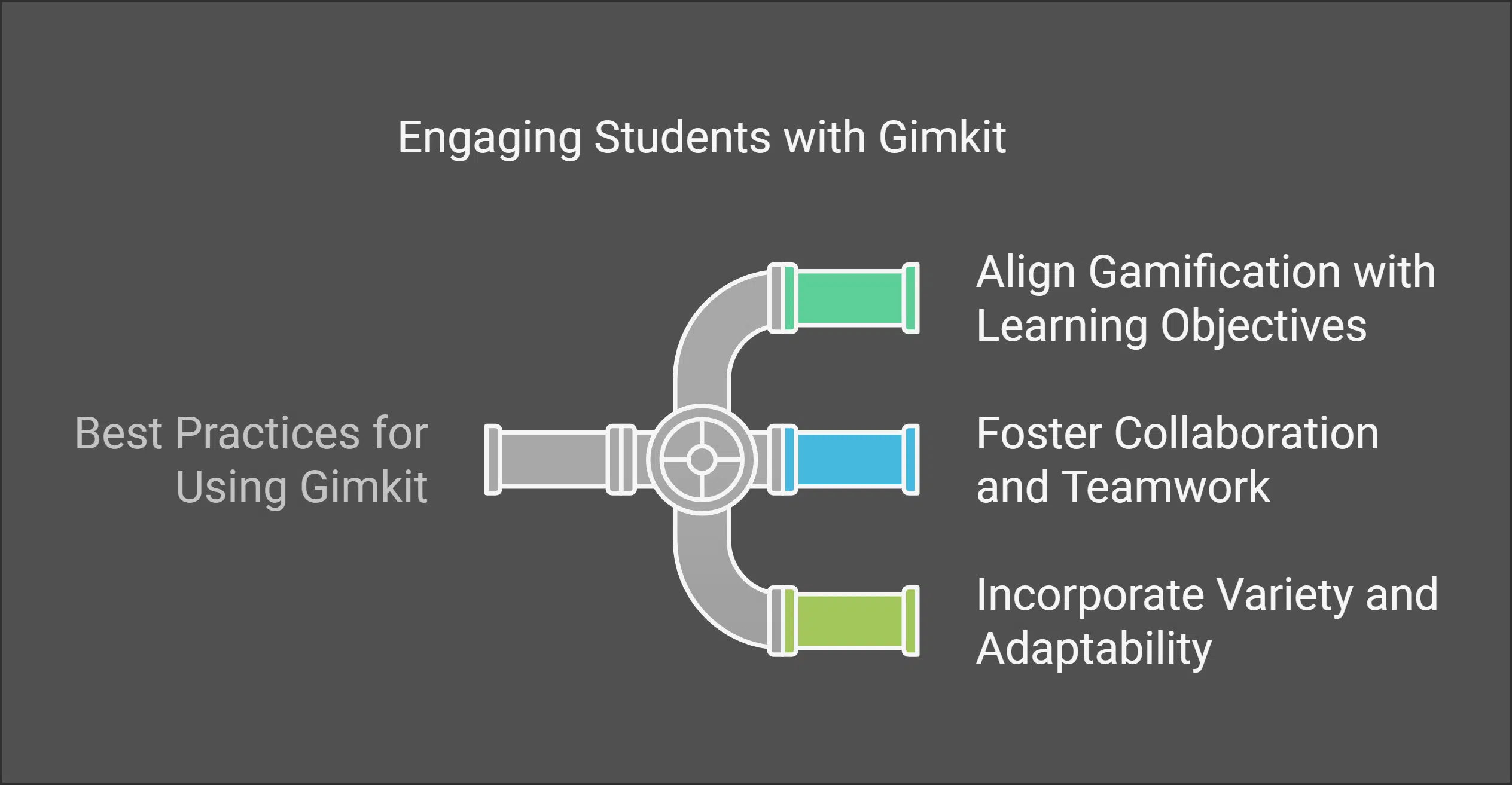
To make Gimkit a truly effective learning tool, it’s important to align your games with your curriculum. Encourage teamwork and keep the activities varied to hold student interest.
Align Gamification with Learning Objectives
Ensure that your Gimkit games directly support your lesson goals. Customize the questions to target specific skills or knowledge areas you want students to practice.
For instance, if you are teaching algebra, fill your Kit with relevant math problems. This ensures that while students are having fun, they are also reinforcing what they have learned in class.
Foster Collaboration and Teamwork
Gimkit is an excellent tool for promoting teamwork. Use collaborative modes like “Team Mode” where students work together toward a common financial goal.
These games encourage communication and shared strategy. They help all students feel like they are contributing to a larger victory, which can be especially powerful for building classroom community.
Incorporate Variety and Adaptability
To prevent game fatigue, it’s important to mix things up. Use different game modes, try out new Kits, and vary how you use Gimkit in your lessons.
One day you might use it for a quick review, while another day you might use a more complex mode like “Humans vs. Zombies” as a major class activity. Reusing old kits with slight modifications also helps keep the content fresh and engaging.
How Can You Integrate Gimkit with Other Strategies?
Combining Gimkit with other teaching methods can amplify its impact. It’s a versatile tool for revision, group projects, and even remote learning environments.
Use Gimkit for Review and Homework
Gimkit is a fantastic tool for reviewing material before a test. You can also use the “Assignments” feature (available in Gimkit Pro) to assign Kits as self-paced homework.
This allows students to practice at home while you collect data on their performance. It’s a fun way to encourage study and social interaction outside of class time.
Combine Gimkit with Group Projects
You can make group projects more interactive by integrating Gimkit. Have teams create their own review Kits based on their project topic and then play each other’s games.
This approach deepens their understanding of the material and enhances their learning by having them think like a teacher. It also fosters valuable teamwork and critical thinking skills.
Implement Gimkit in Remote Learning
Gimkit is perfectly suited for remote and hybrid learning environments. You can easily share your screen over video call platforms like Zoom or Google Meet to show the leaderboard and keep the energy high.
It’s an effective way to bring the entire class together for a shared, interactive experience, even when they are physically apart. This helps remote students feel more connected and engaged.
How to Overcome Common Gimkithost Challenges
Even the best tools can come with challenges. As a Gimkithost, you might encounter technical hiccups, classroom management issues, or waning student interest over time.
Managing Technical Issues
Technical problems, like a poor internet connection or device compatibility issues, can disrupt a game. One common technical issue is a student getting disconnected.
Before you start, it’s a good idea to have students check their connection and do a quick test run. If a student gets stuck, simply having them refresh their browser page often solves the problem immediately.
Maintaining Classroom Management
The excitement of Gimkit can sometimes lead to a loud classroom. Setting clear expectations before the game begins is key.
If students are using inappropriate nicknames, you can use Gimkit’s name generator feature to assign them random, fun names. This keeps the focus on the game and prevents distractions.
Preventing Game Fatigue
Playing the same game mode repeatedly can lead to boredom. The best way to prevent game fatigue is to explore Gimkit’s wide variety of modes.
Introduce different modes regularly and keep an eye out for Gimkit’s special seasonal modes, which are often available for a limited time. This variety keeps the experience new and exciting for your students.
Final Thoughts on Becoming a Great Gimkithost
Becoming an effective gimkithost has the power to transform your classroom environment. It turns learning into an adventure and keeps students genuinely engaged with the material.
By following the steps in this guide, you can create dynamic and memorable learning experiences. Remember to experiment with different modes, align games with your lessons, and have fun along with your students.
The data from Class Reports and score comparisons will give you valuable insights to refine your sessions. This continuous improvement will help you see measurable growth in student understanding and participation.






















