

Apple’s iCloud Mail service experienced a widespread and prolonged outage on Tuesday, June 24, 2025, disrupting email access and associated cloud services for thousands of users across the United States. According to Apple’s own System Status dashboard and user reports on Downdetector and social media, the disruption began shortly after 2:00 p.m. Eastern Time and affected multiple iCloud functionalities, including Mail, Photos, iCloud.com web apps, and storage features.
The situation left many users unable to send or receive emails, access their iCloud accounts, or load important files, leading to widespread concern and significant backlash online.
Timeline of the Outage: When It All Began
The first signs of the issue appeared around 2:00 p.m. ET, with a growing number of users reporting an inability to load their iCloud Mail inbox or send outgoing messages. By 2:36 p.m., Apple had officially updated its System Status page to reflect “issues” with several services, including:
-
iCloud Mail
-
iCloud Photos
-
iCloud Web Apps
-
iWork for iCloud
-
iCloud Account Sign-In
-
iCloud Storage Upgrades
Soon after, Downdetector—an independent outage-tracking platform—showed a sharp increase in user complaints. The platform recorded a peak of over 900 reports at approximately 3:20 p.m. ET, confirming a broad user impact nationwide.
The disruptions affected both individual and business users, many of whom rely on iCloud for essential communication and file storage.
Services Impacted: More Than Just Mail
While iCloud Mail was the most visibly affected, the outage impacted multiple services across Apple’s cloud ecosystem. Here’s a detailed breakdown of what users were experiencing during the outage:
iCloud Mail
Users reported being completely unable to access their inboxes or send and receive messages. Error messages included:
“There was a problem opening iCloud Mail.”
Some users also mentioned that the Mail app appeared blank or returned loading errors repeatedly.
iCloud Web Apps (iCloud.com)
The iCloud web interface was largely unresponsive for many users. Several reported that the browser-based versions of Mail, Notes, and iCloud Drive were stuck on loading screens or generated timeout errors.
iWork for iCloud
Collaborative work on Pages, Numbers, and Keynote documents was stalled as iCloud’s document editing services failed to load.
iCloud Photos
Many users found their photo libraries inaccessible or saw delayed photo syncing across Apple devices, affecting both personal and professional workflows.
iCloud Storage & Sign-In
Attempts to sign into iCloud accounts on new devices failed, and some users attempting to upgrade their storage plans encountered unexpected billing or loading issues.
Reactions on Social Media: Frustration and Confusion
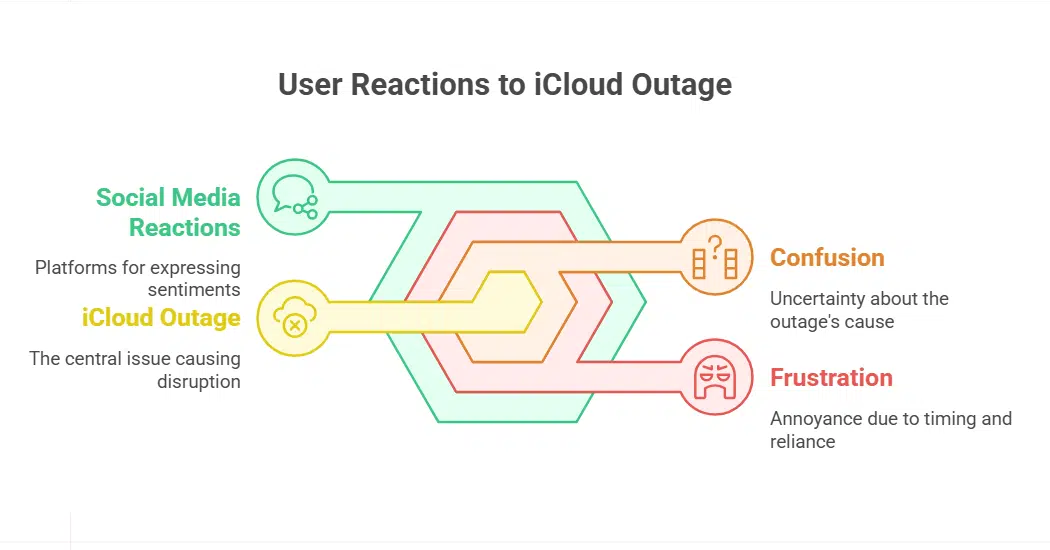
As the outage unfolded, users flooded X (formerly Twitter) and Reddit with real-time complaints and questions. Common sentiments included confusion over the source of the issue and frustration about the timing, especially for those relying on iCloud Mail for time-sensitive communications.
Here’s a sampling of what users shared:
“Is Apple iCloud Mail down? Error message: ‘There was a problem opening iCloud Mail.’”
“No iCloud mail has been coming through for the last hour. Kind of critical.”
“No way iCloud is down the moment I need it. This is ridiculous.”
“Okay… either my connection is bad or my iCloud is breaking. I gotta transfer to Dropbox. Cuz this is getting annoying.”
“Haven’t seen anyone talking about this, but iCloud seems to be completely down right now…”
These reactions were consistent across user demographics—students, remote workers, creatives, and even small business owners who depend on iCloud services for daily tasks.
Apple’s Response: Silence on the Cause
Despite acknowledging the issues on its status page, Apple did not immediately release a public statement explaining the root cause of the outage. This silence further frustrated users, especially as several cloud services remained offline for several hours.
By 7:00 p.m. ET, Apple updated the status of all affected services to “Available,” indicating the resolution of the issue. However, no detailed postmortem was provided to clarify the nature of the failure—whether it was server-side, a DNS-related problem, or a more complex backend infrastructure issue.
Technology analysts suggest that Apple’s iCloud backend, which isn’t as distributed or redundant as competitors like Google Cloud or Microsoft Azure, may be more susceptible to regional disruptions or silent infrastructure rollouts.
The Bigger Picture: iCloud’s Reliability Under Scrutiny
This isn’t the first time Apple’s iCloud services have experienced major downtime. Although rare, previous incidents have typically involved brief service interruptions. However, Tuesday’s event was significant in both scope and duration, lasting nearly five hours for some users.
Apple markets iCloud as a secure, stable environment for everything from emails and documents to photos and device backups. Extended disruptions like this undermine that image and raise questions about Apple’s transparency and infrastructure resilience.
As digital reliance increases across all user groups—from students and entrepreneurs to families and corporate teams—such failures can have tangible consequences, including missed deadlines, delayed projects, and loss of trust in core Apple services.
What Users Can Do to Protect Themselves in Future Outages
While no system is immune to failures, experts recommend the following strategies to mitigate disruptions during future outages:
-
Set Up Email Forwarding: Automatically forward iCloud Mail to a backup Gmail or Outlook address so you won’t miss time-sensitive communications.
-
Backup Files Regularly: Store critical documents in secondary cloud systems like Google Drive or Dropbox, or use external drives.
-
Enable Offline Access: Make sure apps like Notes, Keynote, or Numbers allow offline functionality.
-
Use Service Monitoring Tools: Platforms like Downdetector or StatusGator can help confirm whether issues are local or widespread.
-
Stay Updated: Bookmark Apple’s System Status page to track real-time service disruptions.
Tuesday’s iCloud Mail outage was a stark reminder that even the most trusted tech services can fail—often without warning or clear communication. With Apple still withholding specific details about the root cause, users are left to wonder what safeguards are in place to prevent such an event from recurring.
As Apple continues to promote iCloud as an essential productivity and personal storage solution, it must prioritize greater transparency and provide clearer recovery pathways to maintain user confidence and system integrity.























