Today, having a home network that performs well is a must. Whether you are watching movies online, working from home, or enjoying a gaming session, a steady connection plays a vital role in our daily routines. The good news is that setting up a strong network does not require a hefty investment. With the proper hardware and a thoughtful approach to configuration, you can create a setup that delivers speed when needed and stands up to interruptions, all without an excessive price tag.
Understanding Network Basics
Before you begin assembling your network, it is helpful to understand what makes a setup robust. A typical home network comprises a modem, a router, and several devices connected by air or with an LAN cable for sale. The modem is the bridge to your internet service provider, while the router distributes this connection to your devices. This basic framework allows you to determine when your current setup might fall short and whether it is time for an upgrade.
Selecting the Right Equipment
Choosing the proper hardware plays a central role in how your network performs. While top-tier routers offer advanced features, many mid-range models provide enough speed and range for an average home. It is worth considering devices with dual or tri-band capabilities since they help manage multiple connections simultaneously. In addition, opting for equipment that supports modern Wi-Fi standards, like Wi-Fi 6, prepares your network for future technological developments without demanding an immediate reinvestment in new gear.
Optimal Placement of Devices
The physical location of your network devices considerably impacts connection quality. Every home has areas where signals tend to fade, but placing the router in a central spot can help minimize these weak zones. Avoid positioning the device near walls, large metal objects, or electronics that might interfere with its signal. Lifting the router off the floor often allows the signal to travel further and reach parts of your home that it otherwise might have missed.
Enhancing Wi-Fi Coverage
In larger homes or properties with complex layouts, it may be necessary to expand your Wi-Fi coverage to reach every corner. In such situations, affordable range extenders or mesh systems can bridge the gaps in coverage. Range extenders amplify the existing signal, while mesh systems use several interconnected nodes throughout your home to form a unified network. Both options can fill in the missing pieces without requiring a complete overhaul of your current configuration.
Get Stable With Wired Connections
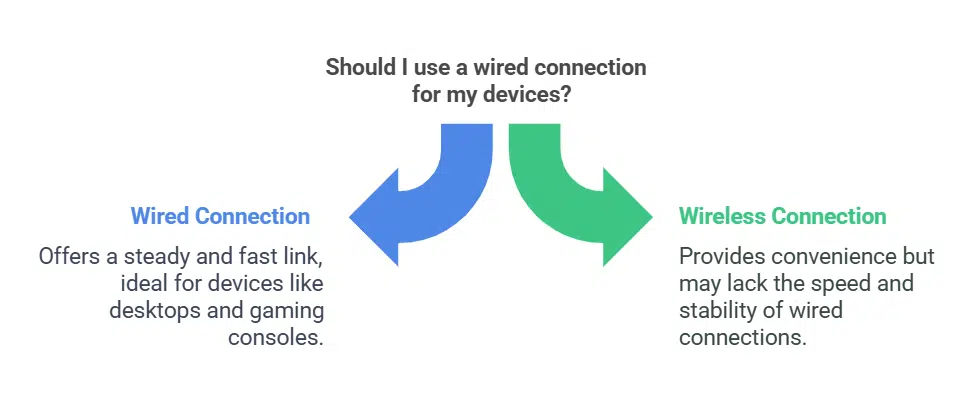
Even though wireless networks are popular for convenience, a wired connection still holds an edge when delivering a steady and fast link. Devices such as desktop computers, gaming consoles, or smart TVs often perform better when connected directly to the router using an Ethernet or LAN cable. Adding a basic Ethernet switch to your setup can provide extra ports for several devices, which makes the most of your available internet speed with a more predictable connection than its wireless counterpart.
Managing Network Traffic
Directing data flow across your network can help maintain a steady connection without additional costs. Many modern routers come equipped with Quality of Service (QoS) settings that let you assign more bandwidth to specific tasks. For instance, you can prioritize video calls or online gaming over other types of traffic. This way, your network is less likely to become overloaded during heavy use, and you can enjoy an astable connection when it matters most.
Routine Maintenance And Updates
Regular maintenance is essential to keeping your network in top shape. A simple router restart can clear out minor glitches that develop over time. Moreover, keeping the router’s firmware current requires applying necessary security patches and incorporating any improvements that may come with newer software versions. Spending a few minutes every few months on these tasks can help you avoid unexpected disruptions and keep your system running reliably.
Securing the Network
A strong network must also be secure. Changing default passwords and selecting robust encryption options, such as WPA3, protect your network from unauthorized access. In addition, turning off remote management features can help minimize potential risks. By taking these steps, you protect your personal information and maintain the integrity of your home network, which keeps it less vulnerable to external threats.
Budget-Friendly Upgrades
Several cost-conscious options are available for those looking to enhance their network without a considerable investment. For example, attaching a higher-gain antenna to your current router may improve a weak signal in areas where coverage falls short. Alternatively, purchasing second-hand or refurbished equipment can provide substantial savings without compromising quality. Researching and comparing different products can reveal several affordable alternatives that meet your needs without stretching your budget.
Conclusion
Building a dependable and fast home network on a budget is a realistic goal. You can create a setup that meets modern demands by grasping the networking basics, carefully selecting and positioning your devices, and taking advantage of affordable improvements. Regular maintenance and attention to security further protect your connection, which allows you to enjoy uninterrupted access to the digital world. With thoughtful planning and wise investments, you can achieve a robust home network without spending a fortune.