
If you want to change your address in Michigan, it’s not as simple as moving to a new address and then saying you live there. Instead, you need to have the appropriate documents to change your address, and without them, you won’t be changing much of anything.
So, what documents do I need to change my address? In this guide, we take you through everything you need to know in order to change your address in Michigan.
What Do I Need to Change My Address in Michigan?
First things first, it’s important to know what you need to have ready before you start filling out any forms. The good news is that all you need is a new address. Once you have one, you can start the process.
That said, we always recommend using a tool like PublicRecord.com’s reverse address lookup to confirm the details of your new address; the last thing you want is to end up changing your address to the wrong one.
We also recommend keeping an eye on your records to ensure that your address was updated properly. For example, you can check your public records to see if you’re now associated with the new address instead of the old one.
How Long Does it Take to Change an Address in Michigan?
It doesn’t take long to change your address in Michigan. You can do it in a few minutes online, in around 20 minutes at an office location, and around a week if you do it by mail.
What Documents Do I Need to Change My Address in Michigan?
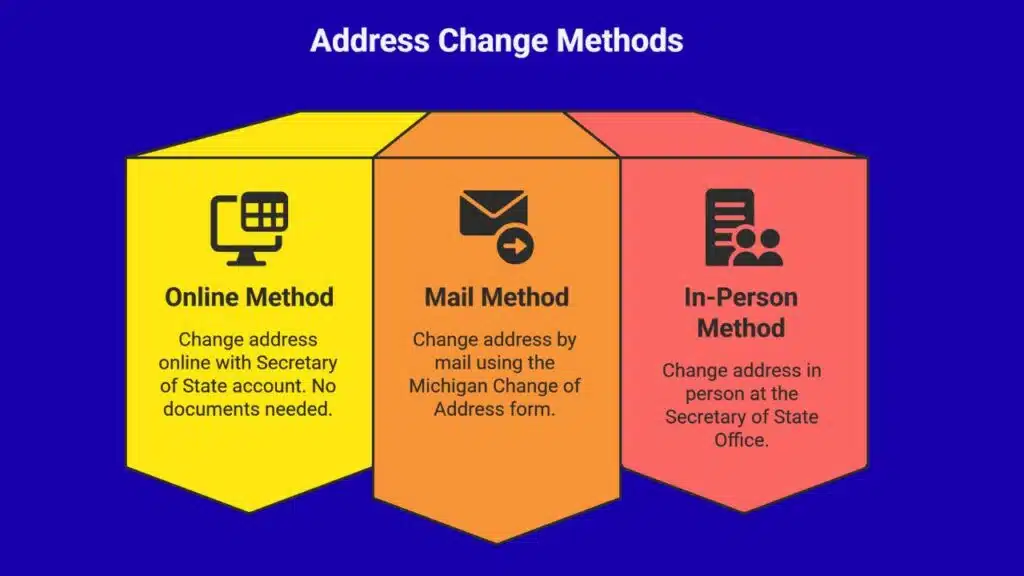
You’ll need a few documents to change your address in Michigan. That said, the documents you need and the process to change your address vary based on the method you choose; your options are in-person, online, and through the mail. Learn more about each one below.
What Documents Do I Need to Change My Address in Michigan Online?
If you want to change your address in Michigan, going the online route is the best method. You can change the address on your license online, and also the address for your vehicle registration. That said, in order to do both, you’ll need an online Secretary of State account.
To change the address on your license online, you’ll need to add your new mailing address online. Then, you’ll need to add your license number. From there, all you need to add is the last four digits of your Social Security number.
Overall, you don’t necessarily need any documents to change your address online because everything is done through the state’s online portal.
What Documents Do I Need to Change My Address in Michigan By Mail?
If you want to change your address in Michigan by mail, well, you’ll need some documents. The document you need is the Michigan Change of Address and Voter Registration form.
On the form, you’ll need to supply your name, license number, birthday, and a few more key details. Once the form is filled out, you can send it to this address: Michigan Department of State, P.O. Box 30764, Lansing, MI 48909-8264
What Documents Do I Need to Change My Address in Michigan In Person?
Last but not least, you can change your address in Michigan by going to the nearest Secretary of State Office. This is the office that handles things like address changes. At the office, they’ll help you fill out the necessary forms, and you’ll find that it only takes around 20 minutes to get everything wrapped up.
You can figure out which office is close to you by checking Google Maps or another similar service, and then you can call or schedule an appointment online.
What Documents Do I Need to Change My Address in Michigan? The Verdict
So, if you’ve been asking yourself, “What documents do I need to change my address in Michigan?” You can finally put an end to it. Now that you know how to change your address in Michigan online, in-person, and even through the mail, you shouldn’t have any problems doing so.
That said, make sure you choose the method you prefer carefully. If you’re in a rush, for example, you may want to handle it in-office or online instead of mailing in the documents. On the other hand, if waiting isn’t an issue, feel free to mail in the documents and take your time with the process.