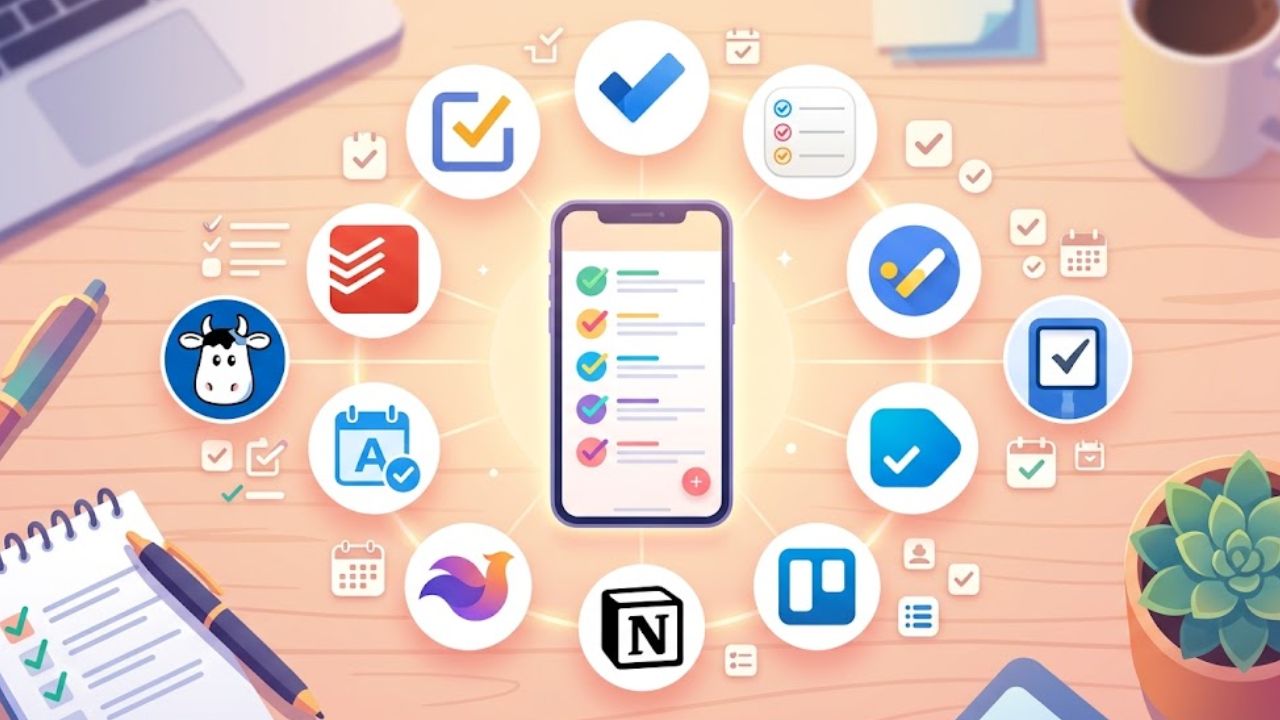
Writing down a task is rarely the hard part. The trouble is finding it again, knowing what matters now, and keeping errands from disappearing beneath work. The Best To-Do List Apps address those problems through quick capture, calendars, shared work, or detailed planning.
The ranking starts with broad choices, then moves into ecosystem tools, flexible workspaces, and specialist planners. A free app is often smarter when paid features would add more settings than value.
Best To-Do List Apps at a Glance
| App | Strongest fit | Free plan? | Main caution |
| Todoist | Most people | Yes | Advanced planning needs Pro |
| TickTick | Habits and focus | Yes | Full calendar tools are paid |
| Microsoft To Do | Outlook users | Yes | Light project features |
| Apple Reminders | Apple households | Included | Apple-focused |
| Google Tasks | Gmail users | Yes | Limited structure |
| Things | Personal Apple planning | No | Separate device purchases |
| Any.do | Household planning | Yes | Recurring tasks require Premium |
| Notion | Custom workspaces | Yes | Setup can outweigh the benefit |
| Trello | Visual workflows | Yes | Boards can get crowded |
| Sunsama | Guided planning | No | High subscription cost |
| Akiflow | Time blocking | No | High monthly price |
| Remember The Milk | Smart lists | Yes | Utilitarian design |
How We Chose the Best To-Do List Apps
The order reflects usability, platform coverage, collaboration, price, and setup effort—not the length of a feature list. A specialist planner may serve a calendar-heavy professional well and still rank below a free app with broader value. Prices and regional billing can change, so confirm checkout details before subscribing.
What Most Comparisons Miss
Among the Best To-Do List Apps, friction matters more than an impressive settings page. Before moving an entire backlog, run three ordinary tests:
- Capture a task from the phone without opening several screens.
- Reschedule a recurring task and check what happens to the next occurrence.
- Share or assign one item if another person will use the system.
Sharing a list is not the same as tracking a project. Start with current commitments and one recurring routine; add filters and integrations only after the basic workflow holds up.
Best To-Do List Apps: 12 Options for Daily Planning
1. Todoist — Best Overall
Todoist takes the top position because it offers quick capture without demanding a custom system. It works across major desktop and mobile platforms and supports natural-language entry, priorities, recurring dates, and shared projects.
The free plan currently allows five personal projects and includes reminders. Pro adds calendar layouts, task duration, deadlines, and full activity history. It has enough depth for most individuals, although teams needing approvals, workload reporting, or detailed permissions should look elsewhere.
2. TickTick — Best for Habits and Focus
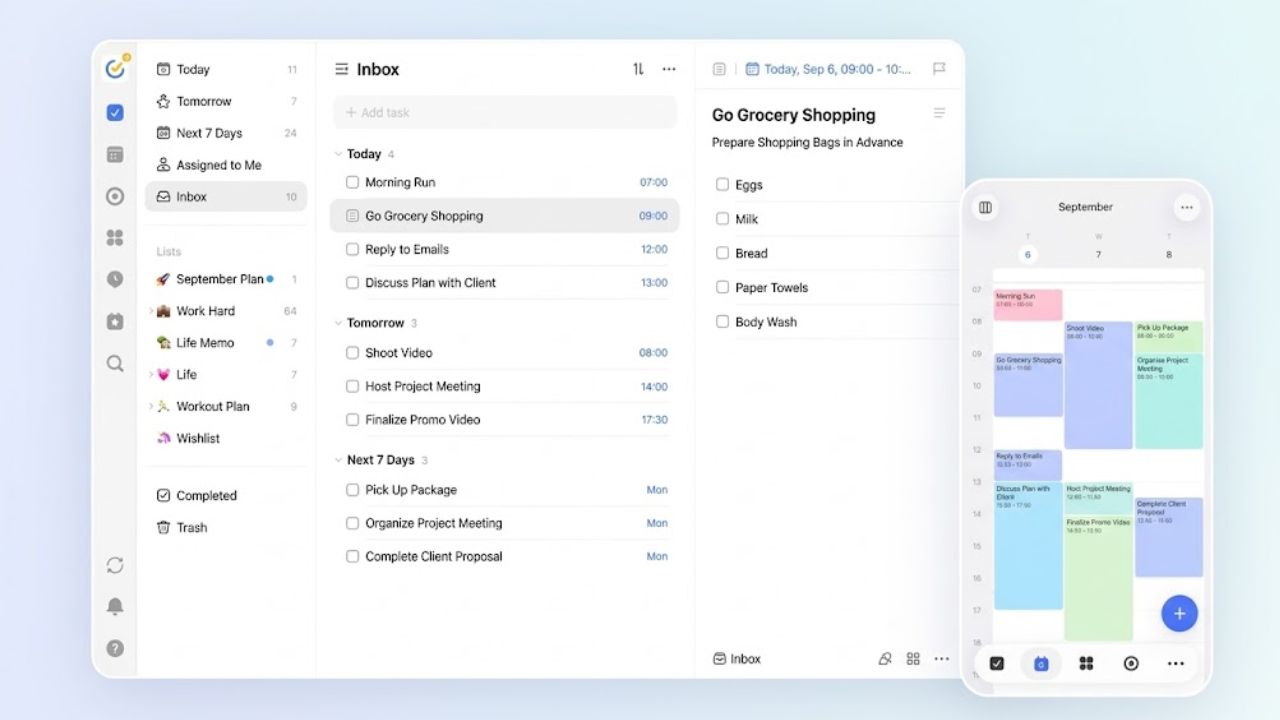
TickTick goes further than Todoist by placing habits, a Pomodoro timer, and calendar planning beside the task list. The free plan allows nine lists and 99 tasks per list. Premium is currently $49.99 a year, adding fuller calendar views, task duration, and more capacity.
That mix suits a student managing assignments and study sessions. For someone who only needs a clean checklist, the extra panels may feel like clutter rather than value.
3. Microsoft To Do — Best Free Workday List
Microsoft To Do is the practical free option for people whose work already lives in Outlook. It syncs across Windows, macOS, the web, iOS, and Android, while My Day provides a clean place to choose today’s work. Shared lists, steps, due dates, and reminders cover routine follow-ups. Dependencies and reporting remain outside its scope.
4. Apple Reminders — Best for Apple Users
Apple Reminders is easy to underestimate. Beneath the plain interface are subtasks, tags, Smart Lists, attachments, templates, shared assignments, and alerts based on time or location. Grocery lists can sort items into categories as well.
For an Apple-only household, installing another app may solve little. Some features require upgraded iCloud Reminders, and regular collaborators on other platforms quickly weaken the case for it.
5. Google Tasks — Best for Gmail
When a task starts as an email, Google Tasks keeps the handoff simple. A Gmail message can become a task linked to the original, and dated or timed tasks appear in Google Calendar. Recurring tasks, subtasks, separate lists, and stars cover the basics.
Its limits arrive quickly on shared projects. Delegation from shared Docs and some team functions require eligible Workspace plans, so do not treat it as a full team workspace.
6. Things — Best Apple-Only Design
Do not buy Things expecting team collaboration. Assigning a contact neither notifies that person nor shares the task.
As a personal manager, it is one of the cleanest Apple-only options. Today, Upcoming, Areas, and Projects keep lists readable across Mac, iPhone, iPad, Apple Watch, and Apple Vision Pro. The apps are sold separately at localized prices, so calculate the total before committing.
Any.do makes more sense as a household organizer than as another office task tracker. A family can keep shared errands and plans in one place, while the free plan covers basic lists, reminders, and sync. Premium currently starts at $4.99 a month billed annually; Family is listed at $8.33 a month billed annually for four members. Recurring tasks and location reminders require Premium, so inspect that boundary before paying.
8. Notion — Best for Custom Systems
Notion is the most overrecommended app here for a basic to-do list. Its value appears when tasks need to sit beside meeting notes, documents, goals, and databases. Projects support assignees, dates, subtasks, dependencies, multiple views, and My Tasks. The free plan works well for an individual but limits file uploads and some collaboration. If fast capture is the priority, building a Notion workspace is unnecessary work.
9. Trello — Best Visual Board
Trello earns its place through visibility. Cards moving from “To do” to “Doing” and “Done” make sense for an editorial calendar, hiring pipeline, or house move. The free plan currently includes unlimited cards, 10 boards per Workspace, and 10 collaborators.
The weak point is accumulation. Archive finished cards and limit unnecessary lists, or a useful board will turn into a wall of stale work.
10. Sunsama — Best Guided Daily Planner
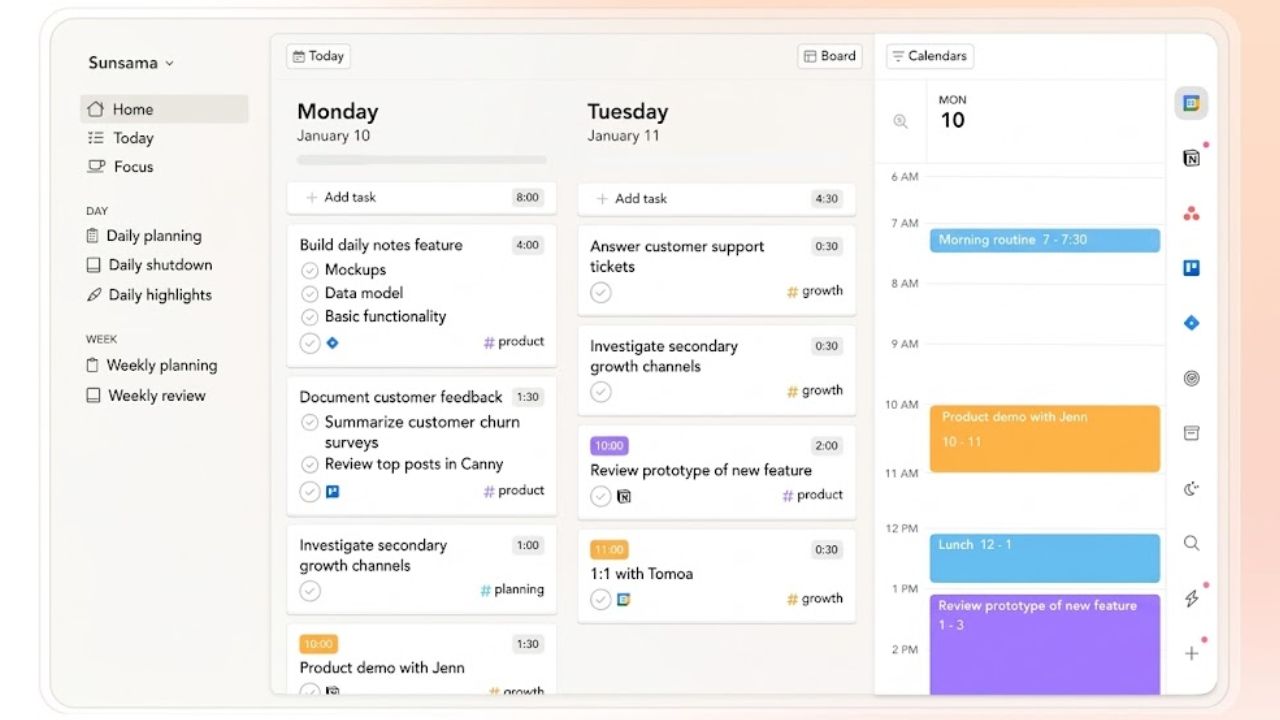
Sunsama pulls work from Asana, Trello, Jira, and other services, then helps place it on Google, Outlook, or Apple calendars. Guided planning and timeboxing suit people who repeatedly commit to more than a day can hold.
There is a 14-day trial rather than a free plan. The main pricing card lists $17 a month billed annually or $22 monthly, but an older FAQ shows different figures. Check the final price. A basic list-and-calendar routine does not justify the subscription.
11. Akiflow — Best for Fast Time Blocking
Akiflow is the more execution-focused alternative to Sunsama. Its universal inbox gathers tasks from several sources and turns them into calendar blocks. It supports Google and Outlook calendars, recurring work, labels, integrations, and mobile and desktop apps. The seven-day trial is brief; Pro is currently $19 a month billed annually or $34 monthly. Casual list-makers can skip it.
12. Remember The Milk — Best for Smart Lists
Remember The Milk is the understated option for readers who care more about precise filtering than a fashionable interface. Fast entry, tags, detailed searches, and Smart Lists work across web, desktop, and mobile. The free account covers core task management; Pro costs $49.99 a year and adds subtasks, unlimited sharing, advanced sorting, and attachments. It is niche, but not obsolete.
Final Thoughts
The Best To-Do List Apps should disappear into the working day rather than demand attention. Todoist is the safest broad starting point, while free ecosystem options often cover simpler routines. Specialist planners earn their price only when calendar control solves a recurring problem.
Choose one app and add only this week’s commitments. Test capture, rescheduling, and review before importing old lists or paying for a year. A modest system that gets opened every day is the better choice.
Frequently Asked Questions (FAQs)
Do the Best To-Do List Apps let you export tasks?
Export options differ, and a move may not preserve comments, attachments, recurring rules, or completed history. Before committing years of information, check the export format and what another app can import.
One app reduces switching when projects can keep the two sides separate. Use different apps when an employer controls the work account or personal tasks must remain private after leaving the job.
Is a calendar-based planner worth paying for?
Only when time blocking changes daily decisions. If tasks are already reviewed and scheduled reliably with a free list and calendar, paying for Sunsama or Akiflow adds cost without fixing a real problem.