

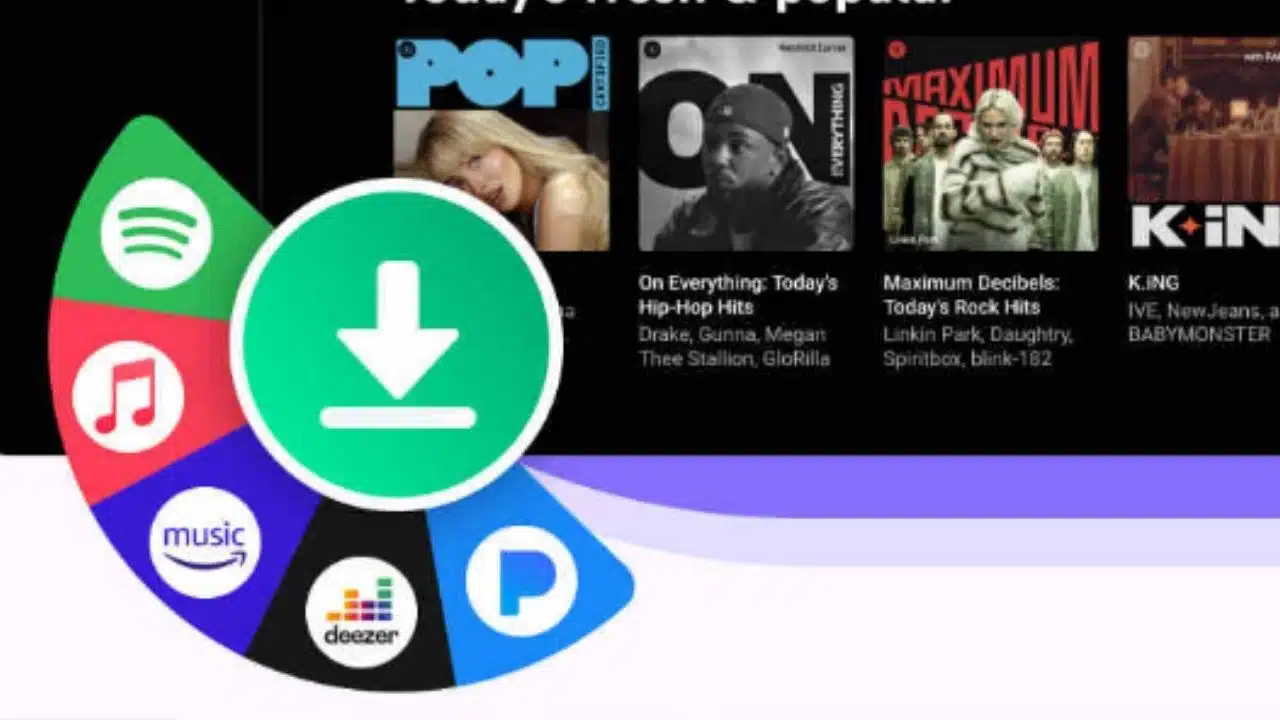
Spotify has revolutionized music streaming with its vast library and personalized recommendations. However, its reliance on a stable internet connection can be a drawback for users in areas with poor connectivity or during travel. While Spotify offers a native offline mode, it restricts users to its proprietary format, limiting flexibility. This is where Spotify downloader tools like StreamByte for Music shine, enabling users to save and convert Spotify songs as universal audio files for seamless playback across devices.
1. Why You Need a Dedicated Spotify Downloader?
While Spotify offers offline listening for premium users, downloaded tracks remain locked within the app, and deletes downloads if your subscription lapses. Third-party downloaders can solve these issues and allow you to:
- Play songs on non-Spotify devices (e.g., MP3 players, car stereos)
- Preserve playlists if you cancel your subscription
- Bypass regional restrictions
- Avoid buffering issues in low-signal areas
2. StreamByte for Music: All-in-One Spotify Downloader to MP3
StreamByte for Music is a powerful tool designed to address the limitations of streaming platforms like Spotify. It allows you to bypass DRM protection to download Spotify songs with 35× faster speed, and you don’t need to worry about the quality! Key features include:
- Multi-Platform Support: Download from Spotify, Apple Music, YouTube Music, and more.
- High-Quality Conversion: Convert Spotify songs to MP3, FLAC, WAV, and other formats at up to 320kbps.
- Batch Processing: Save entire playlists or albums in one click.
- Built-in Web Player: Download songs directly from the Spotify website.
- Preserve Metadata: Retain Spotify song details like titles, artists, and album art.
Why It Stands Out?
- Adjust MP3 bitrate per track (64kbps–320kbps).
- Permanent Access: Downloaded files remain yours indefinitely.
- Cross-Device Compatibility: Play on any device or media player.
- Customization: Choose from multiple formats to suit your needs.
Best for: Audiophiles, playlist curators, and users needing cross-device compatibility.
3. FreeConvert: Simple Web-Based Solution
FreeConvert is another amazing tool for downloading Spotify songs. Different from StreamByte, it is an online Spotify downloader that is ideal for casual users needing quick fixes. Its cloud syncing feature lets you import Spotify tracks via Google Drive/Dropbox links directly, but free users are only allowed to output a maximum of 256kbps MP3 files (Pro unlocks 320kbps).
Key Features:
- Drag-and-Drop Web UI: Converts single tracks in <1 minute.
- Cloud Integration: Directly import/export files via Google Drive, Dropbox, or URLs.
- Quality Customization: Output MP3 up to 256kbps (free) or 320kbps with a paid “Pro Web” plan.
Limitations:
- Temporary Storage: Files are deleted after 24 hours unless downloaded immediately.
- Ad-Supported Interface: Requires ad blockers for distraction-free use.
Best For: Casual users converting 1–2 tracks occasionally.
4. TuneCable: High-Speed Spotify Music Downloader
TuneCable specializes in DRM removal and high-speed conversions for Spotify, Apple Music, Amazon Music, and Tidal. Its multi-tool ecosystem caters to diverse streaming platforms. It prioritizes speed for Windows/Mac users needing Spotify-specific tools.
Key Features:
- 5x Speed Mode: Bypasses cover art fetching for raw-speed downloads
- iTunes Integration: Directly syncs converted tracks to Apple devices
- Bitrate Calculator: Estimates storage needs pre-download
- Smart Volume Leveler: Normalize loudness across tracks (-16 LUFS standard)
Limitations:
- Technical Stability Issues: Some users report recurring technical glitches, disrupting the conversion process.
- Free Trial Limitations: TuneCable’s free trial restricts users to converting only one minute of each track.
Best for: Users who prioritize speed over multi-platform support.
5. Final Thoughts: Elevate Your Music Listening Journey
For Spotify users seeking true control over their music, StreamByte for Music is a game-changer. Its intuitive interface, robust features, and commitment to audio quality make it the ideal companion for offline playback and format conversion. Whether you’re a frequent traveler, or audiophile, or simply want to preserve your favorite tracks, StreamByte ensures you’re never without your music.
(All downloaded music should be only for personal use to respect copyright laws.)
























