

In the competitive world of gaming, having the right equipment can make a huge difference in your performance. A mechanical keyboard, renowned for its superior responsiveness, tactile feel, and long-term durability, can elevate your gaming experience.
However, many top-tier mechanical keyboards come with a hefty price tag, making it hard for gamers on a budget to access these advantages.
The good news is that affordable options are available! This guide dives deep into the best budget mechanical keyboards for gamers, ensuring that you can enjoy high-performance gaming without emptying your wallet.
We’ll explore the key features to consider, provide a thorough breakdown of the best options on the market, and give practical advice on choosing the ideal keyboard for your gaming needs.
Why Mechanical Keyboards are Essential for Gamers?
When gamers talk about mechanical keyboards, they are usually referring to the mechanical switches underneath each key, which distinguish these keyboards from their membrane counterparts. These switches provide a variety of benefits for gamers, which include:
- Faster Response Time: Mechanical switches have a much quicker response time than membrane keyboards, allowing gamers to register keystrokes faster. This gives players an edge in fast-paced games, such as first-person shooters or multiplayer online battle arenas (MOBAs).
- Tactile Feedback: The distinct “click” or tactile bump when pressing a key offers a more accurate feel, which helps gamers avoid accidental presses and improve typing speed.
- Durability: Mechanical switches are built to withstand tens of millions of key presses, making them far more durable than membrane keyboards.
- Customization: Mechanical keyboards often allow for easier key remapping and customization of key functions, which is highly beneficial for gamers who require specific macros and commands.
Mechanical keyboards generally excel in all these aspects, but how do you find the best budget mechanical keyboards for gamers? Let’s dive into the features you should be looking for in a budget-friendly model.
Key Features to Look for in Budget Mechanical Keyboards
Here are the key features to look.
1. Switch Type and Its Impact on Gaming Experience
When selecting a mechanical keyboard, the switch type is one of the most important considerations. Mechanical keyboards come with various types of switches that determine how the keys respond. Here’s a look at the most common switch types used in budget keyboards:
| Switch Type | Characteristics | Ideal For |
| Linear | Smooth actuation without tactile bumps or clicks | Gamers who require fast key presses (e.g., FPS players) |
| Tactile | Features a bump in the middle of the keypress to provide feedback | Players who value comfort and typing accuracy |
| Clicky | Offers both tactile feedback and an audible “click” | Gamers who enjoy a loud, tactile experience (e.g., MMO players) |
For gaming, linear switches (such as Cherry MX Reds) are often preferred for their smooth, uninterrupted presses. However, if you’re someone who enjoys typing and gaming, tactile switches (like Cherry MX Browns) offer a great middle ground, giving you the benefit of both feedback and comfort.
Pro Tip: If you can, try to test out different switches before purchasing. Many budget models offer different switch variants, so experiment with a few options to see which fits your gaming style.
2. Key Rollover and Anti-Ghosting
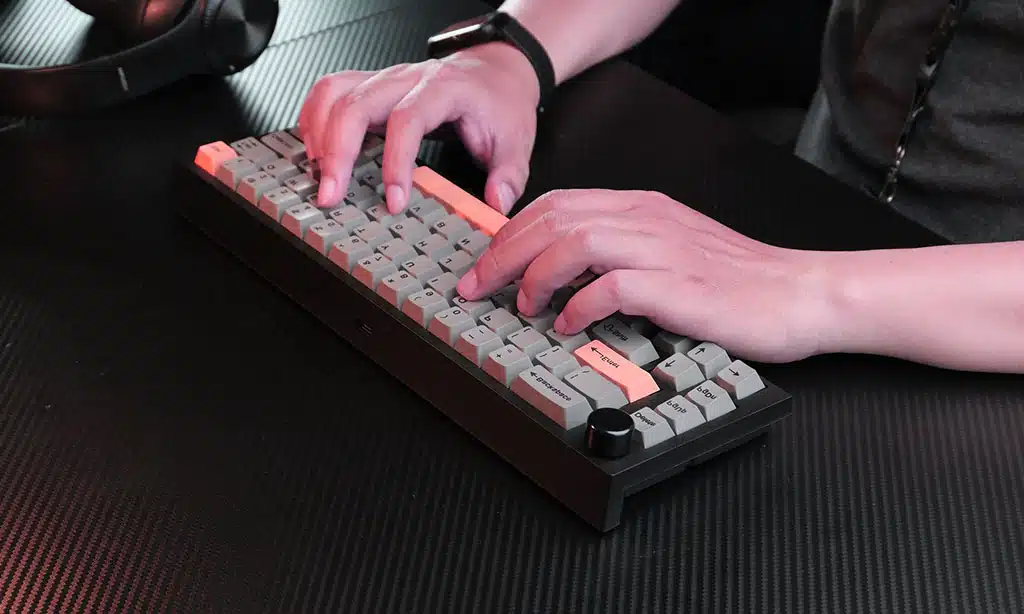
Gamers often press multiple keys simultaneously, especially when executing complex moves or combos. Key rollover refers to the number of keys that can be pressed at the same time without causing errors, while anti-ghosting ensures that no unintended key presses are registered when pressing multiple keys.
- Key Rollover: Look for keyboards that offer n-key rollover, which ensures that no matter how many keys you press, all inputs are recognized.
- Anti-Ghosting: This feature ensures that when multiple keys are pressed, there are no incorrect or “ghost” inputs. It’s crucial for precision in games requiring multiple simultaneous commands.
Here’s a quick breakdown of how these features impact your gaming experience:
| Feature | Benefit | Gamers Who Need It |
| n-Key Rollover | All key presses are accurately registered, even when multiple keys are pressed | Competitive gamers, especially in fast-paced FPS or RTS games |
| Anti-Ghosting | Prevents errors when several keys are pressed at once | Gamers who require complex commands (e.g., MOBA or MMO players) |
3. Build Quality: Plastic vs. Metal
The build quality of a keyboard affects both its durability and overall feel. Budget mechanical keyboards are often made of plastic, but some offer additional build quality in the form of metal plates. Here’s a comparison of the two:
| Material | Pros | Cons |
| Plastic | Lighter, more affordable | Can feel flimsy or less premium |
| Metal | Premium feel, sturdier, longer-lasting | Heavier, typically higher priced |
If you’re looking for a keyboard that will withstand years of use, a metal frame may be a better investment, even in budget-friendly models. Additionally, a solid build often results in less flexing, which makes for a more satisfying typing experience.
4. Backlighting
While RGB lighting is a popular feature among gamers, it’s not essential for gaming performance. Still, many budget keyboards offer customizable RGB or LED backlighting as a fun and stylish addition. Some players like to synchronize the lighting with in-game events or use it as a visual cue for specific commands.
| Feature | Benefit | Consideration |
| RGB Lighting | Customizable colors and effects | Adds a fun visual element |
| LED Backlighting | Simple, usually just one color | Offers basic illumination without the extras |
While RGB might be unnecessary for some gamers, it does add a layer of personalization and immersion. Many budget keyboards now offer customizable lighting at a fraction of the cost compared to premium models.
5. Size and Layout: Full-size vs. Tenkeyless vs. Compact
The layout of the keyboard plays a big role in both gaming performance and desk space. Here’s how each layout stacks up:
- Full-Size Keyboards: These come with the full set of keys, including the number pad. While great for productivity and general use, they take up more desk space.
- Tenkeyless (TKL) Keyboards: These remove the number pad to create a smaller footprint, which is great for gamers who prefer more room for mouse movement.
- Compact Keyboards: Even smaller than TKL, these keyboards eliminate non-essential keys for a truly minimalist setup.
Table: Keyboard Layout Comparison
| Layout | Pros | Cons |
| Full-Size | Complete set of keys, useful for both gaming and typing | Takes up more desk space |
| Tenkeyless (TKL) | Compact, more desk space for mouse | Missing number pad, fewer keys |
| Compact | Minimalist, portable, great for travel | Lacks extra keys and function buttons |
For FPS gamers, a TKL or compact layout may be ideal for quicker movements and reduced space. However, for those who need to enter numbers frequently (e.g., in accounting or spreadsheets), a full-size model might be better.
Top 7 Best Budget Mechanical Keyboards for Gamers
Now that you know what to look for, let’s dive into the best budget mechanical keyboards for gamers. These keyboards provide excellent value for money, offering top-tier performance at an affordable price.
1. Redragon K552 Kumara
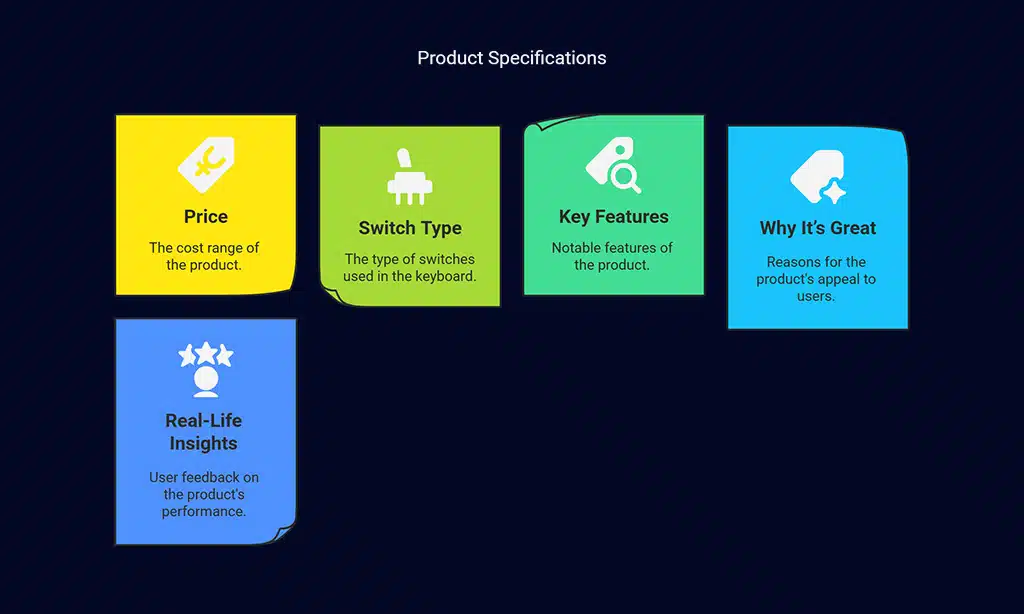
- Price: $30-$40
- Switch Type: Outemu Mechanical Switches
- Key Features: Tenkeyless design, customizable RGB backlighting, durable metal frame, anti-ghosting, and full key rollover.
Why It’s Great: The Redragon K552 Kumara is a budget powerhouse with its solid build quality, responsive switches, and compact tenkeyless design. It’s a great choice for FPS and competitive gamers who need quick, precise input.
Real-Life Insights: Many gamers appreciate the K552’s tactile feedback for gaming and typing, making it an all-around solid choice for both casual and competitive gameplay.
2. Cooler Master CK550
- Price: $50-$60
- Switch Type: Cherry MX-inspired mechanical switches
- Key Features: RGB backlighting, full-sized layout, and solid aluminum top plate for extra durability.
Why It’s Great: The Cooler Master CK550 delivers an impressive typing experience with its Cherry MX-inspired switches, making it suitable for gamers who enjoy both gaming and extended typing sessions.
Pro Tip: The customizable RGB lighting adds a fun element to the keyboard, but it’s the sturdy aluminum top plate that really stands out in this price range.
3. Logitech G413
- Price: $60-$70
- Switch Type: Romer-G Mechanical Switches
- Key Features: Red LED backlighting, brushed aluminum frame, and integrated media controls.
Why It’s Great: The Logitech G413 features Romer-G switches, which are known for their fast actuation and minimal effort required for key presses. This makes it perfect for gamers who prioritize response time over everything else.
Real-Life Insights: Users often mention the excellent build quality and the quietness of the Romer-G switches, making the G413 a great choice for quieter environments.
4. Keychron K2 (Version 2)
- Price: $60-$70
- Switch Type: Gateron Mechanical Switches (hot-swappable)
- Key Features: Bluetooth connectivity, compact 75% layout, and RGB backlighting.
Why It’s Great: The Keychron K2 is a hybrid keyboard, offering both wired and Bluetooth functionality. Its compact design is ideal for gamers who prefer portability or are tight on desk space.
Pro Tip: The hot-swappable nature of the Keychron K2 means you can change out switches with ease, providing a high level of customization.
5. SteelSeries Apex 5
- Price: $70-$80
- Switch Type: Hybrid Mechanical Switches
- Key Features: RGB lighting, aircraft-grade aluminum frame, and media controls.
Why It’s Great: The SteelSeries Apex 5 provides a unique hybrid mechanical switch design that combines the benefits of mechanical switches with the smoothness of membrane keys. It’s excellent for both gaming and general use.
Real-Life Insights: The Apex 5’s hybrid switches strike a balance between performance and comfort, making it an appealing option for gamers who want a smooth, yet tactile feel.
6. HyperX Alloy FPS Pro
- Price: $70
- Switch Type: Cherry MX Mechanical Switches
- Key Features: Tenkeyless design, red LED backlighting, and compact, portable design.
Why It’s Great: The HyperX Alloy FPS Pro’s tenkeyless layout makes it perfect for gamers who need to maximize desk space and focus on quick, precise inputs. Its sturdy frame and responsive keys ensure a reliable gaming experience.
Pro Tip: This keyboard is a fan favorite for competitive FPS gamers who need portability without sacrificing performance.
7. Redragon K6300
- Price: $40-$50
- Switch Type: Outemu Mechanical Switches
- Key Features: Full RGB lighting, durable keycaps, ergonomic design, and anti-ghosting.
Why It’s Great: The Redragon K6300 is an affordable, feature-rich option that delivers solid gaming performance. The ergonomic design ensures comfort during long sessions, and the RGB lighting adds a touch of flair.
Real-Life Insights: Gamers who value comfort during long hours of gameplay often prefer the K6300’s ergonomic design and responsive keys.
Wrap Up: Finding the Best Budget Mechanical Keyboard for Your Gaming Needs
Choosing the best budget mechanical keyboard for gamers doesn’t need to be overwhelming. By focusing on essential features like switch type, build quality, key rollover, and layout, you can easily find a keyboard that meets your needs without blowing your budget.
Whether you’re looking for a compact tenkeyless model or a full-size keyboard with RGB lighting, there are plenty of options out there to enhance your gaming experience.
Remember to consider your gaming preferences, desk space, and any additional features you may want (such as Bluetooth functionality or customization options).
With the options provided above, you’ll have the tools needed to elevate your gaming without spending a fortune. Happy gaming!























