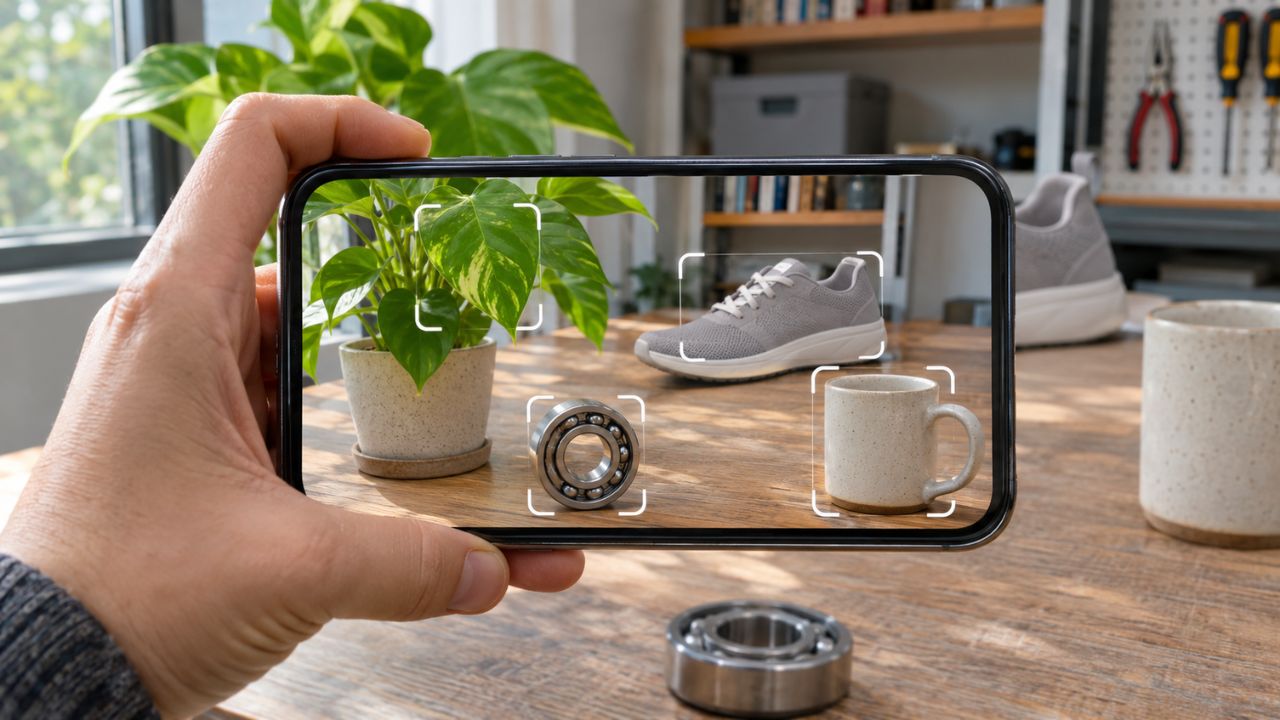
AI camera apps can turn a phone into a visual search tool for an unfamiliar plant, household object, product, or mechanical part. The difficult part is not taking the photo. It is knowing what kind of answer the app has produced. A close visual match, a likely species, and an exact catalog record are three different things.
The eight options below serve different needs. Some are standalone identification apps. Amazon Lens and Pinterest Lens are camera features inside larger apps, while Partium Find is an enterprise platform for organizations with their own parts data. Features and access were checked on November 5, 2026, but can vary by country, account, and app version. This is a research-based comparison, not a head-to-head accuracy test.
Understanding how computer vision processes real-world images also explains why results change. Lighting, camera angle, background clutter, image quality, and the model’s reference data can all influence what appears on the screen.
AI Camera Apps at a Glance
| App or feature | Most useful for | Camera input | Access model | Main limitation |
|---|---|---|---|---|
| Google Lens | General objects, text, plants, landmarks, and products | Live camera, photo, or screenshot | Free through Google apps | Broad matches may not identify an exact item |
| Amazon Lens | Products and compatible accessories sold through Amazon | Camera, saved photo, selected image area, or barcode | Inside the Amazon Shopping app | Searches Amazon’s marketplace rather than the whole market |
| Pinterest Lens | Fashion, décor, recipes, and visual inspiration | Camera or saved photo | Inside Pinterest; account required | Finds related ideas more reliably than exact model numbers |
| Pl@ntNet | Plant identification and citizen science | One or several plant photos | Free on Android, iOS, and the web | Suggested species still require comparison |
| Seek by iNaturalist | Plants, animals, fungi, and family nature walks | Live camera | Free on Android and iOS; no account needed for core use | May stop at a broad group instead of a species |
| PictureThis | Plant identification, care, and problem suggestions | Camera or uploaded photo | Free download with premium features | A photo cannot confirm every plant-health problem |
| Partium Find | Industrial and maintenance spare parts | Photo, label, barcode, text, or bill of materials | Enterprise platform | Depends on an organization’s catalog and setup |
| Seeing AI | Spoken descriptions, text, colors, scenes, and product barcodes | Live camera or photo | Free on Android and iOS | Probabilistic output cannot be the only safety check |
1. Google Lens: A Starting Point for General Objects
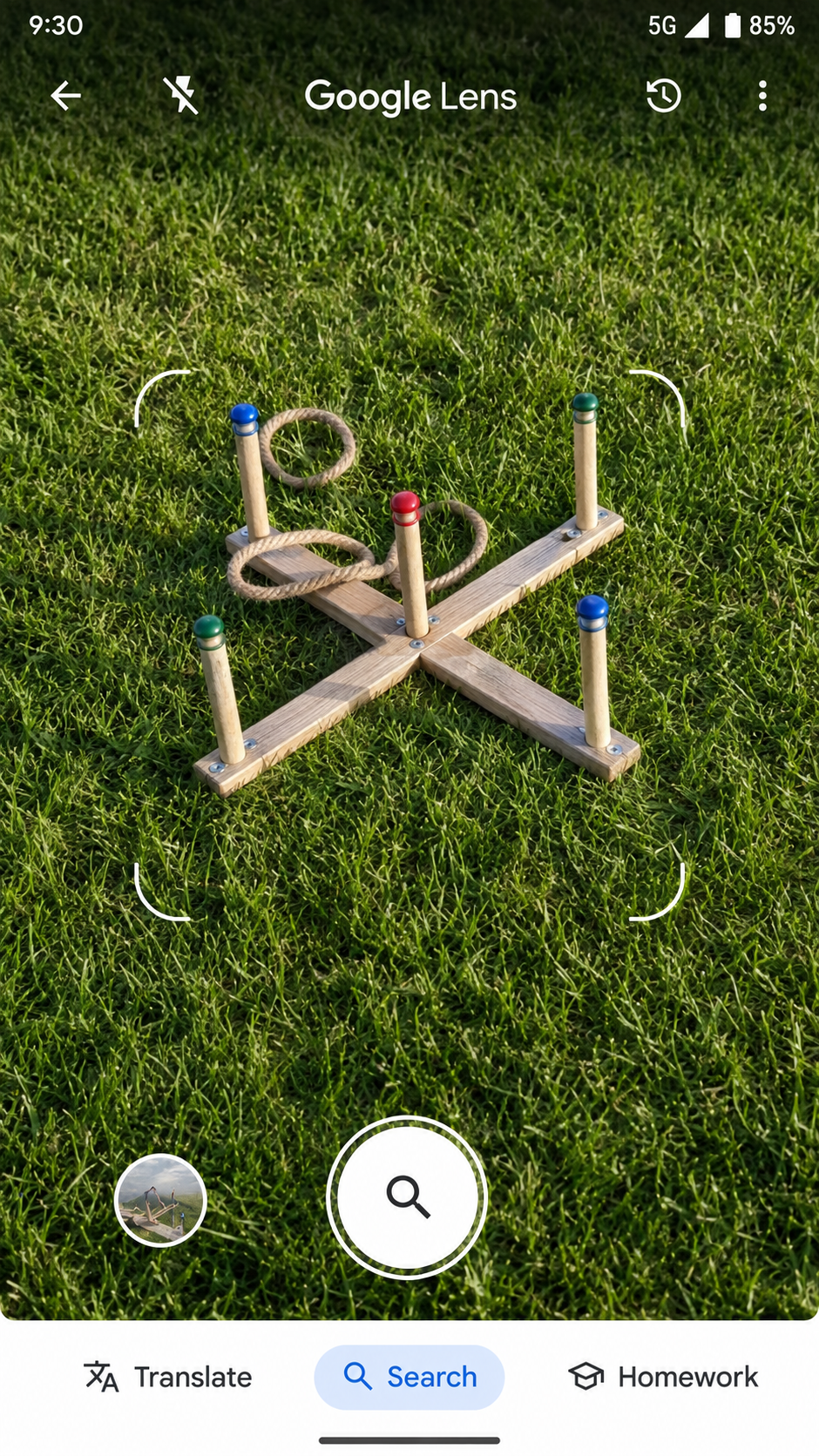
Google Lens covers the widest range of everyday visual searches in this list. It can identify plants and animals, find products, copy or translate text, recognize landmarks, and return visually similar images from a live camera view, saved photo, or screenshot. Android users can reach it through several Google surfaces, including the Google app, Chrome, Photos, and supported camera experiences. On iPhone, it appears inside the Google app, Chrome, and Google Photos.
Lens becomes more useful when the image contains a logo, label, model number, or unusual shape. Crop tightly around the target and add a few words when the first results are vague. A picture of a drill may produce a page of similar tools. Adding the visible brand and asking for a compatible battery narrows the search.
A close image match still does not prove that two items share the same model or specifications. If the goal is to find where an existing picture first appeared online, use reverse-image search techniques instead of treating object recognition as source tracing.
2. Amazon Lens: Finding Products and Accessories
Amazon Lens sits inside the Amazon Shopping app. It accepts a new photo, saved image, or barcode, and users can select one item in a crowded picture before adding a brand, color, or accessory type. This suits products that are easier to show than describe, such as a lamp, shoe, cable, kitchen tool, or appliance accessory. A readable barcode gives the search a stronger chance of reaching an exact listing.
The feature can also help find accessories. Photographing a device and adding “charger,” “filter,” or “replacement bit” may surface plausible options. Check the model number, connector, dimensions, voltage, and manufacturer information before buying.
Amazon Lens searches a retail catalog, not a neutral identification database. Results are shaped by what Amazon sellers have listed and what is available in that marketplace. This is one example of how visual search is changing product discovery, but a convenient match is not automatically the best price or the correct replacement.
3. Pinterest Lens: Discovering Similar Styles and Ideas
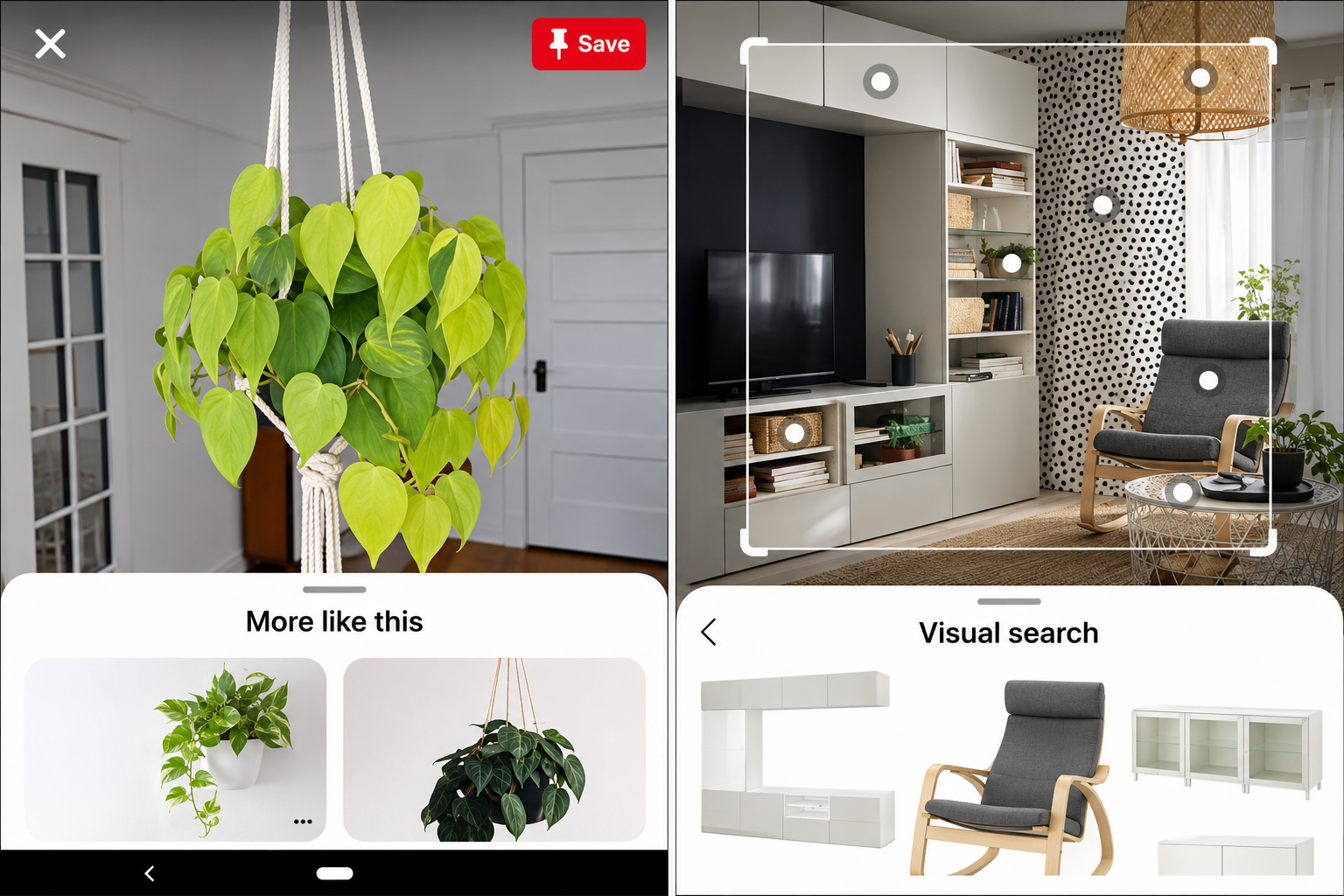
Pinterest Lens is designed for visual discovery. Inside the Pinterest app, users can photograph an object or choose an existing image, focus on one part, and explore related results. It is particularly useful for fashion, furniture, room décor, crafts, ingredients, and design details. A chair may lead to rooms with a similar aesthetic, while a street-style photo may produce outfits with comparable colors or silhouettes.
That makes Pinterest Lens useful for inspiration but weaker for exact identification. Two products can share a pattern, shape, or color without using the same materials or coming from the same manufacturer. It should not be used to authenticate a designer item or confirm an exact model. Pinterest also requires an account and camera or photo-library permission, so crop out faces, addresses, documents, and unrelated personal details before searching.
4. Pl@ntNet: Identifying Plants With Several Visual Clues
Pl@ntNet focuses on plants rather than general objects. Available on Android, iOS, and the web, it compares photographs with a biodiversity database and returns possible species. Users can submit the leaf, flower, fruit, bark, and whole plant rather than relying on one distant image. Account holders may also share observations for community review, with sufficiently supported records contributing to biodiversity data and future model training.
For a stronger result, photograph more than one plant feature, select the correct organ category, and check whether the suggested species grows in that region. Leaf arrangement, flower structure, thorns, bark, and habitat can help separate similar candidates.
Do not use one app result to decide whether a wild plant is edible, medicinal, or safe for a pet. Similar-looking plants can carry very different risks. When safety matters, confirm the identification through a qualified local expert or authoritative regional source.
5. Seek by iNaturalist: Exploring Wildlife and Nature
Seek goes beyond plants to insects, birds, amphibians, fungi, and other living things. Its camera moves through the tree of life as it gathers clues. Sometimes it reaches a species suggestion; at other times, it stops at a broader family or group.
No account is required for the core experience. Optional iNaturalist connections let people share observations, while badges and monthly challenges can give a family walk a purpose without turning it into a formal lesson.
The app is most useful when it encourages closer observation. Before revealing the answer, notice the organism’s color, leaf arrangement, wing shape, habitat, or movement, then compare those details with the suggestion. Families can explore other science apps that encourage observation and investigation, but children should never touch or taste an unfamiliar organism because the camera produced a familiar name.
6. PictureThis: Plant Identification With Care Support
PictureThis combines plant recognition with care information covering watering, light, weeds, toxicity, and common plant problems. Care reminders and additional support are available through premium features. For someone managing houseplants or a garden, a photo of a yellowing leaf can provide possible causes to compare with recent watering, soil moisture, light, drainage, and visible pests.
A plant-health suggestion is not a diagnosis. Yellow leaves can result from overwatering, underwatering, root damage, nutrient problems, low light, pests, or ordinary aging. The camera sees the visible symptom, not the full growing environment.
PictureThis is free to download, but some care and consultation features require paid access. Pricing, trials, and renewal terms can differ by platform and region. Review the offer shown on the device before subscribing, and seek expert help when a child, pet, crop, or valuable plant could be harmed by the wrong advice.
7. Partium Find: Matching Industrial Spare Parts
Partium Find is the specialist entry for maintenance technicians, parts desks, procurement teams, and equipment service operations. It searches an organization’s parts records using a photograph, nameplate, barcode, partial description, or bill-of-materials context.
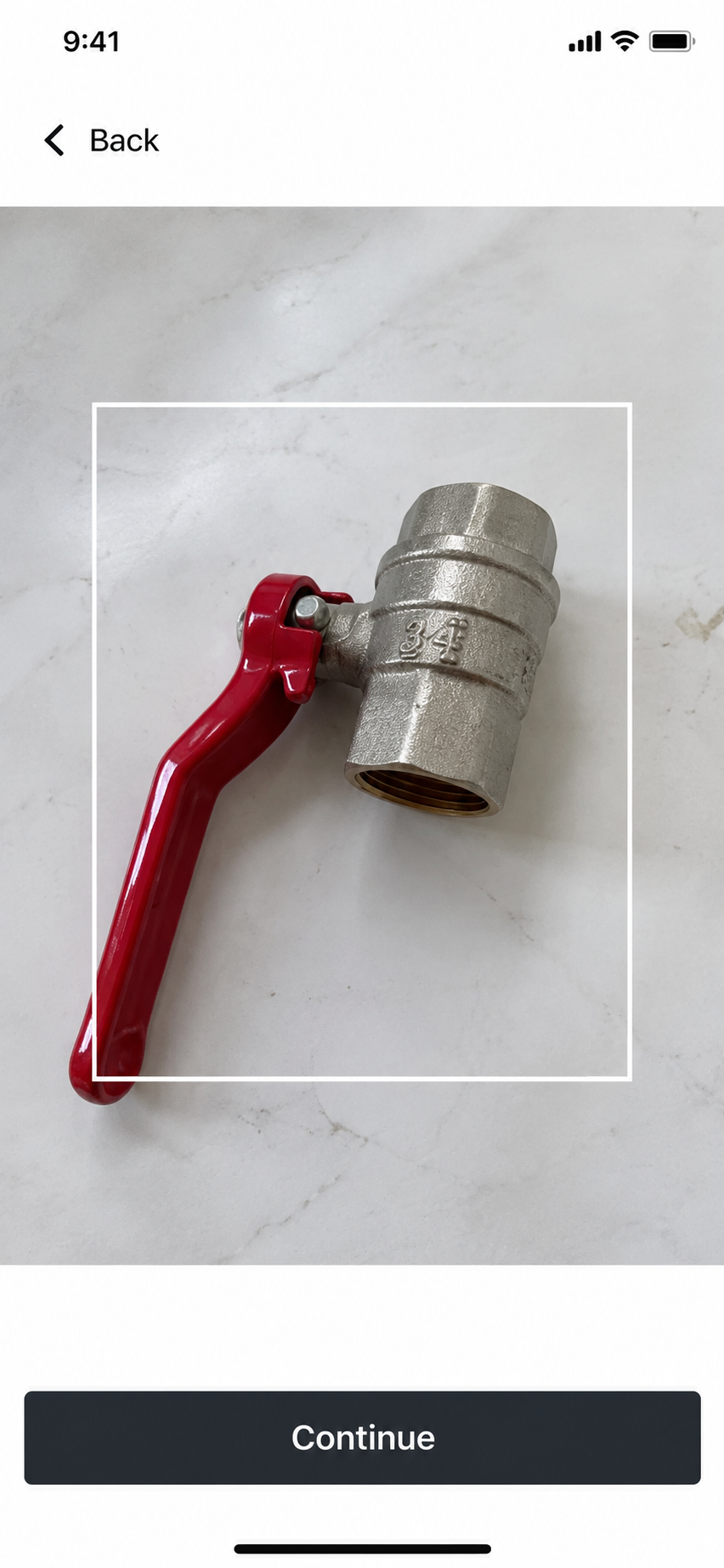
A general visual-search app might describe an object as a hydraulic valve. Partium aims to connect the available evidence with the company’s own catalog record, part number, stock, and related information. It is not a universal consumer database: organizational access, configured data, and a suitable implementation are required. Inconsistent names, missing photographs, or duplicate records can weaken the result.
Before ordering or fitting a component, confirm the full part number, manufacturer, dimensions, material, revision, equipment compatibility, and relevant pressure or electrical ratings. The consequences show why industrial computer-vision applications need human review paths, especially when an incorrect match could damage equipment or delay repairs.
8. Seeing AI: Visual Information Through Audio and Haptics
Microsoft designed Seeing AI for people who are blind or have low vision. Free on Android and iOS, it turns camera input into spoken or haptic information. Its functions can read short text and documents, describe scenes, identify colors and currency, and scan product barcodes. It belongs to a wider group of educational and accessibility tools that support visual access, but its purpose is more specific than ordinary object search.
The product function relies on a readable barcode and the information connected to it. Scene descriptions work differently: they summarize what may be present in a room, photograph, or object arrangement instead of confirming a product record.
Microsoft’s documentation describes the output as probabilistic and warns that it may be inaccurate. Seeing AI should add information, not replace mobility skills, labels, professional assistance, or another safety check. It should never be the only source used around traffic, medication, allergens, heat, sharp objects, or electrical work.
How to Get Better Results From AI Camera Apps
A clean photograph cannot guarantee the right answer, but it can remove avoidable confusion.
- Clean the camera lens: Fingerprints can hide small markings and soften plant details.
- Use bright, even light: Avoid deep shadows, glare, and strongly colored lighting.
- Fill the frame with the target: Crop out nearby objects that may distract the recognition system.
- Take several useful views: Capture the front, side, label, connector, leaf, flower, or damaged area as appropriate.
- Photograph text and codes separately: A barcode, model number, serial prefix, or manufacturer mark may be more useful than shape.
- Add context when possible: Mention the object’s use, approximate size, location, or machine type.
- Compare the candidates: Look for details that disprove a match instead of accepting the first similar image.
- Verify before acting: Use an official catalog, field guide, manufacturer, or qualified expert when the answer affects health, safety, money, or equipment.
If the real task is extracting words from a receipt or form, choose one of the document scanner apps built around OCR instead. When the task requires a conversation about what the camera sees, Gemini Live’s camera tools offer a different workflow, although the answers still need checking.
Where Camera Identification Stops Being Enough
Visual recognition works best as a starting point. It becomes less reliable when several items look alike, important markings are hidden, or the decision depends on information the camera cannot see.
- Products: Confirm the exact model, seller, dimensions, materials, warranty, and compatibility.
- Plants: Compare several physical features and local distribution before accepting a species.
- Parts: Check codes, specifications, revisions, and the machine’s documentation.
- Safety and accessibility: Use another dependable source whenever a wrong answer could cause injury.
- Privacy: Remove faces, addresses, documents, screens, and confidential workplace details before uploading a photograph.
Common Questions About AI Camera Apps
Can an AI Camera App Find an Exact Replacement Part?
It can produce a useful candidate when the photograph includes a barcode, label, logo, or model number. Appearance alone is rarely enough. Confirm dimensions, connectors, ratings, revision, and equipment compatibility before ordering or installing a part.
Do AI Camera Apps Work Offline?
It depends on the app and function. Seek supports a more offline-friendly identification workflow. Broad web searches, shopping catalogs, cloud scene descriptions, and many plant databases generally require an internet connection.
Are Photos Uploaded to the App Provider?
Many identification features send images to remote servers, but the processing route varies. Review the app’s camera, photo library, location, search history, and retention settings. Avoid uploading financial records, passwords, faces, confidential equipment, or workplace data without permission.
Are These AI Camera Apps Free?
Google Lens, Seek, and Seeing AI offer free access. Amazon Lens and Pinterest Lens are included in their larger apps. Pl@ntNet is free, while PictureThis combines free access with premium features. Partium Find is an enterprise product rather than a typical free consumer download. Availability and offers can vary by market.
Use the Result to Ask a Better Question
The most useful AI camera apps shorten the distance between “I do not know what this is” and a sensible next step. They cannot replace a model number, botanical comparison, parts catalog, accessibility judgment, or qualified person.
Choose the tool that matches the object and the decision you need to make. Then treat its answer as evidence to investigate, not permission to buy, eat, repair, or trust something without another check.