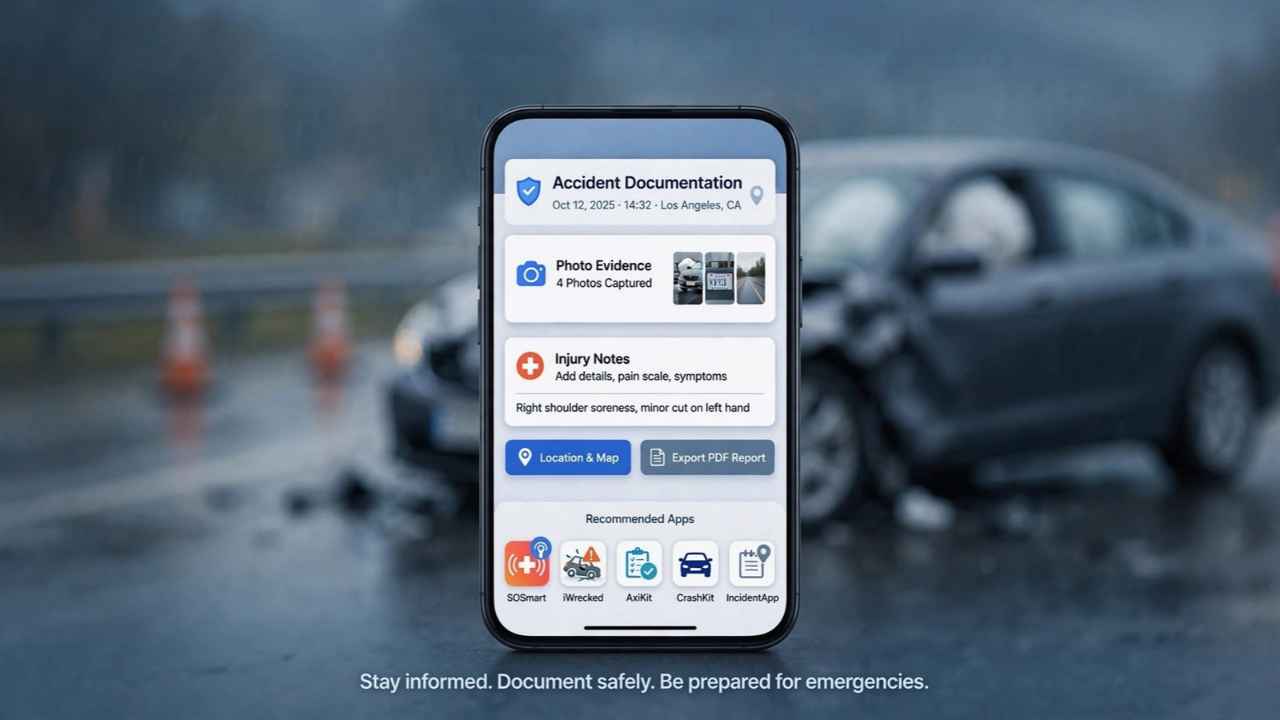
After a crash, shaky hands and a dozen blurry photos won’t win an insurance argument, but the right apps to document a car accident scene and injuries will. Crash Companion is the best free all-in-one pick for the scene, and Manage My Pain is the strongest tool for tracking injuries afterward.
Below is a comparison chart, 15 ranked apps, and their honest flaws.
Quick Comparison: Which App Covers Which Job
You don’t need all 15. Pick one app for each job in this chart.
| App | Main Job | Platform | Cost |
|---|---|---|---|
| Crash Companion | Guided scene report | iPhone, Android | Free (ads) |
| iPhone Crash Detection | Auto emergency call | iPhone 14+ | Built in |
| Pixel Safety app | Auto crash call | Pixel 4a+ | Built in |
| GPS timestamp camera | Stamped photos | Both | Free, paid upgrades |
| Google Photos | Cloud backup | Both | Free to 15 GB |
| Voice Memos / Recorder | Spoken notes | iPhone / Pixel | Built in |
| Google Maps | Exact location | Both | Free |
| GEICO Mobile | Claim + photo estimate | Both | Free |
| Progressive | Guided damage photos | Both | Free |
| Nexar | Dash cam footage | Both | Needs Nexar camera |
| Manage My Pain | Pain diary reports | Both | Free, paid reports |
| Bearable | Symptoms, sleep, meds | Both | Free, $34.99/yr premium |
| Apple Journal / Day One | Recovery diary | iPhone / both | Free / paid tiers |
| Google Drive | Scan and store papers. | Both | Free to 15 GB |
| LexisNexis BuyCrash | Police report | Web | Agency fee |
Key takeaway: One scene app, one backup, and one injury tracker cover most of what an adjuster asks for.
Part 1: Apps to Document a Car Accident Scene
The first 15 minutes decide how strong your evidence is, so these apps to document a car accident scene need to be installed before you need them. Seriously.
1. Crash Companion — Best Overall Scene Documenter
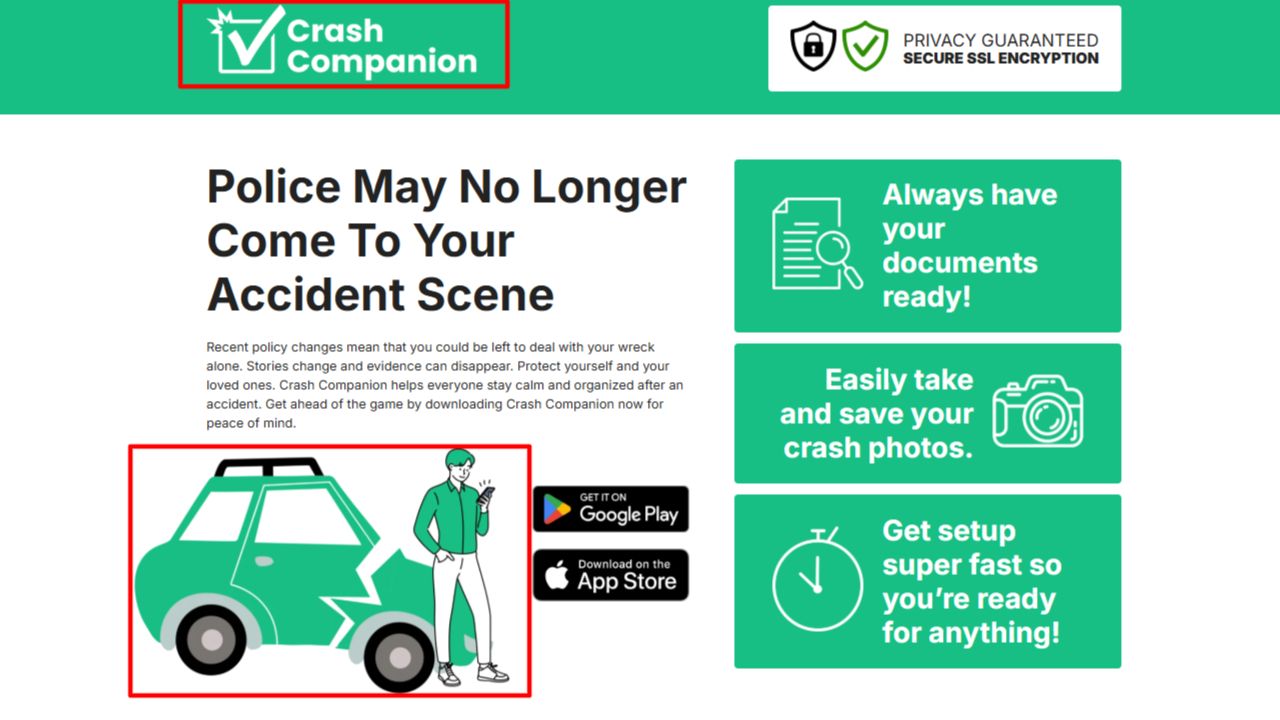
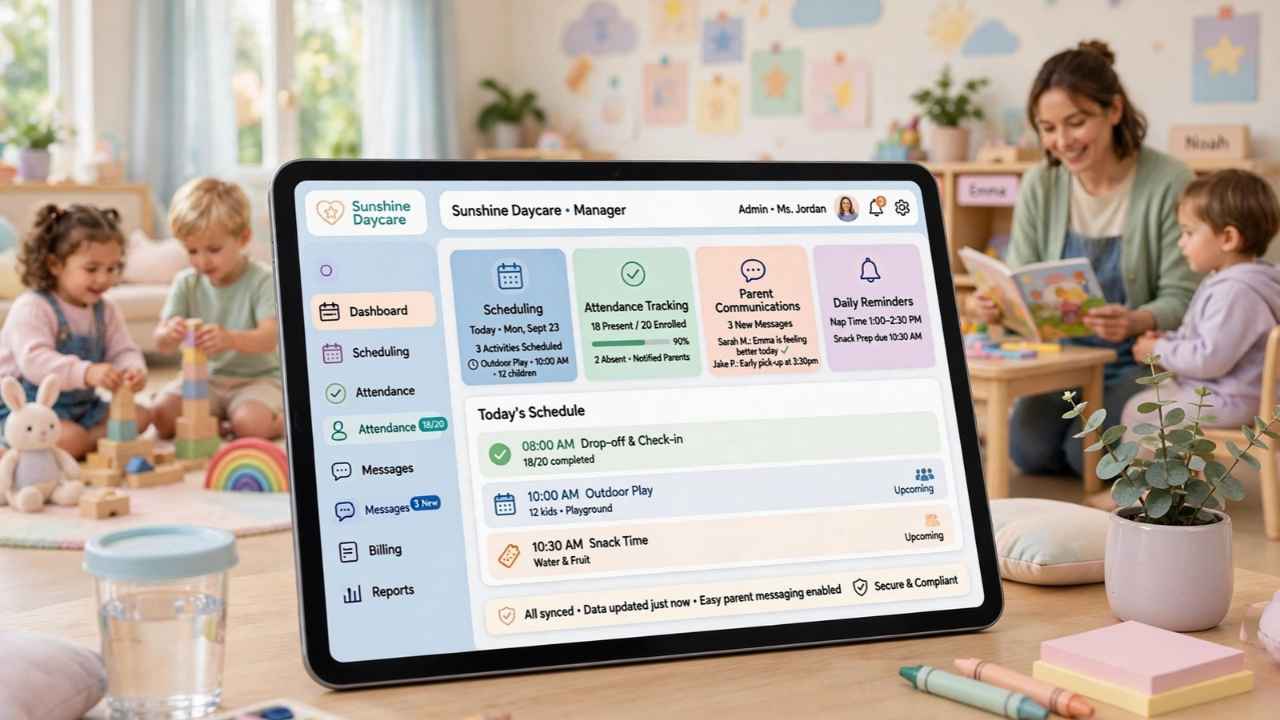
Picture this: a low-speed rear-end bump, and dispatch says no officer is coming because nobody’s hurt. Crash Companion fills that gap. It walks you screen by screen through the other driver’s name, phone, and email, scene photos, your written account, and your location if you allow it.
The best part? Witnesses scan a QR code and type their statement on their own phone. Your data stays on your device unless you share it, and your insurer isn’t alerted automatically.
Cons:
- It’s funded by ads from auto accident law firms, so expect legal-service prompts.
- The report is your own record, not an official police report.
Who Should Skip This: Drivers who want everything inside their insurer’s app.
2. iPhone Crash Detection — Best Safety Net
Safety comes before evidence. On iPhone 14 and later, sensors flag a severe crash and call emergency services with your location if you don’t respond in roughly 10 seconds. Out of cell range, it can try satellite SOS where available. Set up a medical ID in the Health app now.
Cons:
- Apple says it can’t detect every crash.
- It captures no photos, notes, or witness details.
Who Should Skip This: iPhone 13 and older owners. It isn’t there.
3. Google Pixel Safety App — Best for Pixel Owners
Car Crash Detection uses the accelerometer and microphone to spot a crash, rings loudly, and can call for help. Emergency info can also show on your lock screen.
Cons:
- It needs a SIM card, location access, and a supported country.
- Anyone holding your locked phone can read that emergency info unless you turn it off.
Who Should Skip This: Non-Pixel Android owners. Check your own phone’s safety settings.
4. GPS Timestamp Camera Apps — Best Proof of Time and Place
Your camera already saves hidden metadata. Here’s the catch: adjusters don’t always dig for it. Apps like Timemark burn the date, time, address, and coordinates onto the photo, which helps when the other driver later disputes the lane or the hour.
Cons:
- The category is crowded with clones pushing weekly subscriptions and ads.
- A big watermark can cover the dent you’re shooting. Shrink it into a corner.
Who Should Skip This: Anyone who fumbles new apps under stress. Your lock-screen camera opens faster.
5. Google Photos — Best Backup Before You Leave
Phones get cracked in crashes. Back up every photo before you drive away, through Google Photos or iCloud Photos.
Cons:
- Free storage is 15 GB, shared with Gmail and Drive.
- “Storage saver” quality can soften small details like a VIN plate, and backup may wait for Wi-Fi unless mobile data is allowed.
Who Should Skip This: iPhone users already paying for iCloud storage.
6. Voice Memos and Google Recorder — Best for Fresh Memories
Adrenaline wipes details fast. Record yourself describing the light color, speed, and what the other driver said. Google Recorder on Pixel transcribes on the device, even offline.
On the flip side, recording others has limits. California, Florida, Illinois, Pennsylvania, Washington, and several other states require everyone’s consent for private conversations. Ask first.
Cons:
- Wind and traffic noise bury voices, so step away from the road.
- Transcripts stumble on names and accents, and live transcription is Pixel-only.
Who Should Skip This: Anyone too shaken to speak calmly. Type notes later.
7. Google Maps — Best for Pinning the Exact Spot
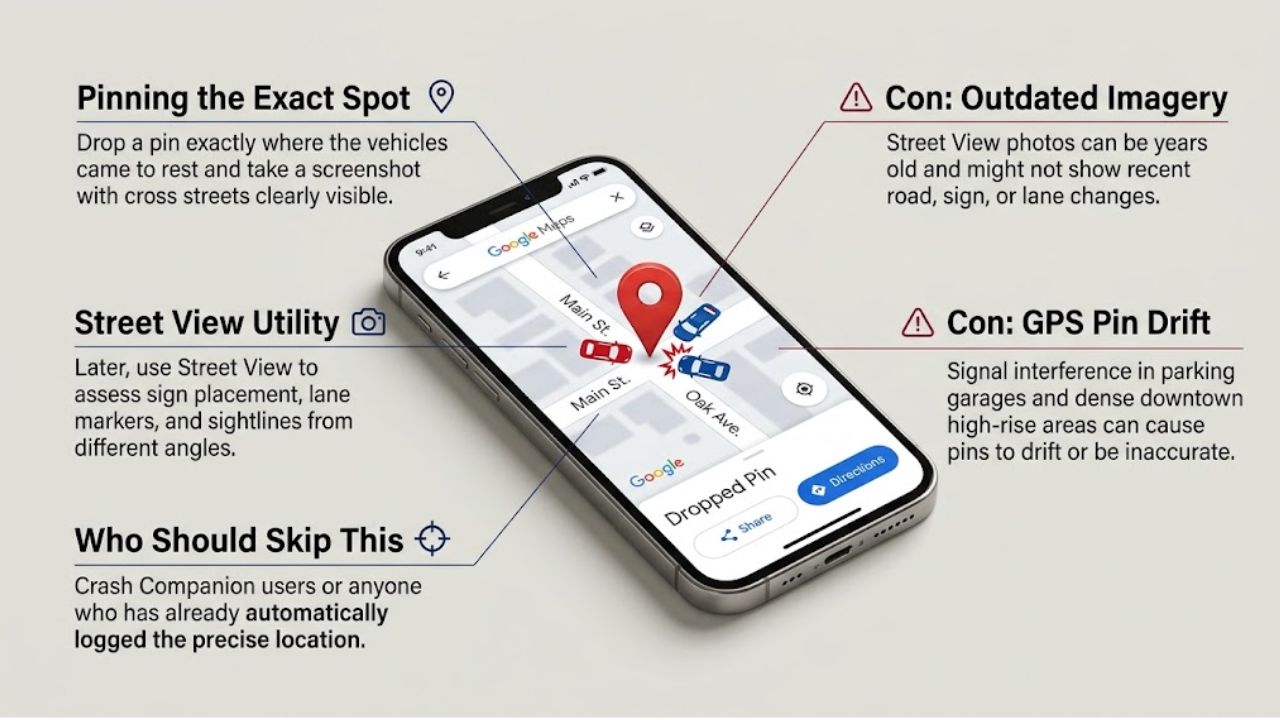
Drop a pin where the cars stopped and screenshot it with the cross street visible. Later, Street View can show sign placement and sightlines.
Cons:
- Street View images can be years old.
- Pins drift in garages and dense downtown blocks.
Who Should Skip This: Crash Companion users who have already logged location.
8. GEICO Mobile — Best for GEICO Policyholders
GEICO says app claims take about five minutes. Easy Photo Estimate guides your damage photos, an adjuster writes the estimate, and payment can come in as little as one business day, free of charge.
Cons:
- Owners report photo steps looping, like asking for the same VIN shot repeatedly.
- Claiming on someone else’s GEICO policy? You’ll use geico.com on your phone instead.
Who Should Skip This: Anyone paying privately for a tiny scrape. Filing starts a formal claim.
9. Progressive App — Best Guided Damage Photos
If you qualify, Progressive texts an invitation code for Photo Estimate. The app guides photos and video, takes notes, and skips the in-person inspection. State Farm and Allstate offer similar tools.
Cons:
- No code, no upload, so you can’t start freely at the roadside.
- Features vary by state and policy type, and some owners report the flow timing out.
Who Should Skip This: Drivers who don’t want a claim on record.
10. Nexar — Best for Footage of the Impact
Photos show the aftermath. Video shows who ran the light. Nexar’s app pairs with its Wi-Fi dash cams, senses impact, records even when parked, and keeps clips on the app and SD card.
Cons:
- It needs a Nexar camera, and full features need a subscription.
- Reviewers say the camera sometimes won’t record until the phone connects.
Who Should Skip This: Anyone unwilling to buy hardware. Phone-only dash cam apps drain batteries fast and need a USB cable.
Part 2: Apps for Documenting Injuries and Paperwork
The truth is, many claims are lost weeks after the crash, not at the scene. Treatment gaps and fuzzy memories give adjusters room to argue, which is why documenting injuries daily matters as much as scene photos.
11. Manage My Pain — Best Injury Tracker Overall
Log pain location, intensity, triggers, and medications in under a minute. Its doctor-ready reports also show a steady pattern, not a sudden complaint weeks later.
Cons:
- Free insights cover only 30 days; deeper reports cost credits or a subscription ($4.99 a month on iOS).
- It’s built for chronic pain, so some categories feel generic.
Who Should Skip This: Anyone with one bruise that fades in a week.
12. Bearable — Best for Sleep, Mood, and Medication
Neck pain wrecks sleep. Poor sleep wrecks your workday. Bearable’s free version tracks unlimited custom symptoms with no ads, while premium ($34.99 a year or $6.99 a month) adds deeper reports and export.
Cons:
- Setup takes real effort before it feels useful.
- Mood data is personal, so think twice before sending a full export to an insurer.
Who Should Skip This: People who won’t log daily. Spotty data hurts.
13. Apple Journal or Day One — Best Recovery Diary
Numbers show pain. Words show impact. Write what you couldn’t do today: Lift your kid, finish a shift, and sleep past 3 a.m. Photograph bruises daily in the same light, with a coin for scale.
Cons:
- Apple Journal is Apple-only, and Day One puts audio behind a paid tier.
- Journals may be requested if your case reaches court. Never exaggerate.
Who Should Skip This: Android users, for Apple Journal.
14. Google Drive — Best Claim Folder and Scanner
Scan the other driver’s insurance card, the officer’s report-number slip, tow receipts, and medical bills into one folder. Android’s Drive app has a scanner; iPhone users can scan in Notes or Files. Here’s what belongs in it: essential documents for a successful car accident claim.
Cons:
- Storage is shared across your Google account.
- Unnamed files become chaos. Try “2026-11-02 tow receipt.”
Who Should Skip This: Clients whose attorney runs a secure document portal.
15. LexisNexis BuyCrash — Best for the Police Report
Many US police departments post crash reports on BuyCrash, and you can set an email alert for yours. Fees are set by each agency, and some reports take up to 10 business days.
Cons:
- Not every department uses it.
- Online convenience fees can top the counter price.
Who Should Skip This: Anyone whose department sells reports cheaper in person.
A 10-Minute Routine for the Scene
Now, you might be wondering how this works with your heart pounding. Follow this order:
- Check for injuries and call 911 if anyone is hurt.
- Open Crash Companion and swap details.
- Shoot wide photos (cars, signs, skid marks), then close-ups.
- Photograph visible injuries, even small cuts.
- Drop a map pin and record a 60-second voice memo.
- Back up everything before leaving.
That brings us to the biggest mistake people make: skipping the doctor because they “feel fine.” Review these mistakes to avoid after a car accident before you talk to any adjuster.
Frequently Asked Questions (FAQs)
What is the best app to document a car accident?
Crash Companion. It’s free and guides you through driver info, photos, witness statements, and your own account.
Should I photograph my injuries after a car accident?
Yes. Shoot them at the scene, then daily as bruising changes.
Can injuries show up days after a car accident?
Yes. Neck pain and concussion symptoms can appear hours or days later, so see a doctor and start a pain log.
Is it legal to record the other driver?
It depends on your state. All-party consent states require everyone’s permission for private conversations.
Should I use my insurance app for a small fender bender?
Only if you plan to file. Document privately first if you might pay out of pocket.
Final Thoughts
Bottom line: the best apps to document a car accident scene and injuries only help if they’re installed and set up before the crash. Download Crash Companion and Manage My Pain today, then switch on your phone’s crash detection. For what comes next legally, read our accident law and recovery guide.