An AI add-on should make a familiar tool faster or easier to use. It should not become the only way to finish important work. That boundary is getting harder to see. Writing apps now offer instant rewrites. Meeting platforms create summaries and action items. Spreadsheets answer questions in plain English. Help desks use bots to handle customer requests. Some AI agents can even send messages, update records, and move files across several apps.
These features are useful when they work. The problem appears when an optional AI layer becomes an operational dependency. A weak output, service outage, exhausted credit allowance, permission failure, or changed model can suddenly block the entire task.
The AI add-ons that need a non-AI fallback most are the ones connected to essential work, original records, customer communication, calculations, code, or actions that are difficult to reverse. In each case, users need a practical route that keeps the core task available without relying on the model.
Here, “AI add-on” includes copilots, extensions, assistants, optional AI modules, and embedded generative features added to software with a broader core function.
What a Clear Non-AI Fallback Actually Looks Like
A disable button is helpful, but it is not a complete fallback. Turning off the AI still needs to leave the user somewhere useful.
A dependable fallback provides four things:
- A usable core tool: The person can still write, search, calculate, design, communicate, or update a record.
- Access to the original material: Source documents, recordings, messages, data, and uploaded files remain available.
- Correction and recovery controls: AI-created work can be edited, rejected, undone, or replaced.
- A visible exception route: The interface shows what failed, what should happen next, and who owns the unresolved task.
The fallback does not always have to be fully manual. A predictable rules-based workflow can be more suitable than AI for routine actions. What matters is that the task does not end at an AI error message.
NIST’s AI Risk Management Framework treats human oversight and contingency planning as part of responsible AI use. Design guidance from Google and Microsoft also emphasizes manual controls, easy correction, and a way for users to take over when automation fails. Those principles become especially important in the following eight areas.
1. AI Writing and Rewriting Add-Ons
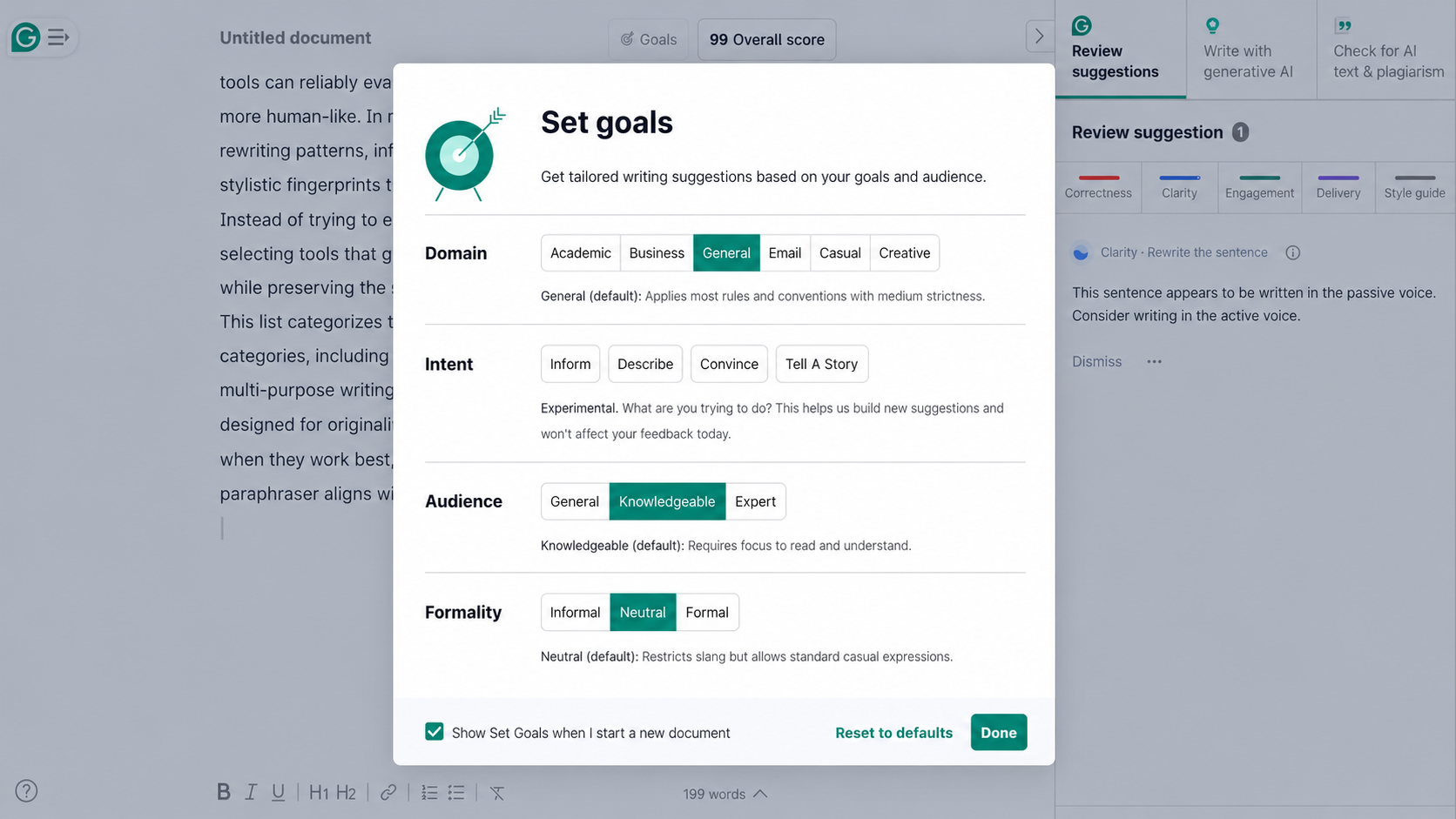
Writing assistants can create outlines, shorten paragraphs, change tone, draft replies, and suggest titles. Their mistakes are not always obvious. A rewrite may keep the grammar clean while dropping a qualification, strengthening an uncertain claim, or replacing a distinctive voice with generic wording.
Consider an editor who asks an AI feature to shorten a research summary. The new version reads smoothly, but it changes “may improve” to “improves.” The sentence is shorter, yet the evidence has been overstated.
The normal editor must therefore keep working without the assistant. Writers still need direct typing, formatting, comments, tracked changes, spelling tools, and reliable exports. Human-written templates, source notes, and an accessible style guide provide a faster manual route when the AI is unavailable or unsuitable.
Version history is equally important. A writer should be able to compare the generated version with the original and restore material that disappeared. Once AI-created text enters a document, it should behave like ordinary editable text. If the only way to correct it is to submit another prompt, the user has not been given enough control.
Email-writing assistants need the same boundary. A person should always be able to start with a blank message or approved template and review the recipient, claims, tone, links, and attachments before anything is sent.
2. AI Meeting Notes and Action-Item Add-Ons
Meeting assistants promise to turn a long conversation into a short summary. They can also misidentify speakers, misunderstand an acronym, miss a disagreement, or turn a tentative idea into a confirmed decision.
The most damaging mistake may be a very ordinary one. A discussion says that Maya will check whether a deadline is possible. The summary records that Maya agreed to deliver the work by Friday. If that action is automatically pushed into a project tracker, the error begins affecting the wider team.
The meeting record should exist independently of the AI summary. Where recording is permitted, teams should retain the original recording, raw transcript, chat, and attendance information. A shared manual-notes field and a simple decision-and-action template provide another route.
If recording is prohibited or inappropriate, someone should still be responsible for taking notes. A meeting should not become undocumented because the transcription feature failed.
Generated action items also need confirmation. The person named in the summary should verify the task, owner, and deadline before the system updates another application. The AI can prepare the record, but it should not quietly turn uncertain language into a commitment.
3. AI Search and Document Q&A Add-Ons
Document-answer tools can summarize policies, reports, manuals, and large collections of files. They reduce reading time, but a fluent answer may omit an exception, combine two documents, or rely on an outdated version.
Imagine an employee asking whether a travel expense is reimbursable. The AI answers yes after finding the general policy but misses a later section that excludes a particular booking type. The response sounds certain because the missing qualification is invisible.
Traditional search must remain available. Users need keyword search, filters, folders, metadata, tables of contents, and direct access to the original documents. A useful answer should identify the relevant source, page, section, or passage so the reader can verify it.
The practical test is straightforward: can someone locate the evidence without asking the model?
If not, the AI layer may be hiding information rather than helping people navigate it. That is particularly risky for contracts, workplace policies, technical instructions, and compliance material. In those settings, the original document is the authority. The generated answer is only a navigation aid.
4. AI Image and Design Add-Ons
AI design features can generate images, extend backgrounds, remove objects, suggest layouts, and create presentation graphics. They are useful for exploration, but they often struggle with exact text, product details, consistent characters, and precise brand requirements.
Suppose a designer generates a promotional layout and notices one incorrect product label. Regenerating the full image may fix the text while changing the product shape, lighting, or composition. A small correction turns into another unpredictable generation cycle.
The non-AI route should preserve familiar design controls. Users need cropping, resizing, editable text, typography, colors, layers, alignment, reusable templates, and standard export options. Original uploaded assets should remain accessible even after the AI creates a derivative.
An AI result should enter a normal editing canvas whenever possible. The designer can then fix one element without rebuilding everything. The final file should also remain usable if the AI feature, prompt history, or subscription is no longer available.
This distinction is especially important for branded assets. AI can propose a starting point, but editable source files and verified brand templates protect consistency.

5. AI Spreadsheet and Reporting Add-Ons
Spreadsheet copilots let users request formulas, charts, classifications, and summaries in plain language. The output can look polished even when the assistant selects the wrong range, overlooks filtered rows, mixes currencies, or applies an unsuitable calculation.
A manager might ask for the quarter’s average order value and receive a convincing number. If the tool included cancelled orders or used revenue from one date range and order counts from another, the answer would still appear precise.
The workbook must remain understandable without the assistant. Users should be able to inspect the original data, source ranges, formulas, queries, filters, exclusions, pivot settings, and refresh dates. Important calculations need a route that another person can reproduce.
Generated commentary should point back to the underlying figures. A statement such as “sales increased significantly” is not enough when the reader cannot see the period, denominator, currency, or method behind it.
This is where the AI black box problem becomes practical. A reviewer cannot provide meaningful oversight if the interface shows only a conclusion and an approval button. Financial, employment, or customer-impacting reports need visible evidence and a reproducible non-AI calculation path.
6. AI Customer-Support Add-Ons
Customer-service add-ons can answer common questions, classify tickets, suggest replies, and recommend help articles. They become frustrating when the bot cannot solve the problem but also refuses to let the customer move forward.
A clear fallback includes a searchable help center and a genuine contact route. Depending on the business, that may be a human agent, email address, phone number, or contact form. The customer should also receive a ticket number and realistic information about response times.
A button marked “contact support” is not a fallback if it starts another version of the same automated conversation. Requiring the customer to repeat every detail after a transfer is another avoidable failure.
The full conversation should move with the case. A human agent needs to see what the customer asked, which steps were attempted, and where the bot became stuck.
Sensitive matters deserve an earlier handoff. Account access, disputed payments, identity checks, cancellations, and safety concerns should not remain trapped in a conversational loop. The bot can collect initial details, but a person must be able to take responsibility for the outcome.
7. AI Coding Assistants
Coding assistants can suggest functions, explain errors, write tests, and generate terminal commands. A suggestion may look technically credible while importing an unsuitable package, exposing sensitive information, misunderstanding the surrounding code, or fixing one test by breaking another part of the application.
Developers still need a complete standard development environment. The repository, official documentation, code search, compiler or interpreter, linter, tests, review process, and version-control history cannot depend on the assistant.
AI-generated code should enter the same review path as human-written code. It needs testing, security checks, and an owner who understands what will change. “The assistant wrote it” is not a useful explanation when the code fails later.
Extra restrictions are necessary when the add-on can execute commands, install packages, modify infrastructure, merge code, or deploy an application. Drafting a command is different from running it. High-impact actions should require explicit approval, limited permissions, and a reliable rollback path.
The real fallback is not asking developers to remember every syntax detail. It is keeping the codebase understandable, testable, and maintainable without continuous access to one AI provider.
8. AI Agents and Cross-App Automation Add-Ons
Agentic add-ons need the strongest fallback because they can act across several connected systems. An agent may read an inbox, update a customer record, create a task, schedule a meeting, move a file, and prepare an external message during one workflow.
One misunderstood instruction can therefore create several connected mistakes. A wrongly classified customer request might update the CRM, notify the wrong team, and send an unsuitable reply before anyone notices the original error.
OWASP describes excessive agency as a risk created by excessive functionality, permissions, or autonomy. Limiting permissions and requiring approval before high-impact actions reduces the damage an incorrect or manipulated output can cause.
A reliable fallback starts with a manual work queue. Predictable cases may move through fixed rules, while uncertain cases go to a named person. The system also needs a visible pause control, useful logs, retry rules, and an undo or rollback process where possible.
Payments, refunds, permanent deletions, public posts, external promises, and changes to sensitive records should not happen merely because the model produced a confident instruction. Software can prepare these actions while a responsible person keeps the final authority.
This does not mean rebuilding the entire process by hand. In many cases, ordinary workflow automation can handle routing, reminders, and record creation. A reliable process for automating repetitive work tasks should document its triggers, approval points, and error routes before AI is added. AI should be reserved for the parts that genuinely require interpretation.
AI Add-Ons that Need a Non-AI Fallback
| AI Add-On | Minimum Non-AI Fallback | Clear Warning Sign |
|---|---|---|
| Writing and rewriting | Standard editor, templates, source notes, and version history | Text can only be corrected through another prompt |
| Meeting notes | Manual notes, original record, export, and participant confirmation | Generated actions are assigned automatically |
| Document Q&A | Keyword search, filters, and direct source access | Answers appear without traceable evidence |
| Image and design | Editable controls, templates, original assets, and standard exports | One correction requires complete regeneration |
| Spreadsheet analysis | Visible data, formulas, queries, and reproducible calculations | Conclusions cannot be independently checked |
| Customer support | Help center, case record, and genuine human contact route | The customer remains trapped in automation |
| Coding assistant | Repository, documentation, tests, review, and rollback | Suggested commands can run without approval |
| Cross-app agents | Manual queue, fixed rules, logs, pause control, and approvals | The agent can change several systems autonomously |
Run a 10-Minute Fallback Test Before Buying
A polished demonstration usually follows the easiest route. Buyers should also test the moment when the AI cannot help.
- Turn off the AI feature or simulate an exhausted usage allowance.
- Complete one common task using the underlying software.
- Find the original input, source record, or uploaded file.
- Correct and undo an AI-created output.
- Trigger an error and check where the unresolved work goes.
- Export the data or finished work in a standard format.
- Review which connected systems the add-on can change.
- Confirm that risky actions require approval from an identified person.
Record how long recovery takes and whether specialist knowledge is required. If an ordinary user cannot finish the task within a reasonable time, the AI feature is no longer merely an add-on. It has become an operational dependency.
These checks also support the AI governance rules every business should establish. Oversight only works when someone has the information, time, and authority to challenge the system.
The test should also cover subscription changes. A team should know what remains available if it removes the AI module, changes plans, reaches a credit limit, or moves to another provider. Existing documents and records should not become less usable because an optional feature was cancelled.
A Shortcut Should Never Become the Only Road
AI add-ons can remove repetitive work and help people start difficult tasks. They are most useful when their role is limited, their output is editable, and the underlying tool remains dependable.
The real measure of an AI feature is not how impressive it looks during a controlled demonstration. It is what happens when the answer is wrong, the service is unavailable, or the task should never have been automated.
AI add-ons that need a non-AI fallback should provide that route before people depend on them. A good shortcut saves time. It does not remove the user’s ability to take another road.