


Your paralegal loses half of every Tuesday to one question: “Any update on my case?” The best client portal apps for law firms exist to kill that call. It’s a real problem. State bars keep reporting failure to communicate as the top client complaint, and in Clio’s 2019 consumer survey, 79% of people said they expect a reply within 24 hours.
A good portal lets clients check their status, grab documents, sign, and pay without phoning you. A bad one is a login screen nobody opens.
Here’s what actually works, what it costs as of October 2026, and where vendors pad the bill.
Quick answer: Clio is the best overall pick if you also want practice management. MyCase Pro is the value pick for small firms. Case Status is the best add-on for high-volume firms whose clients won’t log in to anything. PracticePanther is the cheapest way to get a portal on every plan. Assembly and Clinked suit firms that want a branded standalone portal instead of legal software.
Quick Comparison of the Top Picks
Read this table for one thing: where the portal actually starts. On several platforms, the advertised starting price doesn’t include it.
| App | What it is | Where the portal starts | Best fit |
|---|---|---|---|
| Clio | Practice management | Core plan and up (quote) | Small to midsize firms |
| MyCase | Practice management | Pro, $100/user/mo (annual) | Budget minded small firms |
| Case Status | Communication add-on | Quote only | PI, immigration, high volume |
| PracticePanther | Practice management | Every plan, from $49/user/mo | Solos watching cost |
| Smokeball | Practice management | Boost tier and up (quote) | Firms already on Smokeball |
| Filevine | Case management | Quote only | Litigation teams |
| Assembly | Standalone portal | Free plan; paid from $29/mo | Polish over legal features |
| Clinked | Standalone portal | From $11/user/mo | Corporate and transactional |
The 8 Best Client Portal Apps for Law Firms
1. Clio (Clio for Clients)
Clio tops most lists of the best client portal apps for law firms for a dull but important reason: the portal sits inside the same system that holds your matters, bills, and trust ledger. A client sees the invoice you just sent, pays it, and the payment lands where it should. Nobody retypes anything.
Clients get secure messaging, shared documents, bill pay, and a mobile app on iOS and Android.
Here’s the catch: the $49 Starter plan doesn’t include Clio for Clients at all. You need Core or higher, and Clio asks firms to request a quote for those tiers instead of listing a price. Core adds text messaging, 15 e-signatures, and AI-drafted client updates (you approve each one before it goes out). Card payments run 2.95%.
Reviewers who switched from MyCase often say Clio’s interface feels cleaner. The common gripe? Costs stack up, since Clio Grow for intake is a separate add-on unless you buy the top Elite tier.
2. MyCase
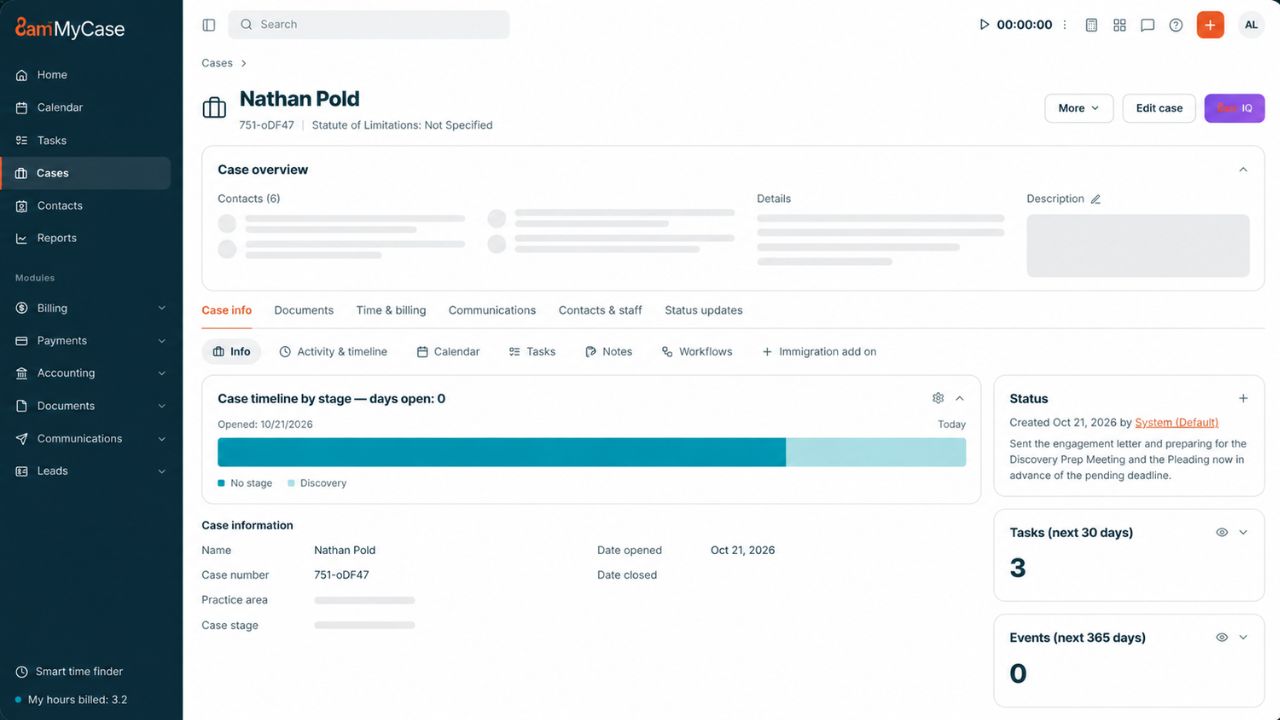
MyCase is the honest value pick, as long as you read the fine print. Basic costs $50 per user per month billed annually ($60 monthly), but the client portal on that plan is labeled “limited.”
Most beginners make the mistake of buying Basic for the portal. Don’t.
The version worth having sits on Pro at $100 per user annually ($120 monthly). That gets you two-way texting with images, unlimited eSignatures, intake forms, and automated workflows. LawPay payments come built in with no monthly fee, and the 10-day trial needs no credit card. For a three-lawyer family law shop, that’s roughly $3,600 a year: not cheap, but you’re replacing three or four separate tools.
3. Case Status
Case Status works differently from everything else here. It’s not practice management. It sits on top of the system you already run and handles one job: keeping clients updated.
Clients get a mobile-first app with automatic stage updates, and the firm gets a satisfaction score on every case. Reviewers also mention a text fallback, so clients who never open the app can still reply through a normal text thread. That matters more than any dashboard.
The vendor claims firms can automate up to 80% of routine messages. Treat that as a ceiling, not a promise. Pricing is a quote only.
Among client portal apps for law firms, this is the one built for volume: personal injury or immigration practices with hundreds of open files. A five-person estate planning office probably doesn’t need a second subscription.
4. PracticePanther
PracticePanther does something rare. It includes the secure client portal on every plan, starting with Solo at $49 per user per month annually ($59 monthly).
The portal itself is plain: two-way messaging, invoices, and documents. That’s fine. Two-way texting and unlimited eSignature start on business at $89 annually ($99 monthly), and the trial runs seven days with no card.
If you’re a solo who wants the best client portal apps for law firms without paying for features you’ll never touch, start your shortlist here.
5. Smokeball
Smokeball’s portal starts at the Boost tier, not the entry-level Bill plan. Boost is fully browser-based and also adds eSignature and eFiling.
Pricing is opaque. Smokeball no longer lists prices for any tier, so every plan means a sales call. Its famous AutoTime feature, which records billable activity in the background, comes included only on Prosper+ and costs extra on Grow. Review roundups also flag high cost for small firms and harder integrations with outside tools.
Already on Smokeball? Turn the portal on. Switching to Smokeball just for the portal makes little sense.
6. Filevine
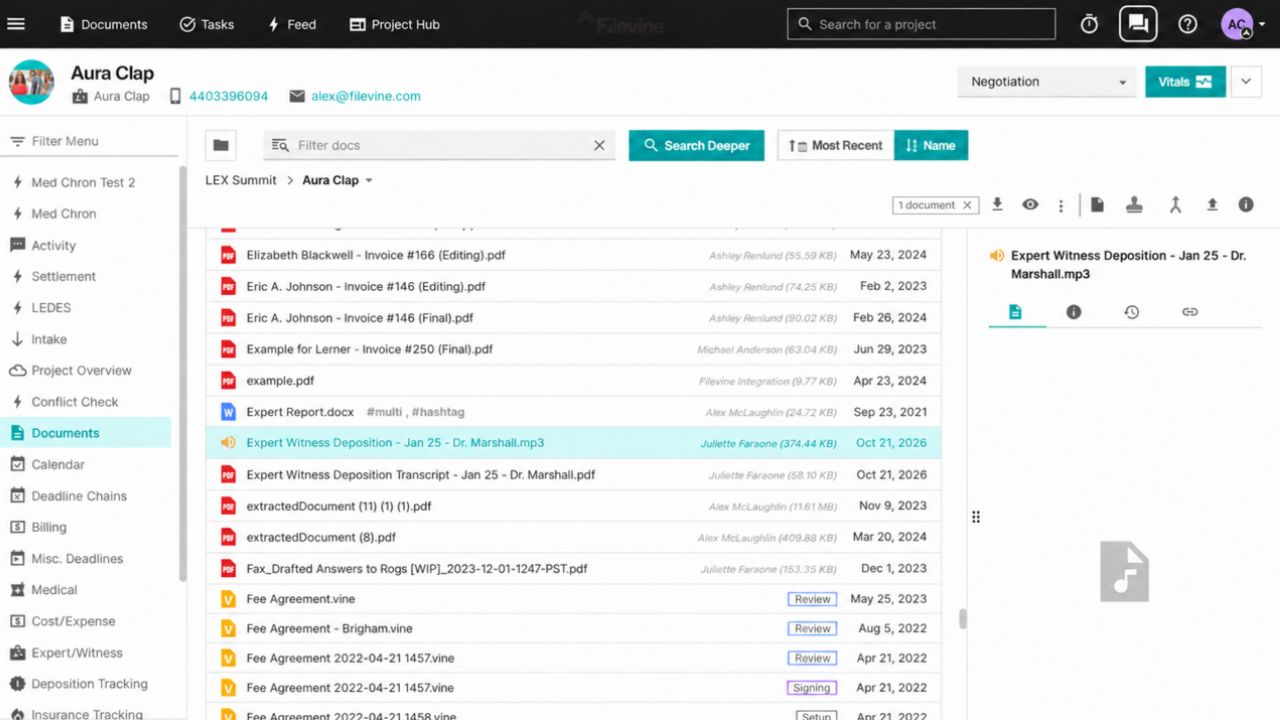
Filevine is built for litigation. Its portal gives clients 24/7 case access, status updates, and secure messaging, and its eSignature tool, Vinesign, can drop documents straight into the client’s portal inbox to fill and sign.
Reviewers praise the client texting. Billing is the most common complaint. Filevine charges per user per month based on which products you pick, so expect a demo before you see a number.
If you run 300 PI files, Filevine belongs among your client portal apps for law firms to demo. If you bill hourly on 40 matters, look elsewhere.
7. Assembly (formerly Copilot)
Copilot rebranded as Assembly in September 2025. It isn’t legal software, so you get no trust accounting and no conflict checks. What you do get is a polished portal with messaging, billing, and payments under your firm’s name.
A free plan covers 5 active contacts and one user. That’s enough to test, not to run a practice. Starter costs $29 a month billed annually ($49 monthly) for 50 contacts, but your own domain and badge removal only arrive on Professional. Audit logs, enforced two-factor login, and HIPAA support sit on Advanced.
Watch those contact caps. They sneak up on growing firms.
8. Clinked
Clinked rounds out the best client portal apps for law firms for one specific crowd: firms whose clients are businesses swapping large document sets. Each client gets a private workspace with tight permissions.
The cheapest startup plan runs $11 per user but skips a custom URL. Standard costs $239 a month and includes 100 members, 1 TB of storage, your own domain, and an audit trail. For consumer law, it’s overkill.
Built In, Bolt On, or Standalone? Decide This First
Pick the type before the brand. The best client portal apps for law firms fall into three groups:
- Built in: Clio, MyCase, PracticePanther, Smokeball, Filevine. The portal shares data with your cases and billing.
- Bolt on: Case Status. It rides on top of your existing system.
- Standalone: Assembly, Clinked. Good portals, but separate from your case data.
Rule of thumb: if you already pay for practice management, use its built-in portal for 60 days before buying anything else. Running a standalone portal next to case software means a status change in one doesn’t show up in the other unless someone types it twice.
Big mistake. And a common one.
Marketing Features You Can Skip
Vendors love selling extras. Some aren’t worth the upcharge:
- Fully custom branded apps. Clients care whether they can find the signed retainer, not whether your logo sits on the app icon.
- AI “sentiment” dashboards. Useful at a 40-lawyer firm. At a 4-lawyer firm, you already know which client is upset.
- “Unlimited storage” as a selling point. Clio, MyCase, PracticePanther, and Smokeball all include it already.
Put that money into two-way texting, eSignature inside the portal, online payments that route to the right account (trust vs. operating), and a few hours of staff training. The training is usually included. Almost nobody books it.
What Firms Complain About After Six Months
The truth is, the software rarely fails. Adoption does. Here’s what keeps coming up with client portal apps for law firms:
- Clients forget passwords and call anyway. Pick a tool with a text option or a simple phone app login.
- Staff stop posting updates by month three. Tie updates to case stages so they go out automatically.
- Notification emails land in spam. Tell clients during intake to look for them.
- Older clients won’t install an app. A browser portal that works well on a phone beats an app nobody downloads. (Here’s a plain breakdown of web apps vs. mobile apps if you’re weighing that tradeoff.)
One workaround firms swear by: walk each new client through their first login before they leave the consultation. Five minutes now saves a dozen calls later.
The Ethics Part of the Sales Demo Skips
ABA Formal Opinion 477R, issued in 2017, says lawyers can send client information over the internet if they make reasonable efforts to block unauthorized access. Highly sensitive matters may need more, such as encryption. The opinion also tells lawyers to do due diligence on technology vendors.
So before you sign, ask every vendor on your list of the best client portal apps for law firms four questions:
- Is data encrypted in transit and at rest?
- Can I see a current SOC 2 Type II report or ISO 27001 certificate?
- Can clients log in with two-factor authentication?
- How do I export everything if I cancel? (Clio, for example, gives you 90 days after cancellation.)
Opinion 483 adds a duty to notify clients after a data breach, so ask how the vendor reports incidents too. For the bigger picture on where firm software is heading, see these legal technology trends.
Frequently Asked Questions (FAQs)
What is the best client portal for a small law firm?
MyCase Pro or PracticePanther if budget leads. Clio if you want room to grow into intake, automation, and reporting.
Is regular email secure enough for client communication?
For routine messages, generally yes, if you use basic security measures. Opinion 477R treats unencrypted routine email as acceptable. Medical records, financial files, and other highly sensitive material belong in an encrypted portal.
Do clients actually use law firm portals?
Only when the firm pushes them to. Walking clients through the first login and offering a text option both help, especially with clients who don’t use much technology.
Is there a free client portal for lawyers?
Assembly offers a free plan for up to 5 contacts, but it skips trust accounting and conflict checks. For real client work, plan on a paid tier.
Should I choose a web portal or a mobile app?
Both, ideally. Clio, Case Status, and Clinked all offer iOS and Android apps, and a browser login covers clients who won’t install anything.
Final Thoughts
Don’t start by comparing feature lists. Start by counting how many “any update?” calls your office takes each week. Then pick a type (built in, bolt on, or standalone), shortlist two of the best client portal apps for law firms from this list, and test each with five real clients for 30 days.
The winner is the one that cuts those calls. Not the one with the slickest demo.






















