You hit publish, and the post sits there with zero visits. If you want to know how to promote a blog post after publish, here is the short version: get it indexed, send it to people who already know you, link to it from your own pages, and keep sharing it for weeks, not hours.
I have worked as an SEO content writer and SEO specialist for more than 10 years. My biggest jump in results came from treating publish day as the start of the work, not the end.
Brian Dean, the founder of Backlinko, said it plainly on the CoSchedule podcast: “Even if your content is amazing, if you just publish and pray as I call it, it’s not going to work out.”
How to Promote a Blog Post After Publish: The Short Answer
- Request indexing in Google Search Console and ping Bing with IndexNow.
- Email the post to your list within 24 hours.
- Add internal links from older posts that already rank.
- Share native posts on LinkedIn and X, not bare links.
- Answer related questions on Reddit, Quora, and niche forums.
- Tell every person or brand you mentioned.
- Pitch the post to sites that link to similar content.
- Turn it into a short video, carousel, or thread.
- Format it so AI search tools can quote it.
- Update and re-share it every few months.
1. Get It Indexed: How to Promote a Blog Post After Publishing on Google and Bing
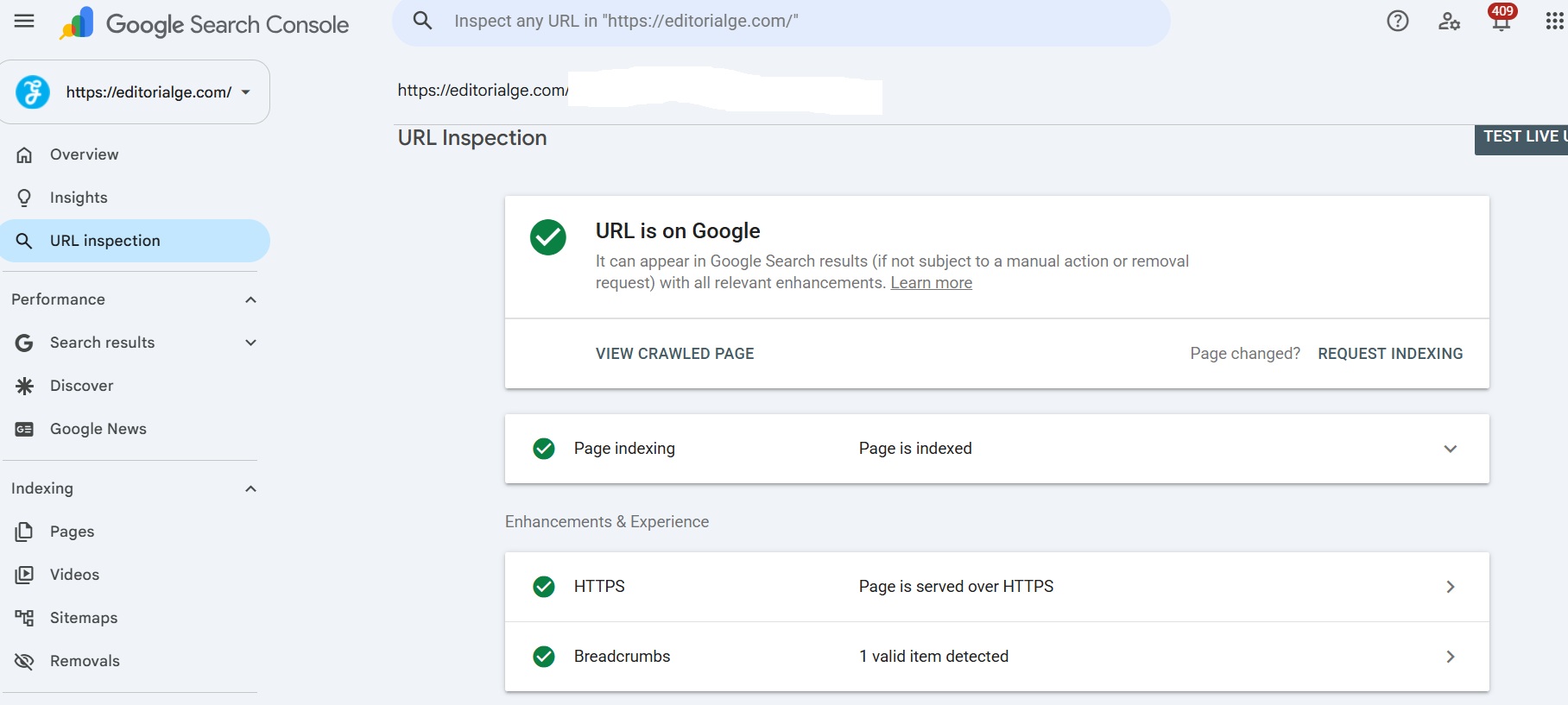
In Google Search Console, I paste the new URL into the URL Inspection tool and click “Request Indexing.” Then I confirm the post is in my XML sitemap.
Keep your hopes realistic. Google’s docs say, “Requesting a crawl does not guarantee that inclusion in search results will happen instantly or even at all.” They also note that crawling can take a few days to a few weeks and that asking again won’t speed it up. I request once and move on.
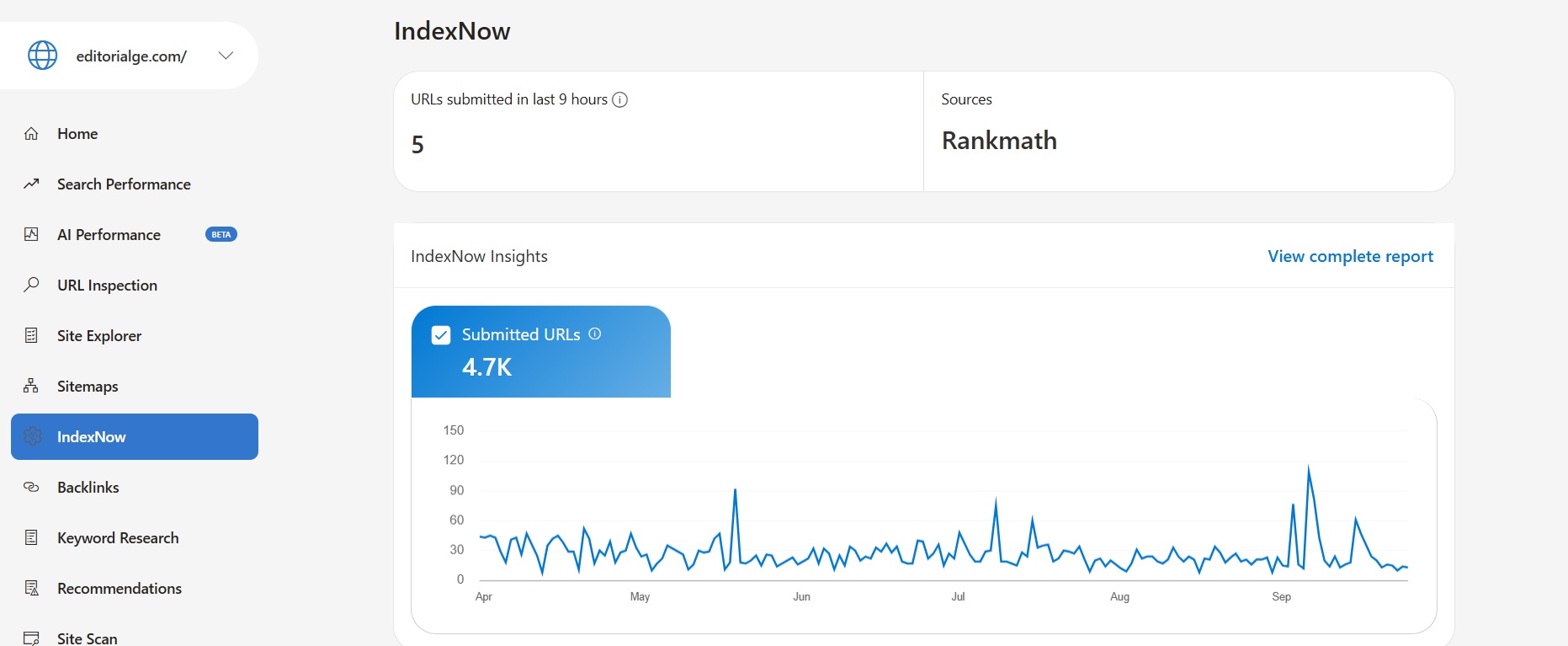
For Bing, I use IndexNow. Plugins such as Rank Math can send IndexNow pings for you each time you publish. Google does not use IndexNow, but Bing and a few other engines do. That matters more now, because Bing’s index also powers Microsoft Copilot.
If you want to tighten the on-page basics before you start promoting, this list of SEO tactics for blogs is a good checklist.
2. Email Your List: How to Promote a Blog Post After Publish Without Fighting an Algorithm
Email is still the channel I trust most on day one. Your subscribers asked to hear from you.
What I have learned:
- Don’t just paste the title and a link. Write three or four lines about the problem the post solves.
- Send it within 24 hours, while the topic is still fresh in your head.
- Use one clear link. Three links split the clicks.
Neil Patel writes that “Email marketing can be one of the best methods of content promotion.” He also points out a weak spot: marketing emails often land in the Promotions tab. That is why he also uses browser push notifications, which he says brought more than 231,000 visitors to his site. If you have push subscribers, send them the post too.
3. Add Internal Links: How to Promote a Blog Post After Publish Inside Your Own Site
A new post starts life with almost no internal links pointing to it. Google finds and weighs pages partly through links, so an orphan post is a weak post. After publishing, I open Search Console, find three to five older posts on the same topic that already get impressions, and add a natural link from each one.
Two rules I stick to:
- Use clear, descriptive anchor text, never “click here.”
- Link from the body copy, not only from a “related posts” widget.
This also helps build topical authority for your blog, because Google can see how your posts on one subject connect.
If your category pages are messy, those older posts get crawled less. Clean that up with these pagination SEO best practices so your whole library stays easy to reach.
4. Post Natively: How to Promote a Blog Post After Publish on LinkedIn and X
Early in my career, I shared every post as a title plus link. It rarely worked. LinkedIn and X want to keep people on their platforms, so a bare link often gets weak reach.
What works better for me now is a native post. I pull the single most useful idea from the article and write it out in full. Then I add the link at the end or in the first comment.
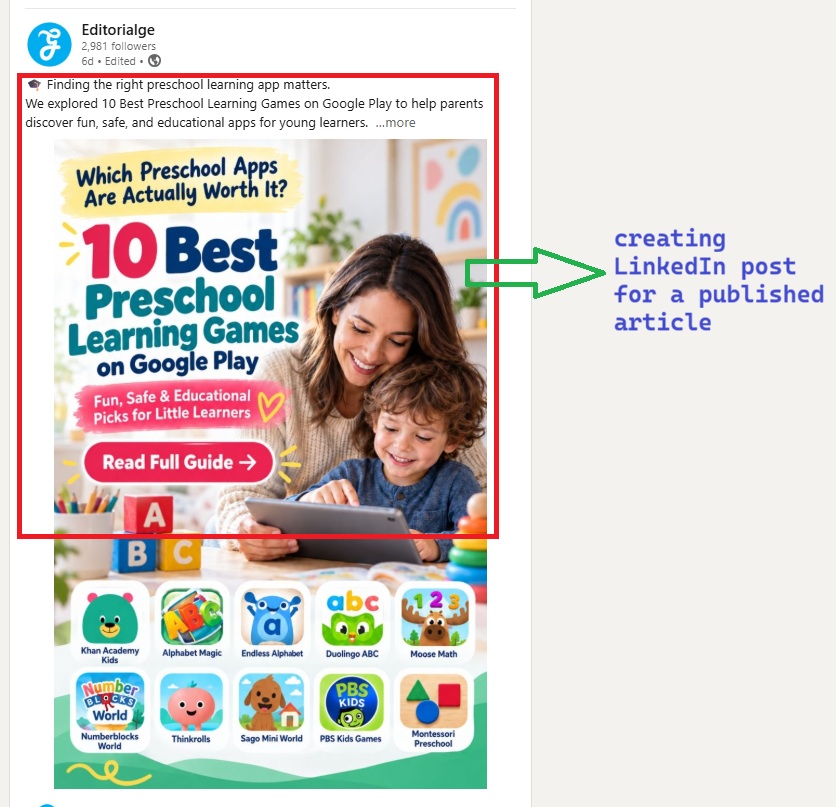
Amanda Natividad of SparkToro calls this zero-click content. In her words, “Zero-click content is content that offers valuable, standalone insights (or simply engaging material), with no need to click.” The people who get real value from your post are the ones most likely to click through later.
Also, post from your personal account. People engage with people far more than with brand pages.
5. Join the Conversation: How to Promote a Blog Post After Publish on Reddit, Quora, and Forums
Reddit threads show up in Google results often, and communities are where readers ask questions in their own words.
My rule here is simple: help first. I search Reddit and Quora for the exact question my post answers. Then I write a real answer in the thread. I only add my link when the post goes deeper than a comment can.
Read each subreddit’s rules before you post. Many ban self-promotion. One spammy link can get your domain flagged by moderators, and that is hard to undo.
6. Tell the People You Mentioned: How to Promote a Blog Post After Publish With Easy Outreach
If you quoted an expert, cited a study, or listed a tool, tell them. A short note is enough:
“Hi [Name], I quoted your point on internal links in my new guide. Thought you might like to see it. Here’s the link.”
No ask. Some will share it. A few will link to it. It is the easiest outreach there is, because you already gave them something. Neil Patel puts it well: “It helps to build your relationships before you actually need them.”
7. Pitch for Links: How to Promote a Blog Post After Publish With Link Building
Links still matter for rankings. The best targets already shared or wrote about your topic.
Brian Dean’s approach is to reach out with a note that fits their interests. One line he has shared as an example: “I notice that you like to write about conversions. I have a piece about conversions; do you want to check it out?”
Nathan Gotch, founder of Gotch SEO, adds a warning worth taking seriously: “The biggest mistake in link building: Promoting an SEO asset that has ZERO market feedback.” Before I do any cold outreach, I check whether the post got traction from email and social. If nobody cared there, I would improve the post first.
Keep pitches short and personal.
8. Repurpose It: How to Promote a Blog Post After Publish in New Formats
One post can become several pieces:
- A 60-second vertical video for YouTube Shorts, Reels, or TikTok
- A LinkedIn carousel built from your main steps
- An X thread
- A pin for Pinterest, if your niche is visual
I pick one or two formats that match where my readers spend time. Spreading thin across seven platforms means doing all seven badly.
9. Format for AI Answers: How to Promote a Blog Post After Publish in AI Search
Many readers now ask ChatGPT, Perplexity, Google’s AI Overviews, or Copilot before clicking any link. Getting cited there is promotion too.
Here is what I check on every post now:
- A direct answer to the main question in the first two or three sentences
- Question-style headings that match how people search
- Short lists and simple tables that are easy to quote
- Named sources and real expert quotes
- A robots.txt file that does not block search crawlers such as OAI-SearchBot and PerplexityBot
None of this guarantees a citation. But clear, quotable answers give AI tools something clean to pull from. Long, rambling posts don’t.
10. Re-Promote It: How to Promote a Blog Post After Publish Again Months Later
Most bloggers quit too soon here. Nathan Gotch described the problem well on the BuzzStream podcast: “Too many people get in the hamster wheel of creating SEO content, like they publish and ask, ‘Okay, what’s the next one we’re going to publish?'” It’s you didn’t even promote that one.”
His advice is to “spend like 20% of your time on content. The other 80% are promoting it. “I don’t hit that exact split, but I do block time every month for older posts.
Every three to six months, I:
- Check Search Console for new queries the post shows up for
- Update stats, screenshots, and dates
- Add a short section for any query it is close to ranking for
- Share it again on social media and in the newsletter as an updated guide
Brian Dean has said that when he kept promoting what was already on his site, “my traffic increased by 25%.” Older posts are assets. Treat them that way.
A 30-Day Plan: How to Promote a Blog Post After Publish Step by Step
This is the schedule I follow. Adjust it to your team size.
| When | What to do |
|---|---|
| Day 1 | Request indexing, ping Index Now, add 3 to 5 internal links. |
| Days 1 to 2 | Email your list and push subscribers. |
| Days 2 to 3 | Native posts on LinkedIn and X |
| Week 1 | Reddit and Quora answers mention outreach. |
| Weeks 2 to 3 | Link pitches and one repurposed format |
| Day 30 | Review Search Console data and fix weak spots. |
What matters is that you plan promotion before you publish, so it actually happens.
Final Thoughts
Writing the post is half the job. Knowing how to promote a blog post after publish is the other half, and it’s the half most people skip. Start with the free, fast steps: indexing, email, and internal links. Then add communities, outreach, and repurposing as time allows.
Pick your next post and run the Day 1 steps the moment it goes live. Then set a calendar reminder for 90 days later to update it and share it again.