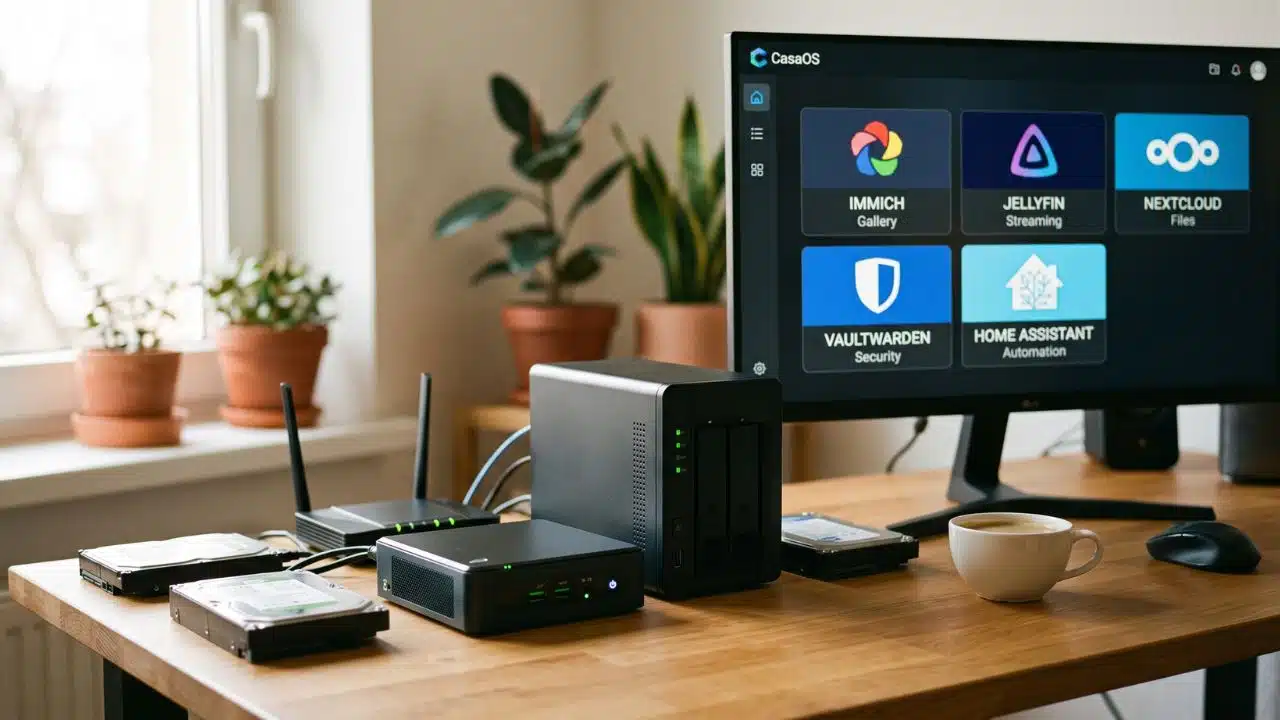
Subscription fatigue is real. Between cloud storage, password managers, media servers, and productivity tools, monthly recurring costs can easily exceed hundreds of dollars. But there is a way out: self-hosting.
By running your own server, you can reclaim ownership of your data, increase your digital privacy, and eliminate monthly fees entirely. Here are the 10 Self-hosted apps to ditch subscriptions that genuinely rival their paid cloud counterparts, along with the foundational knowledge you need to set them up securely.
1. Immich
What it Replaces: Google Photos, Apple iCloud Photos
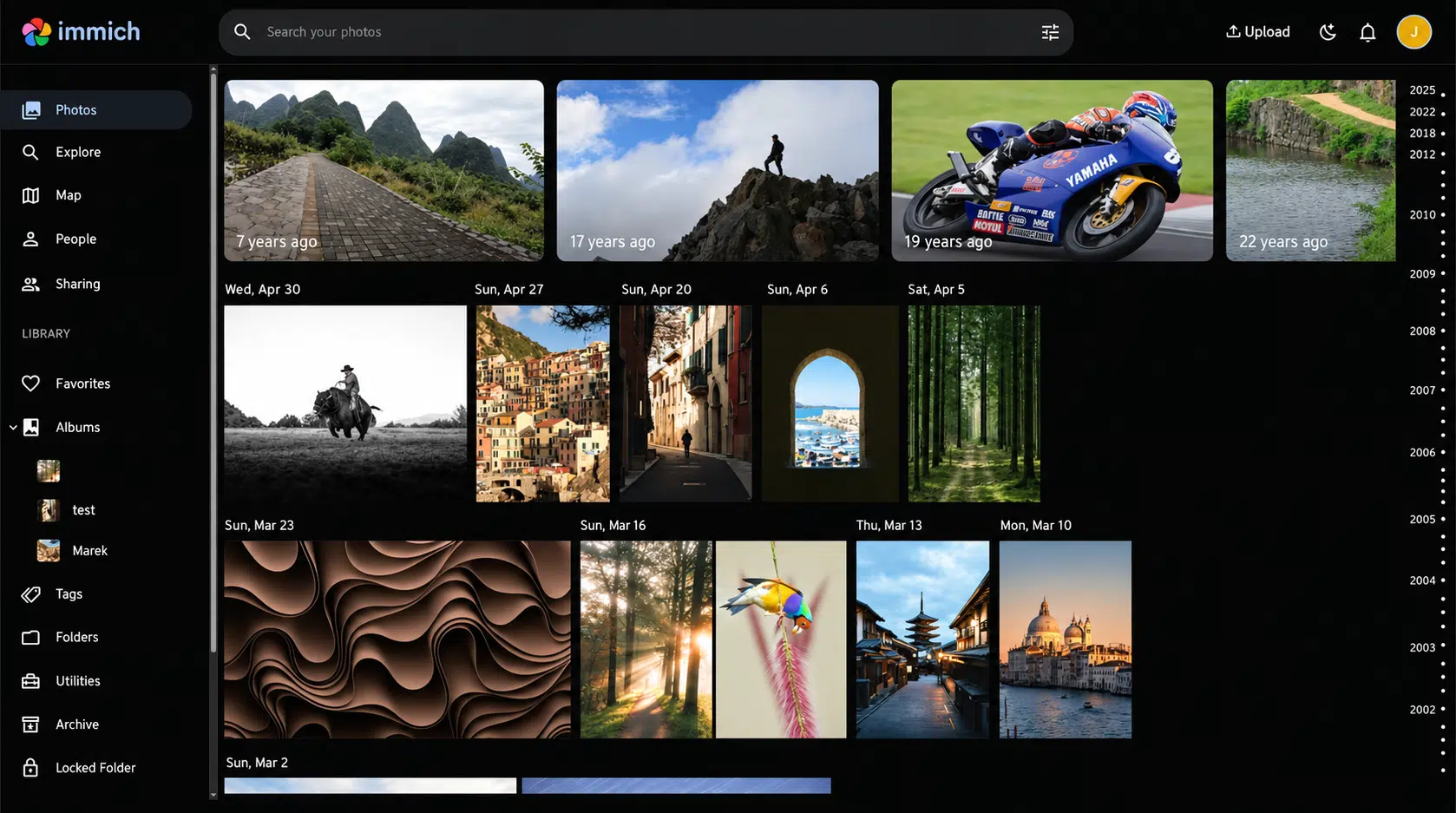
Immich has rapidly become the standard for self-hosted photo management. It is designed to handle massive libraries with the speed and fluidity you expect from native smartphone apps.
- Why it wins: It offers highly accurate, on-device machine-learning features like face recognition, object detection, and location-based search. The background mobile syncing is incredibly reliable.
- The Catch: Because it relies heavily on machine learning to process photos upon upload, it requires more RAM than a basic web server.
2. Jellyfin
What it Replaces: Netflix, Spotify, Plex Pass (Paid)
Jellyfin is a completely free, open-source media system that organizes and streams your personal collection of movies, TV shows, and music. Unlike Plex, it doesn’t lock core features (like hardware transcoding or offline downloads) behind a premium paywall.
- Why it wins: Complete freedom. No tracking, no mandatory cloud accounts, and excellent client apps for Apple TV, Roku, Android, and web browsers.
- The Catch: While direct streaming is lightweight, if your server needs to convert a 4K video on the fly for an older TV (transcoding), it will demand significant CPU power.
3. Audiobookshelf
What it Replaces: Audible, Storytel
Audiobookshelf is a dedicated server for managing and streaming audiobooks and podcasts. If you’ve ever tried to force a video-centric app to remember your place in an audiobook, you know how frustrating it can be.
- Why it wins: It is purpose-built for audio. It features excellent native mobile apps with offline downloads, playback speed controls, and smart library scanning that automatically fetches book metadata.
- The Catch: You have to supply your own DRM-free audiobook files, which often requires purchasing them from specific storefronts or ripping CDs.
4. Nextcloud
What it Replaces: Google Workspace, Microsoft 365, Dropbox
Nextcloud is not just cloud storage; it’s an entire productivity suite. It handles file synchronization, calendar sharing, contact management, and collaborative document editing.
- Why it wins: Absolute data sovereignty. Your files live entirely on your hardware. It also features robust mobile apps and an extensive plugin store to customize your workspace.
- The Catch: It is a large, heavy application. For smooth performance as your user base or file count grows, you will need to configure dedicated database and caching servers (like PostgreSQL and Redis).
5. Vaultwarden
What it Replaces: 1Password, LastPass, Dashlane
Vaultwarden is an incredibly lightweight password manager server that is fully compatible with all official Bitwarden apps and browser extensions.
- Why it wins: You get enterprise-grade features, like multi-factor authentication, secure credential sharing, and file attachments, without paying per-user corporate fees. It runs flawlessly on low-power hardware.
- The Catch: As mentioned in the backup section, you are solely responsible for keeping this data safe. An unbacked-up server failure here is catastrophic.
6. Paperless-ngx
What it Replaces: Evernote, Doxie, Adobe Document Cloud
Paperless-ngx is an electronic document management system that transforms physical mail, chaotic PDFs, and receipts into a highly searchable, organized archive.
- Why it wins: It uses robust Optical Character Recognition (OCR) to read the text inside your documents and employs machine learning to automatically apply the correct tags and categories based on your past behavior.
- The Catch: The initial setup, especially configuring a network scanner or email inbox to automatically send files to Paperless, takes some technical patience.
7. Actual Budget
What it Replaces: YNAB (You Need A Budget), Mint, Monarch Money
Actual Budget is a privacy-first, local-first envelope budgeting app. It operates on the philosophy of giving every dollar a “job” based only on the money currently in your accounts, rather than forecasting hypothetical future income.
- Why it wins: End-to-end encrypted syncing across devices ensures your financial data remains private. It handles split transactions perfectly and offers customizable reporting.
- The Catch: If you want automatic bank syncing, you have to generate and manage your own API credentials, which adds complexity to the setup.
8. Home Assistant
What it Replaces: SmartThings, Hue Hubs, IFTTT Pro
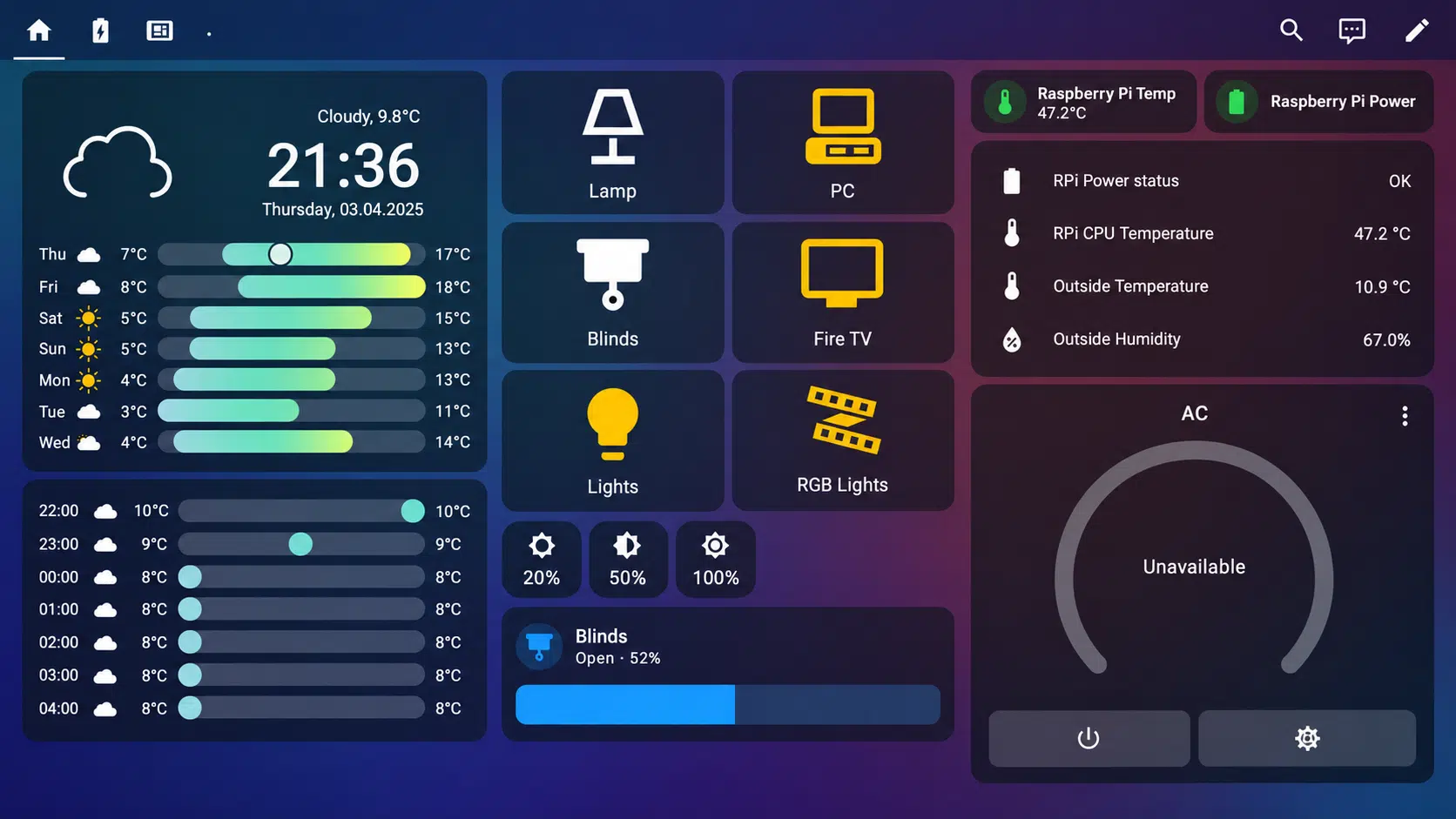
Home Assistant is the ultimate hub for local smart home control. It bridges the gap between different brands, allowing you to control everything from one dashboard without relying on third-party cloud servers.
- Why it wins: Local processing. If your internet goes down, your smart lights and automations still work instantly. The automation engine is incredibly powerful.
- The Catch: The learning curve is steep. Creating complex automations often requires diving into YAML configuration files or understanding nuanced logic.
9. Mealie
What it Replaces: Paprika, Mealime, NYT Cooking App
Mealie is a streamlined recipe manager and meal planner. It simplifies the chaotic process of finding, saving, and organizing recipes from the web.
- Why it wins: The recipe importer is magic—just paste a URL, and it strips away all the blog text, leaving only the ingredients and instructions. It also features automatic grocery list generation.
- The Catch: It’s almost too simple; if you need advanced features like nutritional macro tracking or complex pantry inventory management, it might feel limited.
10. n8n
What it Replaces: Zapier, Make
n8n is a visual workflow automation tool that connects disparate APIs, databases, and webhooks to automate repetitive tasks.
- Why it wins: Cost predictability. Unlike Zapier, which charges per task execution, n8n allows you to run unlimited automations on your own hardware.
- The Catch: While it has a visual editor, troubleshooting failed workflows often requires a basic understanding of JSON and how APIs function.
Taking Back Control of Your Digital Life
Transitioning away from the cloud isn’t just about saving money; it’s about reclaiming ownership of your data and opting out of the constant subscription creep. While the initial setup requires patience, the payoff is a resilient, private digital ecosystem that answers to you, not a corporate board. Start small, perhaps with a media server or a password manager, and expand as your confidence grows.
Frequently Asked Questions (FAQs) on Self-hosted Apps to Ditch Subscriptions
1. Is self-hosting completely free?
The software listed here is free, but you will pay for the hardware (a server, PC, or Raspberry Pi), electricity, and optionally, a custom domain name. However, your hardware pays for itself very quickly when compared to months of compounding SaaS subscriptions.
2. Do I need to know how to code to self-host?
No coding is required. You do need to be comfortable reading documentation and occasionally using a command line, but modern tools like Docker and visual server managers have made the deployment process mostly “plug and play.”
3. Is self-hosting safe from hackers?
It is only as safe as you make it. If you use a secure mesh VPN like Tailscale instead of opening router ports, your risk is incredibly low. If you must expose a service, you must use reverse proxies, enforce two-factor authentication, and keep the software rigorously updated.
4. What happens if the power or internet goes out?
If the power goes out, your services go down. Investing in an Uninterruptible Power Supply (UPS) gives your server enough battery life to safely shut down without corrupting data. If the internet goes out, any locally hosted apps (like Home Assistant or Jellyfin) will still work perfectly on your home Wi-Fi network.
5. Can I access my self-hosted apps away from home?
Absolutely. As mentioned in the security section, you can connect to your home network privately using a VPN like Tailscale or WireGuard, allowing your phone or laptop to securely access your server from anywhere in the world.