Kanban is a visual system for managing work from the moment it enters your workload until it is finished. Used well, Kanban for personal productivity gives you a clearer view of what you have committed to, what deserves attention now, and what has quietly become stuck.
Most personal Kanban boards begin with three columns: To Do, Doing, and Done. That is enough to make tasks visible. The system becomes far more useful once you also control how many tasks can sit in Doing at the same time.
Without that limit, a Kanban board can become a colorful version of an ordinary to-do list. The cards keep moving around, yet too much work remains unfinished.
A useful personal board should be simple enough to check every day. Its purpose is to help you make decisions, not give you another productivity system to maintain.
What Is Kanban?
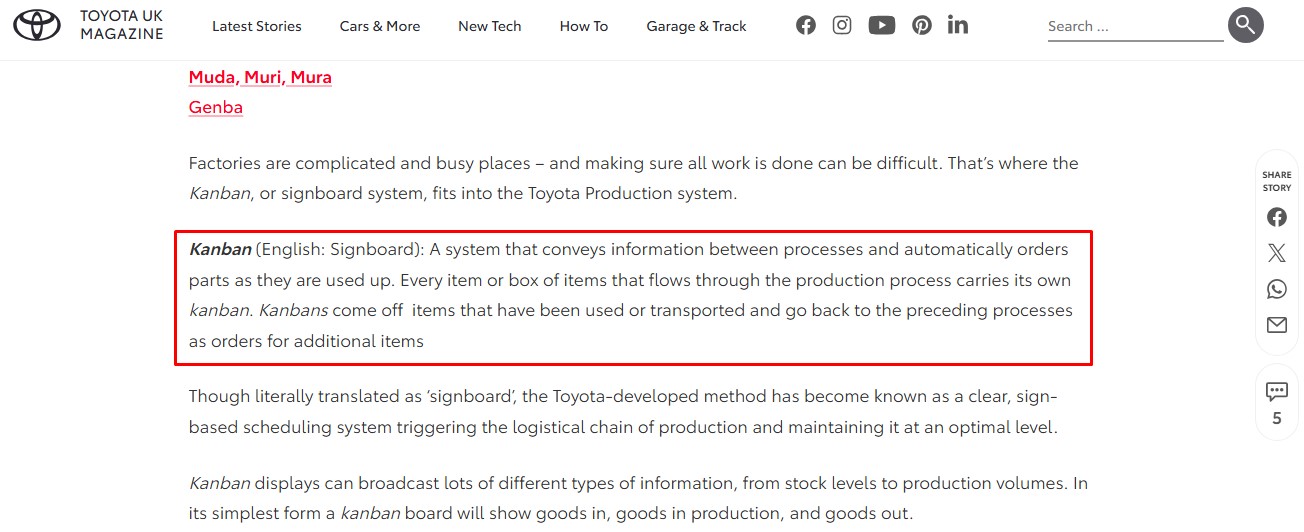
Kanban began as part of Toyota’s just-in-time production system. Physical cards carried information about which parts were needed, where they were required, when they were needed, and in what quantity. Toyota introduced the system across its plants in 1963.
Demand from a later production stage signaled what an earlier stage needed to supply. This helped Toyota control the movement of parts and avoid building more inventory than the next stage could use.
Modern knowledge-work Kanban applies similar flow principles to less tangible work, including articles, design requests, research, applications, reports, customer queries, and software tasks.
Kanban is best understood as a management method applied to an existing way of working. It does not require prescribed roles, fixed meeting schedules, or a complete reorganization of your routine. You begin with the workflow you already have, make it visible, and improve it as recurring problems become easier to see.
That flexibility makes the method suitable for individuals as well as project teams.
What Is Personal Kanban?
Jim Benson and Tonianne DeMaria Barry formalized Personal Kanban in their 2011 book, Personal Kanban: Mapping Work | Navigating Life.
Their approach has two foundational rules:
- Visualize your work.
- Limit your work in progress.
The first rule shows the scale and condition of your workload. The second stops you from treating every recorded task as active.
These rules sound simple, although they require honest decisions. Visualizing work means showing what exists, which tasks have been started, and why something has stalled. Limiting work in progress means accepting that starting another task has consequences for the work already underway.
A three-column board can support both rules. In practice, adding a small Ready queue and a visible place for blocked work gives you a more accurate picture.
How a Personal Kanban Board Works
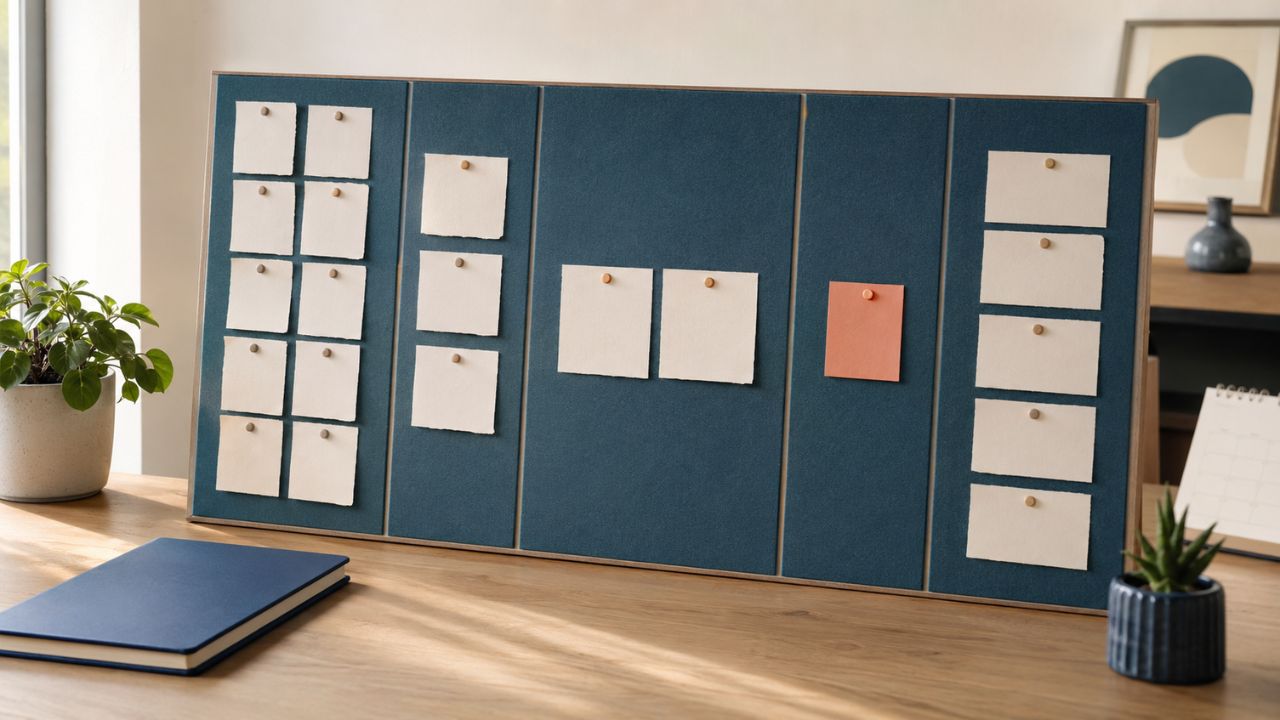
A Kanban board represents the stages work moves through. Each card holds one task or another manageable unit of work. You move the card as its status genuinely changes.
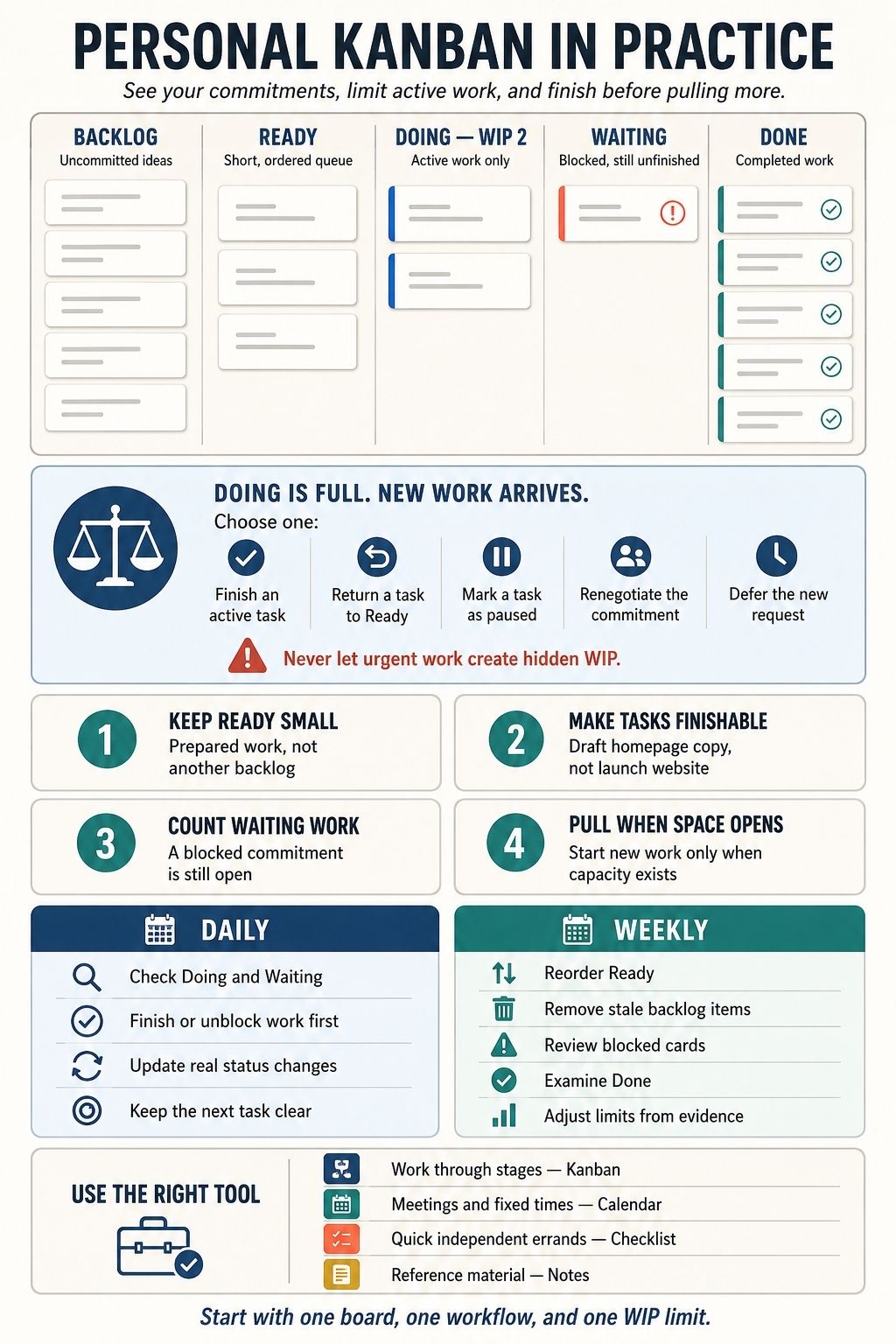
This five-column structure works well for many personal workflows:
| Column | What belongs there |
| Backlog | Ideas, requests, and possible future tasks you have not committed to |
| Ready | A short, ordered selection of tasks that are clear enough to start |
| Doing — WIP 2 | Work currently receiving active attention |
| Waiting or Blocked | Started work that cannot progress until something changes |
| Done | Work completed during the current review period |
Separating Backlog from Ready prevents every idea from feeling urgent. Your backlog may contain dozens of possibilities. Ready should hold only the small number you are prepared to begin soon.
Why the WIP Limit Matters
Work in progress, usually shortened to WIP, includes anything you have started and still owe. A WIP limit sets the maximum number of those tasks allowed in a stage.
For focused individual work, a Doing limit of two is a sensible first experiment. One task can receive your main attention while the other accommodates genuinely parallel or shorter work.
The number is adjustable. Someone handling short administrative requests may need a different limit from a writer, researcher, or designer working in long periods of concentration. Observe the board for a week before deciding whether the limit is too low.
When Doing is full, a new request creates a visible choice. You can finish an active task, pause something deliberately, renegotiate a commitment, or defer the incoming work. What you cannot do is keep increasing active work without acknowledging the added load.
This is the pull principle in everyday terms: take on new work when capacity becomes available.
Waiting Work Still Counts
A separate Waiting column explains why a task has stopped moving.
Suppose you send a completed draft to a client and need approval before continuing. The card belongs in Waiting. You still need to monitor the response, answer questions, and reserve time for the next stage, so the commitment remains open.
Watch this column carefully. If every stalled card is moved there whenever Doing becomes crowded, the board will understate your real workload. You can give Waiting its own limit or apply one combined limit across Doing and Waiting.
Why Kanban Can Help With Personal Productivity
Kanban cannot create more time or guarantee that every deadline will be met. Its main advantage is visibility. Problems that were previously scattered across memory, messages, documents, and task apps appear together.
You see your real workload
A week may look manageable until the board displays three unfinished assignments, several unanswered requests, and a large task carried over from last week. That may be uncomfortable, but it is useful information.
Possibilities stay separate from commitments
A typical to-do list mixes future ideas, minor errands, urgent work, and long-term goals. Kanban keeps most of that material in the backlog while a smaller Ready queue shows what is realistically approaching.
Unnecessary switching becomes easier to notice
Research on task switching has found measurable costs when people move repeatedly between different task rules. Sophie Leroy’s work on attention residue also suggests that part of our attention may remain attached to unfinished work after we switch. A WIP limit provides a practical reason to finish or deliberately pause one task before opening another.
Blockers become specific
A task sitting in Doing for five days tells you very little. Moving it to Waiting and recording “needs client approval” or “figures unavailable” shows what must happen next. If the same blocker appears repeatedly, the problem may lie in the workflow rather than the individual task.
Done provides a useful record
At the end of the week, the Done column shows what actually moved through the system. You can compare completed work with the plans you made, examine what took longer than expected, and spot tasks that repeatedly caused trouble.
How to Build a Personal Kanban System
Begin with a real area of work. The board can grow later if it proves helpful.
1. Choose one part of your life or work
Putting professional projects, exercise goals, shopping, household repairs, reading plans, and long-term ambitions on one new board creates too much noise.
Choose an area with work that moves through recognizable stages, such as:
- Freelance assignments
- University coursework
- Job applications
- Content production
- Small-business administration
- A home improvement project
A focused board is easier to understand and more likely to reveal useful patterns.
2. Map the way the work already moves
Write down the stages that your tasks actually pass through.
A writing workflow might look like this:
Backlog → Ready → Researching → Drafting → Editing → Done
A job-search board may need:
Opportunities → Preparing → Applied → Interviewing → Waiting → Closed
Create a separate column only when the change in status affects what you need to do next. If two stages lead to the same action, combining them will usually make the board easier to manage.
You can simplify the workflow to Backlog, Ready, Doing, Waiting, and Done until you understand what additional detail would help.
3. Turn work into finishable cards
“Launch website” is too large for one card. It may remain in progress for weeks without showing what has been achieved.
Break it into outcomes that can move independently:
- Confirm the website structure
- Draft the homepage copy
- Select five portfolio samples
- Compress the homepage images
- Test the contact form
- Review the mobile layout
A clear card begins with an action and describes a result you can recognize as complete. Add any links, instructions, files, or acceptance details required to begin.
Avoid breaking work into fragments that create movement without producing anything useful. “Open the document” may be an action, but it is rarely an outcome worth tracking.
4. Keep Ready short and ordered
Ready should contain enough prepared work to prevent uncertainty when a slot opens. It should not grow into a second backlog.
Five to ten cards may be plenty for one person. Arrange them according to deadlines, value, dependencies, and available context. When capacity opens, choose the next suitable card from that ordered queue.
This helps prevent the common habit of selecting whichever task looks easiest or most interesting in the moment.
5. Set a WIP limit and treat it as an experiment
Start with a Doing limit of two if your work requires concentration. Use it for a full week before making adjustments.
If the limit constantly feels restrictive, inspect the cards before raising it. One task may be too large. Another may contain a hidden dependency. You may also have several waiting commitments consuming more capacity than the board suggests.
There are valid reasons to change a WIP limit. The decision should follow something you observed rather than a desire to fit more unfinished work onto the board.
6. Decide how exceptions will work
Interruptions and urgent requests will still happen. Agree on a simple rule before they arrive:
If an urgent task must enter a full Doing column, one active task must be finished, returned to Ready, or marked as paused. Record what was displaced and, if another person is affected, communicate the delay.
Blocked work also needs a rule. Note what the card is waiting for, who or what can unblock it, and when you need to follow up. A Waiting column filled with cards that no one reviews becomes an archive of forgotten commitments.
7. Define Done and review the board
A card should enter Ready only when it contains enough information to begin. It should enter Done when the agreed result has genuinely been delivered.
For an article, Done might mean the copy has been edited, the links checked, the images added, and the final version submitted. For a job application, it may mean the application was sent and a confirmation received.
Review the board at least once a week. Clear finished cards, remove outdated backlog items, prepare the next Ready tasks, and look closely at anything that remains stuck.
Physical or Digital Kanban: Which Is Better?
A physical board is visible and easy to understand. Moving a sticky note by hand also makes a WIP limit feel concrete. For someone learning the method, the lack of settings and automation can be helpful.
Its weaknesses are equally practical. A wall or desk board is difficult to carry, offers little room for supporting information, and becomes inconvenient when work happens in several locations.
Digital boards are better for attachments, links, search, reminders, recurring tasks, and collaboration. Trello, Notion, and many project-management platforms can support a simple personal workflow.
They also make overbuilding tempting. Labels, custom fields, automations, filters, views, and attractive templates can consume more attention than the work itself.
Choose the format you will reliably check. A sheet of paper beside your desk may serve you better than an elaborate app that remains closed.
Start With One Board and One Limit
Create a board for one area of work. Use Backlog, Ready, Doing, Waiting, and Done, then place an initial limit of two on Doing. Work with that setup for a week before adding new stages, labels, integrations, or automations.
During that week, pay attention to what the board reveals. Your cards may be too large. Priorities may change too easily. Approvals may take longer than expected. You may also discover that new commitments are being accepted without a clear decision about what they will replace.
Those observations are more valuable than a perfectly arranged board. They show where your work is losing momentum and give you something specific to improve.
Frequently Asked Questions About Kanban for Personal Productivity
1. What is Kanban for personal productivity?
Kanban for personal productivity is a visual way to manage individual tasks as they move through different stages of work. A basic board may include Backlog, Ready, Doing, Waiting, and Done.
2. How do I start using a personal Kanban board?
Choose one area of work and create a simple board with Backlog, Ready, Doing, Waiting, and Done columns. Turn projects into small, finishable task cards, then place only the work receiving active attention in Doing.
3. What does WIP mean in Kanban?
WIP stands for work in progress. It includes tasks you have started but have not finished, including work that is temporarily blocked or awaiting approval. A WIP limit restricts how many tasks may be active at one time. When the limit is reached, you finish, pause, or renegotiate existing work before pulling another task into Doing.
4. Is Kanban better than a traditional to-do list?
Kanban is more useful when tasks pass through several stages, involve dependencies, or frequently become blocked. It shows the condition of the work, while a conventional to-do list mainly records what needs to be done.
5. Should I use a physical or digital Kanban board?
A physical board offers strong visibility and is easy to learn without becoming distracted by settings or automation. A digital Kanban board is more convenient when you need remote access, attachments, reminders, search, or collaboration.