


Ever tried to schedule a doctor’s appointment? Long waits, tangled phone trees, parking nightmares. You know the drill.
Telemedicine promises something better. You can chat with a doctor from your couch—no traffic, no waiting rooms.
Sounds perfect, right? It is, but not if you make a few common mistakes.
Scheduling a virtual appointment is easy, but there are some crucial steps you don’t want to miss. Get it right, and you’ll be set.
In this blog, we’ll share telemedicine tips on how to pick the best platform, avoid tech mishaps, and ensure you get the most out of your virtual care experience.
Benefits of Telemedicine
Telemedicine is totally changing the game when it comes to healthcare. Forget about waiting for ages in crowded waiting rooms—now you can get care right from the comfort of your home. Need to see a doctor before work or after dinner? No problem, you can schedule it whenever it fits into your day.
What’s incredible is that it makes healthcare so much more accessible. For those who live far away or juggle a busy life, telemedicine is a lifesaver. No need to travel miles to see a specialist—it’s all just a few clicks away.
It’s also more personal. Doctors can keep an eye on your progress, and let’s be real—you probably feel more comfortable chatting about health stuff from your own home. This is how telemedicine benefits everyone: by making healthcare hassle-free.
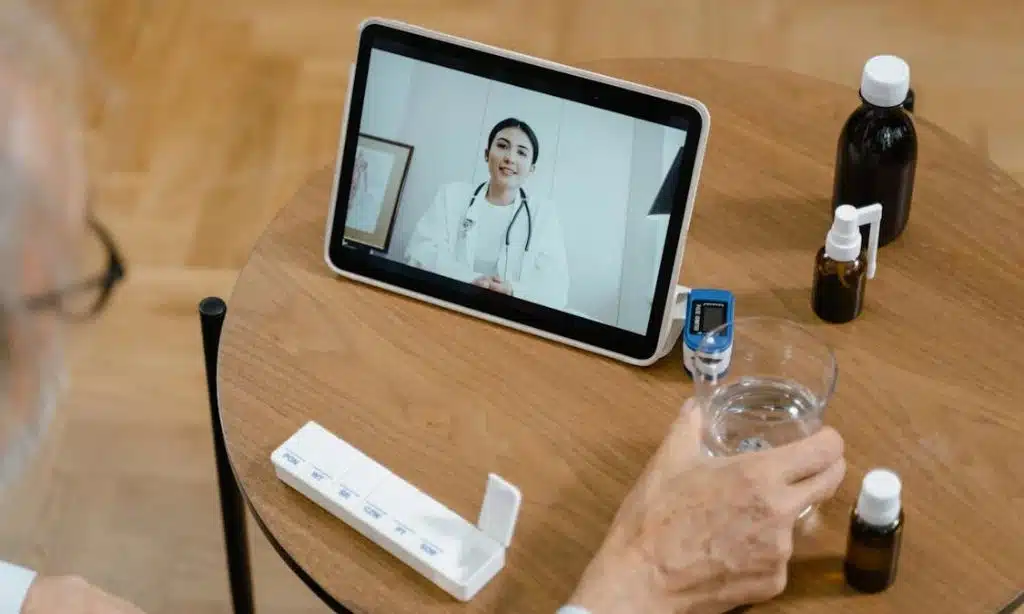
Tips for Scheduling Virtual Care Right
Booking a telemedicine appointment sounds simple, but the devil’s in the details. Take note of these key telemedicine tips to do it right:
1. Choose the Right Platform
Not all telemedicine platforms are made equal. Some are user-friendly; others will drive you crazy. Pick one that works with your device and keeps your health data secure. Look for HIPAA compliance.
Pro tip: Visit https://www.qnomy.com/healthcare to see how a smart scheduling system simplifies telemedicine appointments.
2. Know Your Provider’s Availability
Doctors have limited slots. Some platforms hide available times, so double-check with the office. Don’t assume. Planning ahead ensures you get a spot that works for you.
3. Prepare Your Technology
Tech problems can ruin a virtual appointment. Test your camera, microphone, and internet before your visit. Good headphones make a huge difference. A smooth setup means fewer distractions and a better experience.
4. Consider Your Health Needs
Virtual options cannot replace every healthcare service. Virtual appointments should not be used for physical examinations or urgent healthcare needs. Be honest. If it’s a follow-up or a minor issue, virtual care can be the right solution.
5. Block Time for Your Appointment
Don’t treat your appointment like a second thought. Block time just like you would for an in-person visit. Don’t try to multitask with work or errands. Focus on your health.
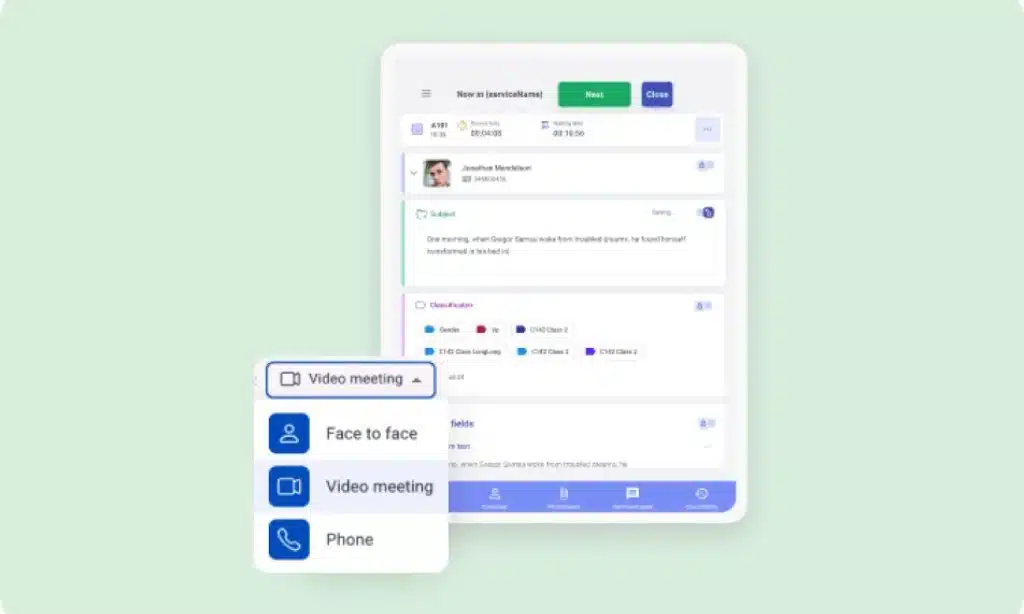
6. Double-Check Time Zones
Time zones. The silent appointment killer. Double-check the time, especially if your doctor’s in a different zone. Some platforms don’t auto-adjust. A quick check saves confusion.
7. Provide Necessary Information Early
Upload your medical history and relevant forms ahead of time. This lets the doctor focus on your current issues, not background paperwork. Don’t waste valuable appointment time on forms.
8. Confirm Appointment
Confirm the details—date, time, and platform. A small mistake can derail everything. Confirming in advance means no last-minute stress.
What to Do If You Need to Reschedule
Life happens. Sometimes, you need to reschedule. Don’t stress. Most platforms let you change the time with ease. Just don’t forget to:
- Call the office number right away if you need assistance.
- Check the terms and conditions for cancellation or rescheduling costs, especially if you need to reschedule last minute.
Common Pitfalls to Avoid
Scheduling virtual care is straightforward, but be careful of these common slip-ups:
1. Distractions at Home
Your home is full of distractions—pets, kids, doorbells ringing. Find a quiet space. Let everyone know you’re unavailable. Your health deserves your full attention.
2. Overbooking Yourself
It’s tempting to believe you can fit in one more thing before or after your appointment. Don’t. Treat the appointment like any other meeting. Give yourself time to focus on your health.
3. Ignoring Platform Features
Every platform is different. Some have screen sharing; others have waiting rooms. Take a few minutes to get familiar with the features. Don’t get caught off guard.
Takeaways
Telemedicine is designed to simplify your life, but it only works if you know how to navigate it. A wrong click or rushed appointment can turn a smooth experience into a frustrating one.
Do it right, and scheduling virtual care isn’t just a time-saver. It’s a smarter, more personal way to access healthcare.
How has telemedicine changed your approach to healthcare? Drop your thoughts in the comments.
Discover how scheduling tools like Q-nomy can streamline your health appointments so you never have to worry about missing a session again.





















