

As someone who has been a longtime ChatGPT Plus user, I’ve frequently turned to this AI chatbot for a variety of tasks—whether it’s work-related assistance or for recreational purposes. While ChatGPT is incredibly versatile and helpful, it’s important to be aware of one significant limitation: it can hallucinate or produce inaccurate information. This occasional shortcoming highlights the importance of verifying its claims, especially when accuracy matters most.
Keeping Up with ChatGPT’s Evolving Features
Over the years, OpenAI has consistently rolled out new features and updates to enhance the ChatGPT experience. These updates aren’t just cosmetic changes; they’re functional upgrades that make the tool more intuitive, powerful, and accessible for a wide range of users. For instance, Advanced Voice Mode and Canvas have both significantly improved the user interface, allowing for a more seamless and enjoyable interaction experience. OpenAI’s commitment to innovation is evident in how these features are designed to cater to diverse needs, from casual conversations to detailed technical inquiries.
One of the most impactful changes, however, is the introduction of ChatGPT Search. This feature integrates real-time web search capabilities directly into ChatGPT, allowing users to access the latest information without leaving the chat interface. This advancement underscores OpenAI’s dedication to making ChatGPT an all-in-one assistant, bridging the gap between static AI models and dynamic, real-time data retrieval.
The Role of Effective Prompts in ChatGPT Interactions
To fully unlock the potential of ChatGPT, it’s crucial to understand the role of prompts. Your initial message to the chatbot—the prompt—sets the stage for the entire conversation. A well-crafted prompt can significantly improve the accuracy and relevance of ChatGPT’s responses, saving you time and effort. On the other hand, vague or incomplete prompts can lead to less-than-satisfactory outcomes, requiring you to spend extra time refining your requests.
For example, if you’re asking ChatGPT to help you draft an email, a prompt like, “Write me an email” might yield generic results. In contrast, a more detailed prompt such as, “Write a formal email to my manager requesting a day off due to a personal appointment” will provide a more tailored and accurate response. The quality of your prompt directly impacts the quality of the AI’s output.
A Game-Changer: The “Edit Message” Feature
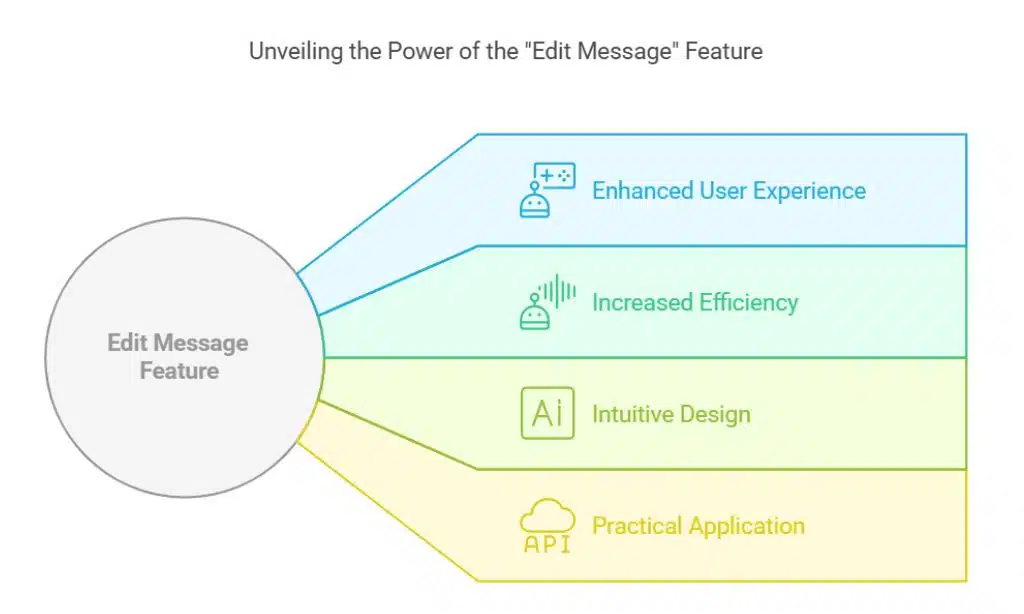
Recently, while exploring ChatGPT’s new Tasks feature, I stumbled upon a functionality that’s been hiding in plain sight: the “Edit message” button. This feature allows users to modify their prompts after they’ve been submitted. Once edited, ChatGPT recalibrates its response based on the updated input. This seemingly simple tool has been a revelation for me, as it eliminates the need to write follow-up messages to refine ChatGPT’s output. Instead, I can go back, adjust my original request, and instantly see how the chatbot adapts to the new information.
It’s a feature that’s been available for months, but I had overlooked it until recently. It’s ironic, considering how often I’ve edited replies in instant messaging apps like iMessage and WhatsApp. The “Edit message” option is essentially the same concept but applied in the context of AI interactions. It’s an intuitive tool that can save users both time and effort.
How to Use the “Edit Message” Feature
Here’s a quick guide to using the “Edit message” feature effectively:
- On Desktop: Hover over any message you’ve sent, and you’ll see an “Edit” button appear. Clicking on it opens up your original prompt, allowing you to make changes. Once you’ve edited the prompt, hit submit, and ChatGPT will update its response accordingly.
- On Mobile Devices: The process is just as simple. Press and hold any of your messages, and an “Edit” option will pop up. Tap on it, make the necessary adjustments, and resubmit your prompt. The chatbot will then generate a new response based on your revised input.
The feature is versatile and not limited to the first prompt in a conversation. You can edit any of your previous prompts within the chat, making it easier to refine and redirect the conversation as needed.
Why the “Edit Message” Feature is a Game-Changer
The “Edit message” functionality offers several advantages:
- Efficiency: By allowing you to directly modify your initial prompt, this feature reduces the time spent crafting follow-up messages. You no longer have to ask the chatbot to tweak its response multiple times; instead, you can go back to the source and adjust it as needed.
- Cleaner Conversations: Editing prompts minimizes clutter in your chat history, making it easier to navigate and review previous interactions. This is particularly useful for long conversations where scrolling through multiple follow-up messages can become tedious.
- Unlimited Revisions: There’s no limit to how many times you can edit a message. This flexibility ensures that you can refine your prompt as much as necessary to achieve the desired outcome.
- Enhanced Results: Since the quality of ChatGPT’s responses is directly tied to the clarity of your prompts, being able to fine-tune your input leads to better, more accurate results.
My Experience with the “Edit Message” Feature
To illustrate how impactful this feature is, let me share an example from my recent interactions. I started a conversation with ChatGPT using a brief, somewhat vague prompt. The response was decent but not exactly what I needed. Instead of sending a follow-up message to clarify my request, I used the “Edit message” button to rewrite the initial prompt, adding more details and context. The updated response was spot-on, saving me the hassle of going back and forth with additional clarifications.
This approach has not only streamlined my workflow but also made my interactions with ChatGPT more productive. Whether I’m drafting content, brainstorming ideas, or seeking technical advice, the “Edit message” feature has become an indispensable tool in my arsenal.
The “Edit message” feature in ChatGPT is a hidden gem that every user should take advantage of. By enabling prompt modifications, it enhances the efficiency, clarity, and effectiveness of your interactions with the AI. If you haven’t already explored this functionality, I highly recommend giving it a try. It’s a simple yet powerful tool that can make a world of difference in how you use ChatGPT, whether for work, learning, or leisure.





















