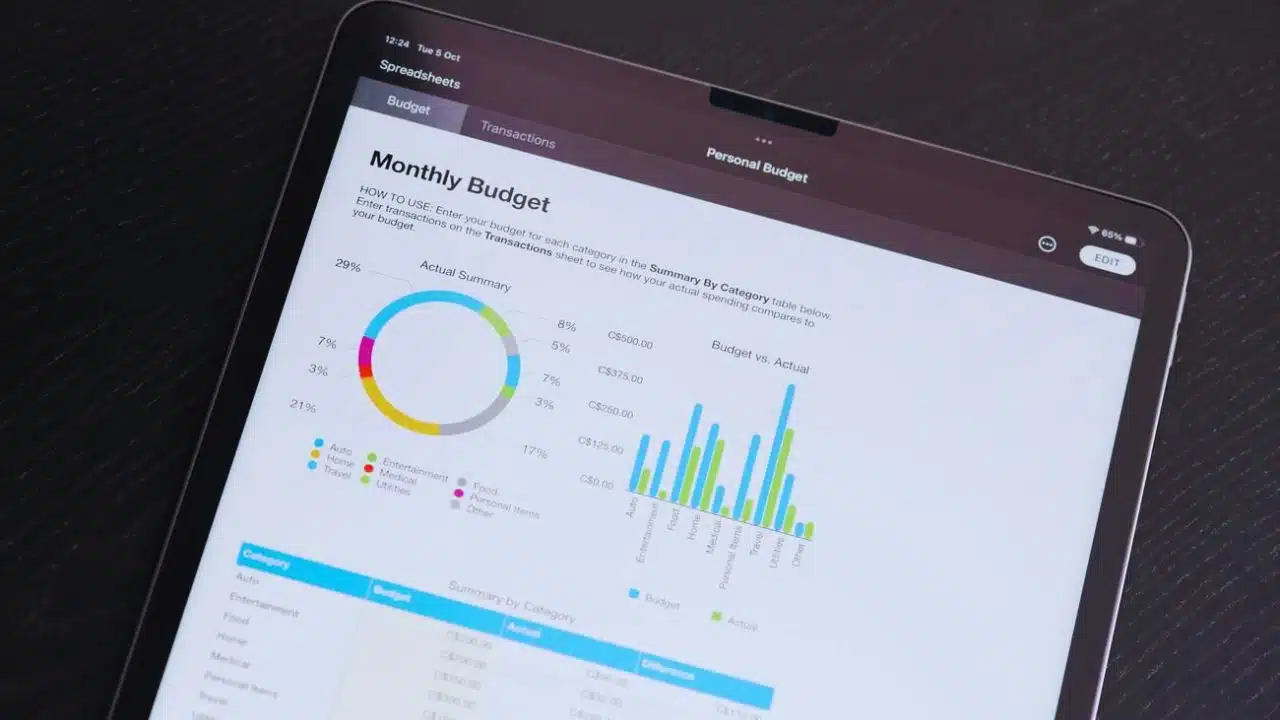
Managing personal finances effectively can transform your financial health and prospects. With the right personal finance software, you can easily track expenses, create budgets, manage investments, and plan for financial goals.
In 2024, various top-rated personal finance software options cater to different needs and preferences, making controlling your money more accessible.
Whether you’re looking to monitor spending, save more efficiently, or handle complex investments, there’s a perfect tool.
Here’s an in-depth look at eight of the best personal finance software options available this year, each designed to help you manage your finances with ease and precision.
1. PocketGuard: Best for Tracking Expenses
PocketGuard simplifies expense tracking with an easy-to-use interface, helping you see where your money goes and how much you can safely spend. The software categorizes your expenses, tracks your bills, and offers an “In My Pocket” feature that shows your available spendable money after accounting for bills, goals, and necessities.
This feature provides a clear snapshot of your financial standing, ensuring you stay within your budget. PocketGuard is available as both a mobile app and a web application, making it accessible on the go.
The basic version is free, but for additional features, you can upgrade to PocketGuard Plus at $4.99 per month or $34.99 per year. This tool is ideal for users needing a straightforward expense tracker that simplifies financial management and reduces the stress of keeping track of expenses manually.
2. Quicken: Best for Investment Management
Quicken is renowned for its robust investment tracking features, making it a top choice for users with complex financial situations. The software allows you to manage your investment portfolio, analyze performance, and generate detailed, customizable reports.
Quicken’s versatile tools help investors keep track of multiple accounts and financial activities in one place, providing comprehensive insights into their financial health. Primarily a desktop application, Quicken also offers mobile apps for tracking investments on the go.
The service starts at $3.49 per month when billed annually, making it a valuable resource for serious investors. Quicken’s detailed performance analysis and portfolio management tools make it indispensable for those needing to monitor their investments closely.
3. YNAB (You Need A Budget): Best for Sticking to a Budget
YNAB, short for You Need A Budget, is a powerful tool for those committed to getting their finances in order. It uses a proactive budgeting approach, helping users break the paycheck-to-paycheck cycle and save money.
YNAB encourages users to assign every dollar a job, ensuring money is spent intentionally. The software features goal tracking, real-time syncing across devices, and detailed spending reports, making staying on top of your finances easier.
YNAB costs $14.99 per month or $99 per year on both desktop and mobile platforms. Its hands-on approach and accountability features make it an excellent choice for those serious about budgeting and achieving financial freedom.
YNAB’s user-friendly interface and comprehensive tools provide the support needed to stick to a budget and reach financial goals.
4. Zeta: Best for Couples Who Share Finances
Zeta is designed for couples managing shared finances, offering tools promoting transparency and collaboration. The software supports joint account management, bill splitting, and setting shared financial goals, ensuring both partners are aligned financially.
Zeta helps couples streamline their money management, reducing the stress that can come with shared finances. It is primarily a mobile app but offers web access for additional features.
The best part? Zeta is free, making it an accessible option for couples at any stage of their financial journey. With its intuitive interface and practical features, Zeta fosters financial harmony, allowing couples to manage their money effectively and focus on their financial future together.
5. Tiller Money: Best for Spreadsheet Enthusiasts
Tiller Money caters to those who prefer managing their finances with spreadsheets. The software automates transaction imports into customizable templates in Google Sheets and Microsoft Excel, providing detailed insights into your financial situation.
Tiller Money’s approach provides a personalized and detailed financial management experience, giving users complete control over their data. The service costs $79 per year, offering a unique blend of automation and customization.
Ideal for spreadsheet enthusiasts, Tiller Money combines the familiarity of spreadsheets with the power of automated financial tracking, making it an excellent choice for those who want detailed control over their financial data.
The platform’s flexibility and depth make it a favorite among users who appreciate a hands-on approach to managing their finances.
6. Simplifi by Quicken: Best for Beginners Who Want to Save Money
Simplify by Quicken offers a modern and streamlined approach to managing finances, balancing ease of use with powerful features. It provides a personalized spending plan, real-time updates, and custom watchlists, helping users stay on top of their finances effortlessly.
Simplifi is designed for beginners, offering an intuitive interface that makes financial management simple and accessible. Available as a mobile app and a web application, Simplifi costs $3.99 per month when billed annually or $47.88 per year.
This software is ideal for users seeking a straightforward tool to manage their money, save more, and achieve financial goals. Simplifi’s blend of simplicity and functionality makes it an excellent choice for those new to economic management, providing the tools needed to start saving money effectively.
7. QuickBooks: Best for Small Business
QuickBooks is a comprehensive financial management tool designed for small businesses, offering robust features for tracking sales and finances. It simplifies accounting tasks, provides detailed financial reports, and integrates with various business apps.
QuickBooks allows small business owners to manage invoices, expenses, and payroll in one place, ensuring a clear separation between personal and business finances. Available as both desktop software and a mobile app, QuickBooks starts at $25 per month for the Simple Start plan.
Its extensive features and user-friendly interface make it an indispensable tool for small business owners who must keep their finances organized and controlled.
QuickBooks’ ability to handle complex business accounting tasks makes it a top choice for entrepreneurs looking to streamline their financial management.
8. Goodbudget: Best Free Program to Track Personal Finances
Goodbudget is a free personal finance software that uses envelope budgeting to help users manage their finances. It allows users to allocate funds into virtual envelopes for each budget category, such as groceries, entertainment, and debt payoff, providing a structured approach to budgeting.
Goodbudget’s expense categorization and syncing across multiple devices ensure that users can track their finances from anywhere. The software is accessible via a mobile app and the web, making it a versatile tool for budget-conscious individuals.
Goodbudget’s straightforward, envelope-based approach is ideal for those who prefer a simple and effective method to manage their money without incurring additional costs.
Its user-friendly design and practical features make it an excellent choice for anyone looking to improve their financial habits.
Summary
Finding the right personal finance software can significantly impact your financial health. Whether you need a simple expense tracker, a comprehensive investment manager, or a budgeting tool to help you save money, there is a software option to meet your needs.
From PocketGuard’s straightforward expense tracking to QuickBooks’ robust features for small businesses, these top-rated personal finance software options for 2024 offer various functionalities to help you take control of your finances.