

Most creators do not have a tool problem. They have a subscription problem. One plan for images. Another one for video. A third for voice. A fourth for music and a writing tool on top of that. Each one bills separately, each one holds credits that expire, and each one keeps your files in its own account. By the time a small project is finished, half the work is downloading, renaming, and uploading the same asset again.
That is the gap unified AI creative platforms are trying to close. One login, one balance, several types of output. The idea is simple. The pricing is not, because almost every platform on this list charges in credits, and credits do not mean the same thing anywhere.
Below are seven platforms worth your attention in 2026, with what each does well, where each one gets expensive, and the current published prices. All figures were checked in August 2026. Prices in this market change often, so confirm on the plan page before you pay.
How The Top Unified AI Creative Platforms List Was Built
A platform earned a place here only if it covers more than one kind of output from a single account and a single balance. A very good video generator on its own did not qualify.
Three things separated them: how many creative jobs they actually cover, how honest the credit system is once you use it, and what happens to your rights and your watermark when you export.
1. Imaginelab Art: The Widest Range for the Money
ImagineLab Art opened its rebuilt platform to the public on August 14, 2026, after a ten-day beta. It runs seven labs from one dashboard: Image, Video, Music, Voice, Writing Assistant, Infographic, and Imagine Chat. Three more — Music Video Lab, Long Video Lab, and Ad Creative Studio — are announced but not live yet.
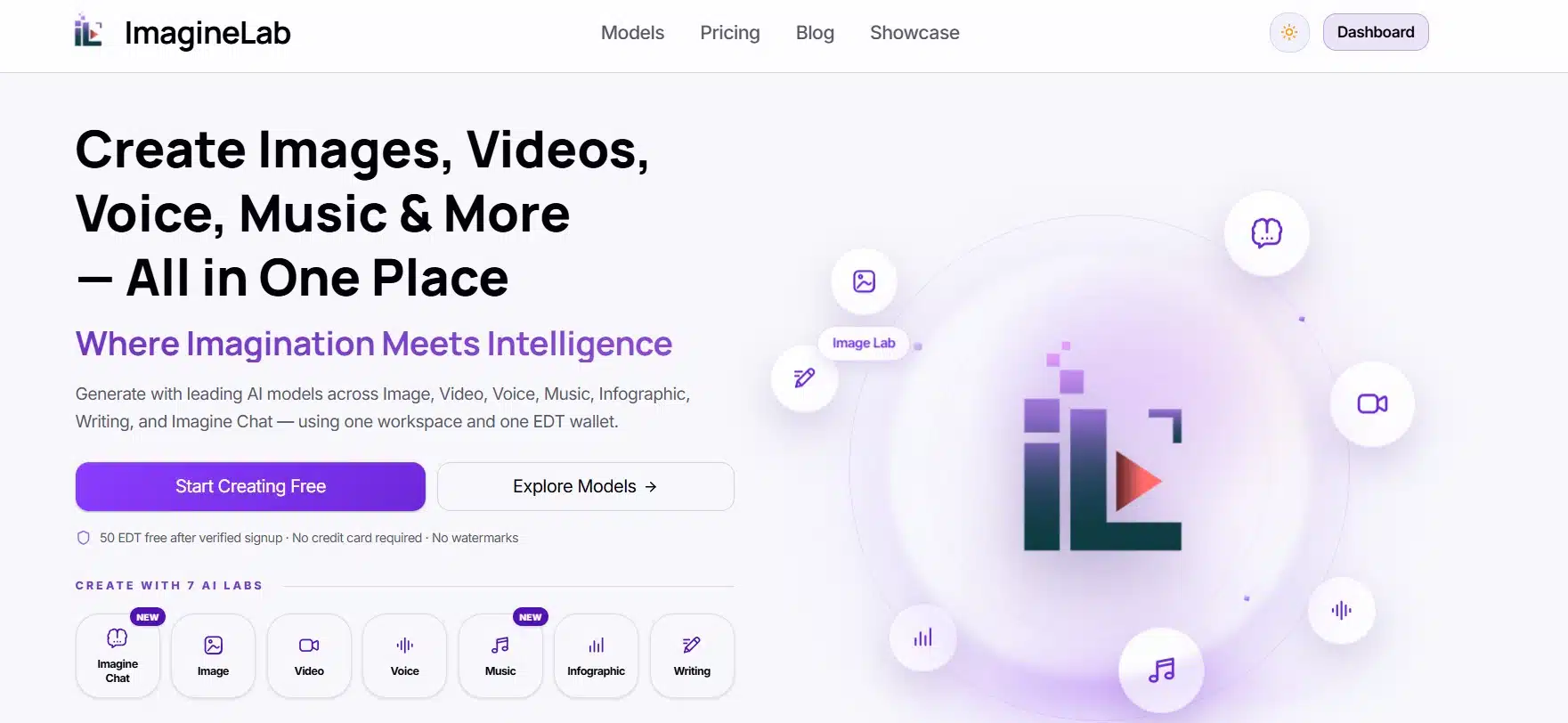
Behind those labs sit 36 models from OpenAI, Google, Anthropic, Black Forest Labs, Runway, ElevenLabs, MiniMax, ByteDance, Kuaishou, and Alibaba, plus four in-house models built by Editorialge Media LLC. You pick the model per job instead of picking a subscription around one provider.
Best features
- One wallet, called EDT, that every lab draws from. Spend heavily during a client month and spend little in a quiet one.
- No platform watermark on any output, including free generations.
- The Infographic Lab, which is rare. Very few competitors will build a labeled chart or a timeline for you.
- Payment methods that actually work outside the US and Europe: bKash for Bangladesh, UPI for India, alongside PayPal, Stripe, Visa, Mastercard, Wise, and Mercury.
- A REST API with bearer-token auth for teams that want generation inside their own product.
Pricing
A verified signup gets 50 free EDT, and visitors can generate one 1K image before signing in. Top-ups start at 500 EDT for $7. Monthly plans run Starter $10 (700 EDT), Creator $29 (2,000 EDT), Pro $79 (5,500 EDT plus a 100 EDT bonus), Studio $149 (10,500 EDT), and Business $249 (17,500 EDT). Annual billing cuts about 17%.
Where it falls short
Commercial rights start at the $29 Creator plan, so the $10 tier is for practice and personal work only. The platform is also young. It has a public launch, a public roadmap, and a support address, but not the multi-year track record Adobe or Canva can point to. If your work depends on a vendor that has survived several pricing cycles, that matters.
Who should try it first: freelancers and small publishers whose week includes an image, a clip, a voiceover, and copy — and anyone who has been blocked by a payment page that only accepts international cards.
2. Freepik: Now Called Magnific
Freepik rebranded to Magnific on April 28, 2026. Accounts, subscriptions, and API keys carried over, and the old address redirects. If you have an old bookmark that returns a 404, that is why.
It remains the broadest single subscription in this market: a stock library of more than 200 million assets sitting next to 30-plus generation models, an editor, a video tool, audio, and the Magnific upscaler.
Best features: model breadth, the stock library, upscaling to very high resolution, and commercial rights on every paid tier.
Pricing. The free tier gives 20 image generations a day on the in-house model only. Paid tiers, with annual rates in brackets: Essential is about $7.50 ($5.75); Premium, $20 ($14.50); Premium+, $45 ($33.75); Pro, $280 ($210); and Business, $55 per seat annually. Credits arrive as one annual pool rather than a monthly reset, and they do not carry into the next year.
Where it falls short. Read the word “unlimited” carefully here. It covers roughly ten image models, not the suite. Video and top image models always burn credits. In April 2026 the platform moved specific models off the unlimited list, and Premium+ subscribers publicly complained that their annual credits dropped while the price went up. That history is the single strongest reason to test on a monthly plan before committing to a year.
3. Adobe Firefly
Firefly is the safe answer, and for some buyers that is the whole point. Adobe trains on licensed content and offers IP indemnification to enterprise customers. If a legal team has to sign off on your AI images, this is a shorter conversation than any other name on this page.
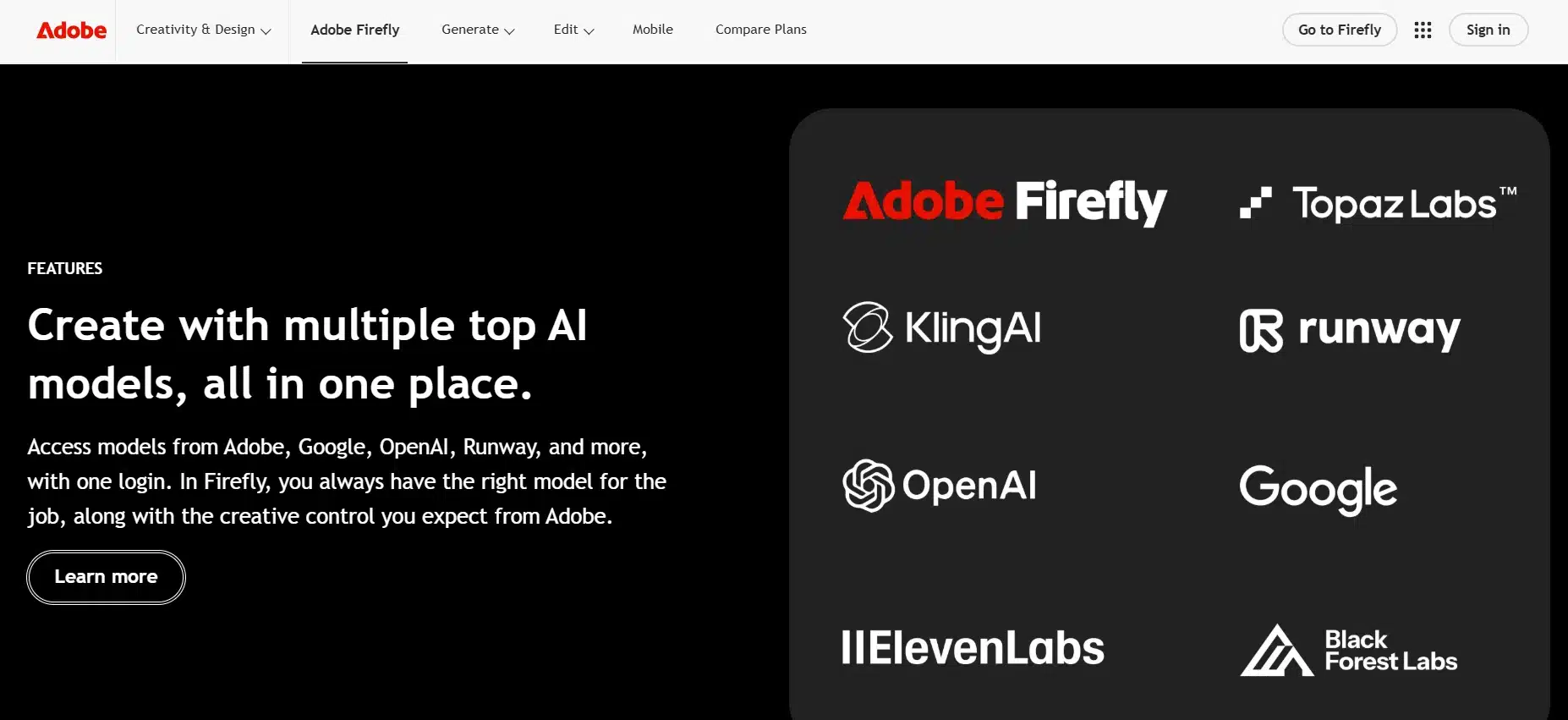
It is also no longer Adobe-only inside. Firefly now fronts more than 30 partner models, including Google Nano Banana 2 and Veo 3.1, Runway Gen-4.5, Kling, FLUX, Ideogram, and Topaz. You reach them through one Adobe login, with Photoshop and Express on the higher tiers.
Pricing: Free with 25 credits a month and watermarked results; Standard $9.99 (2,000 credits); Pro $19.99 (4,000); Pro Plus $49.99 (10,000); Premium $199.99 (50,000). Every paid plan includes unlimited standard image and vector generations — credits only burn on video, audio, translation, and partner models. Adobe has been running a 30% first-year discount on Pro Plus and Premium that ends August 26, 2026, so check whether the price you see is the renewal price.
Where it falls short. Video eats the plan. A five-second clip costs roughly 100 credits, which turns the $9.99 tier into about 20 clips a month. Adobe’s own community forums carry steady 2026 threads about needing several attempts to get a usable result from the native image model. You are buying legal comfort and app integration more than raw output quality.
4. Canva
Canva is the one your non-designer colleague will actually use. Magic Studio now covers layout generation, Dream Lab images, Magic Write copy, Sheets, and charts, all inside the same editor, with a template library nobody else matches.
Two 2026 changes make it better value than it looks. Affinity — the photo, vector, and layout suite Canva owns — is now free to download and use, with only its AI features gated behind a paid Canva plan. And business subscribers get bundled access to Leonardo AI.
Pricing: Free, with a small monthly AI allowance. Pro is $18 a month, or $144 a year, for one person. Teams and businesses are billed per seat. AI use is counted in three tiers—Standard, Premium, and Ultra—and Pro gives roughly ten times the free allowance and Business roughly twenty times.
Where it falls short. The whole AI allowance is one shared pool, so background removal, copywriting, and image generation all draw from the same place. Run out and there are no small top-ups; you either wait for the reset or add the AI Pass subscription. Output also tends to look like Canva. That is fine for a social calendar and limiting for a brand identity.
5. Krea AI
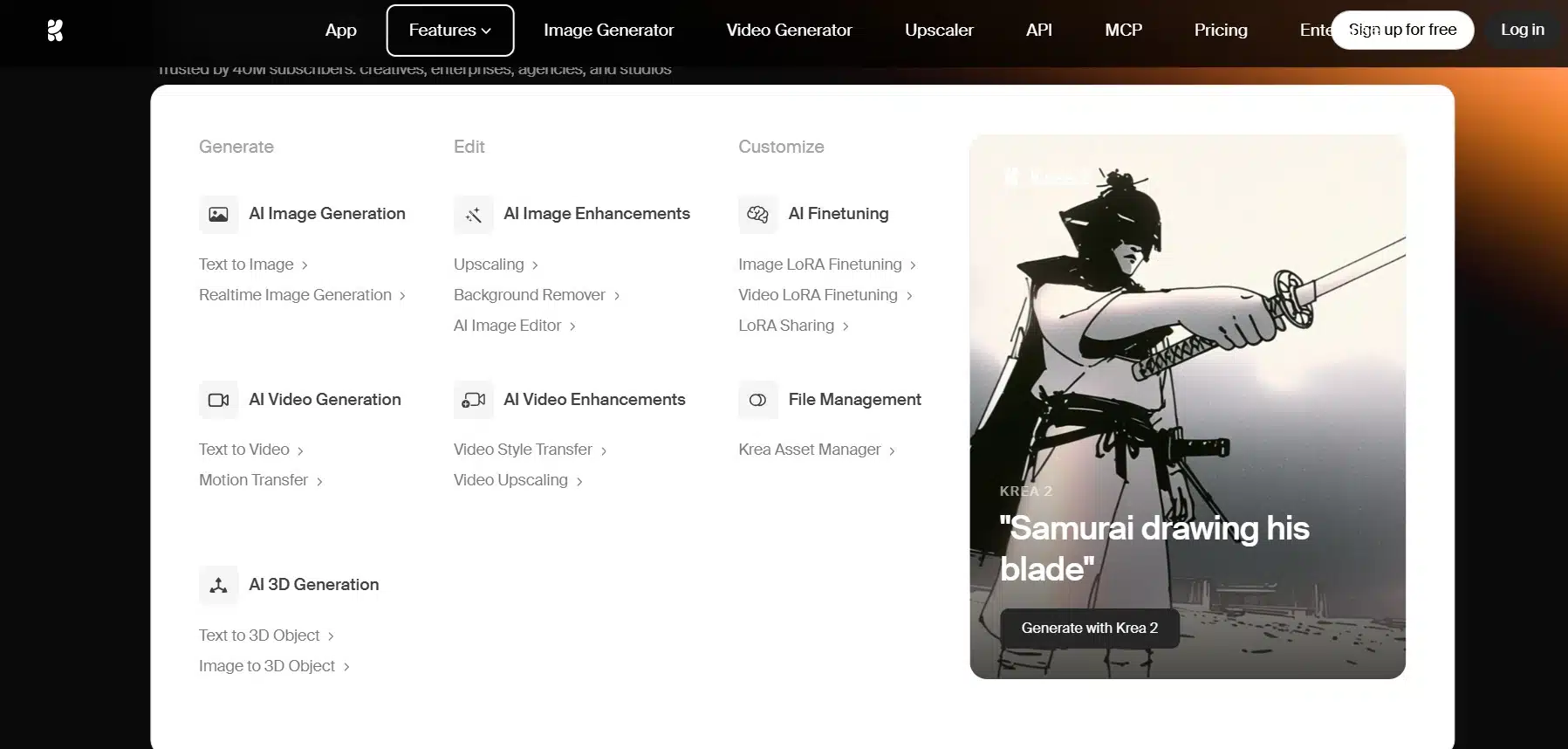
Krea is the platform for people who think by sketching. Its real-time canvas renders while you draw, in well under a second, and a voice mode was added in early 2026. Around that canvas sit 60-plus image, video, and 3D models; upscaling to 22K; LoRA training on your own images; and a node editor for repeatable workflows.
Pricing runs on compute units. Free gives 100 units a day with no commercial license and no third-party models. Basic is $9 a month ($5 annually) for 5,000 units and a commercial license. Pro is $35 ($21) for 20,000 units and every video model. Max is $105 ($63) for 60,000 units and the 22K upscaler. Business is $200 for 80,000 units and up to 50 seats.
Where it falls short. There is no public rate card showing what each model costs per generation, so your first month is guesswork. Units do not roll over on individual plans. One 10-second premium video clip can take a visible bite out of a daily free allowance. Support is a Discord community and email, which several reviewers have called thin for a product that charges $200 a month at the top tier.
Skip it if your job is producing 200 consistent product shots. Krea rewards exploration, and exploration is what its credit system prices in.
6. Runway
Runway is the closest thing here to real production software. Gen-4.5 for text to video, Gen-4 for image to video, Aleph for editing by prompt, Act-Two for performance capture, plus a browser video editor, Workflows for chaining steps, and a mature developer API. Veo, Kling, Seedance, FLUX, and Seedream are available in the same dashboard.
Pricing: Free gives 125 one-time credits. Standard is $15 a month ($12 annually) for 625 credits. Pro is $35 ($28) for 2,250. Max is $95 ($76) for 9,500 credits, with one month of rollover. Enterprise is quoted.
Do the credit math before you subscribe. Gen-4.5 costs about 12 credits per second, so 625 credits is roughly 52 seconds of flagship video for a whole month. That is around five short clips before a single retry. Runway also retired the old Unlimited plan and its slower free-generation queue during 2026, which removed the safety valve people used for casual testing.
Who it suits: filmmakers, ad teams, and anyone who edits after generating. If you only want the most clips per dollar, cheaper video tools beat it easily.
7. Higgsfield
Higgsfield built its name on camera control—dollies, orbits, and push-ins that behave like a real operator held the rig—and on human motion that holds together past the fourth second. It aggregates 50-plus models, including Kling, Sora 2, Veo 3.1, Seedance, and Nano Banana Pro, and adds Soul ID for keeping a character’s face consistent across separate generations.
Pricing as of mid-August 2026: Basic $9 (120 credits); Pro $29 monthly or $23 annually (600 credits); Max $79 or $59 annually (1,800 credits), with team plans around $65 a seat. Top-up packs cost roughly $5 per 100 credits and expire after 90 days.
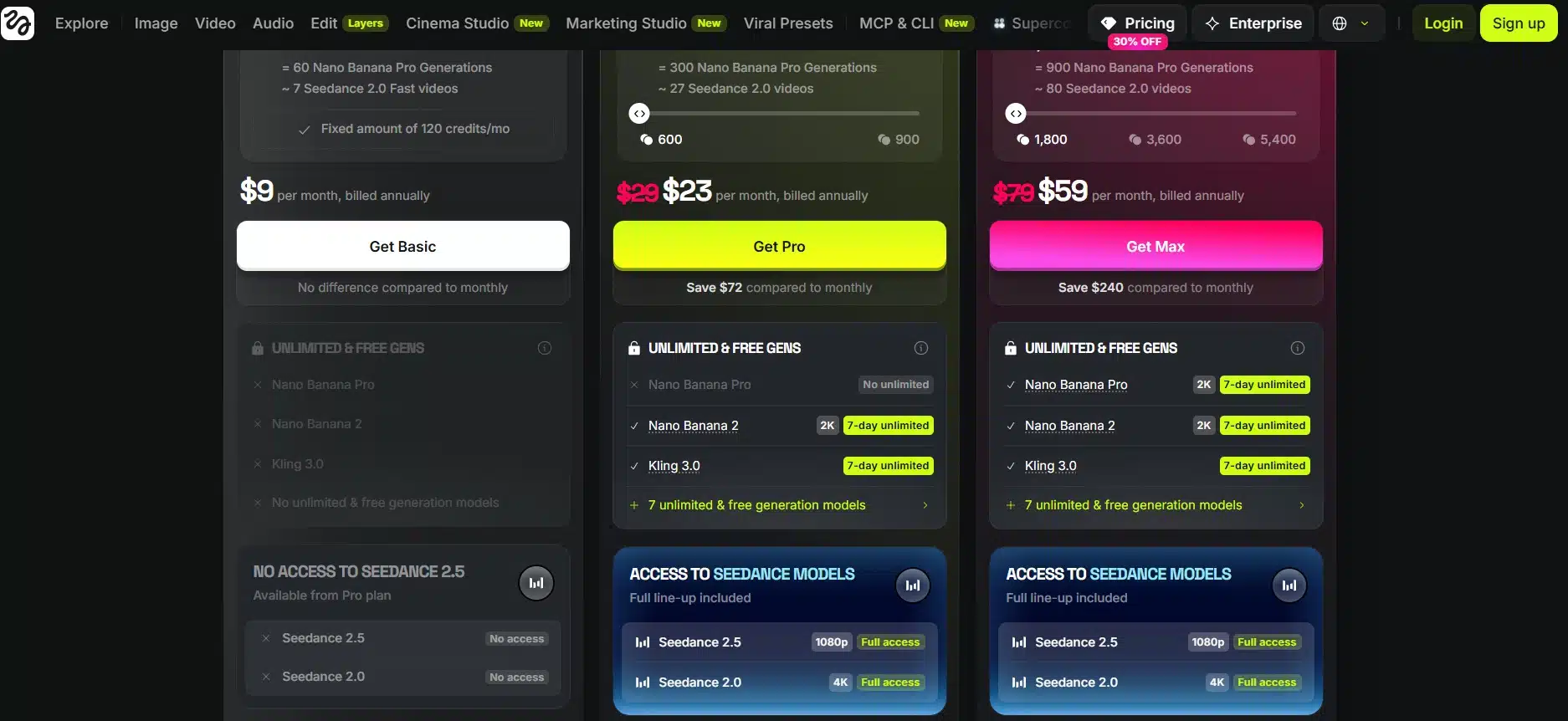
Where it falls short. Higgsfield has restructured its plans several times since launch, and plan names from a review written three months ago may no longer exist. Checkout defaults to annual billing. The “365-day unlimited” headline covers mostly image models, not the premium video ones people sign up for. Refunds are limited to seven days and only if no credits were used. Kling clips are cheap on credits; Sora 2 and Veo clips are not, and once you allow for three to five attempts per usable shot, the real cost per finished clip climbs fast.
Side-By-Side on Price
The entry price tells you very little on its own. What matters is what the cheapest usable plan costs once commercial rights and watermark removal are included.
| Platform | Free tier | Cheapest usable paid plan | Known for |
|---|---|---|---|
| ImagineLab Art | 50 EDT, no watermark | $10 personal, $29 commercial | Seven labs, one wallet |
| Freepik / Magnific | 20 images a day | About $7.50 | Stock library plus models |
| Adobe Firefly | 25 credits, watermarked | $9.99 | Licensed training, indemnity |
| Canva | Small AI allowance | $18 | Templates and ease of use |
| Krea AI | 100 units a day | $9 | Real-time canvas |
| Runway | 125 one-time credits | $15 | Video editing and control |
| Higgsfield | Trial credits | $9 | Cinematic camera moves |
Two patterns show up across the whole table. Free tiers are demos, not workflows. And the plan that fits your first month usually will not fit your third.
Where Unified AI Creative Platforms Still Disappoint
Breadth costs depth. Not one platform here has the best image model and the best video model and the best voice model at once. A specialist will beat any of them at a single job, and if 90% of your output is one type of asset, a specialist is probably the cheaper answer.
Credit systems are the second problem. Unified AI creative platforms sell you a number that means nothing until you learn what your own workflow costs. A pool that looks generous for still images empties in days once video enters. Most plans do not roll over unused credits, which punishes anyone whose work comes in bursts.
The third problem is stability. Prices, plan names, credit amounts, and “unlimited” model lists all moved during 2026 at nearly every vendor on this page. Annual billing saves 17% to 40%, and it also locks you into terms that may be rewritten around you.
What to Check Before You Pay
- The renewal price, not the promo price. Several discounts on this page are first-year only.
- Where commercial rights begin. They are not always on the cheapest paid tier.
- Whether the free tier has watermarks. Firefly does. ImagineLab does not.
- What one finished asset costs, not one generation. Count the retries. Three to five attempts per usable result is normal.
- Whether unused credits roll over. Usually they do not.
- Whether your payment method is accepted. This still stops buyers in South Asia, Africa, and parts of Latin America every day.
Then run one real project through the free tier. Not a test prompt — an actual job you already know how to finish. You will learn more in an afternoon than any comparison table can tell you.
Final Thoughts
The honest summary is that unified AI creative platforms are worth it when your work crosses formats and a waste of money when it does not. A freelancer producing an image, a clip, a voiceover, and a caption for the same client saves real hours and real subscription fees. A photographer who only retouches stills should buy a retoucher.
If your week looks like the first case and you want the widest coverage per dollar, ImagineLab Art is the one to try first, because the free credits are enough to test a genuine workflow and nothing you export carries a watermark. Moreover, it only has the option to create images, videos, infographics, music, voices, blogs, and more in a single subscription. It means it is a tool with multiple features. If legal sign-off is your constraint, Firefly. If your team is mostly non-designers, use Canva. If you are cutting video, Runway.
Start on monthly billing. Give it two months. Only then decide whether the annual discount is worth the lock-in.
Questions People Ask Before Buying
1. Can I use one platform and cancel the rest?
Sometimes. The realistic outcome for most people is going from five subscriptions to two: one unified platform for everyday output, plus one specialist for the thing they are judged on. Cancel the middle three first and see whether you miss them.
2. Are AI-generated images safe to use for a client?
Commercially, that depends on the plan you are on and on the platform’s training data. Adobe is the only name here that offers IP indemnification, and only to enterprise customers. Everywhere else, read the license terms attached to your specific tier before an asset goes into a paid campaign.
3. Why do two people on the same plan get very different amounts of output?
Because credits are priced per second, per model, and per resolution. A cheap model at 720p and a premium model at 1080p can differ by a factor of ten for the same five-second clip. Drafting on a fast, cheap model and finishing on the expensive one is the single biggest saving available on any of these platforms.
4. What happens to my files if I stop paying?
Storage limits and retention rules vary, and this is the detail buyers skip most often. Download anything you may need again before a subscription lapses.
Disclosure: ImagineLab Art is a sister concern of Editorialge Media LLC. It is included here on its feature set, and its limits are stated in the same way as every other platform on this list.

























