

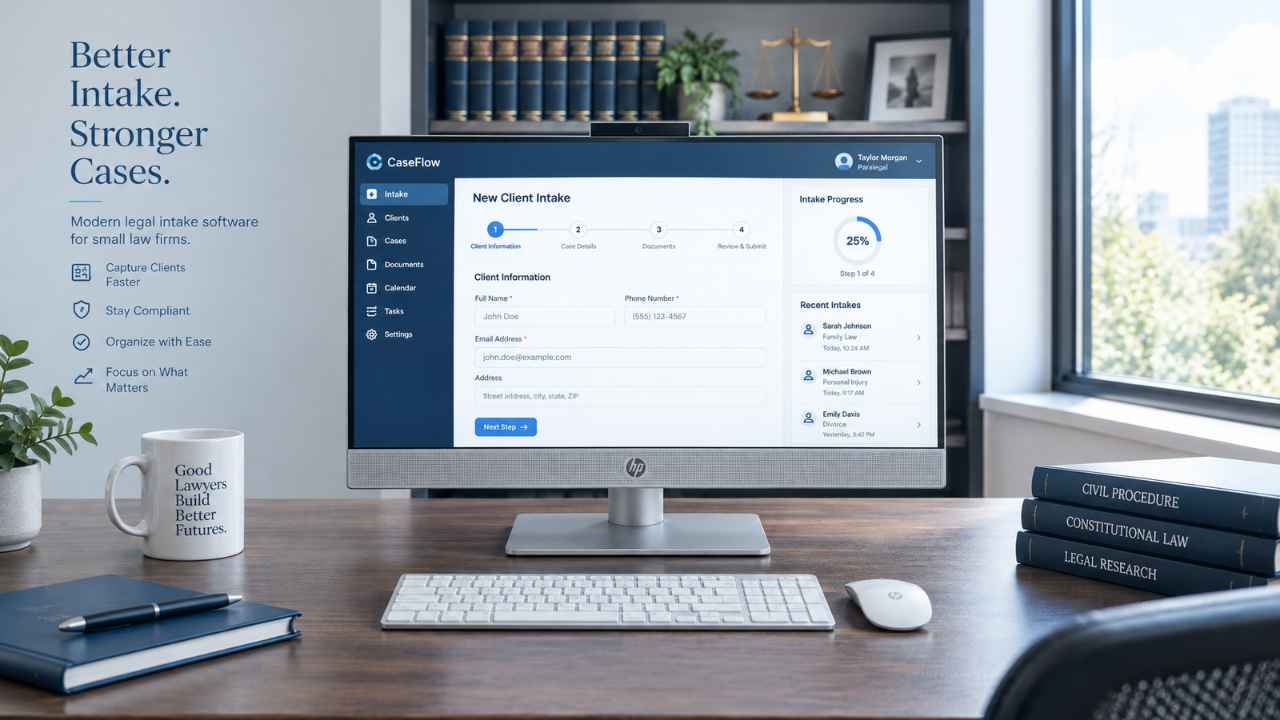
A new client calls your office at 6 p.m. Nobody picks up. By morning, that person has hired another lawyer. The fix is better legal intake software tools for small law firms that answer fast, ask the right questions, and hand the lawyer a clean file.
Clio Grow is the best pick for firms already on Clio. MyCase Pro gives the most intake value at a posted price. Lawmatics is the strongest for follow-up and marketing. Smith.ai is the best way to stop missing phone calls.
Why Small Firms Lose Clients Before the First Meeting
The problem is speed, not skill. A secret shopper study in Clio’s 2024 Legal Trends Report found that 67% of law firms never replied to a potential client’s email. Only 40% answered the phone, down from 56% in 2019.
The lawyer is in court, the assistant is on another call, and the web form sits in an inbox. Good legal intake software tools for small law firms close three gaps:
- Speed. A form, chat, or receptionist replies right away, even after hours.
- Screening. Set questions to filter out cases you cannot take.
- Handoff. Answers flow into the case file, so nobody types the same name twice.
Intake is one part of a bigger setup. Our guide to legal technology for law firms shows how it fits with billing, documents, and case management.
Quick Comparison Table
This table shows the type and starting cost of the legal intake software tools for small law firms on this list. Prices were checked in October 2026 and can change.
| Tool | Main type | Starting price |
|---|---|---|
| Clio Grow | Intake and CRM | Quote (add on or Elite plan) |
| Lawmatics | Intake and marketing CRM | Quote: 3 users minimum |
| MyCase Pro | All-in-one with intake | $100 per user a month, yearly |
| PracticePanther Business | All-in-one with intake | $89 per user a month, yearly |
| Smith.ai | Phone answering, AI, and human | Free AI plan; $300 a month for live agents |
| Lead Docket | Lead tracking CRM | About $300 a month |
| Law Ruler | Intake and marketing CRM | Quote, yearly term |
| Intaker | Website chat and texting | Quote |
| Gideon | Chatbot and document automation | Quote |
| Smokeball | All-in-one with intake | Quote for intake plans |
MyCase, PracticePanther, and Smith.ai are the easiest to budget.
Our Top 10 Picks
Each pick was judged on price, setup effort, and how well it turns a lead into a signed case. Legal intake software tools for small law firms do not all do the same job, so this list mixes CRMs, all-in-one systems, and answering services.
1. Clio Grow
Clio Grow is the natural choice if your firm already runs on Clio Manage. Leads, intake forms, and booked consults land in the same system you use for matters and billing. For a Clio firm, it is the most logical of all legal intake software tools for small law firms, because there is nothing new to connect.
Clio plans start at $49 per user a month, but Grow is not in the starter plan. It comes with the top Elite plan and is a paid add-on for Core and Signature. Clio also offers AI agents that reply to leads by phone, chat, and email, billed per matter hired with their help.
Pros
- Intake forms fill client data straight into Clio Manage
- Online booking cuts the back and forth
- Referral and ad tracking show which marketing works
Cons
- Grow pricing is quote only
- Less value if you do not use Clio Manage
2. Lawmatics
Lawmatics is built for firms that want to win more of the leads they already get. Its strength is automatic follow up: emails, texts, and reminders that keep a lead warm until they sign. If marketing drives your growth, it is one of the most complete legal intake software tools for small law firms.
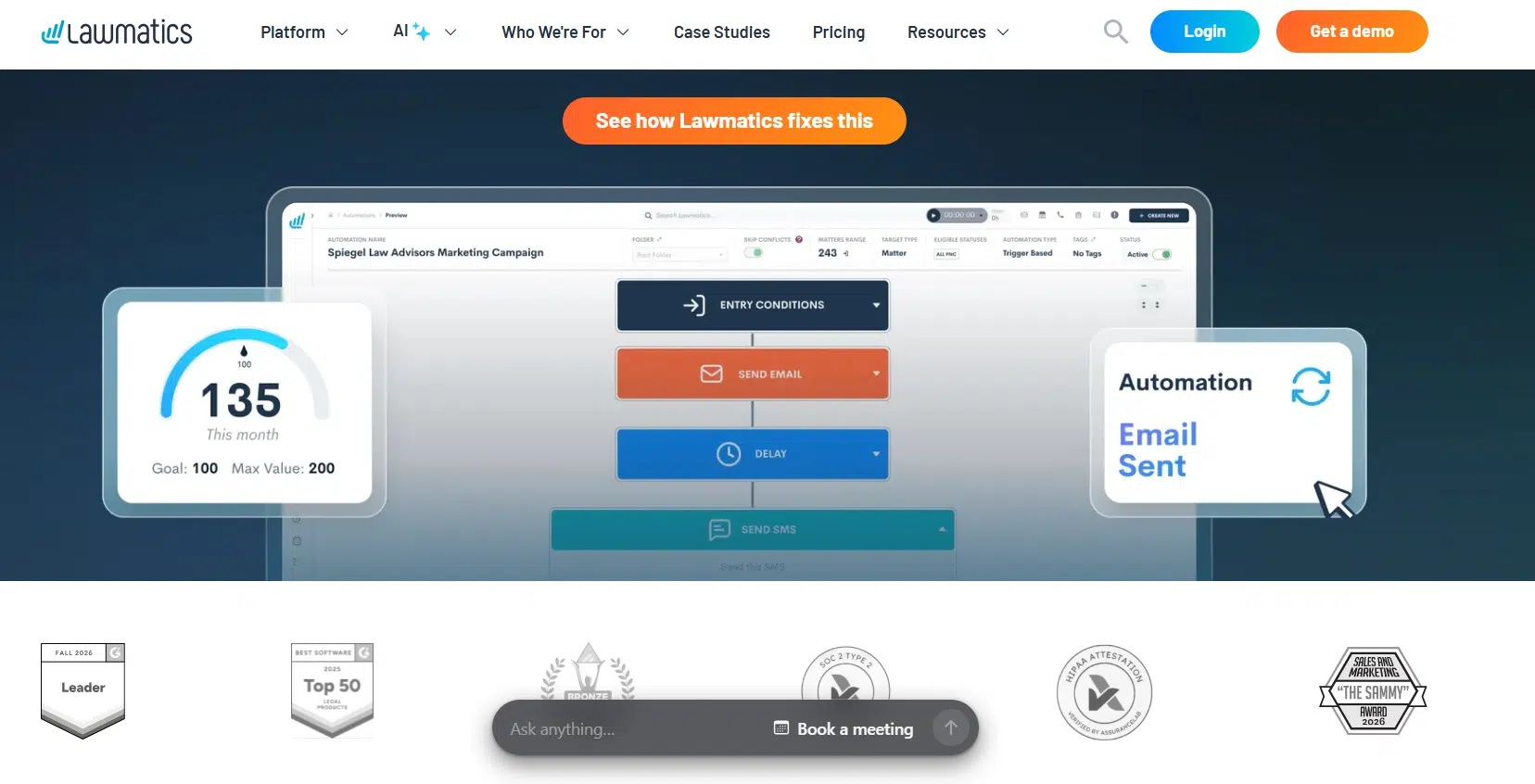
There is no public price, and both main plans need at least three users. Essential covers 500 contacts, intake forms, eSignatures, and bookings. Premium raises that to 10,000 contacts and adds marketing automation and ROI reports. Its Merlin AI lead scoring costs extra.
Pros: strong drip campaigns, clear lead source reports, and links with Clio, MyCase, Filevine, and PracticePanther.
Cons: the three-user minimum hurts solo lawyers, and AI and billing tools are paid add-ons.
3. MyCase Pro
MyCase is a full practice management system, and its Pro plan includes intake forms and a legal CRM. For a firm that wants one login for intake, cases, billing, and texting, it is among the best-value legal intake software tools for small law firms.
Pro costs $100 per user a month billed yearly, or $120 billed monthly. It adds automated workflows, unlimited eSignature, and two-way texting. There is no setup fee, and the 10-day free trial needs no credit card.
Pros
- Prices are posted openly
- Intake forms can book consults and sync answers to the case
- Works with Smith.ai for phone intake
Cons
- Big price jump from Basic ($50) to Pro ($100)
- Conflict check tracking needs the Advanced plan ($130)
4. PracticePanther
PracticePanther is a close rival to MyCase at a lower price. Its business plan costs $89 per user a month billed yearly, or $99 monthly. That plan unlocks unlimited intake forms, two-way texting, and unlimited eSignature sends. The 7-day free trial needs no credit card.
For a firm that wants simple legal intake software tools for small law firms inside its case system, this is a solid pick. Just do not expect lead scoring or deep marketing reports.
Pros: lower cost than MyCase Pro and unlimited intake forms.
Cons: basic lead tracking, and the two cheaper plans lack intake forms.
5. Smith.ai
Smith.ai answers the phone for you. It mixes an AI receptionist with live agents based in North America. Among legal intake software tools for small law firms, it is the best fix for missed calls.
- AI Free: $0 for 25 calls a month, then $3 per call
- AI Pro: $150 a month for 75 calls
- Live agents: $300 a month for 30 calls, then $11.50 per call
Live plans include lead screening and five intake questions. Extras like conflict checks ($0.50 per call) raise the bill. Call details flow into Clio and other CRMs.
Pros
- Month to month, no long contract
- Free AI plan to test first
- 30-day money-back guarantee on live plans
Cons
- Per-call pricing is hard to predict in busy months
- Extras add up fast
6. Lead Docket
Lead Docket, owned by Filevine, is a lead tracking CRM popular with personal injury firms. It tracks cost per lead and revenue by source, with custom intake scripts and call tracking. A car accident practice, like the car accident lawyers in Boynton Beach we profiled, can get a rush of calls after one ad push. Lead Docket helps sort them fast.
Software listings put the starting price near $300 a month. That fits best among legal intake software tools for small law firms that spend real money on ads.
Pros: strong marketing ROI reports.
Cons: high entry cost for a solo lawyer.
7. Law Ruler
Law Ruler is a legal CRM with intake and marketing automation. Its form builder uses branching logic, so the next question changes based on the last answer. Pricing is by quote on a yearly term. Among legal intake software tools for small law firms, pick it if you handle high call volume in consumer law.
Pros: smart forms and clear lead source data.
Cons: no public pricing and a yearly commitment.
8. Intaker
Intaker focuses on your website. It adds a chat window with more than 1,400 ready-made chat scripts sorted by case type, plus two-way texting and automatic follow-up messages.
It is a good choice among legal intake software tools for small law firms if most leads come from your site or Google ads. Pricing is not posted.
Pros: fast setup with ready scripts.
Cons: not a full CRM.
9. Gideon
Gideon pairs intake chatbots with document automation. A bot can qualify a lead, book a meeting, and send a questionnaire that builds a draft agreement from the answers. That combo is rare among legal intake software tools for small law firms, and it suits estate planning or business firms.
Pros: intake and drafting in one flow.
Cons: smaller brand, quote-only pricing.
10. Smokeball
Smokeball is an all-in-one case system with online intake forms and AI features. One drawback: intake and lead tools sit in its higher Grow and Prosper+ plans, which need a custom quote. Some users report steep price jumps at renewal.
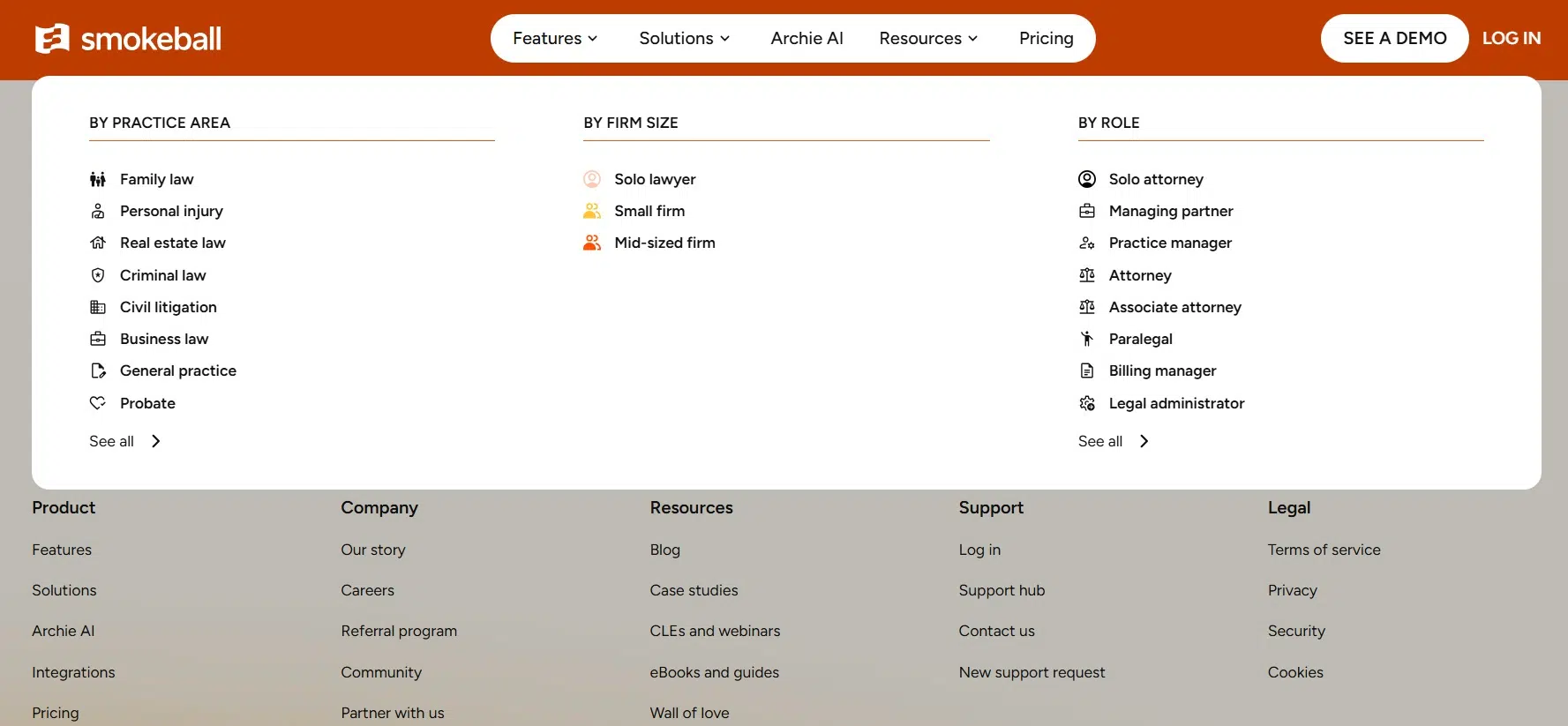
It makes sense among legal intake software tools for small law firms if you also want strong document automation. Get the renewal price in writing.
Pros: intake, documents, and billing together.
Cons: intake needs pricier plans.
How to Pick the Right Intake Tool
Start with where your leads come from. Phone heavy firms should fix calls first. Website heavy firms need chat or strong forms. When you compare legal intake software tools for small law firms, also check:
- Your case system. The tool should send data straight into it.
- Conflict checks. Flag conflicts before you meet a new client.
- Security. Intake forms hold private facts. Ask about encryption, and review these cybersecurity tools for law firms.
- True cost. Add up user fees, add-ons, and per call charges.
Frequently Asked Questions (FAQs)
What is legal intake software?
It collects a new client’s details, screens the case, and moves the person from first contact to signed client. Legal intake software tools for small law firms usually use forms, chat, phone answering, or a mix.
Do solo lawyers need a separate intake tool?
Often not. MyCase Pro or PracticePanther Business may be enough. A separate CRM makes sense once leads outgrow what you can follow up on by hand.
Are AI intake tools safe for client data?
They can be, with a human checking results. Clio, for example, says it does not use firm data to train AI. Read each vendor’s data policy.
Final Thoughts
Fix your biggest leak first. If calls go to voicemail, start with Smith.ai. If you want one system for everything, try MyCase Pro or PracticePanther. If you already use Clio, add Clio Grow. Test two legal intake software tools for small law firms with a free trial, track how many leads become clients, and keep the one that signs more cases.























