


Most hobbies begin in whatever space is available. You may sketch at the kitchen table, edit photos on a laptop, or place a trusty 3D printer on the corner of a spare desk.
As projects grow, the setup gets harder to manage. Tools pile up. Materials spread across the room. 3d printing supplies, cables, monitors, and unfinished work leave less room to create.
A hobby has outgrown its space when setup, clutter, discomfort, or slow equipment interrupts the work. The answer is not always a larger desk or new computer. Start with the recurring problem, then choose the smallest upgrade that solves it.
Fix the Friction Before Adding More Gear
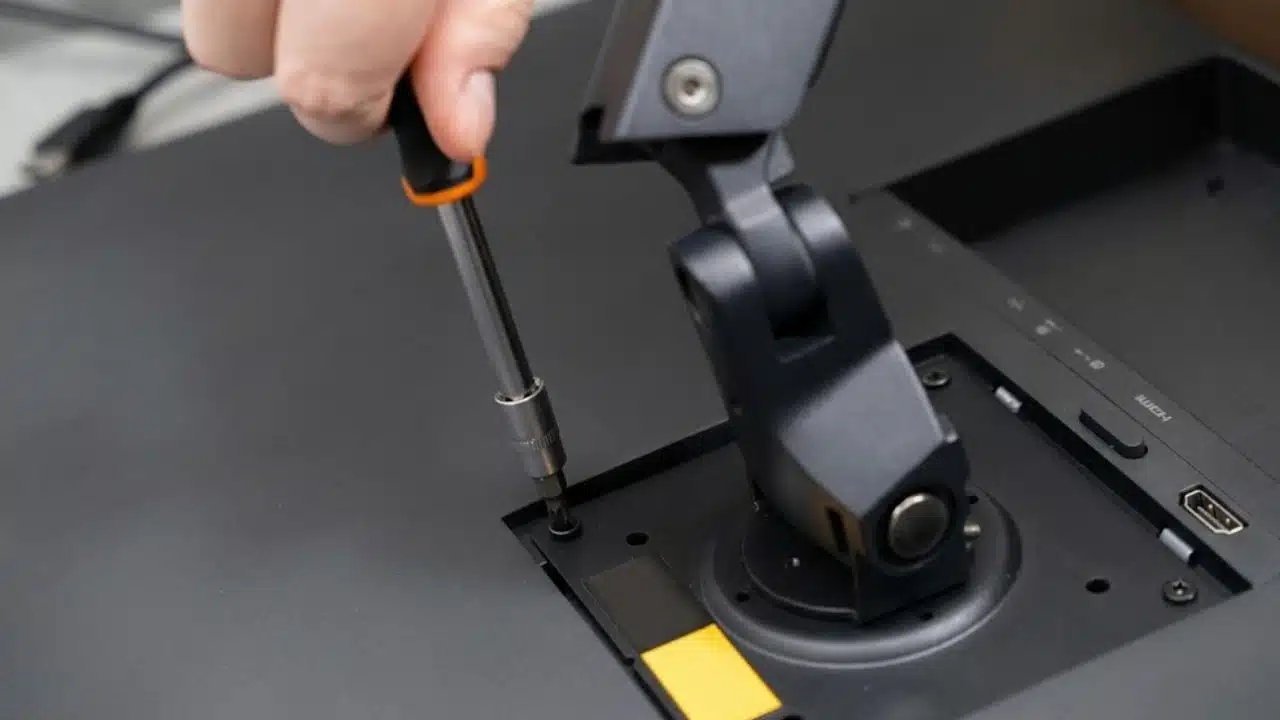
The best workshop upgrades improve comfort, visibility, access, or safety during tasks you perform often.
Look for patterns. You may need to clear the desk before each session. Tools may disappear between projects. Poor lighting can make detail work harder, while a low monitor or awkward chair can strain your neck and wrists.
A larger surface will not fix a poor layout. Arrange the space around how you work. Keep common tools close. Move occasional supplies into labeled bins, drawers, or wall storage. Route cables away from cutting, assembly, and repair areas.
Start with three basic changes:
- Correct the Working Position: Adjust your chair, work surface, and main screen so you can work without leaning, reaching, or bending your wrists sharply.
- Improve Task Visibility: Aim a task light at the work surface without creating screen glare or deep shadows.
- Organize Around Frequency: Keep daily tools within reach and move less common items off the main surface.
Consider finding an ergonomic mouse when long computer sessions cause hand or wrist strain. The shape should suit your hand and working style.
It is also worth considering a portable monitor when you have a small desk, move between rooms, or need instructions beside a printer or workbench. A full-size display is usually more comfortable for long sessions, but a portable screen can solve a space or mobility problem.
Upgrade the Digital Workflow at Its Bottleneck
Replace your computer only when its processor, memory, storage, or graphics performance keeps slowing real projects.
A second screen may help before new hardware does. It lets you keep a slicer, CAD drawing, editing timeline, tutorial, or project notes visible while you work. This reduces window switching and makes files easier to compare.
Find the source of the slowdown before replacing the system:
- Add RAM when large files or several open programs cause pauses or crashes.
- Upgrade the SSD when loading, caching, file transfers, or storage limits delay your work.
- Upgrade the GPU when your software supports graphics acceleration and needs more processing power or video memory.
- Improve cooling when long exports, renders, or calculations cause the computer to slow down.
A workstation PC makes sense for sustained work such as large CAD assemblies, complex 3D scenes, animation, long video exports, or several demanding programs running at once. It offers less value when one affordable part can remove the main limit.
Current AI hardware news often focuses on neural processing units and local AI features. These can help with transcription, noise removal, masking, image cleanup, and repeated editing steps. They support specific tasks, but they do not replace enough RAM, fast storage, a capable processor, or a suitable graphics card.
Give 3D Printing a Safer, More Reliable Zone
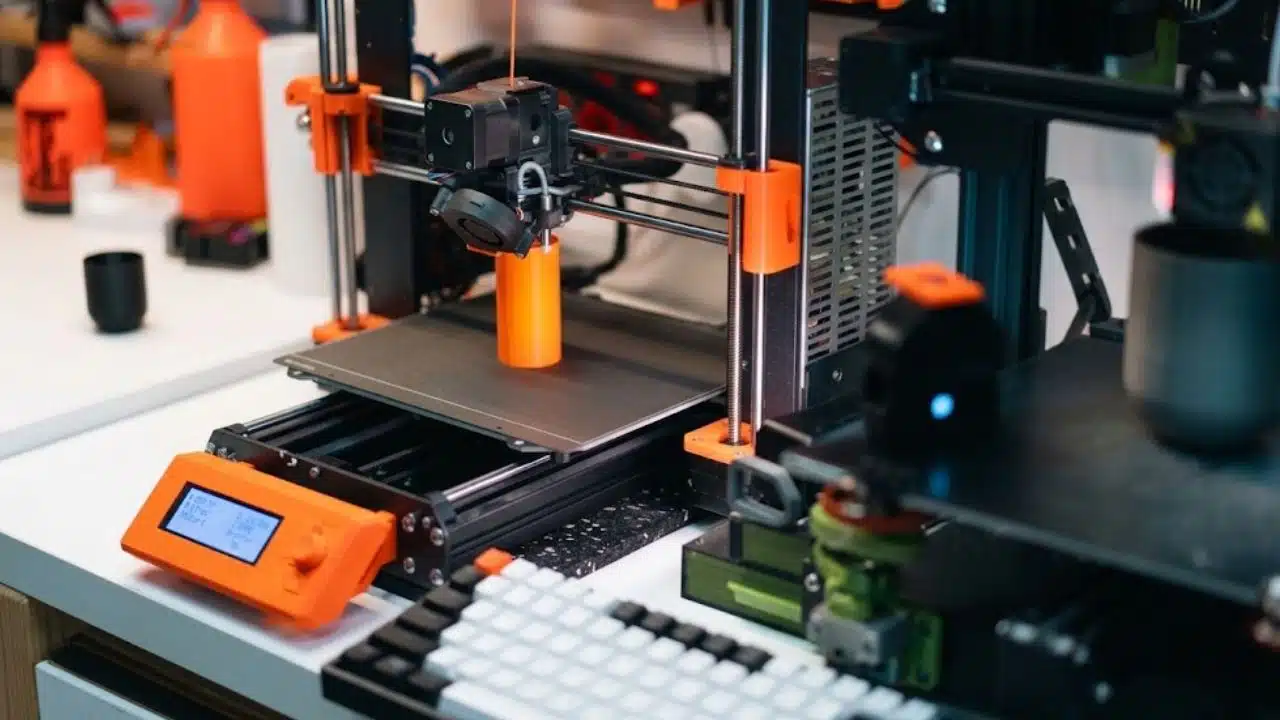
A useful 3D printing workspace needs stable placement, dry material storage, maintenance access, organized tools, and safety measures suited to the printer and material.
Print failures often come from routine issues rather than missing accessories.
- Protect the Filament: Store open spools in sealed containers with desiccant when humidity causes brittle material, stringing, or uneven extrusion.
- Maintain the Build Surface: Clean it as directed and replace worn sheets when first-layer results decline.
- Store Maintenance Tools Together: Keep cutters, scrapers, calipers, cleaning tools, spare nozzles, and wear parts near the printer.
- Separate Messy Finishing Work: Use another surface for sanding, deburring, painting, washing, curing, or resin cleanup.
Safe 3D printing guidance includes sensible printer placement and exposure controls. Ventilation needs more attention when a printer runs often, uses materials linked with higher emissions, or sits in a room where people spend long periods.
Keep the printer away from flammable items. Use working smoke detection. Leave power connections easy to reach, and limit access around children or pets. A separate room may help when noise, heat, fumes, debris, or unfinished parts disrupt shared space.
Test Every Upgrade Against Real Use
Before buying anything, compare the upgrade with the problem it is meant to solve.
- Ask how often the issue interrupts or delays a project.
- Decide whether it affects safety, comfort, time, or finished quality.
- Check whether the upgrade fixes the cause rather than hiding the symptom.
- Confirm that it fits the space and works with current equipment.
- Include maintenance, consumables, replacement parts, and future changes.
Buy task lighting before decorative lights when fine details are hard to see. Add storage before a larger desk when clutter takes over the work surface. Add RAM before replacing the computer when memory is the clear limit.
An ergonomic mouse study shows why labels should not make the decision for you. Alternative mouse shapes can affect posture, comfort, task speed, and preference in different ways. Test the fit when possible and judge it by how your hand feels during real work.
The Best Workshop Feels Easier to Use
A home workshop does not need to look elaborate. It should help you start projects with less setup, work without avoidable strain, and keep tools ready for the next session.
Address safety concerns first. Then improve comfort, lighting, and organization. Remove repeated workflow delays before replacing equipment. Upgrade computer hardware when the work shows you need more power.
Thoughtful placement often provides more value than another device. The strongest upgrade is the one that makes the tools you already own easier to use.























