
Hey there, are you worried about hackers sneaking into your web app? Well, web security is a big deal, with attacks like cross-site scripting (XSS) happening all the time. In this post, I’ll show you five simple browser security headers, like HTTP Strict Transport Security (HSTS), to keep your site safe.
Stick around, it’s quick!
Key Takeaways
- Use Strict-Transport-Security (HSTS) with max-age=63072000 to lock HTTPS for two years and block man-in-the-middle attacks.
- Set Content-Security-Policy (CSP) like default-src ‘self’ to stop cross-site scripting (XSS) by limiting content sources.
- Add X-Content-Type-Options as nosniff to prevent MIME sniffing and protect against XSS attacks.
- Apply Referrer-Policy as strict-origin-when-cross-origin to limit shared URL info and guard against session hijacking.
- Use Permissions-Policy like microphone=(), camera=() to block risky browser features and keep users safe.
Strict-Transport-Security (HSTS)
Dig into this cool trick for your web app’s safety, folks. Strict-Transport-Security, or HSTS, forces your site to use encrypted HTTPS connections instead of plain old HTTP. Think of it as a sturdy lock on your front door, keeping out sneaky intruders.
With HSTS, you’re telling browsers to stick to secure connections, no exceptions. It’s like saying, “Hey, only use the safe road to my house!” This header protects against man-in-the-middle attacks, those nasty tricks where hackers spy on your data.
Set it up with a line like `Strict-Transport-Security:max-age=63072000;includeSubDomains;preload`. That max-age bit means HTTPS is locked in for two whole years, or 63,072,000 seconds.
Plus, the preload part gets your site on a global HTTPS-only list, making sure web browsers never even try an unsafe connection. Tools like the Invicti DAST scanner can check if your HSTS setup on the web server is good to go.
Isn’t it neat to block those MITM threats with just a simple HTTP header?
Content-Security-Policy (CSP)

Hey there, let’s chat about a cool tool called Content-Security-Policy, or CSP for short. It’s like a bouncer for your web app, keeping out the bad stuff. CSP controls which content sources are okay to load on your site.
Think of it as a shield against nasty cross-site scripting attacks, often called XSS. These attacks sneak malicious scripts into your web pages, and trust me, you don’t want that mess.
With a header like `Content-Security-Policy:default-src ‘self’`, you tell browsers to only trust content from your own domain. Pretty neat, right?
Now, get this, CSP lets you set rules with directives like `script-src`, `style-src`, and even `img-src`. You decide where scripts, styles, and images can come from. This stops injection attacks dead in their tracks.
Plus, tools like the Invicti DAST scanner can check if your CSP header is in place. Oh, and here’s a fun fact, CSP replaces old headers like X-XSS-Protection that just don’t cut it anymore.
So, set up CSP on your webserver, and watch it guard against malware and HTML injection like a champ.
X-Content-Type-Options
Let’s chat about a tiny but mighty shield for your web app, called X-Content-Type-Options. This HTTP header stops MIME sniffing, a sneaky trick where browsers guess the content type of a file, sometimes leading to nasty stuff like cross-site scripting (XSS) attacks.
Set it to `nosniff`, and boom, you block that guessing game cold. It forces browsers to stick to the declared content type, keeping malicious scripts at bay.
Think of it as locking your front door to keep out uninvited guests. Without this header, a hacker might slip in through MIME sniffing vulnerabilities, turning a harmless-looking file into a security hole.
Tools like the Invicti DAST scanner can check if you’ve got this protection in place. So, add this to your server configuration, and give those XSS attacks no chance to mess with your website security.
Referrer-Policy
Hey there, folks, let’s chat about something super handy for your web app’s safety, the Referrer-Policy. This little gem controls how much referrer information, like the URL of the page you came from, gets shared when you click a link or load a resource.
Too much info can be risky, kinda like spilling your home address to a stranger, so setting this policy helps keep things tight and secure.
Stick with me here, because the recommended setting for modern browsers is `Referrer-Policy: strict-origin-when-cross-origin`. That’s a mouthful, I know, but it means only the basic origin, like the domain name, gets shared during cross-origin requests, not the full path.
You can also try `Referrer-Policy: origin-when-cross-origin` as another solid choice to limit what’s exposed. By tweaking this in your HTTP response headers, you’re guarding against sneaky tricks like session hijacking or tracking via referrer data.
Cool, right?
Permissions-Policy
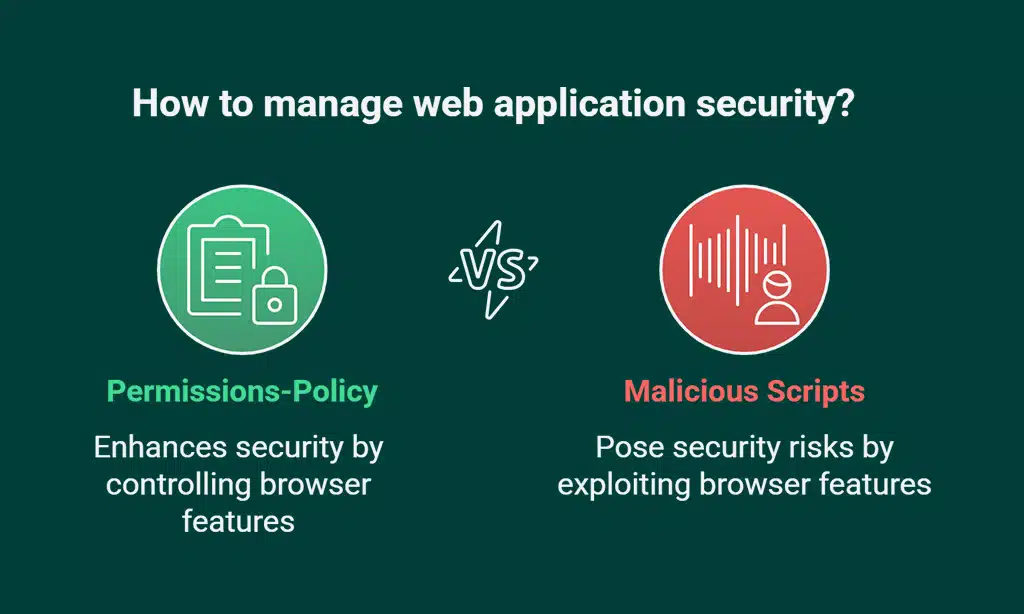
Let’s chat about Permissions-Policy, a neat tool for keeping your web app safe. This HTTP header lets you control which browser features and APIs your site can use. Think of it as a gatekeeper, locking out risky stuff like microphone or camera access when you don’t need it.
For instance, you can set it like this: `Permissions-Policy: microphone=(), camera=(), geolocation=()`. That tells the browser, nope, don’t even think about turning those on.
Now, why does this matter to you? Well, it shields your users from sneaky attacks that might try to hijack these features. Imagine a bad script trying to listen in through a microphone.
With Permissions-Policy, you slam that door shut. It’s a solid step in web application security, cutting down risks like malicious scripts getting too cozy with your site. Stick with me, and let’s keep your online space as safe as a locked vault.
Testing and Monitoring Security Headers
Testing your web app’s security headers is a must. Without it, you might miss gaps in your website security.
- First off, grab tools like Invicti DAST solutions to scan for HTTP security headers. These automated vulnerability scanners check if your headers, like Content-Security-Policy (CSP) and Strict-Transport-Security (HSTS), are set right. They spot errors fast, saving you from nasty surprises like cross-site scripting (XSS) attacks.
- Next up, watch demos from pros like Sven Morgenroth, a staff security engineer at Invicti. He broke down HTTP response headers on Security Weekly #652, showing real tricks to test them. His insights help you see how man-in-the-middle attacks can sneak in without proper setup.
- Don’t skip regular updates to your server configuration. Web technologies change quick, and so do threats like session hijacking or clickjacking attacks. Keeping HTTP headers fresh blocks new risks before they hit your site.
- Always test new policies in report-only mode before going all in. For instance, try a Content-Security-Policy (CSP) tweak without enforcing it. This way, you catch issues with scripts or iframes without breaking your web app.
- Keep an eye on logs for odd HTTP requests or redirects. Weird query strings or referrer information might signal malicious scripts or HTML injection attacks. Monitoring helps you act fast against threats to your secure cookies.
- Use browser tools like Google Chrome’s developer options to inspect HTTP server headers. Check if your TLS certificate ties to HTTP over SSL/TLS correctly. A quick peek can reveal if you’re open to MIME sniffing or other XSS vulnerabilities.
Takeaways
Hey there, let’s wrap this up with a quick nod to safety! Adding browser security headers like Strict-Transport-Security and Content-Security-Policy is like locking your digital front door.
Got a web app? Keep it guarded against nasty threats with these simple tweaks. Stick with us, and watch your site stay safe from online creeps!
FAQs on Browser Security Headers for Safer Web Apps
1. What are browser security headers, and why should I care about them?
Hey, think of browser security headers as your web app’s personal bodyguards. They’re bits of code, like HTTP security headers and HTTP response headers, that shield against nasty stuff such as cross-site scripting (XSS) and man-in-the-middle attacks. If you’re running a site, ignoring these is like leaving your front door wide open, so let’s lock it down with headers like Content Security Policy (CSP).
2. How does Content Security Policy (CSP) stop bad guys from messing with my site?
Listen up, Content-Security-Policy (CSP) is like a strict bouncer at a club. It blocks malicious scripts and script injection by only allowing trusted sources, keeping threats like HTML injection attacks and cross-site scripting attacks at bay.
3. What’s the deal with HTTP Strict Transport Security (HSTS), and how does it help?
Alright, let’s chat about HTTP Strict-Transport-Security (HSTS), or just Strict-Transport-Security. It’s a tough rule that forces your site to use HTTPS instead of the risky HTTP protocol, dodging man-in-the-middle attacks. Think of it as redirecting your users to a safer path, no detours allowed.
4. Can Cross-Origin Resource Sharing (CORS) make my web app safer?
Yo, Cross-Origin Resource Sharing, or CORS, sets boundaries on who can access your stuff. It works with policies like Cross-Origin-Opener-Policy (COOP) and Cross-Origin-Resource-Policy (CORP) to stop unauthorized access, kinda like a fence around your digital yard.
Hey there, secure cookies and HTTP cookies are a big deal in stopping session hijacking. Pair them with tight server configuration and headers like Cross-Origin-Embedder-Policy (COEP), and you’ve got a solid defense against sneaky intruders trying to steal user info.
6. How do headers protect against clickjacking attacks and other sneaky tricks?
Well, friend, headers are your secret weapon against clickjacking attacks and junk like SQL injection or MIME sniffing. They team up with rules like Same-Origin Policy (SOP) and Referer Header settings to keep your site from being tricked or redirected by shady scripts. It’s like having a watchdog that barks at anything fishy, from fingerprinting to code injection, before it even gets close.