

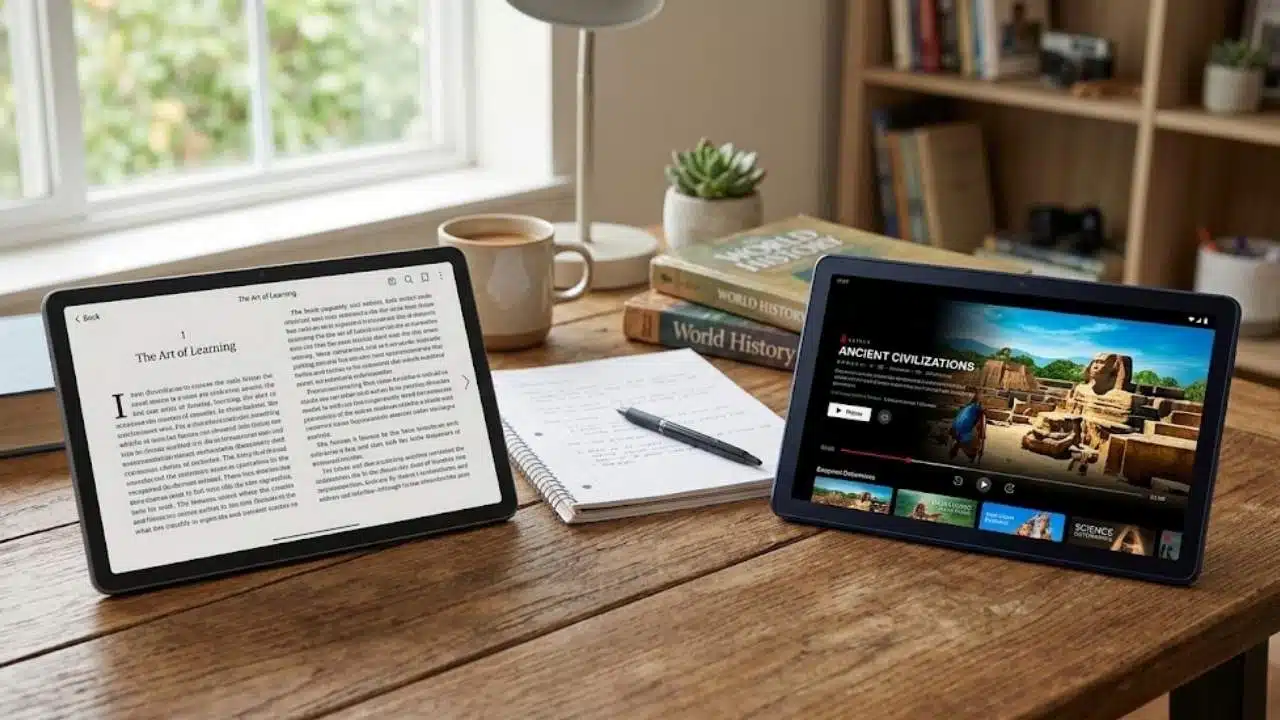
Think of a back-to-school tablet like part of the gear loadout.
Backpack. Charger. Water bottle. Headphones. Notes. Calendar. Login passwords nobody remembers until the first assignment is due. The tablet has to earn its place in that pile.
TCL’s current tablet lineup gives students and families a few different ways to build the setup, depending on what kind of school year is ahead. Big-screen study station? Pen-first notebook? Paper-like reading tablet? Big display with AI tools? Compact family screen?
TCL’s Back-to-School sale runs from August 20 through September 1, with savings of up to $120 on selected TCL products. Verified students, educators and faculty can also get an extra 5% off sitewide through StudentBeans at Official promotion page.
Here is the loadout.
The main screen: TCL NXTPAPER 14
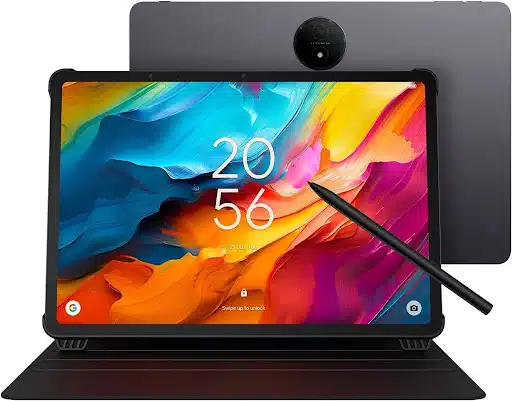
The TCL NXTPAPER 14 is the tablet for students who want more screen, more workspace and fewer cramped study sessions. Its 14.3-inch NXTPAPER screen gives readings, notes, lectures, browser tabs and streaming room to open up.
It also comes with a stylus and flip case included, which makes it feel ready for the desk on day one. The NXTPAPER Key helps students quickly switch screen modes for different tasks, while the 10,000mAh battery supports all-day use. Quad speakers and dual microphones add more utility for lectures, calls and streaming.
Shop the TCL NXTPAPER 14 at Official promotion page. Amazon and Walmart availability may also be checked.
The digital notebook: TCL Note A1 NXTPAPER
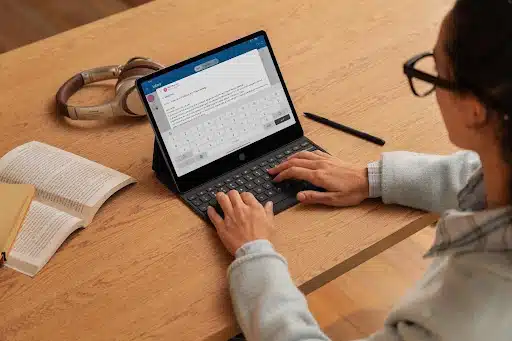
The TCL Note A1 NXTPAPER is the pen-first pick. This is the tablet for handwritten notes, lecture capture, diagrams, sketches, formulas and idea organization.
Its NXTPAPER Pure display is designed for a paper-like, low-reflection writing experience. The precision writing system supports under 5ms latency, 8192 levels of pressure sensitivity and a dual-purpose pen with a writing tip on one end and an eraser on the other.
It also includes audio-to-text transcription, real-time translation, handwriting-to-text, formula recognition, handwriting beautification, Inspiration Space, Split Screen, Screen Casting and Freeform Note.
Shop the TCL Note A1 NXTPAPER at Official promotion page. Amazon and Walmart availability may also be checked.
The long-session reader: TCL Tab A1 Plus NXTPAPER
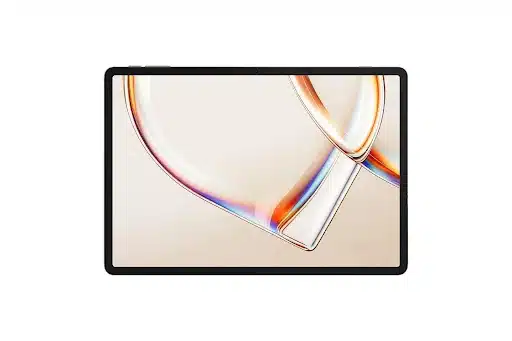
The TCL Tab A1 Plus NXTPAPER is built for the long haul: reading, writing, reviewing, studying and staring down the kind of PDF that somehow never ends. Its 12.2-inch 2.4K NXTPAPER display is designed to reduce glare, reflections, blue light and flicker. The dedicated NXTPAPER Key switches between Ink Paper, Color Paper and Regular Mode, while upgraded VersaView adds app-level control.
The setup also includes T-Pen 2, TCL Note, Google Gemini, Circle to Search, Smart Translator, Smart Voice Memo, Real-time Subtitles, 256GB storage, microSD expansion up to 2TB, a 10,000mAh battery and 33W fast charging.
Shop the TCL Tab A1 Plus NXTPAPER at Official promotion page. Amazon and Walmart availability may also be checked.
The everyday workhorse: TCL Tab A1 Plus
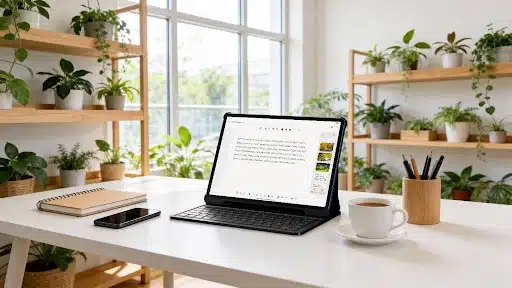
The TCL Tab A1 Plus is the practical big-screen tablet for students who want one device for classwork, streaming, browsing, AI tools and multitasking. It features a 12.2-inch 2.4K display, 120Hz refresh rate, 100% sRGB color, TCL NXTVISION, Snapdragon 4 Gen 2 performance, 6GB RAM, up to 10GB RAM Expansion, Android 16 and 128GB storage expandable to 2TB.
For productivity, it includes Google Gemini AI, Circle to Search, Writing Assist, Text Assist, Smart Translator, split-screen, floating windows, Extend Mode and Mirror Mode. Add an 8000mAh battery, 20W fast charging, quad stereo speakers and a slim metal body, and it becomes the everyday carry option for students who want value with range.
Shop the TCL Tab A1 Plus at Official promotion page. Amazon and Walmart availability may also be checked.
The compact family screen: TCL Tab 8 Gen 2
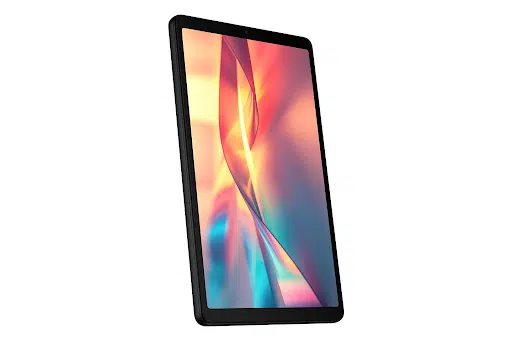
The TCL Tab 8 Gen 2 is the lightweight, smaller-screen pick for families and younger students. It has an 8.7-inch HD display, 90Hz refresh rate, Eye Comfort Mode, 6000mAh battery, 64GB storage expandable to 1TB, a 2.0GHz octa-core processor, 4GB RAM, dual speakers, 5MP front camera, 8MP rear camera and Android 14.
Google Family Link and Google Kids Space make it especially useful for family use, online learning, games, reading, travel and everyday entertainment.
Shop the TCL Tab 8 Gen 2 at Official promotion page. Amazon and Walmart availability may also be checked.
Pack the right screen for the year
TCL’s Back-to-School sale runs from August 20 through September 1, with savings of up to $120 on selected TCL products. Verified students, educators and faculty can also get an extra 5% off sitewide through StudentBeans at Official promotion page.
Start at TCL.com to compare the full lineup, check current back-to-school offers and build the setup that actually fits the student’s day. Amazon and Walmart availability may also be checked.
The right tablet should feel like useful gear from the first week: easy to carry, easy to read, ready for notes, strong enough for long sessions and flexible enough for the work, the downtime and everything in between.























