The best Notion alternatives are Superhuman Docs for flexible team workspaces, ClickUp for project delivery, Obsidian for private offline notes, and Microsoft Loop for organizations using Microsoft 365. Asana, Airtable, Slite, Craft, and Trello are stronger for narrower needs such as structured projects, databases, team documentation, polished writing, or visual task tracking.
The right choice depends on what Notion no longer handles well. This guide compares nine options by usability, collaboration, pricing, customization, migration limits, and practical fit for teams.
How the Best Notion Alternatives Compare
| Alternative | Strongest Use | Main Limitation |
| Superhuman Docs | Flexible team workspaces | Easy to overbuild |
| ClickUp | Project execution | Crowded interface |
| Obsidian | Private personal knowledge | Weaker live collaboration |
| Microsoft Loop | Microsoft 365 teamwork | No external guest sharing |
| Asana | Structured project management | Limited as a team wiki |
| Airtable | Data-heavy operations | Awkward for long-form writing |
| Slite | Internal documentation | No permanent free plan |
| Craft | Writing and visual documents | Limited database depth |
| Trello | Simple visual task tracking | Too light for complex systems |
These Notion alternatives are ranked by replacement breadth, then specialist strength. The order is not universal: Trello may suit a five-person team better when it only needs a visible task board.
What Comparison Lists Miss
Migration is where feature comparisons fall apart. Another app may preserve the text while losing linked databases, formulas, nested pages, permissions, or automations that made the system useful.
Before paying, move one active project and check:
- whether database properties and internal links survive;
- how attachments, comments, and guest permissions behave;
- whether the new tool can export usable data again.
Keep the original workspace read-only until the owners of important records approve the move.
1. Superhuman Docs: The Broadest Replacement
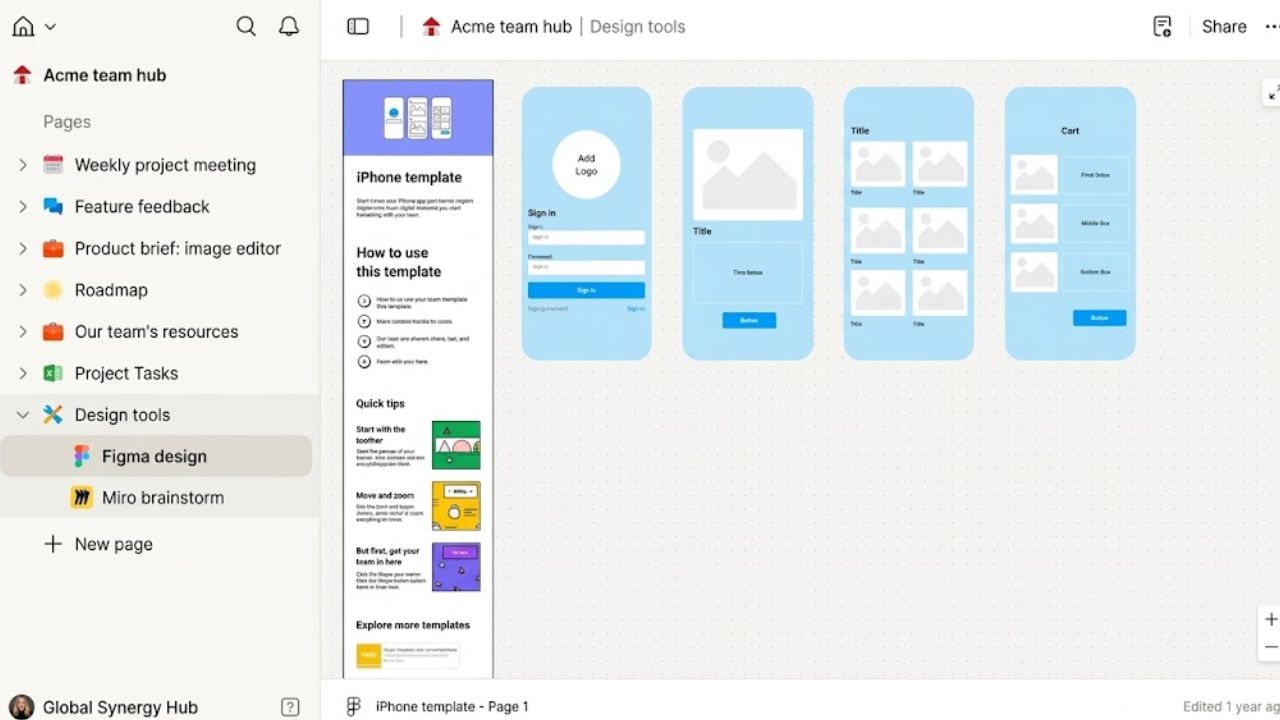
Coda became Superhuman Docs in July 2026. Its combination of documents, tables, formulas, buttons, forms, automations, and integrations remains, making it one of the broadest Notion alternatives for teams running projects and operations together.
Paid workspaces charge for Doc Makers, while editors and viewers are free. This Maker model can be economical when a small operations group builds for many colleagues, but less so if everyone creates pages and docs.
It is the strongest overall replacement here, but not the simplest. Set rules for templates, shared tables, and workflow ownership before inviting the whole company.
2. ClickUp: Better for Project Delivery
ClickUp suits teams whose documents look organized while deadlines slip. Tasks, dependencies, Docs, wikis, dashboards, automations, time tracking, and project views put execution first. An agency can keep a campaign brief beside its assigned production tasks.
The free plan allows unlimited tasks and members but only 60 MB of storage. Unlimited starts at $7 per user per month with annual billing. Begin with one Space, a short status list, and only the necessary views; the interface can become noisy.
3. Obsidian: Best for File Ownership
For personal knowledge systems, few Notion alternatives offer as much file control as Obsidian. Notes remain local Markdown files, and the app is free for personal and commercial use. Optional Sync starts at $4 per user per month with annual billing.
The official API importer can convert databases and formulas into Obsidian Bases, but it imports only the primary database view and cannot transfer some linked data. ZIP imports do not preserve databases.
Obsidian suits research notes, writing archives, and long-lived personal knowledge. It is weaker for client portals, approval chains, or easy live editing. Too many plugins also create another system to maintain.
4. Microsoft Loop: Best for Microsoft 365
Loop fits teams already using Teams, Outlook, OneNote, and Whiteboard. Portable components keep lists, tables, and notes updated across supported apps, so a meeting agenda can move into a Loop workspace without another disconnected copy.
Qualifying work and school accounts can create workspaces, although administrators may restrict this. Copilot needs an eligible plan, and personal accounts lack the same cross-app support. External guest sharing remains unsupported, making Loop a poor central workspace for agencies working with clients.
5. Asana: Best for Accountability
Among Notion alternatives for structured projects, Asana makes responsibility harder to blur. Dependencies, forms, custom fields, timelines, dashboards, approvals, and workload tools suit formal handoffs and multiple stakeholders.
The free Personal plan supports two users. Starter costs $10.99 per user per month with annual billing and adds timelines, Gantt views, reporting, forms, and automations. Asana is narrower than ClickUp: choose it for project control, not as a research library or company handbook.
6. Airtable: Best for Structured Data
Airtable is better when records drive the work. Relational data, custom views, interfaces, automations, and reporting suit editorial calendars, asset libraries, and product catalogs. A content team can connect each article to its writer, date, status, campaign, and assets.
The free plan targets lightweight use. Team costs $20 per user per month with annual billing. Editors are billable on paid Team and Business plans, so occasional contributors can become expensive. Airtable excels at structured operations, not long policies or prose-heavy notes.
7. Slite: Best for Team Documentation
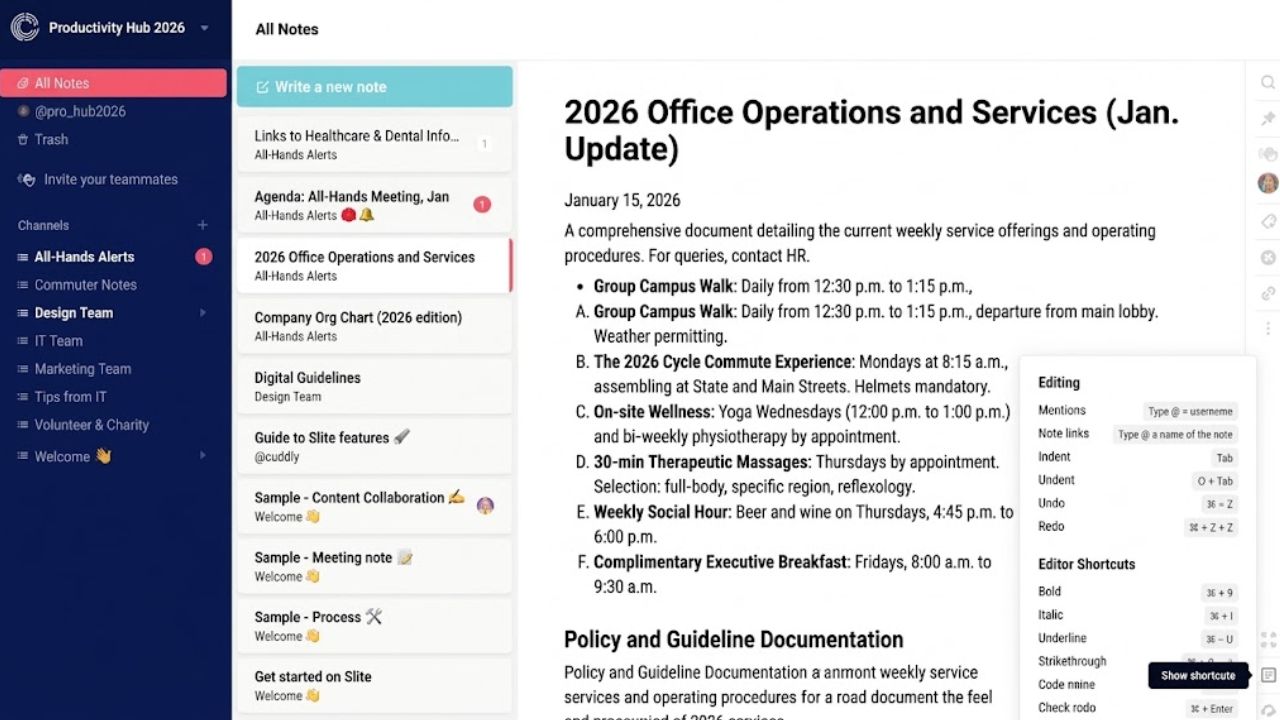
Slite focuses on keeping internal knowledge usable. Document ownership, verification workflows, search, and maintenance controls help teams spot outdated pages. It suits onboarding guides, policies, decision records, and product documentation.
There is no permanent free plan. After a 14-day trial, Basic starts at $10 per user per month with annual billing. That is hard to justify for casual notes, but reasonable when poor documentation interrupts daily work. It does not replace project management.
8. Craft: Best for Polished Writing
Craft combines documents with daily notes, tasks, calendars, and whiteboards in a presentation-focused workspace. Writers, students, educators, and creative professionals are its clearest audience. The free plan includes 1,500 blocks and 1 GB of storage across web, Windows, Android, and major Apple platforms.
Its databases and automations are modest beside Airtable or Superhuman Docs. That matters less for lesson plans, article outlines, travel plans, or client-facing documents. Craft is underrated when readability matters more than system design.
9. Trello: Best for Simple Boards
Trello asks little from the user. Boards, cards, checklists, due dates, Power-Ups, and automation cover a content calendar, freelance pipeline, class project, or small launch without lengthy setup.
The free plan allows 10 collaborators and 10 boards per workspace, with unlimited cards. Trello struggles with relational data, substantial wikis, workload planning, or cross-project reporting. For one visible workflow, its narrow scope is an advantage.
Final Thoughts on Notion Alternatives
Do not choose from screenshots or feature totals. Import one active project, invite a colleague or guest, recreate a recurring workflow, and export the result. Problems found in that trial matter more than a long comparison chart.
The strongest Notion alternatives reduce maintenance instead of moving it elsewhere. Choose the option that your team can still understand and manage six months after setup.
Frequently Asked Questions (FAQs)
Which option is closest to Notion?
Superhuman Docs is the closest broad replacement because it combines documents, tables, formulas, automations, and configurable workflows. Among these Notion alternatives, ClickUp is better when task delivery matters more than document flexibility.
What is the best free option?
Obsidian is the strongest free choice for private notes. Trello is easier for a small visual workflow. ClickUp has more project depth, but its 60 MB free storage allowance is restrictive when a team attaches files.
Should one app replace the entire workspace?
Not always. Asana plus Slite, for example, separates project execution from long-term documentation. Decide which app owns tasks, decisions, and reference material before adopting two tools; otherwise duplication becomes the new problem.