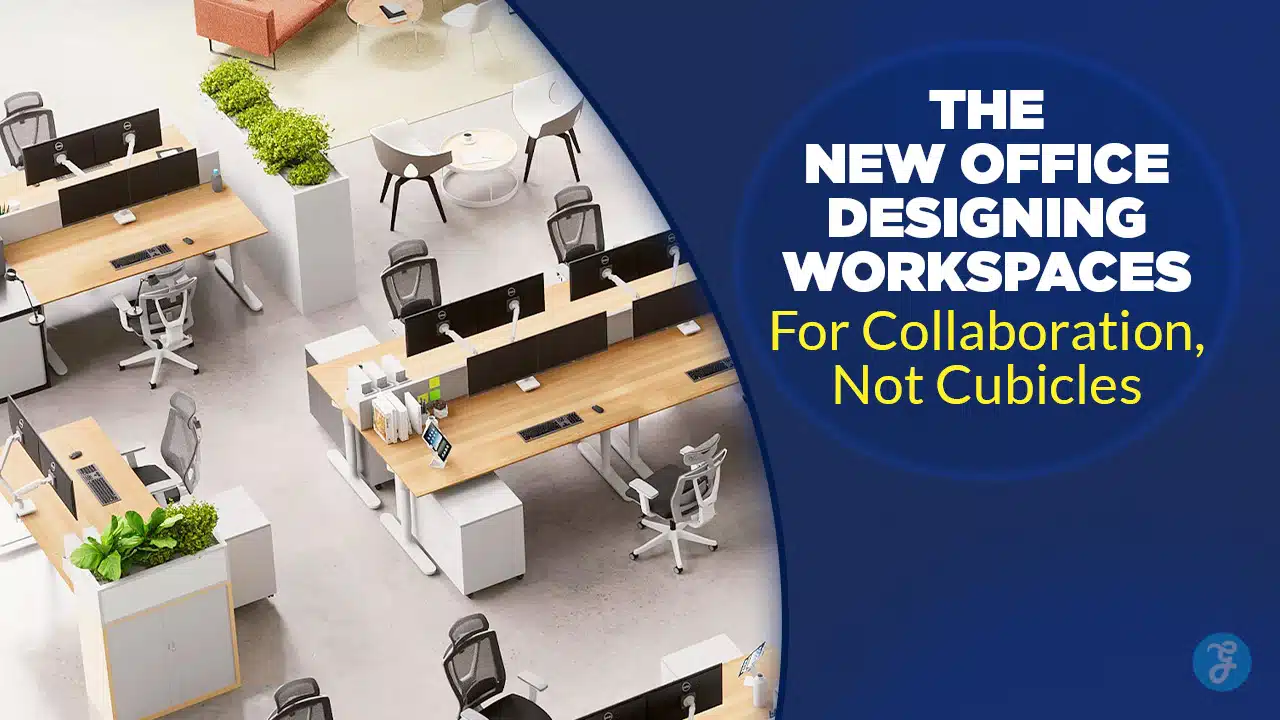
The era of the “cubicle farm”—where silence was mandatory and walls were high—is effectively over. As we move deeper into 2026, businesses are waking up to a stark reality: the physical office is no longer just a place to sit; it is a tool to connect. Designing workspaces for collaboration has become the single most critical strategy for companies looking to retain talent and spark innovation in a hybrid world.
Today’s workforce does not come to the office to write emails alone; they can do that from their kitchen tables. They commute to brainstorm, to solve complex problems, and to feel a sense of belonging. If your office design still reflects the isolationist philosophy of the 1990s, you aren’t just behind the curve—you’re actively hindering your team’s potential. This shift isn’t merely aesthetic; it is a fundamental rethinking of how space influences human behavior, prioritizing fluidity over rigidity and “we” over “me.”
The Death of the Cubicle and the Rise of Activity-Based Working
Why the Old Model Failed
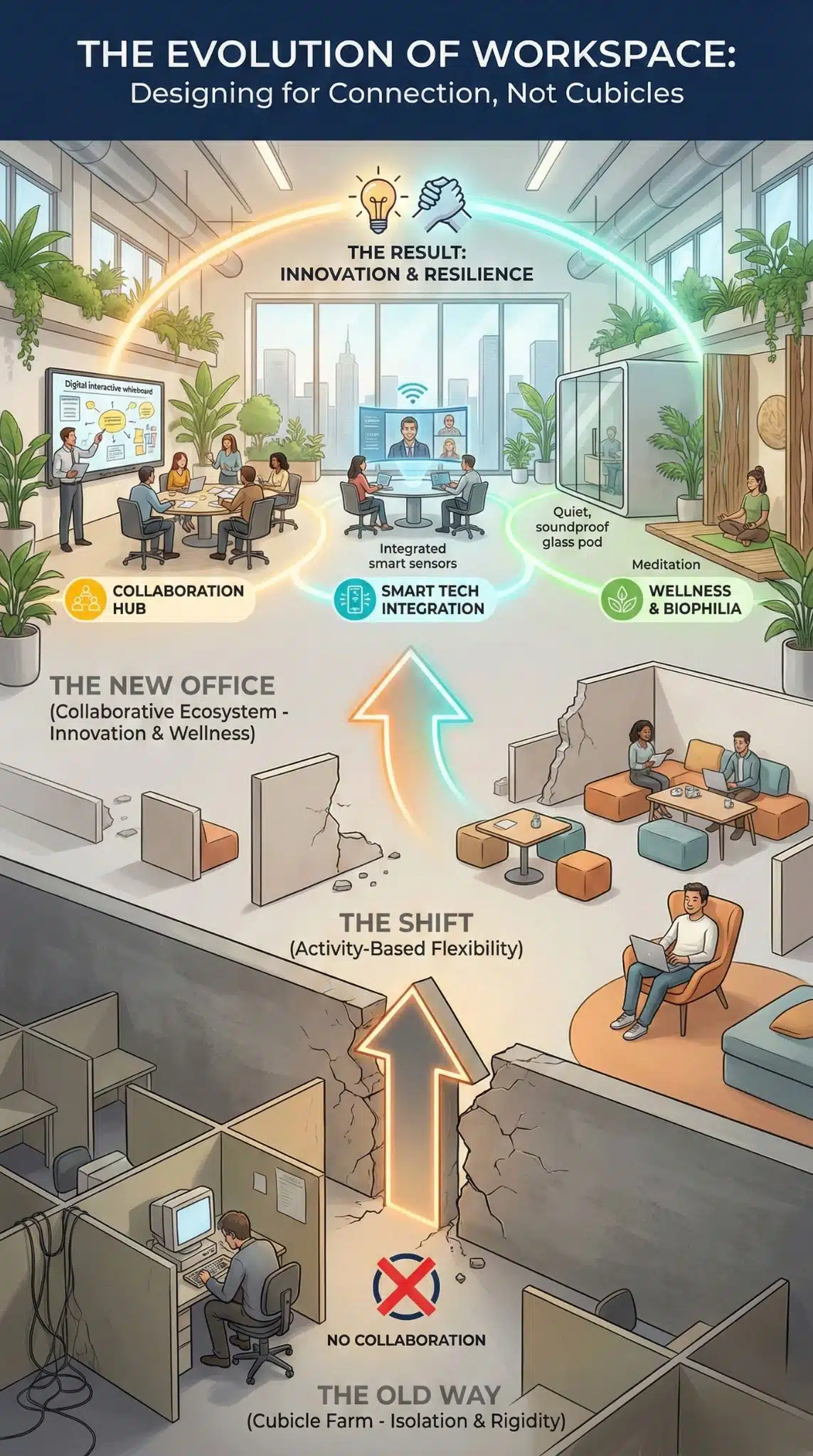
The traditional office layout was built on a factory-floor mentality: supervision and standardization. However, modern research proves that this rigidity kills creativity. Designing workspaces for collaboration requires dismantling these physical barriers to encourage “collisions”—those chance encounters between colleagues that lead to the next big idea. We are seeing a massive shift toward Activity-Based Working (ABW), where employees don’t own a desk; they choose a space that fits their current task, whether that’s a soundproof pod for deep work or a soft-seating lounge for a team sync.
Traditional Cubicles vs. Collaborative Ecosystems
| Feature | Traditional Cubicle Farm | Collaborative Ecosystem (2026) |
| Primary Goal | Individual efficiency & supervision | Team synergy & innovation |
| Layout | Fixed rows, high partitions | Zoned “neighborhoods,” modular furniture |
| Acoustics | High noise distractions | Acoustic zoning (quiet pods vs. active hubs) |
| Technology | Desktop-bound, wired | Cloud-based, mobile, IoT-integrated |
| Employee Vibe | Isolated, stationary | Agile, social, autonomous |
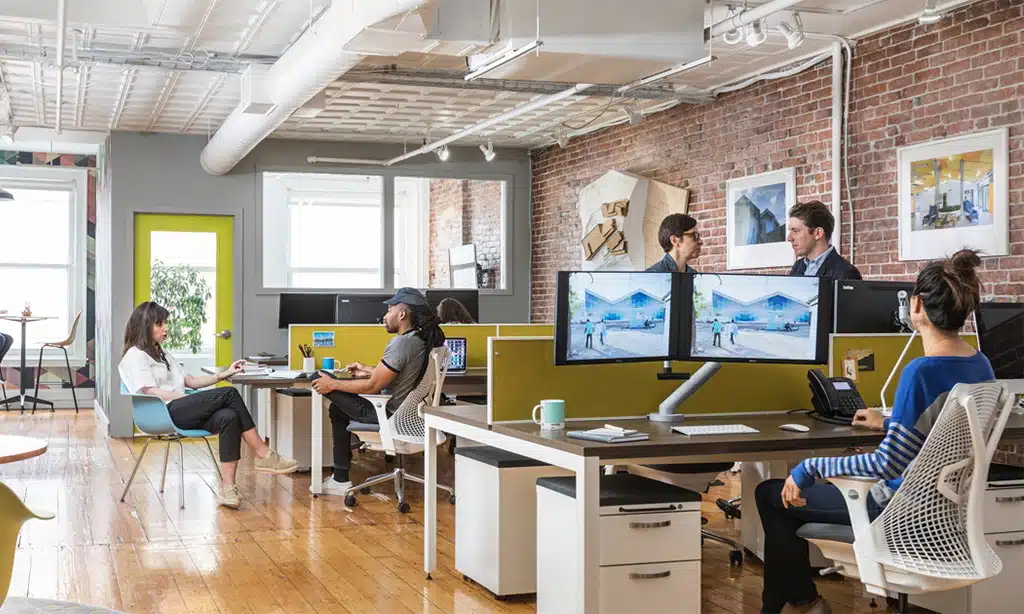
Integrating Technology for the Hybrid Workforce
Bridging the Physical and Digital Divide
You cannot discuss designing workspaces for collaboration without addressing the digital elephant in the room: the hybrid worker. A beautiful open-plan office fails if remote team members feel like second-class citizens during meetings. The “New Office” is a smart office. It uses sensors to track occupancy, AI to adjust lighting and temperature, and “Zoom-ready” rooms equipped with 360-degree cameras and directional microphones. The goal is equity—ensuring that the person dialing in from London has the same presence as the person sitting in New York.
Essential Tech for Collaborative Spaces
| Tech Component | Function | Benefit |
| Smart Sensors | Track usage of meeting rooms/desks | Optimizes real estate costs |
| Interactive Whiteboards | Digital canvas for brainstorming | Saves innovation instantly to the cloud |
| Room Booking Apps | Mobile reservation of spaces | Eliminates “meeting room friction” |
| Acoustic Masking | Emits subtle background sound | Reduces speech distractions in open areas |
Human-Centric Design: Wellness as a Productivity Driver
Neurodiversity and Biophilia
A truly collaborative space recognizes that people are biological organisms, not machines. Designing workspaces for collaboration also means designing for restoration. If an employee is overstimulated by constant noise and interaction, they will burn out. This is where inclusive design comes in. Leading offices now feature “recharge rooms,” low-light libraries, and biophilic designs that bring the outdoors in. Studies consistently show that access to natural light and greenery can boost well-being by over 15%, directly impacting the quality of collaborative output.
Wellness Features & Impact
| Design Element | Description | Productivity Impact |
| Biophilic Design | Living walls, natural wood, sunlight | Reduces stress, improves cognitive function |
| Neurodiverse Zones | Low-sensory quiet areas | Supports focus for diverse thinking styles |
| Ergonomic Variety | Standing desks, balance chairs | Reduces fatigue, increases energy levels |
| Social Hubs | Cafés, game areas, terraces | Builds trust and social capital among teams |
Final Thoughts
The office is not dead, but the office as we knew it is extinct. The future belongs to organizations that view their real estate as a strategic asset for culture-building. Designing workspaces for collaboration is an ongoing process of listening to your employees and adapting to their needs. By embracing flexibility, integrating smart technology, and prioritizing human well-being, you create a destination where people genuinely want to be. The result is not just a prettier office, but a more resilient, innovative, and connected business.