A five-minute BGMI highlight reel takes three tools to make. A recorder captures the screen. Some patience fixes the audio nobody warned you about. And an editor turns raw footage into something worth uploading. Phones hide all three inside apps you can install tonight, and half of them cost nothing.
The advice floating around most gaming blogs is two years stale. Several still push DU Recorder, which has quietly faded from the Play Store’s recommendations. Others recommend CapCut as the default editor while ignoring the fact that Indian users cannot install it at all. This guide sticks to apps that work right now, with prices checked before publication and the internal-audio problem explained properly, because that single issue ruins more recordings than any app choice ever will.
Quick picks: which app fits your setup
| App or tool | Platform | Watermark | Cost | Useful for |
|---|---|---|---|---|
| Android built-in recorder | Android 11+ | None | Free | Set-and-forget capture |
| iOS Control Center | iOS | None | Free | iPhone capture, zero setup |
| XRecorder | Android | None | Free, Pro removes ads | Long BGMI/COD sessions |
| AZ Screen Recorder | Android | None | Free, $2.99/mo plan | Resolution and fps control |
| Glip | Android | None | Free | 60-120fps capture, montages |
| Mobizen | Android | Removable via ad | Free | Older or mid-range phones |
| VN Video Editor | Android, iOS | None | Free core | The actual editing work |
| CapCut | iOS, most of Android | On Pro assets | $7.99/mo | Editors outside India |
1. The Android built-in recorder
Swipe down twice into Quick Settings on any Android 11 or newer device, tap Screen Record, and pick an audio source: device audio for clean game sound, microphone for commentary, or both for reaction videos. No download, no account, and nothing stamped across the finished clip.
Battery drain stays near 5 to 8 percent per hour thanks to system-level integration, roughly half of what some third-party apps burn. Bitrate settings, frame-rate overrides, and facecam overlays do not exist here, and older skins like MIUI hide slightly different options than stock Android does. Recording casual sessions works fine here. Sponsored uploads need one of the dedicated tools below.
2. The iOS Control Center recorder
iPhone owners get their capture tool built in as well. Add Screen Recording through Settings, then Control Center, long-press the record button, and choose whether microphone audio joins the game’s own sound. A red indicator shows while capture runs. Files land in Photos, ready to edit.
New users hit two surprises. If the physical mute switch is on, certain games silence their output to the recorder even when the clip plays fine on the phone itself. Flip the switch and the sound returns. Second, privacy law limits what iOS records during calls: a Zoom or FaceTime session captures video but blocks the other party’s audio. Gameplay sits outside that restriction entirely.
Free, stable, and Apple-maintained, it covers most iPhone capture needs. Its editing ceiling is low, so pair it with VN or CapCut below for anything beyond trimming.
3. XRecorder
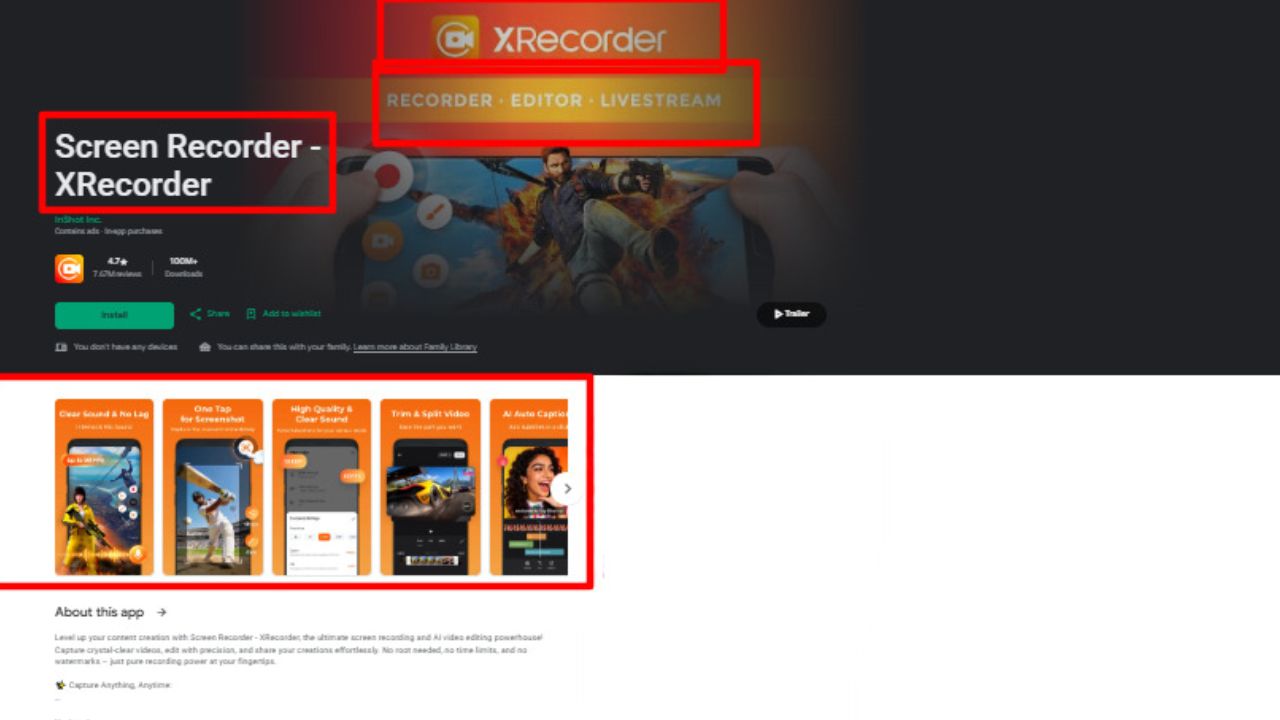
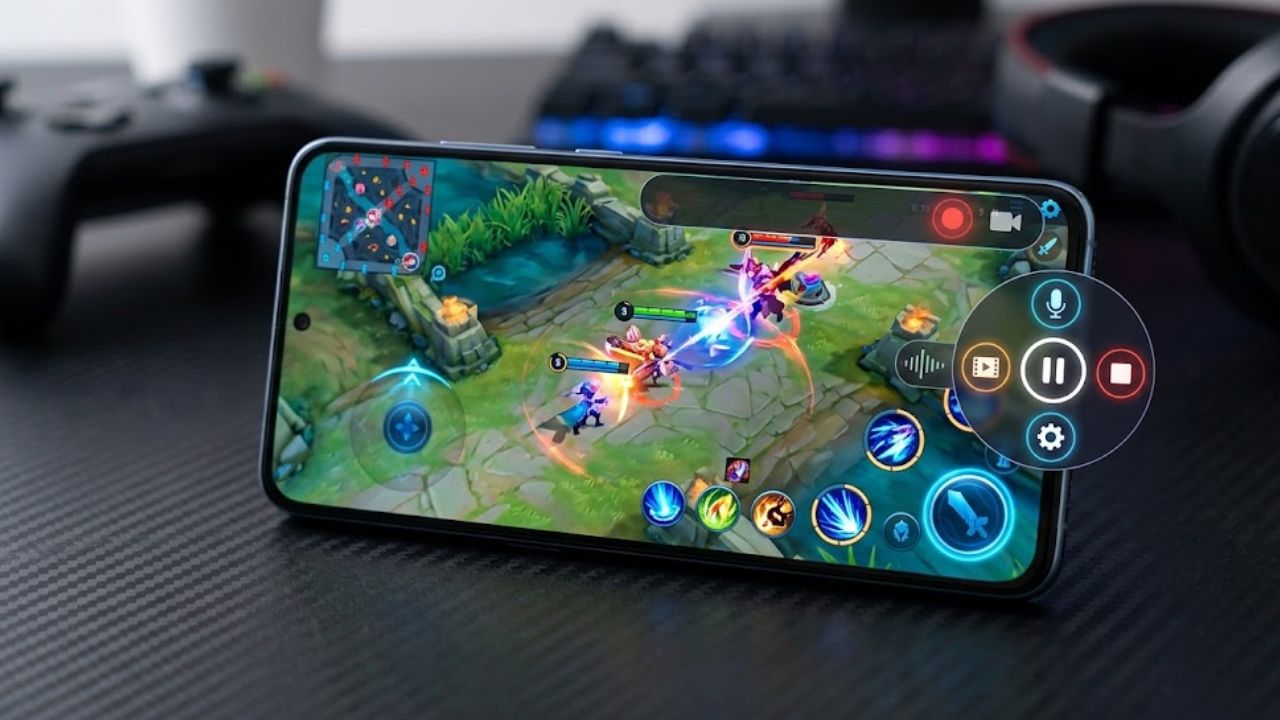
Serious mobile esports players record in long blocks, and XRecorder was tuned for exactly that grind. PUBG Mobile, BGMI, and COD Mobile sessions run without the frame rate collapsing, thanks to a Game Mode that minimizes the performance hit while capture is active. A floating ball starts and stops recording without leaving the match.
Internal audio works reliably on Android 10 and newer, with a straightforward choice between game sound, microphone, or both. Clips export without a watermark at up to 1080p and 60fps where the device allows it. A tap grabs a screenshot mid-recording.
Finished videos upload straight to YouTube from inside the app, a small time-saver during tournament weeks.
Ads appear across the interface unless a Pro subscription removes them. And on phones with lower RAM, the smoothness advantage over the built-in recorder narrows considerably, so compare it against the free built-in option first.
4. AZ Screen Recorder
Anyone who has fiddled with bitrate settings on a desktop recorder will feel at home in AZ. Resolution, frame rate, and quality all adjust manually, which matters when a phone must force 720p to keep storage under control during a long tournament stream. Live streaming to YouTube is supported alongside plain capture.
The free version records at 1080p and 60fps with no watermark on output and no time ceiling, and the app has survived on the Play Store for years at a 4.7-star rating. A paid plan at $2.99 (about ₹260) per month removes ads and unlocks the advanced toolbox. Overlay controls, a built-in trimmer, and Wi-Fi transfer come free. Beginners should expect a cluttered settings menu and, after some updates, occasional audio glitches. Record a ten-second test clip before the full session and the problems show up early.
5. Glip
Where most recorders top out at 60fps, Glip goes to 120fps on supported hardware, and fast camera pans in shooters survive the upload. That single spec explains why competitive mobile players keep it installed. Cloud storage backs up recordings so a lost phone does not mean lost footage, and a montage maker assembles highlight reels without leaving the app.
Recording, streaming, and clip-editing sit in one place, with no time limit and no watermark on free captures. The interface assumes you already know what fps means and why it matters, which suits competitive creators fine and leaves casual players with more app than they asked for.
6. Mobizen
Mobizen earned its audience on devices other recorders abandoned, running legacy Android versions on modest chipsets where heavier apps stutter. Everything saves locally, so nothing about a session travels to outside servers.
The unusual part is its watermark policy. Rather than charging for removal, Mobizen lets free users erase the watermark by watching a short advertisement, an ad-for-freedom trade that no other app in this guide offers. Paid plans, roughly $3.35 (near ₹300) monthly, remove ads and unlock capture at up to 1440p and 60fps. Expect the battery meter to fall near 15 percent per hour, double the built-in recorder’s rate.
7. VN Video Editor
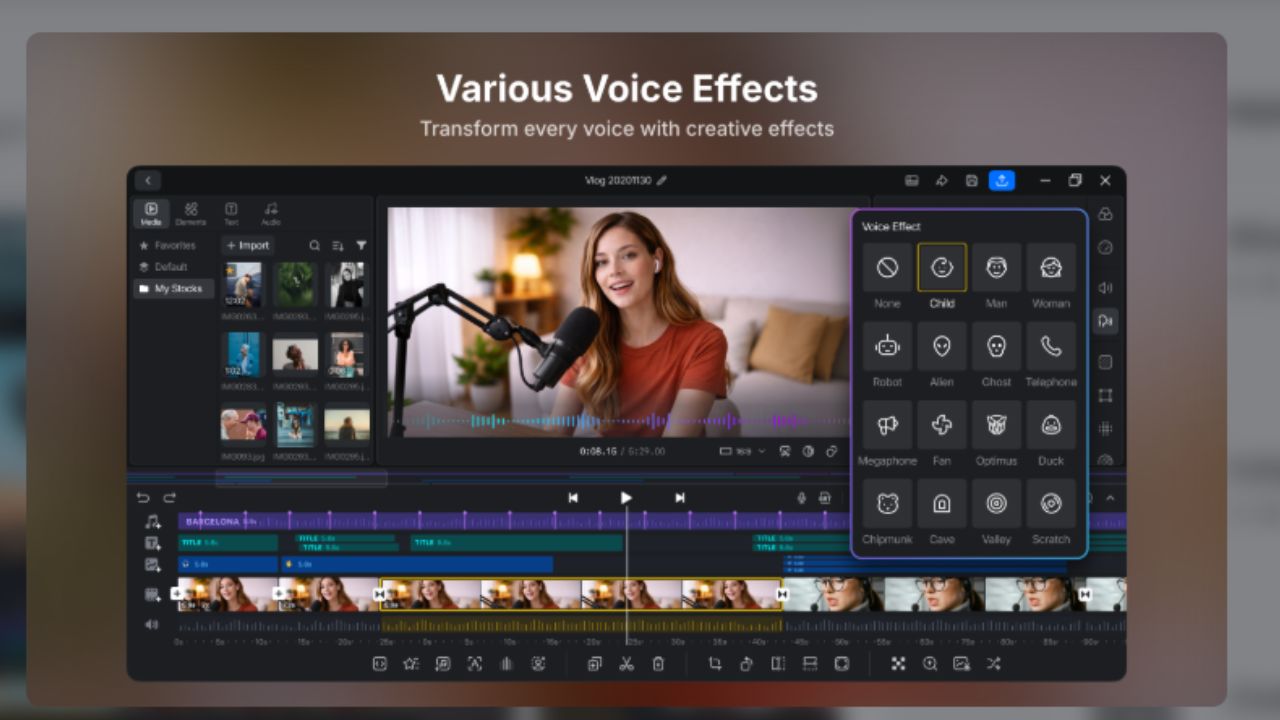
Nothing gets uploaded raw, which is why an editor belongs on this list of mobile gameplay recording apps. VN has become the default for Indian creators since CapCut’s exit, and the reasons hold up: its multi-track timeline is fully free, exports reach 4K at 60fps, and no watermark ever appears on finished files.
The toolset reads like desktop software. Keyframes animate position and scale over time. Curve-based speed ramps handle slow-motion kills. LUTs adjust color the way desktop editors do. Beat sync cuts on music automatically. A default VN title card sits on every new timeline, and deleting it before export is the one habit worth building.
The app carries ads alongside a paid Pro tier, and its mobile-first design slows down on longer timelines, so a 20-minute montages-and-commentary edit will test a phone’s patience. Reels, Shorts, and highlight clips fit comfortably inside its comfort zone.
8. CapCut
The most popular mobile editor in the world carries one enormous catch. CapCut remains free to download, and its standard editing tools stay functional, but 2026 policy changes mean Pro-labeled templates, effects, and auto-captions now force a watermark onto exports unless a Pro subscription is active, at $7.99 (around ₹700) monthly or $49.99 (about ₹4,400) yearly.
Indian users face a harder wall. The Google Play India listing returns a 404 error while the identical US listing loads normally, and capcut.com answers Indian connections with an HTTP 451 block served from ByteDance’s own servers.
Neither the app nor the web editor installs from India.
Elsewhere, the template library and one-tap auto-captions remain strong for short vertical clips, and standard edits still export clean. In India, VN, covered earlier in this list, fills the gap without a workaround.
How to choose your mobile gameplay recording setup
Audio, not video, decides whether a clip is watchable. Android’s built-in recorder handles game sound cleanly on any Android 10+ device, while iOS users should double-check the mute switch before blaming the app. When a recording comes back silent, the cause is usually the platform rather than the tool: Netflix and other streaming services block internal audio through DRM no matter which recorder is running, and video calls restrict capture under privacy rules.
Format decides the second choice. A facecam commentary channel needs XRecorder or AZ for the overlay and the mic mixing. A competitive player chasing buttery pans wants Glip at 120fps. An older phone finds its match in Mobizen. And every finished recording still needs VN for the final cut, unless the upload is happening outside India, in which case CapCut remains the strongest editor in the category.
Build the workflow once, and it repeats for free: capture with the phone’s own recorder, cut in VN, upload, done. Pay for a mobile gameplay recording app only when it solves a problem you have actually hit. The longest feature list is not a problem.
Frequently asked questions
Can you record mobile gameplay without a watermark for free?
Yes. The Android and iOS built-in recorders, XRecorder, AZ Screen Recorder, Glip, and VN Video Editor all produce watermark-free output on their free tiers. Mobizen removes its watermark after a short ad. The only trap is CapCut, where Pro-labeled assets now stamp watermarks unless you subscribe.
Why does my gameplay recording have no sound?
Three usual causes. Older Android versions below 10 cannot capture internal audio at all. The game or app itself may block capture for DRM or privacy reasons, which affects most streaming services and video calls. Or on iPhone, the physical mute switch is silencing the game’s output to the recorder.
What is the best free app for recording gameplay on a phone?
The built-in recorder on either platform, for stability, zero cost, and no watermark. Add XRecorder when long sessions and facecam overlays matter, or Glip when 120fps capture is the goal. Editing is a different category, and VN wins it for free work with no strings.
How do YouTubers record mobile gameplay?
Most use a three-step chain. A floating-ball recorder like XRecorder or AZ captures long sessions with internal audio, an editor like VN trims and assembles highlights, and the built-in recorder handles quick captures between proper sessions. Facecam commentary adds a microphone mixing option during capture.
Do gameplay recording apps work on every phone?
No. Third-party recorders need Android 10 or newer for internal audio, regardless of what the listing promises. Phones below that threshold capture microphone sound only, which means room noise in place of game audio. iOS handles internal audio natively across the current lineup.
Which editor is best after CapCut for Indian creators?
VN Video Editor, which is live on both Indian app stores, exports up to 4K at 60fps without watermarks, and keeps its core multi-track editor free. KineMaster adds layer-based editing but stamps a watermark on free exports, and YouCut covers simple trims with no watermark at lower resolution.