A customer opens your dashboard. Another uploads a set of files. A third requests a report that takes several minutes to generate. They all expect the product to stay responsive and keep their information separate.
That is the daily work behind a software-as-a-service (SaaS) product. Azure has services for each part of it, but there is no standard ten-service stack that every team should deploy. A small product may need only a few services. A larger one may combine shared infrastructure with dedicated resources for particular customers.
These ten Azure services for SaaS are grouped by the jobs they do, rather than ranked by popularity. The aim is to help you decide when a service earns a place in your architecture.
| Azure service | Its main role in a SaaS product |
| Azure App Service | Host a web application or API |
| Azure Container Apps | Run containerized services and workers |
| Azure Functions | Run code when an event occurs |
| Azure SQL Database | Store structured application data |
| Azure Cosmos DB | Store suitable document-oriented data |
| Azure Blob Storage | Hold uploads and generated files |
| Azure Service Bus | Pass work between application components |
| Azure API Management | Manage policies and routing for APIs |
| Azure Key Vault | Protect secrets, keys, and certificates |
| Azure Monitor | Track application health and performance |
1. Azure App Service: A home for the web app and API
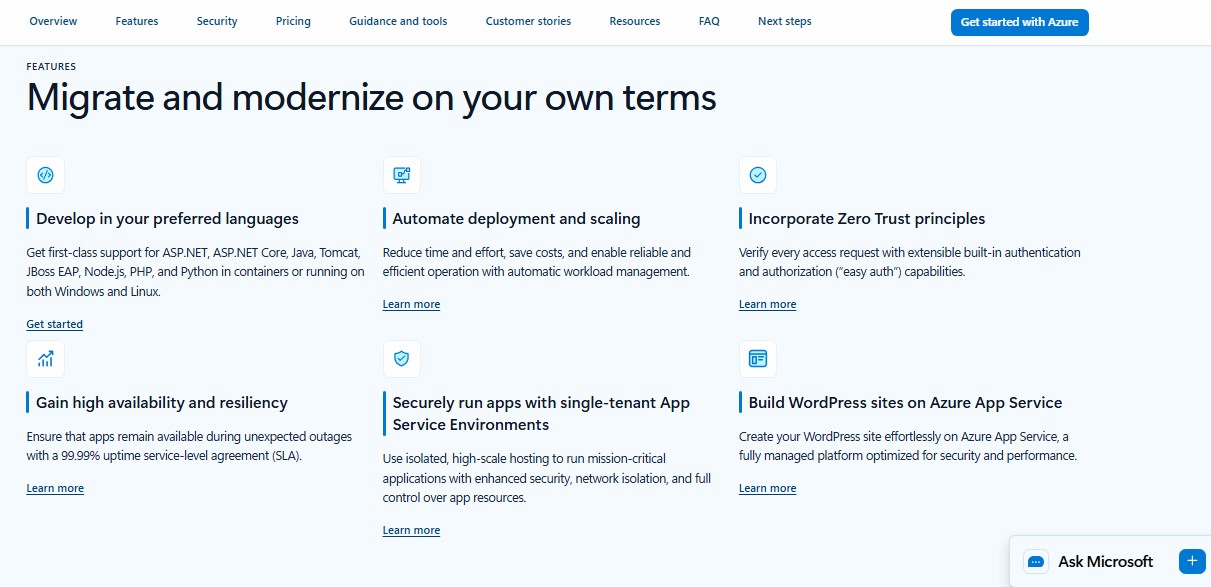
Azure App Service is a practical hosting choice for a SaaS dashboard, customer portal, or REST API. Your team deploys the application without managing the underlying servers.
The important question is how customers share it. A single application can serve many customers, or a team can deploy separate applications for customers with different requirements. In a shared app, the code must identify the customer behind each request and check that the user may access the requested data. Hosting the app on a managed platform does not perform that product-level check for you.
App Service is often a sensible starting point when the product is primarily a web application, and the team wants managed hosting without designing a container-based system.
2. Azure Container Apps: Room for independent container workloads
A SaaS product may grow beyond one web application. It might have an API, a document conversion service, and a worker that creates previews. If the team packages these components as containers, Azure Container Apps can run and scale them without requiring the team to operate the underlying container infrastructure.
Each component can be deployed separately. Application revisions and traffic splitting also give teams control over how an update reaches users. Scaling depends on the rules configured for a workload; applications that scale on CPU or memory use cannot scale to zero.
Container Apps makes the most sense when containers suit the way the team already builds software or when components genuinely need independent deployment and scaling. Splitting a simple product into microservices creates work of its own.
3. Azure Functions: Code for triggered and background tasks
Some jobs should happen after the customer-facing request has finished. An export, an upload processing step, or a scheduled cleanup task is a good example. Azure Functions runs code in response to events such as messages and timers.
Suppose a customer asks for a large report. The application can accept the request promptly, then let a Function generate the file in the background. The customer does not have to keep a browser request open while the work finishes.
Choose the hosting plan with the workload in mind. Plans differ in scaling, networking, execution behavior, and cost. Write the processing code to handle retries safely, too. If the same job is delivered twice, it should not create duplicate charges or conflicting records.
4. Azure SQL Database: Structure for core product records
Customers, workspaces, permissions, invoices, and projects have relationships that a relational database can represent well. Azure SQL Database is a strong candidate for this structured part of a SaaS product.
The team must choose how to arrange customer data. In a shared database, customer records may live in the same tables. Every access path then needs a reliable tenant boundary; properly configured row-level security can help enforce it. In a database-per-customer design, separation is stronger, while provisioning and ongoing management become more involved. Elastic pools can let multiple databases share compute resources.
Neither pattern is universally best. The choice depends on customer requirements, expected workload, isolation needs, and how much operational work the team can support.
5. Azure Cosmos DB: A fit for particular document workloads
Azure Cosmos DB is worth evaluating when the application works with data such as JSON documents and its query, scaling, or geographic distribution capabilities match the workload. Activity records or changing content structures may be candidates, depending on how the product reads and writes them.
A shared container can organize data using a tenant identifier in its partition strategy. That is a design choice with a tradeoff: customers share throughput, so a very busy customer can affect the experience of others. A separate database account for a customer offers a different level of isolation and control, along with more resources to manage.
I would start with the product’s data model and access patterns, then choose the database. A SaaS application does not need both Cosmos DB and Azure SQL Database simply because both appear in cloud architecture examples.
6. Azure Blob Storage: A place for customer files
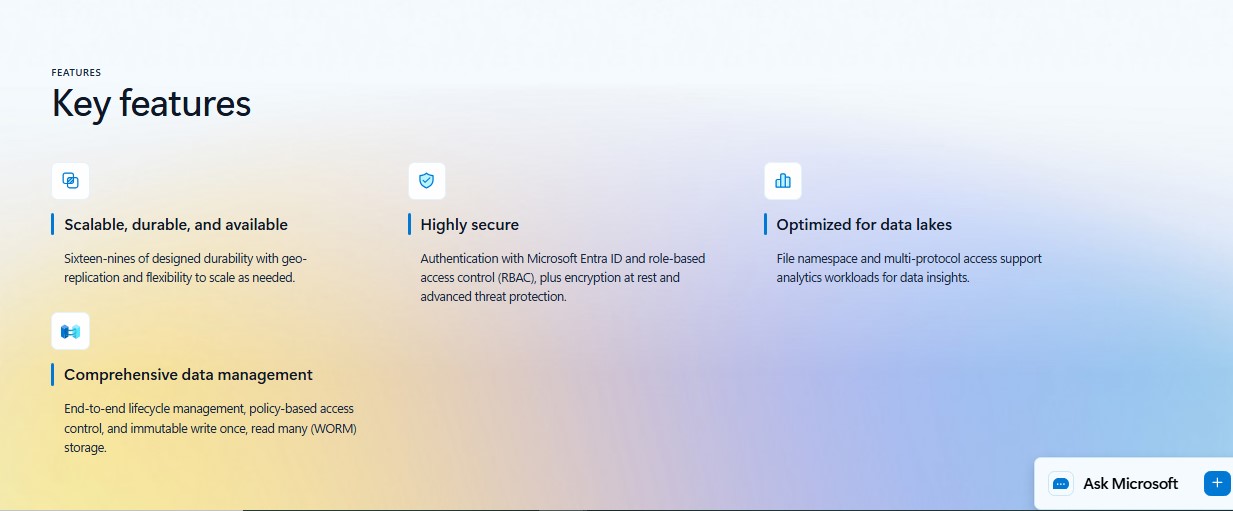
A database can record who owns an attachment. Azure Blob Storage can hold the attachment itself, along with exports, images, generated documents, and other object data.
For large uploads, a client application may transfer a file directly to storage after the SaaS application checks the user’s permissions and issues narrowly scoped, time-limited access. That can reduce the work carried by the application’s API. The scope of that access matters: a user uploading a file to one customer’s area should not gain access to another customer’s files.
Plan beyond the upload. Decide how long files remain available, how customers retrieve them, and what happens when an account is closed. Those choices affect both customer trust and storage cost.
7. Azure Service Bus: A dependable handoff between components
Azure Service Bus gives an application queues and publish-subscribe topics. A queue can hold work until a processor is ready for it. A topic can distribute an event to several interested components.
Take a monthly report request. The API can place a message on a queue, and a worker can generate the report. If processing fails, the team needs a way to inspect and resolve the problem; dead-letter queues help with messages that cannot be processed successfully.
A shared queue does not automatically separate customers. Messages and workers need trustworthy customer context, and the worker must verify access before handling data. Teams should also watch whether one customer is filling the queue faster than the service can process it.
8. Azure API Management: Policies for an API-led product
When an API becomes a major part of the product, Azure API Management can provide a central place to apply policies and route requests. A SaaS team may use it to manage customer-specific quotas, limit bursts of traffic, or direct requests to different back-end deployments.
Those rules are only as sound as the customer identity used to apply them. Validate the information that identifies a customer before using it for a quota or route. If API responses are cached, the cache design must also keep customer-specific results apart.
API Management can help operate a growing API, but it does not replace authorization in the application and data layer. A small product with a simple internal API may have little reason to add it immediately.
9. Azure Key Vault: Control over secrets and keys
A SaaS product may depend on third-party API secrets, encryption keys, and certificates. Azure Key Vault provides a managed service for storing and using that material. Workloads can also use managed identities when accessing Azure resources, reducing the need to pass credentials around.
The decision for a multitenant product is who can reach which secret. A shared vault may be practical, but naming a secret after a customer does not create an access boundary. Some customer or compliance requirements may call for separate vaults or a more isolated application design.
Give workloads the access they need, and plan for service limits as the number of customers and requests grows. Key Vault is an important security component; the permissions around it still need deliberate design.
Learn how to pass Microsoft Azure certifications here.
10. Azure Monitor: A way to see customer-level problems
A service may appear healthy overall while one customer repeatedly encounters slow requests. Azure Monitor helps teams collect and examine operational signals. Its Application Insights capability helps investigate application requests, dependencies, performance, and errors.
For SaaS troubleshooting, add an application-defined customer identifier to appropriate telemetry. That makes it possible to investigate whether a problem affects everyone or one account. Take care with what else enters the logs, especially when customers share a monitoring resource.
Use monitoring to understand the service, not as the sole record of billable activity. Application Insights can sample telemetry. If a subscription charges for exact usage, the product needs a reliable metering record built for that purpose.
Sign-in and customer access sit across the whole stack
An Azure service list can obscure one essential decision: how people sign in and how the application knows which customer account they may use.
Microsoft Entra ID is relevant when business customers want to sign in with their organizations’ accounts. Microsoft Entra External ID supports customer sign-in scenarios, including users without an organizational Entra directory. These products sit in Microsoft’s Entra identity portfolio, alongside the Azure services discussed here.
Sign-in establishes who a person is. The SaaS application still has to decide which workspace, files, projects, and settings that person may access. Keep that distinction clear from the first version of the product.
Frequently asked questions about Azure services for SaaS
Which Azure service is best for hosting a SaaS application?
For a web app or API, Azure App Service is a practical starting point. Azure Container Apps suits containerized components that need independent deployment. Azure Functions fits event-triggered work. The right choice depends on the workload and the team’s operating needs.
Does a SaaS product need both Azure SQL Database and Azure Cosmos DB?
Usually, the decision begins with one data workload at a time. SQL Database suits many structured, relational records. Cosmos DB may fit a document workload with different query and scaling needs. Use both when the product has a clear reason for both.
Does Azure automatically keep each customer’s data separate?
Your tenancy design determines the boundaries. Azure services provide ways to share or isolate resources, but the application must still authorize customer access correctly. A successful sign-in alone does not grant access to a particular customer’s data.
Can Azure Monitor show how much to bill each customer?
It can help teams examine customer-level activity when telemetry contains the appropriate identifier. For charges based on exact transactions or consumption, keep a separate, accurate metering record.
Let the customer experience guide the architecture
Customers do not judge a SaaS product by the number of cloud services behind it. They notice whether the app responds, their work completes, and their information stays private.
Start with those promises. Choose the services that help you keep them, check the trade-offs as customers grow, and add the next component when the product gives you a clear reason.