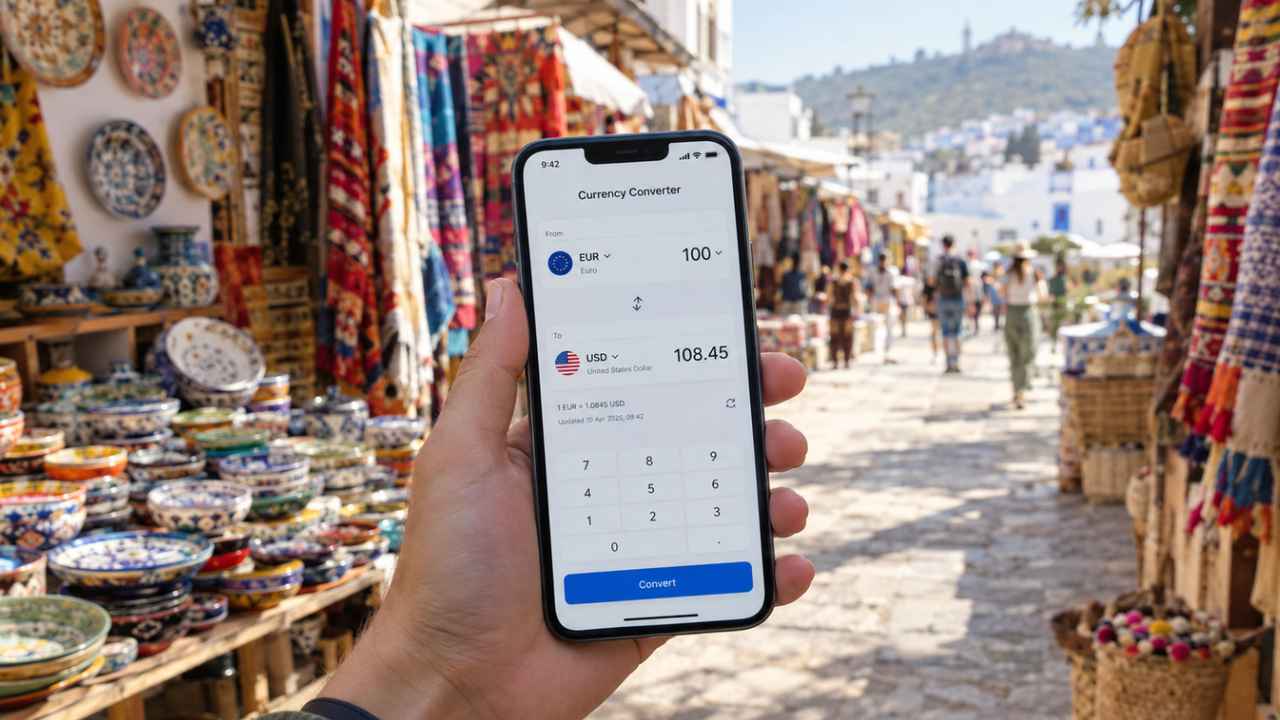
A missed deadline at university can cost you a full letter grade. Most students don’t miss work because they’re lazy. They miss it because due dates are spread across a syllabus PDF, a class portal, a group chat, and a professor’s email. The best apps for managing university deadlines pull all of that into one place and remind you before it’s too late.
The quick answer: MyStudyLife is the best free pick for most students. Canvas Student is a must if your school uses Canvas. Todoist and TickTick are best if you want one list for school and life.
Quick Comparison Table
This table gives a fast view of the 10 apps for managing university deadlines covered below. Prices were checked at the time of writing and can change.
| App | Best for | Free plan | Paid option |
|---|---|---|---|
| MyStudyLife | Class schedules and exams | Yes | MyStudyLife+ |
| Canvas Student | Schools that use Canvas | Yes | None |
| Power Planner | Grades and GPA | Yes | $4.99 single payment |
| Todoist | Fast task entry | Yes | $5 a month billed yearly |
| TickTick | Calendar plus focus timer | Yes | $35.99 a year |
| Notion | Notes and deadlines together | Yes | Free Education Plan |
| Google Calendar | Seeing your whole week | Yes | None needed |
| Microsoft To Do | Schools on Microsoft 365 | Yes | None |
| Structured | Visual daily plans | Yes | Pro, several plans |
| Forest | Staying focused | Yes | Forest Plus |
The 10 Best Apps for Managing University Deadlines
1. MyStudyLife
MyStudyLife was built for students, and it shows. You add your classes, and the app learns your timetable, even a rotating “Week A” and “Week B” schedule. Assignments and exams are attached to each class, so you can see what’s due for biology without digging through one long list.
Its AI Schedule Scan turns a photo of your timetable into a digital one, which saves time in the first week of the semester. The free version covers the planner, reminders, exam tracking, and a Pomodoro timer. MyStudyLife+ adds subtasks and deeper grade tracking.
Among apps for managing university deadlines, this is the safest first download. It works on iPhone, Android, and the web.
2. Canvas Student
If your university runs on Canvas, this app is not optional. It shows a to-do list of upcoming work, alerts you when a professor posts a new assignment or grade, and lets you submit work from your phone.
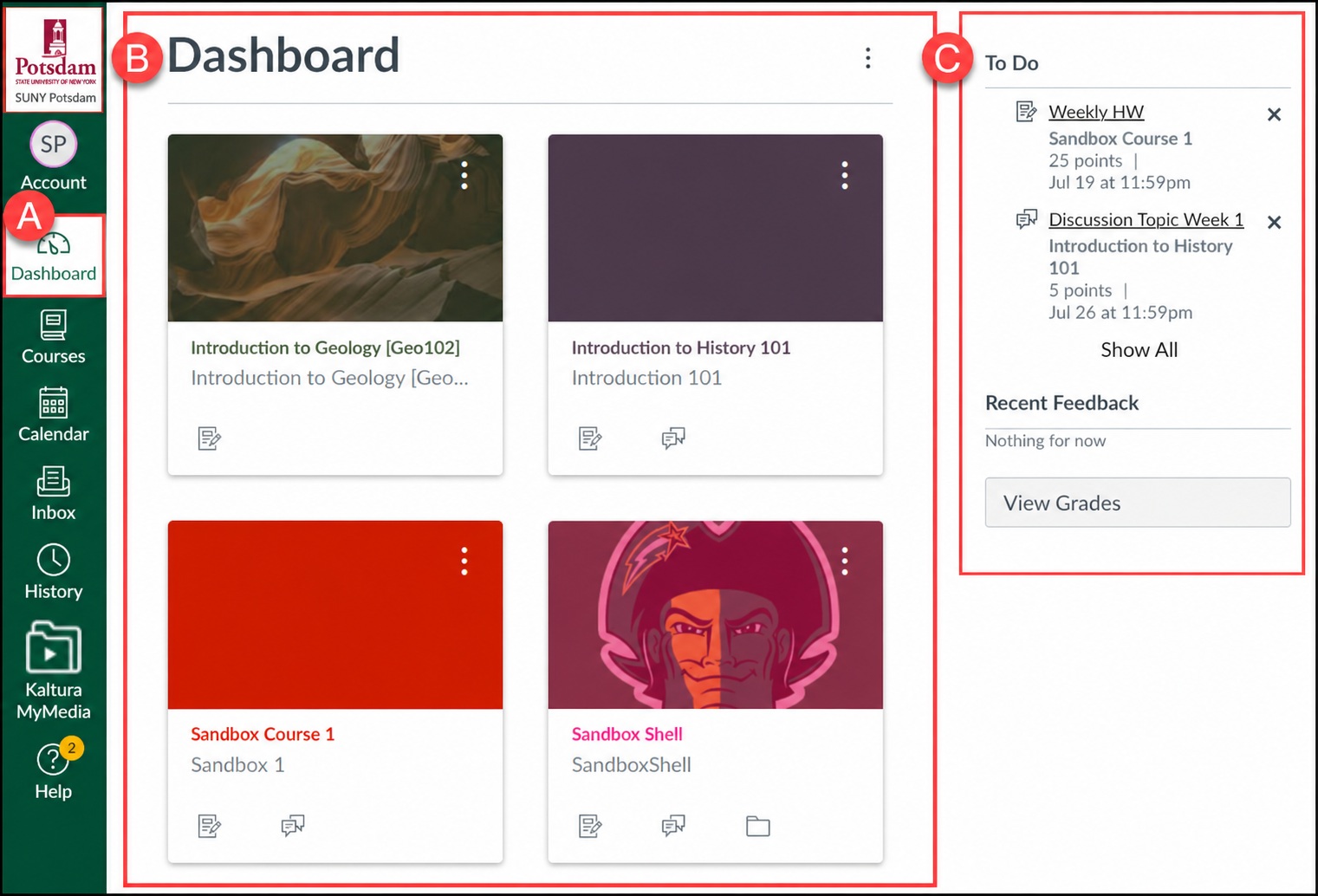
The weak spot is that Canvas only knows about Canvas. Your job, club meetings, and group calls won’t be there. You can send the Canvas calendar feed to Google Calendar or Outlook, but some schools warn this sync can take up to 24 hours. So don’t trust the feed for a deadline posted this morning.
Pair Canvas with one of the other apps for managing university deadlines on this list to cover both class work and real life.
3. Power Planner
Power Planner tracks classes, homework, and exams and adds something most planners skip: a weighted GPA calculator. Type in your scores, and it shows where you stand in each class.
The free version limits you to five grades per class and one semester. A single $4.99 payment unlocks the rest, with no subscription. Over a full degree, that makes it one of the cheapest apps for managing university deadlines.
Grades follow you after graduation, and some schools now test digital records that are hard to fake. Read more in our look at whether blockchain degrees can end resume fraud.
4. Todoist
Todoist is the fastest way to get a task out of your head. Type “Econ essay due Friday 5pm,” and it sets the date and time for you. That matters when a professor announces a deadline as class ends.
The free beginner plan allows five personal projects, enough for most students if you make one per class. Pro costs $5 a month billed yearly, or $7 billed monthly. There is no listed student discount.
It has no class timetable view, so students who need one should look at other apps for managing university deadlines first.
5. TickTick
TickTick does a bit of everything: tasks, a calendar view, habit tracking, and a Pomodoro timer. Many of the best parts are paid, though. The free plan gives you 9 lists, 99 tasks per list, and one reminder per task. Premium costs $35.99 a year and adds calendar sync, the focus timer, and up to five reminders per task.
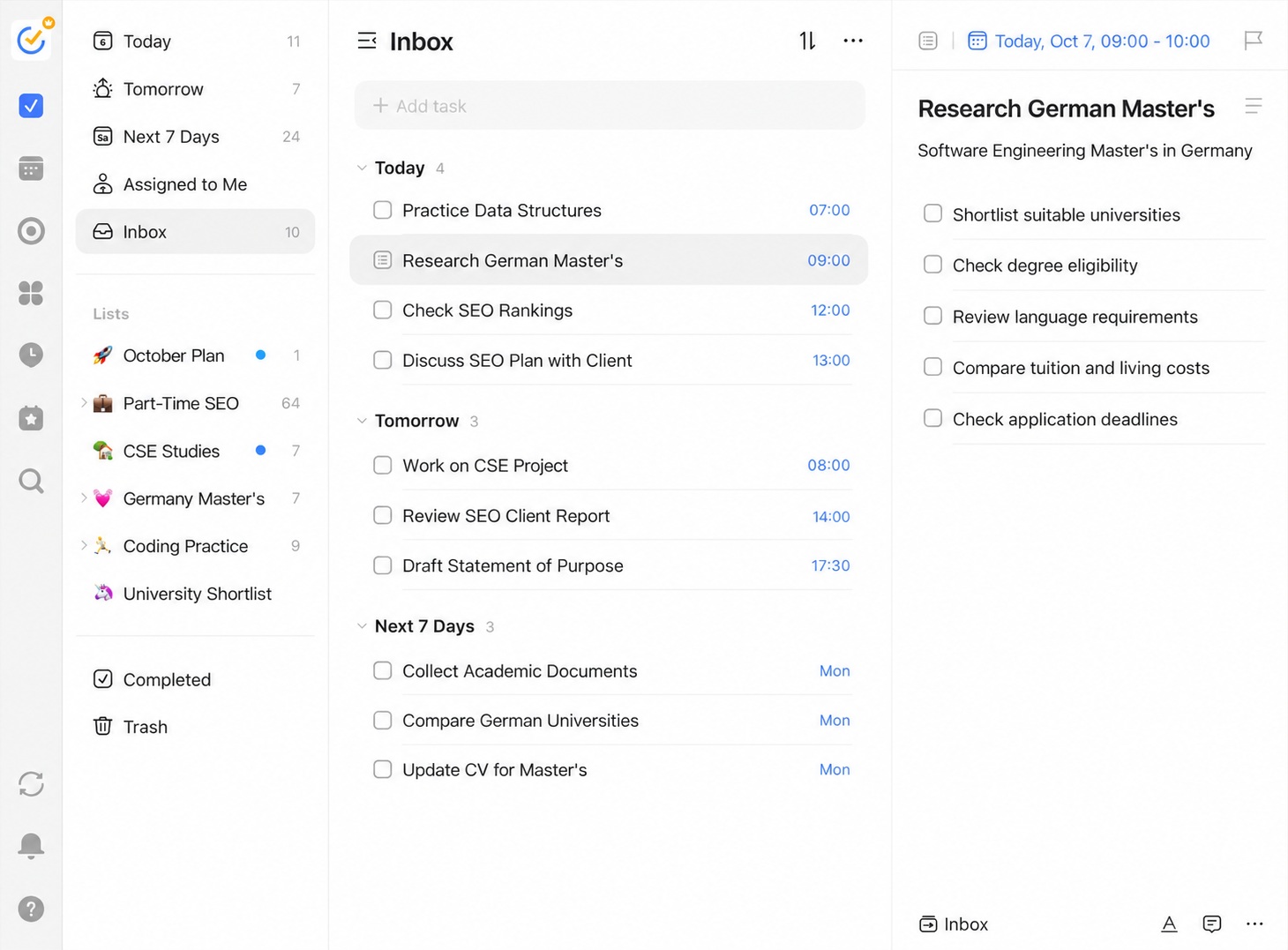
For a low yearly price, it’s the most complete of these apps for managing university deadlines.
6. Notion
Notion is a blank workspace where you build your own system. Many students make one page per class with notes, readings, and a deadline table side by side. University students get a free education plan with a school email, including unlimited pages and file uploads. You must confirm your student status each year to keep it. The downside is setup time. Notion can turn into a hobby instead of a tool. Still, it’s the most flexible of the apps for managing university deadlines here.
7. Google Calendar
Google Calendar is free and likely already on your phone. Block out class times, add deadlines as events, and give each course its own color.
A task list tells you what’s due. A calendar shows you that three papers land in the same week, which is your signal to start early. You can also import your Canvas feed. For students who think in weeks, not lists, it belongs among your apps for managing university deadlines.
8. Microsoft To Do
Many universities give students a free Microsoft 365 account. If yours does, Microsoft To Do is a natural fit. It’s free, simple, and links with Outlook, so emails you flag can show up as tasks.
It has no class schedule or grade features. Among apps for managing university deadlines, it suits students who live in Outlook and Teams.
9. Structured
Structured turns your day into a visual timeline. Classes, study blocks, and deadlines appear in order, so you see how much free time you really have.
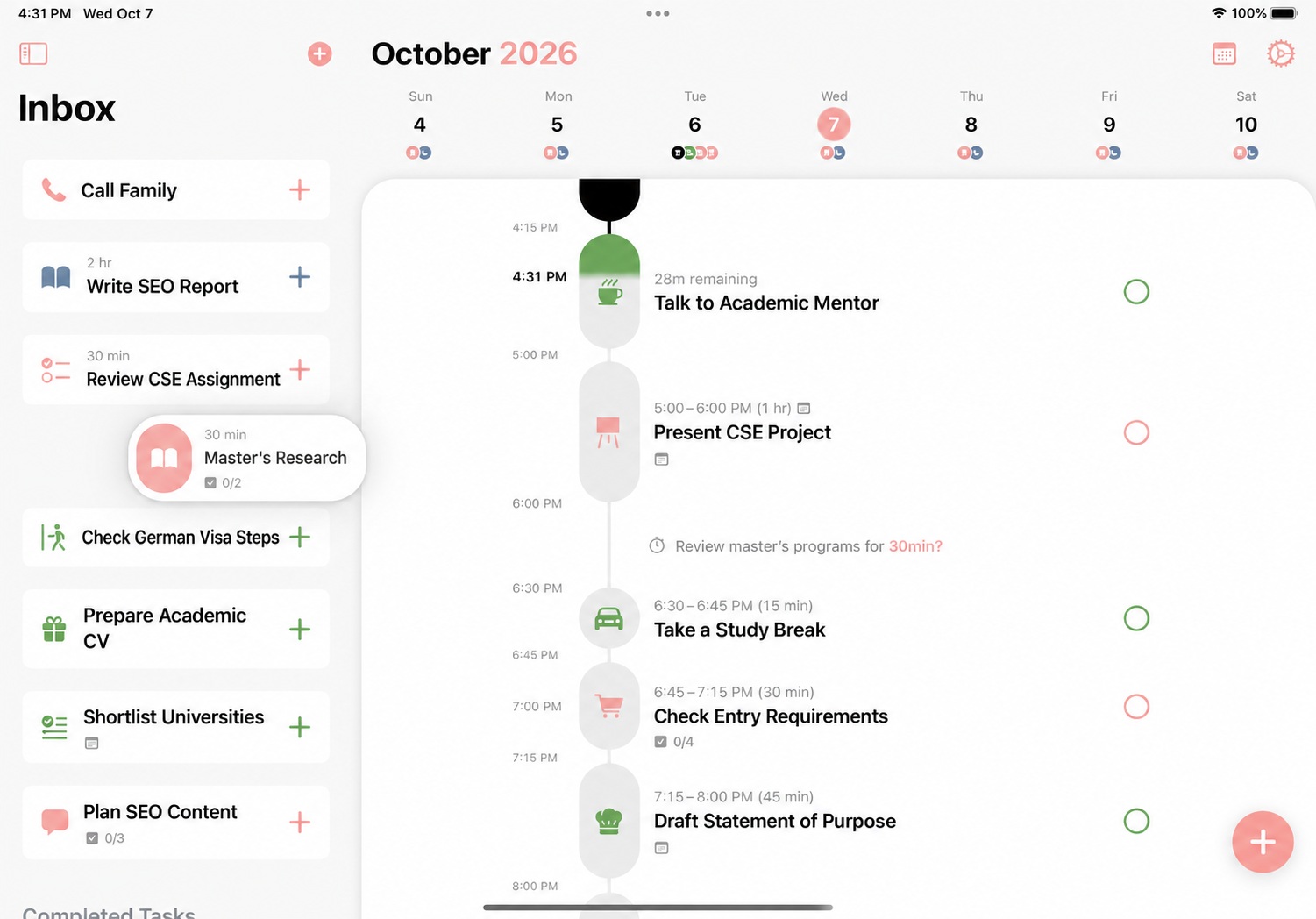
The free version covers tasks, a quick inbox, and a focus timer. Pro adds calendar import, repeating tasks, and AI day planning, with monthly, yearly, and lifetime options. It works best on Apple devices. Compared with other apps for managing university deadlines, it’s less about storing due dates and more about planning today.
10. Forest
Forest doesn’t track deadlines. It helps you meet them. Start a focus session and a virtual tree grows. Leave it to check your phone and the tree dies.
It sounds silly, but it works for students who lose hours to scrolling. The app is free to download, and the paid Forest Plus plan helps plant real trees through Trees for the Future. Add it to your apps for managing university deadlines if your problem is starting work, not remembering it.
How to Choose the Right App
Picking from these apps for managing university deadlines comes down to three questions:
- Does your school use Canvas? If yes, install Canvas Student first, then add one personal planner.
- Do you need class schedules or just tasks? MyStudyLife and Power Planner handle timetables. Todoist and Microsoft To Do handle lists.
- Will you pay? Power Planner’s single payment and Notion’s free education plan give the most for the least.
Online students get no classroom reminders, so a planner matters even more. Our guide on online degrees vs. traditional degrees explains how the workload differs. If you’re studying overseas, set your apps to your university’s time zone, not your home one. Our guide on how to choose the right university abroad covers other planning steps.
A Simple Setup That Works
You don’t need all ten apps. Two usually cover it:
- One source for school deadlines, such as Canvas Student or your school portal.
- One personal planner. Pick MyStudyLife, Todoist, or TickTick, and add every deadline from each syllabus in week one.
- Two reminders per deadline: one a week before and one two days before. A single reminder the night before is how essays get rushed.
Final Thoughts
The best apps for managing university deadlines are the ones you’ll open every day. For most students, that means MyStudyLife or Todoist, plus Canvas Student if your school uses it. Add Power Planner to track your GPA, and Forest if focus is your real problem.
Pick one app today, enter every deadline from your syllabus, and check it each morning for a week. If you still lose track of work, switch to another app from this list.