


The best Slack apps eliminate workspace clutter by bringing your core tools directly into your daily conversations. Instead of jumping between tabs, integrating apps for calendar scheduling, project management, customer support, and quick polls lets teams update tasks, view documents, and join meetings without leaving Slack.
By automating repetitive alerts and unifying workflows, top integrations keep communication structured and actionable rather than overwhelming. Choosing the right selection of tools transforms Slack from a chaotic messaging platform into an efficient digital headquarters that keeps hybrid and remote teams aligned.
Before Choosing Any Slack Integration
Every Slack app requests permission scopes that define the information it can access and the actions it can perform. These may include viewing member details, reading content in permitted channels, accessing files, posting messages, or creating and modifying content.
Before approving an app, check:
- Which permissions it requests
- Whether it needs access to public or private conversations
- How the provider stores and retains workplace data
- Which channels will receive its messages
- Who will maintain the integration
- Whether it duplicates another approved tool
- What happens when its owner leaves the company
Slack currently limits Free workspaces to 10 third-party or custom app installations. Paid workspaces may have more flexibility, but installing everything available is rarely sensible. If an app does little beyond forwarding alerts that already arrive by email, it probably does not deserve a place in Slack.
12 Best Slack Apps for Team Collaboration
The Best Slack Apps connect everyday conversations with calendars, files, tasks, meetings, and operational workflows. A carefully chosen integration can reduce tab switching, prevent requests from being forgotten, and keep teams informed. The 12 options below cover broad collaboration needs as well as specialized product, engineering, and incident response work.
1. Google Calendar
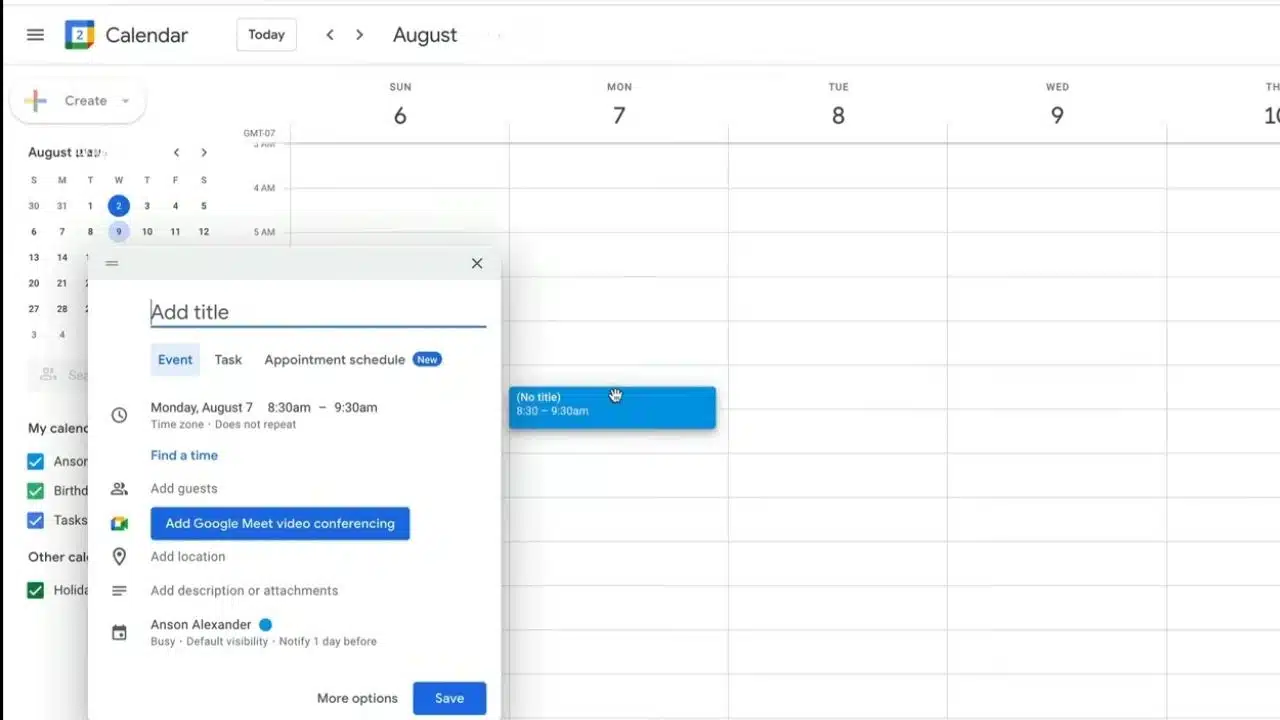
Google Calendar addresses a routine source of confusion in remote teams: people cannot tell whether a colleague is available, in a meeting, or about to join a call.
The app can show a daily schedule, send event reminders, provide meeting links, handle invitation responses, and update a user’s Slack status during calendar events. Automatic status changes are especially helpful for teams working across time zones.
Test the privacy settings before deploying it widely. Private appointments, focus blocks, and out-of-office events should not reveal more information than intended. Organizations built around Microsoft 365 should use Outlook Calendar instead of installing both systems without a clear reason.
2. Google Drive
A document link causes unnecessary delay when half the channel has to request access. Google Drive helps by connecting file permissions, comments, and sharing activity to the Slack conversation where the document appeared.
Users can create Docs, Sheets, and Slides, import Drive files into Slack, receive comment and access-request notifications, and reply to supported comments. The integration can also help grant access when files are shared.
That convenience deserves some restraint. Extending access to an entire project channel may be inappropriate for documents containing customer records, financial information, contracts, or employee details. Microsoft-centered organizations should use OneDrive and SharePoint rather than maintaining a second document system for Slack.
3. Asana
Asana is valuable when an informal Slack request needs an owner, deadline, and place in a larger project. The asana command can create, list, complete, or comment on tasks. Channels can also be connected to Asana projects for selected updates. A message such as “Please revise the launch email” can therefore become assigned work instead of disappearing beneath newer conversations.
Install it only if Asana is the established task system. Connecting several project-management platforms to the same workspace creates duplicate assignments and uncertainty about which record is current.
4. Zoom
Zoom’s Slack app can start an instant meeting with the /zoom command or help users join a scheduled call. Depending on the organization’s Zoom configuration, Slack may also receive a meeting summary or recording link afterward.
It makes sense for customer calls, webinars, and companies already standardized on Zoom. For teams that handle most internal discussions through Slack huddles, the extra integration may add little.
Recording, transcription, and summary features should follow the organization’s consent, access, and retention rules.
5. Jira Cloud
Jira Cloud is one of the best Slack apps for product, engineering, and IT teams because it connects technical discussion with tracked work. Users can create, update, assign, transition, and comment on Jira work items from Slack. Jira links can expand into previews, and a Slack thread can be synchronized with Jira comments. This is particularly useful when a bug report begins as a conversation involving support, engineering, and product staff.
Newer natural-language actions use Atlassian’s Rovo features. These require an eligible Atlassian Cloud plan and appropriate administrative access, and availability can differ in government environments.
Do not connect every Jira event to a busy channel. High-priority bugs, blockers, and release changes may deserve notifications. Routine field edits usually do not.
6. GitHub
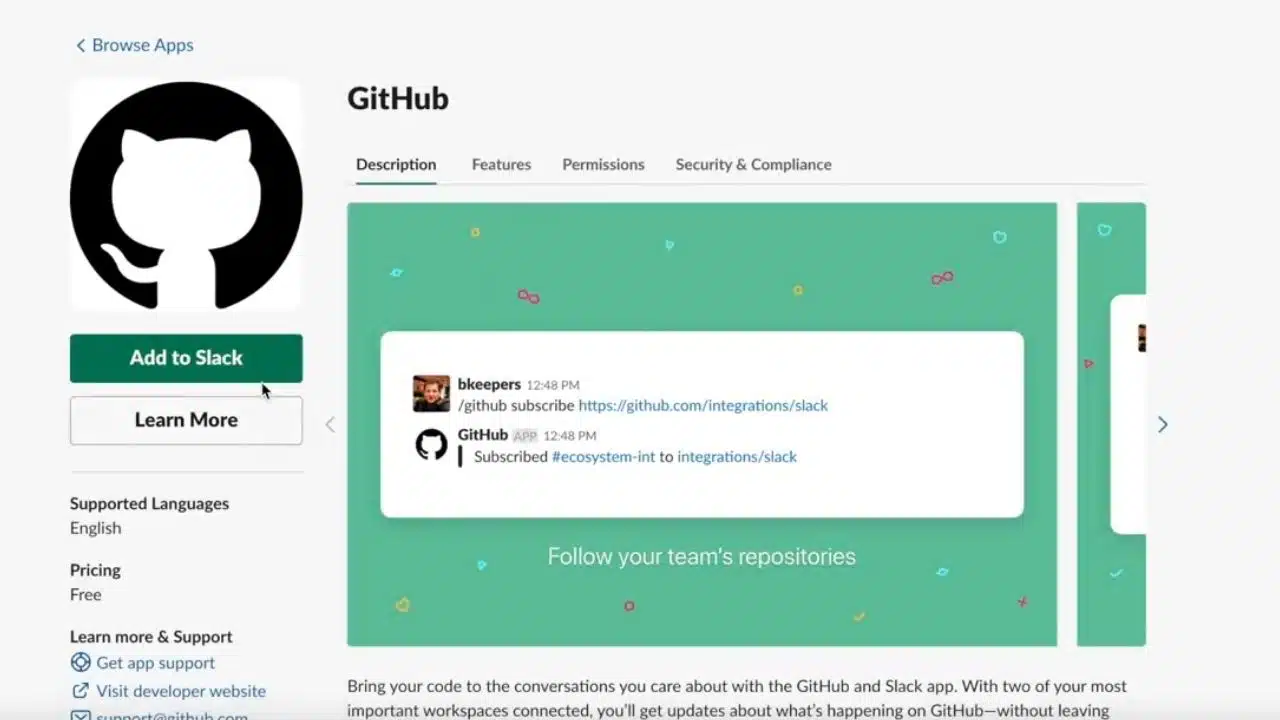
GitHub can send pull-request, issue, review, comment, and push activity to selected Slack channels. Its subscription controls are the reason it is useful rather than merely noisy.
A release channel might follow pushes to the default branch, while a smaller engineering channel receives pull-request review activity. Combining every repository event in one feed usually results in the channel being muted.
GitHub also supports scheduled review reminders, although a GitHub organization owner must authorize the Slack workspace before a team can use them.
7. Zapier
Zapier fills the gaps between Slack and services without a suitable direct integration. Messages, saved messages, files, or emoji reactions can trigger actions in other platforms. Events elsewhere can also generate Slack notifications.
One practical setup is to turn a specific emoji reaction into a task or follow-up record. Another is to notify an operations channel when an approved form is submitted.
Start with one predictable process and give it a named owner. Automating loosely worded conversations can create duplicate records, trigger actions from jokes or mistakes, and expose information in the wrong place. Workflows involving private channels deserve a particularly careful permissions review.
8. Polly
Polly is a sensible choice for quick in-channel polls. Paid features extend into scheduled stand-ups, surveys, exports, privacy controls, and longer results history.
It suits small decisions such as choosing a retrospective time or collecting brief sprint feedback. It should not become a substitute for consultation when a decision affects staffing, policy, budgets, or working conditions. A fast poll measures responses to the options presented; it does not necessarily capture the full issue. Check the current Polly plan limits before building a recurring survey or stand-up process around it.
9. Miro
Miro is a narrower recommendation for workshops, product discovery, journey mapping, design reviews, and planning sessions. Users can create a board from Slack, share it with colleagues, and receive selected board notifications. That gives visual thinking somewhere appropriate to live instead of forcing diagrams and clustered ideas into a message thread.
Keep board notifications selective. A workshop with dozens of edits does not need to reproduce its entire activity history in Slack.
10. Loom
Loom helps when an explanation is too visual for a written message but too minor for another meeting. A product manager might record a prototype walkthrough, while an operations lead could demonstrate where a process breaks.
Shared Loom videos can expand inside Slack, and connected users can receive notifications about views and comments. Setup involves two levels: a Loom workspace administrator must first connect the workspace, after which individual users can connect their accounts for notifications.
Important recordings still need a descriptive title and short written summary. Nobody should have to watch several minutes of video merely to determine whether it concerns them.
11. Donut
Donut automates introductions, onboarding messages, conversation prompts, celebrations, and other employee-experience activities. It is aimed largely at distributed companies where people rarely meet anyone outside their immediate group.
This is also one of the easier apps to overrate. Automated coffee pairings become an obligation when nobody explains the purpose, monitors participation, or adjusts the frequency.
Donut has a limited free plan, while larger introduction rounds and more advanced onboarding controls require a paid option. A small pilot is more sensible than launching it across the company immediately.
12. PagerDuty
PagerDuty is highly specialized, but for teams responsible for customer-facing software, it may be the most consequential app on this list.
Responders can receive alerts, declare incidents, create dedicated incident channels, check who is on call, and acknowledge, escalate, or resolve incidents through Slack. The integration also supports incident workflows, role assignments, status updates, and post-incident activity.
Slack remains the collaboration layer. Service ownership, escalation policies, incident records, and responder configuration still need to be maintained in PagerDuty.
Final Thoughts
The best Slack apps address an existing point of friction. They should not be installed simply because they are popular or available in the Marketplace.
Begin with one calendar integration, one file platform, and the project-management system your team already trusts. Add specialist tools only when there is a defined workflow, a responsible owner, and a clear reason for bringing the activity into Slack. Run the app in a limited set of channels for a few weeks, then examine whether people act on its messages or simply mute them.
An integration that saves a repeated step is useful. One that creates more alerts than action is another tool to remove.
Frequently Asked Questions
Can apps be used in Slack Connect channels?
Yes, although the organization that adds an app controls its installation. People from other participating organizations can see its messages in the shared channel, so app use should be agreed upon before sensitive information is posted.
What happens if an app requests new permissions?
A provider may add or remove permission scopes when it updates an app. Slack can require the connection to be reauthorized before the new functionality becomes available. Administrators should review the changed scopes rather than approving the update automatically.
How often should a company review its Slack apps?
A quarterly review is a reasonable starting point for active workspaces. Apps should also be checked when an owner leaves, a subscription changes, new permissions are requested, or a workflow stops producing useful results. Remove integrations that no longer have an accountable owner.























