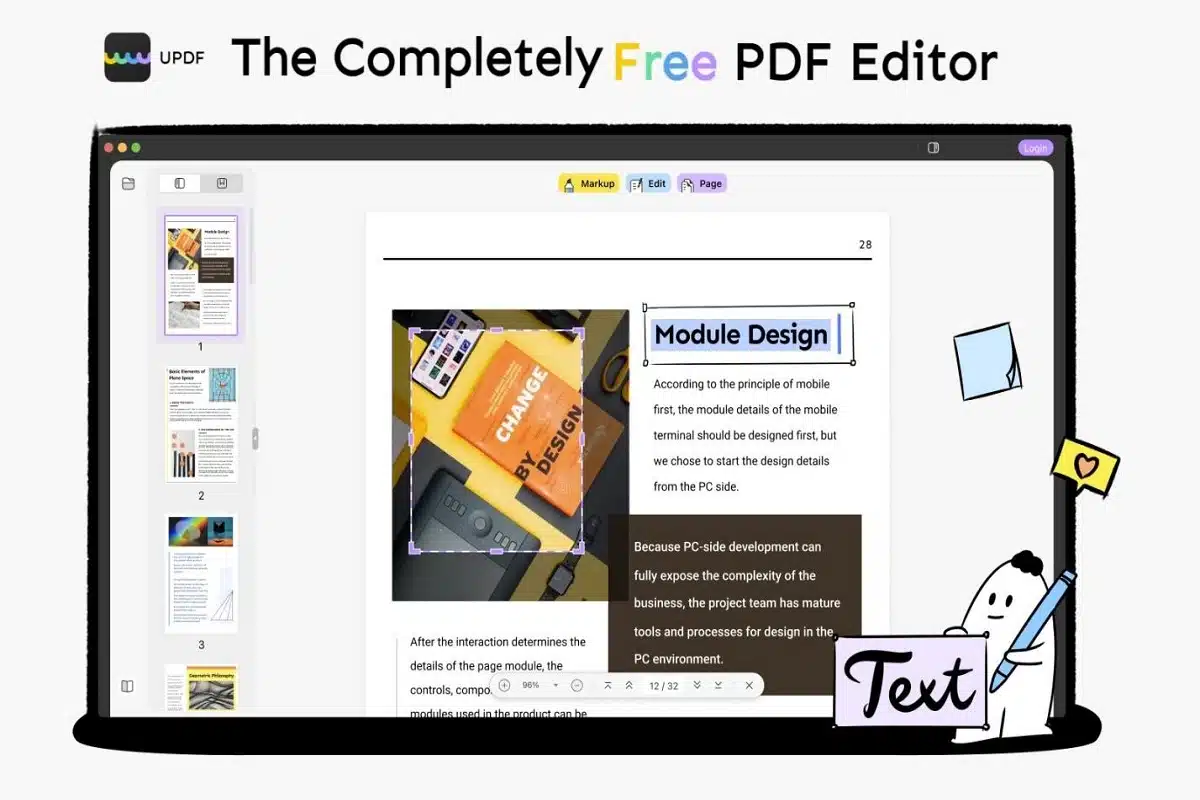
The boom of information in this digital world has spawned information that appears to be out of control and may even be immoral, necessitating the need to regulate and create material as quickly as possible. These difficulties were handled by PDF editors, which allow users to create information quickly while directing it through textual editing. PDF was designed to be an uneditable document from the start and has stayed this way for some time. ilovePDF and other PDF converters simply change the material to a new format. PDF editing software is expensive and needs a monthly subscription price. It also contains flaws that cause it to break from time to time.
UPDF productivity has never been seen in other PDF editors since it not only provides many capabilities to meet one’s demands but also ensures comfort and security of use. UPDF (a Unique, Productive, Delightful, Free PDF Editor) can edit PDF in contrast to other PDF editors. It can annotate and manage PDF files in addition to editing them. Soon, OCR will be accessible, as well as the ability to fill out and sign PDF documents. What makes it even more tempting is that, on top of all of these features, UPDF is a free PDF editor for Mac. Learn more about how to edit a PDF file on Mac.
This synopsis only covers the basics of UPDF’s possibilities, since it also includes features that distinguish it from the competitors.
Versatile Reading Modes
People often think that PDF software has only one look, however, UPDF debunks preconceptions by enabling users to read in four versatile reading modes. Single page, single-page scrolling, two-page view, and two-page scrolling are the four reading modes. Each provides a better user experience by allowing users to swiftly navigate between the many pages of an app without waiting for them to load. They all aid in better understanding written speech by focusing one’s attention on the text, which improves memory. UPDF can provide you with several of these advantages.
Positive and Precise Annotation
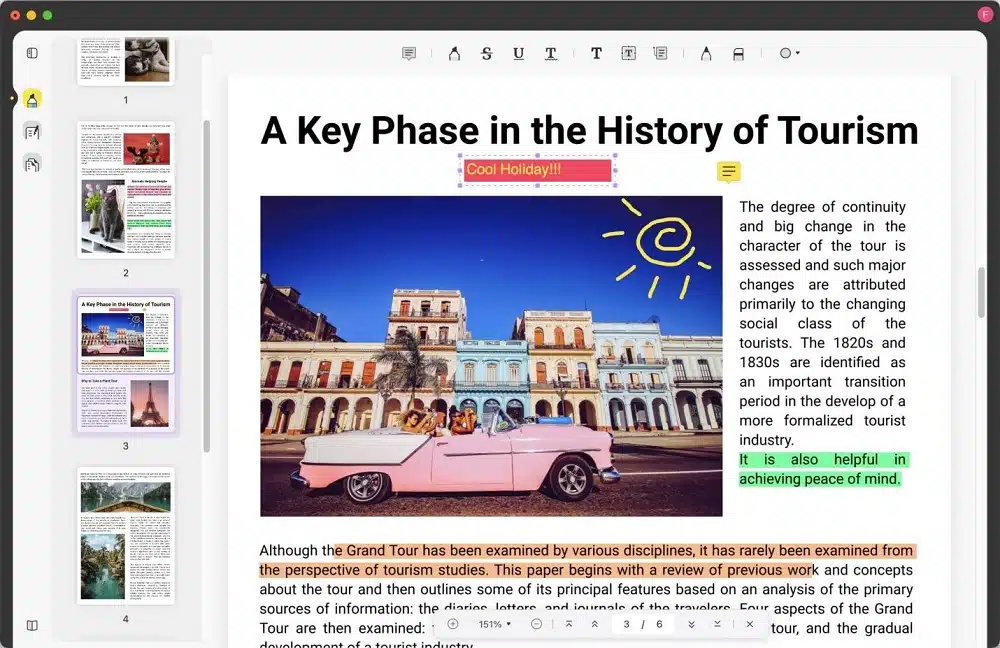
UPDF enables positive and precise annotation because of its unique design. By making a note on the PDF you’re reading, you can conceivably clarify the document’s content or expand on what’s already there. Highlight PDF, strikethrough, underline, free handwriting, eraser, add text, textbox, sticky notes, and add shapes are just a few of the features available in UPDF. This is significant since it improves text comprehension when you really need to recall something in a PDF as well as the file layout isn’t easily changed. They help to explain the article’s information or expand on existing stuff by placing a note on the PDF you’re reading. This makes it easier to see errors and concepts, allowing for more analytical analysis on any topic.
Superior Accessible Editing
UPDF offers a lot superior accessibility to editing than its competition due to its easy-to-understand and useful qualities. UPDF lets you edit or remove text, change the font or color of text, crop, extract, replace, and rotate images, among other things. UPDF can assist you with polishing your work so that your ideas come across as clearly as possible, letting you create the best potential impact on the reader. It emphasizes your point and aids in condensing the impact of your experience. This will assist to avoid the most common writing mistakes and extend or condense your text as needed.
Coherent PDF Management
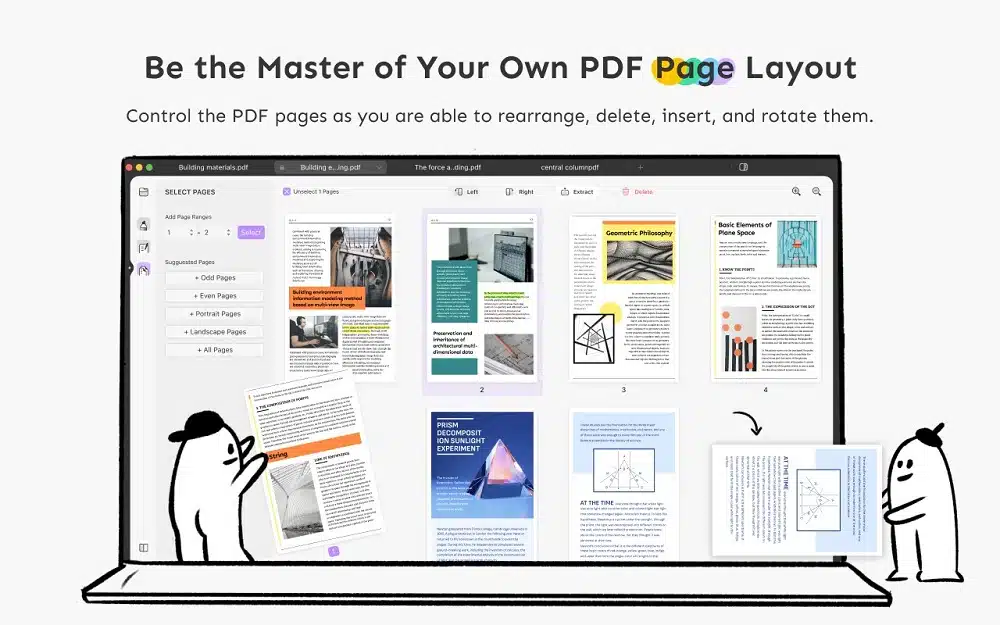
Many PDF systems have faults, including the inability to manage PDFs; nevertheless, unlike many other PDF programs, UPDF correctly maintains PDFs. By removing, rotating, reordering, and deleting PDF pages, UPDF allows for a coherent manage your PDF files. You may use the program to quickly arrange and combine your resources to personalize your PDF when you want to change the context in which it is delivered. This makes it simple to analyze and represent your information in a manner that appeals to either you or your viewers. It has superior organization as a result of its coherence, resulting in enhanced cognition capacity. It helps you to keep track of what you’re reading when viewing PDF and access information quickly later.
More Accessible Features
The best part is that there will be more features accessible in a few seasons in late 2022. In late 2022, UPDF will ensure that intriguing development features like OCR (Optical Character Recognition), which recognizes text inside a digital photo and can be used to recognize text in digitized documents and images, will be included, allowing a physical paper document or an image to be converted into such an accessible electronic version with text. This capability is significantly superior to other PDF applications, as it is still unavailable in other programs. UPDF will convert your manual work into an appealing electronic file, so you can say goodbye to manually typing your textual outputs. But it doesn’t end there; UPDF will soon allow you to fill out and sign PDF files.
UPDF, the productivity, in a nutshell, is one program that takes care of all your productivity demands. With UPDF, you can say goodbye to mental barriers and reading annoyances. UPDF’s numerous reading modes assist you in getting the most out of your reading process, which is further improved with the ability to annotate PDF. You may have to alter and maintain your task or PDF from time to time, and UPDF can help. In the future, more capabilities will be introduced, such as the option to convert handwritten documents into usable digital form or OCR, as well as the ability to fill out and sign your PDF form to confirm that it is yours. In a nutshell, these many pdf elements that entice the user to be inspired result in productive text composition.