
In this 21st century mobile and desktop applications are changing the face of small businesses. They’re making you self-reliant and more powerful. If you are fed up with the traditional working environment for your small business and are all set to go digital – including everything from accounting, management to operations, we got your back. There are applications for all of these functions.
Here are some amazing apps for your small businesses that will help you shine your brand digitally.
1. Lio
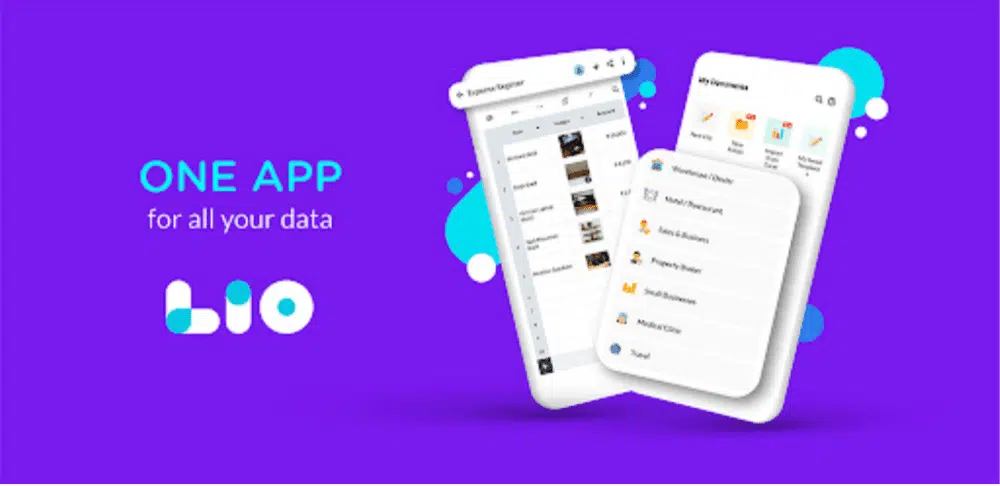
This productivity app helps you to manage your entire business data in one place on your phone and you can access it in a few clicks. It has 60+ templates covering various categories. You can also create a new document as you please. The best part is that it is free of cost and easy to use on your phone. You can track your income and expenses, withdrawals, debt, bank transactions, open excel files in android, save your personal documents, and whatnot.
Benefits
- Use the app on your smartphone. There is no need to have prior basic knowledge of anything.
- You can collaborate and share the documents with your team on Whatsapp, Gmail, and other social apps.
- It is available in 10+ languages.
Drawbacks
- Can be a little confusing for people who don’t know how to operate a smartphone.
- I’m sorry, I really can’t think of any more drawbacks. Overall, I like working in Lio.
2. Slack
Slack is the messaging app specifically made for businesses to connect people with the data and figures they need. It saves time by avoiding unnecessary emails and meetings, you can just ping the message to the specific employee and get a reply in a few seconds.
People can easily work in a set space called Channels, which bring the right people and information together. Slack lets you share the images, documents, and PDFs within the platform itself. Slack claims to increase productivity by 32%, hence it is worth trying
Benefits
- Save time, by placing all the information in one space.
- It helps in reaching people faster by giving access to real-time conversation with your employees
- Slacks help in isolating information.
Drawbacks
- The screen Share option is not possible in the mobile app.
- It has minimum file storage capacity.
3. Asana
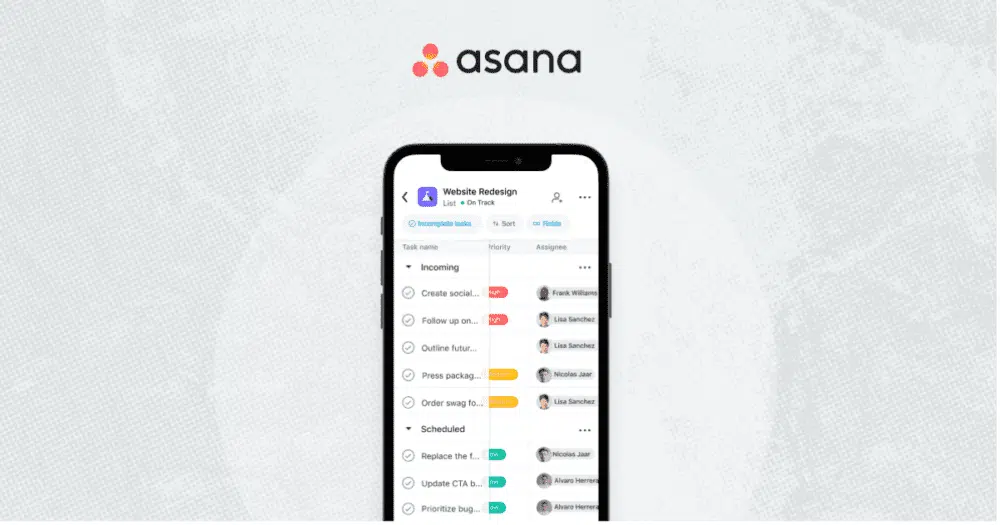
Asana is a project management app that helps in organizing tasks through cards and clearly boosts team communication. As one employee completes their task, one can easily shift the card from one tab to another.
One gets notified regarding the status of the cards. The application does a good job by integrating hundreds of apps like slack, google calendar, GSuite, etc.
Benefits
- It is very easy to use and its intuitive design makes users navigate easily
- Asana lets users collaborate and let them invite other people to their workspace.
- One can easily manage different tasks, it also assists in prioritising tasks with ease.
Drawbacks
- Though Asana is easy to use, it still requires some experience and time to use it.
- Asana task assignment features are limited.
4. Google Calendar
This Calendar does way more than just remind you what day and date it is. Google Calendar is helpful in scheduling and editing your daily or weekly tasks for the business. One can easily schedule meetings and activities and get notified about future events.
You can easily add meeting links. The location of the event can be easily added, and other users can be added to the event as well. It works amazingly on both mobile and desktop applications.
Benefits
- It helps in easy team coordination and communication.
- Stores everything you need. Never forget another meeting or event again.
- Google Calendar sends you reminders for your appointments and meetings so that you don’t miss them when you lose the track of time.
Drawbacks
- Difficulty connecting with a calendar from other apps
- While creating the entry for the calendar, there are some options for the entry that are hidden by default.
5. SurveyMonkey
As the name suggests SurveyMonkey is a cloud-based survey tool that will let you know customer behaviour. One can create simple or complex surveys, and the results can be viewed collaboratively by all team members. It has the facility of personalized respondent experience with advanced survey logic, questions, and branching.
Benefits
- There are 250+ templates available
- Review survey results from any device.
- Surveys can be collected via web links, emails, social posts, and QR codes.
Drawbacks
- Can’t customize randomization by selecting which items you want to randomize and which you don’t.
- One can’t add the sender’s name.