

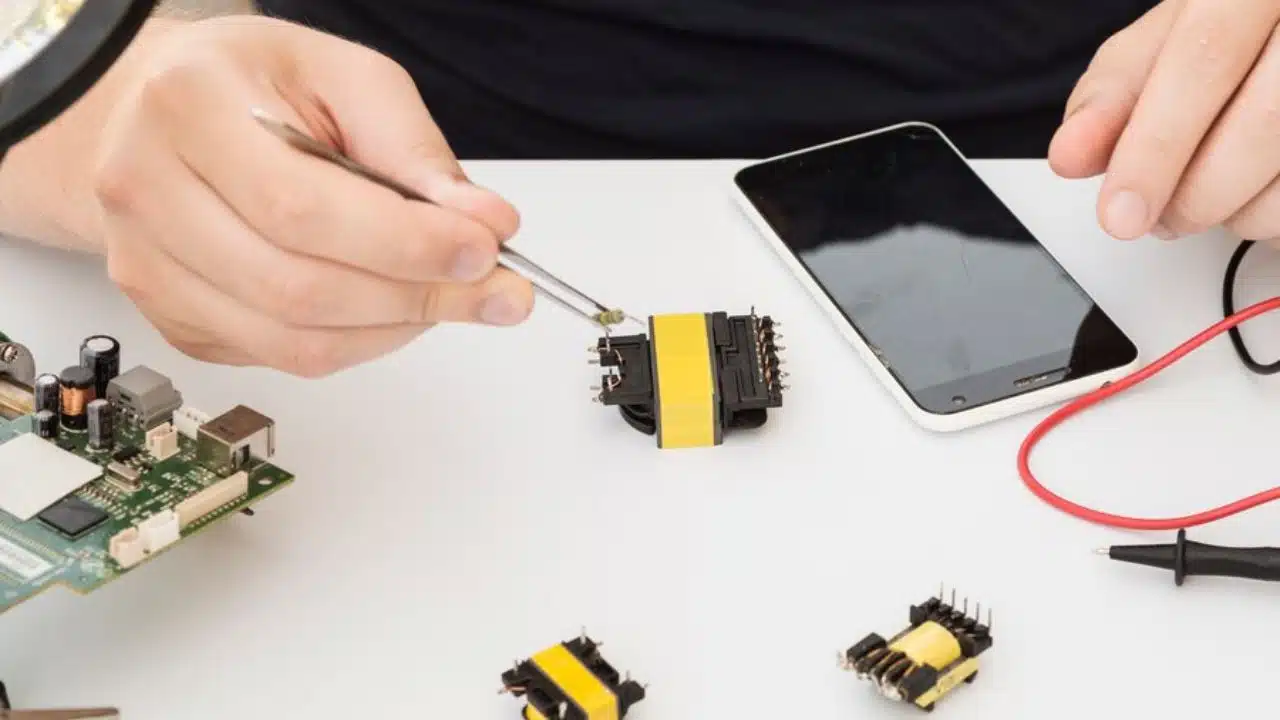
Mobile phones have evolved from mere communication devices to essential parts of our everyday life. For some people, their mobile devices are work tools they use in their office and work-from-home routine. Others may organize their daily to-do lists or projects on their phones.
No matter what you use your phone for, there is no denying that when your phone takes a beating, it can disrupt your daily activities. But the solution is often simple as you can breathe new life into your device with a mobile repair.
However, whether you are an experienced technician or a DIY first-timer, the success of your phone repair effort depends on choosing the right phone parts. It can determine if your repair will be long-lasting.
In this guide, you’ll learn what to consider when choosing parts for your mobile repair.
1. Figure Out the Problem
First things first, you have to figure out what needs fixing in your phone. Did the screen suddenly blackout? Is it a cracked screen that looks like a miniature earthquake zone? Or it could be a battery that conks out faster than a toddler at nap time.
Knowing the exact problem will help you pinpoint the perfect replacement part you need to get. Here’s a brief rundown of some common phone issues and repairs you may have to do:
- 2. Screen Replacement
A broken screen is the most common mobile repair issue. But it’s also one of the trickiest. Screens come in different qualities and types, including LCD, OLED, and AMOLED.
You need to ensure you’re getting the right type for your phone. This way, you don’t end up wasting money and time buying and installing the wrong product that may not function well, if at all.
Pro tip: Some screens come with the digitizer, which is the touch-sensitive layer, pre-installed. This can make your life much easier during the repair. So, look out for this feature.
-
Battery Replacement
Batteries are the next most common phone issues that people have. If your battery is swollen or your phone dies fast, it’s time for a new battery. Look for batteries that are specific to your phone model to avoid compatibility issues. Avoid no-name batteries and opt for the original ones. Low-quality batteries can die fast and can even be dangerous.
-
Other Hardware
Although buttons, speakers, and charging ports might be small, they play a big role in your phone’s functionality. If they are not repaired, they can hamper communication quality or even make the phone non-functional.
2. Know Your Phone Model
Knowing your phone’s model is one of the first things to do before shopping for parts. It sounds simple enough, right? It may surprise you how many people dive into repair without knowing their phone’s exact model. It’s one thing to know the brand of your phone, it’s another to know its model.
Your phone’s model number is usually found in the settings under “About phone.” But if your phone issue, like a screen sensitivity issue, does not allow you to access this, you can check for the model physically on the device itself. It’s often written on the back of your phone, underneath the battery.
Why is this important? It addresses compatibility issues when looking for phone parts. When you get the right part for your phone model, there won’t be connector issues.
3. Quality Matters
The biggest factor that determines the reliability and how long-lasting your phone part repair will be is the quality of the part. The better the quality, the better your repair. Depending on your preference and budget, there are different options with varying qualities you can choose from. They include:
-
OEM (Original Equipment Manufacturer)
OEM parts are manufactured by the same company that made your phone. Their product quality is often the best. However, they are also the most expensive option. However, buying them often comes with warranty options, and they may even offer free installation or repair services.
-
Aftermarket parts
Aftermarket parts are produced by third-party manufacturers. Their quality can vary depending on the brand. However, they are less expensive than OEM and may suit your needs if you have a tight budget. So, look for reputable brands if you decide to go with aftermarket parts.
-
Refurbished parts
Refurbished parts are used parts that are restored to work like new ones. They could be used as OEM parts or aftermarket parts. Either way, they offer a good middle ground between OEM and aftermarket in terms of price and quality.
4. Get the Right Tools
If you decide on the DIY alternative for your phone repair, you should know that having the right tools can make or break your repair experience. Get the right tools for the job. Some of the basic ones you need include:
- A screwdriver set for opening screws
- Plastic prying tools that help you open the phone without damaging it
- Tweezers for handling tiny components
- Adhesive strips for securing new parts in place
5. Certification and Reviews
Before buying any part, do some due diligence. Check that the product is ISO-certified. The International Organization for Standardization (ISO) certification ensures that the product is of high quality and safety according to industry benchmarks.
Also, read reviews from online forums and websites about your preferred choice or options. If you’re getting the parts from a secondary dealer, check their good reputation and reviews online.
6. Warranty and Return Policies
Sometimes, after fixing the new parts, your phone’s functionality may not be restored as planned. You wouldn’t want a situation where you cannot return a product because there’s a no-return policy.
So, ensure you buy from reputable suppliers who offer warranties and have good return policies. This way, you are covered if a part turns out to be a dud.
Conclusion
Mobile repair can be challenging, but it’s also incredibly rewarding. If you feel overwhelmed by all the technical jargon, don’t hesitate to ask a repair shop for help.
Also, after replacing parts, you might need to update your phone’s software or recalibrate certain features. Make sure to follow any post-repair instructions to get everything running smoothly.





















