

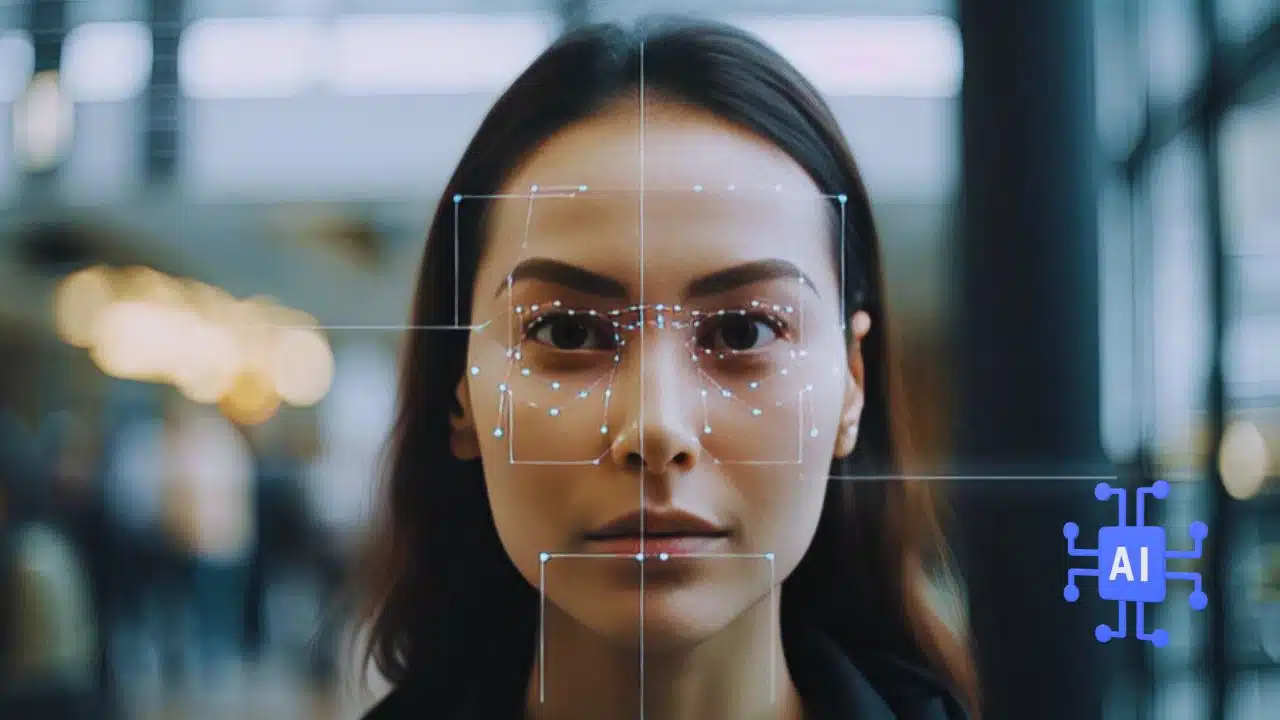
Have you ever seen a trending video, a famous movie scene, or a happening music video and wished you were a part of it? Well, with face swapping technology, it is now possible!
That’s right! You can now star in any video without learning any dance moves or acting skills right from the comfort of your home.
But how? Using online face swap apps, of course!
However, there are many face swap apps online, which can make it hard to choose one. To help you, we have picked out 10 of the best face swap apps.
Why Swap Face in a Video?
Here are some reasons why someone would want to swap their face in a video:
For Entertainment Purposes
People often swap faces in videos for fun. This is called a deepfake. In a deepfake, one person’s face is replaced with another’s. People do this for entertainment, jokes, satire, or to make a point about society.
Anonymity
Another reason people might use AI face swapping is to hide their face in a video. They might do this to stay safe or to avoid being recognized.
Now, let’s move on to the best 10 online apps for swapping your face in a video.
Top 10 Online Face Swapping Tools for Face Swap in Videos
Here are our picks for the 10 best face swap apps for videos:
1. FaceMod
The first and most highly recommended online face swap app is FaceMod.
It is a browser-based tool that lets you create funny or interesting face swap videos using a selfie in seconds. The best part? There are loads of pre-designed templates to choose from, so you can get started immediately.
Features of FaceMod
Here are some key features that make FaceMod the best:
- Easy-to-Use Interface
FaceMod is a simple tool ideal for new users who have never edited videos before. Its interface is easy to understand, so you can find what you need quickly.
- Ability to Swap Faces in Seconds
Using FaceMod, you can quickly change faces in a video. It uses AI technology to find and switch faces. Just upload a selfie and pick a video style, and FaceMod will handle everything else.
- Pre-Designed Templates
FaceMod has many ready-made video templates. You can use them to make your face swap videos. These templates include sports, movies, weddings, and more.
- Multiple Face Swapping
With the multiple face swap feature, you can change multiple faces in a video at once. This feature helps you make funny group videos or put yourself into a scene with others.
- Save and Share Videos
Once you have created your edited video, you can easily save it to your device or share it with others on social media.
How to Swap Faces in a Video Using FaceMod?
As mentioned earlier, swapping faces in a video using FaceMod is as easy as pie. Don’t believe us? Take a look at these steps:
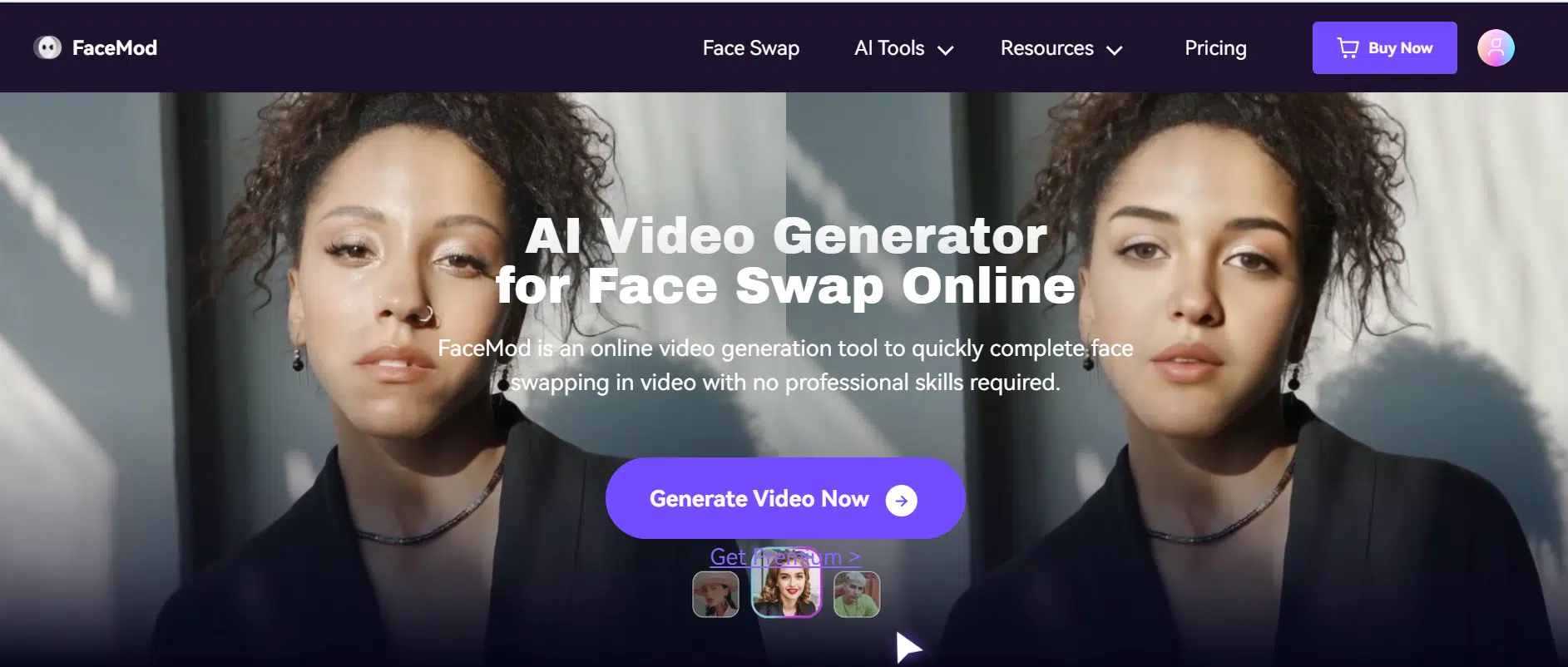
Step 1. Go to FaceMod AI Video Generator and click “Generate Video Now.”
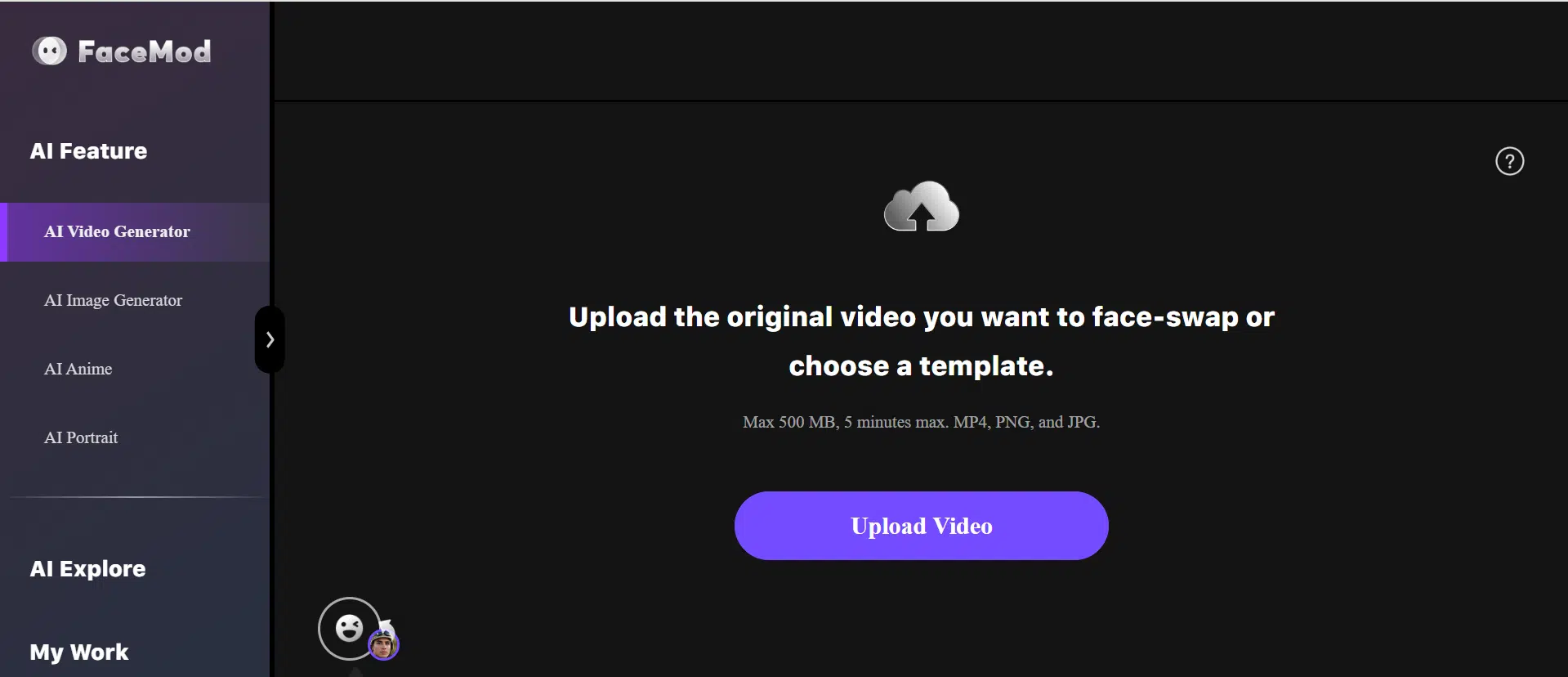
Step 2. Upload the video you want to use to swap your face.
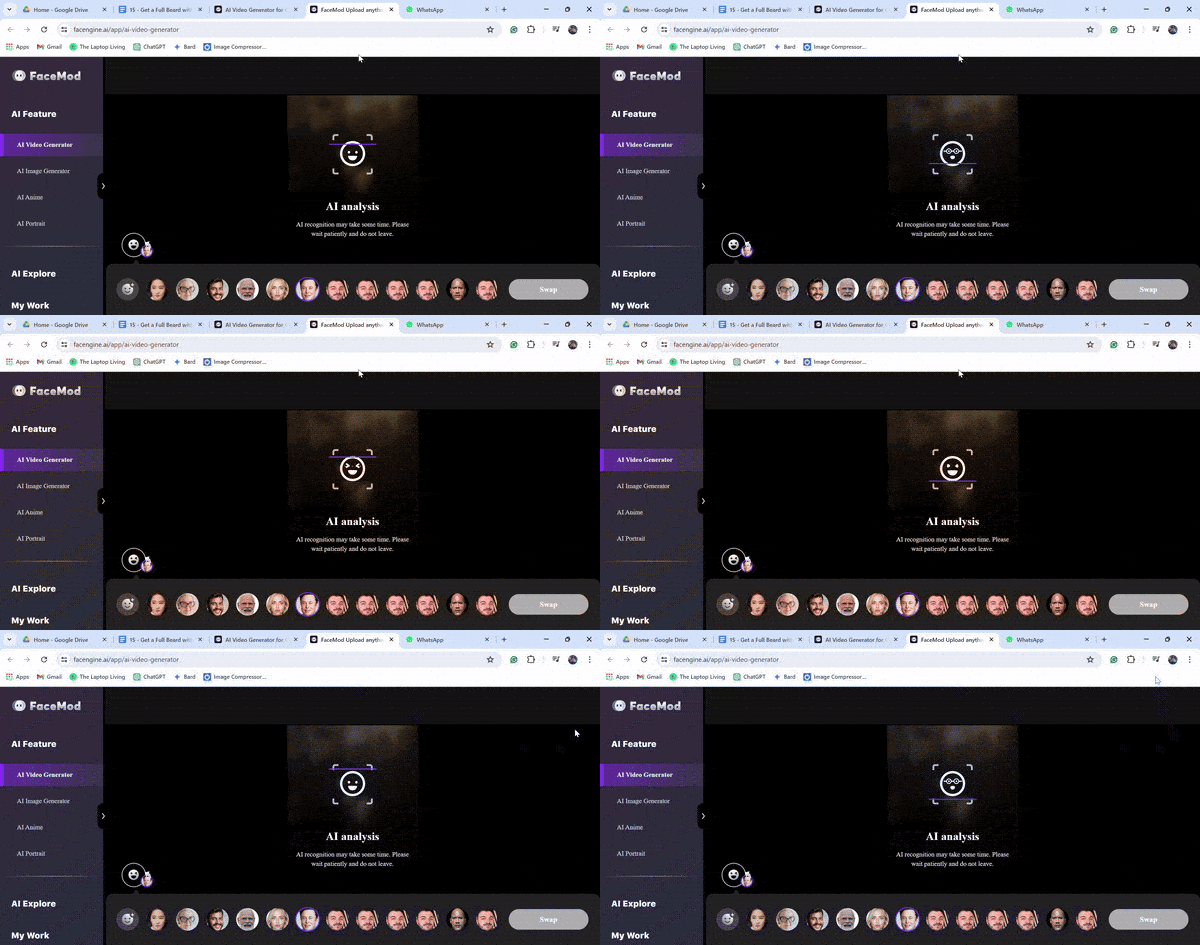
Step 3. Now, upload your image or choose any face from the available options that you want to swap with the face in the video and click “Swap.”
2. Synthesia
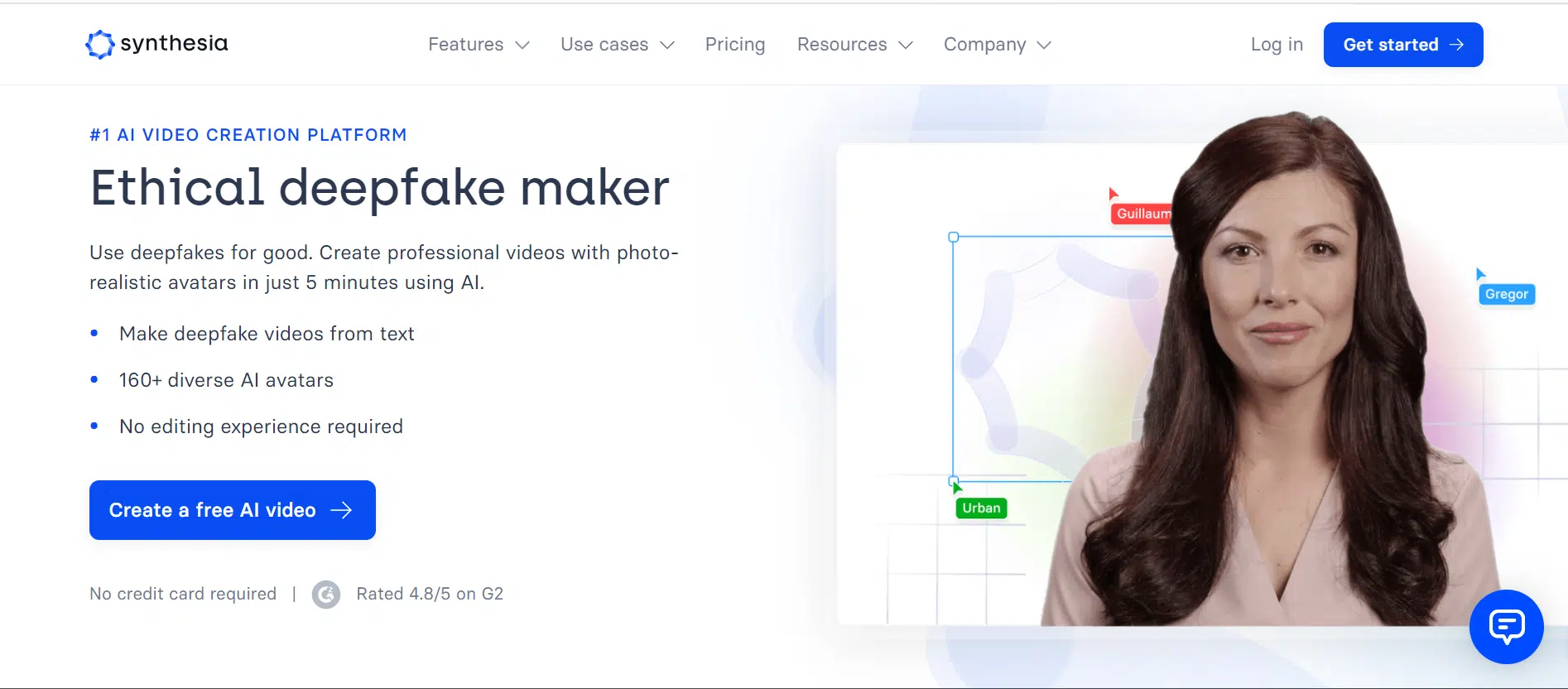
Next, we have Synthesia, an online tool that lets you create videos with avatars that speak using your voice. Just pick an avatar and write your script, and Synthesia will make your video in no time.
Features of Synthesia
Let’s have a look at some of Synthesia’s key features:
- Large Avatar Library
Synthesia has more than 160 avatars. These avatars come in different ethnicities, genders, and professions.
- Multilingual Support
When it comes to voices, Synthesia supports more than 120 languages. The voices sound natural, with feelings and tone, which helps you make videos for people all around the world.
- Easy-to-Use
Synthesia has a user-friendly interface. So, whether you’re a beginner or someone with no experience with face swapping apps, Synthesia makes everything easy!
Pros and Cons
Pros
- Professional-looking results
- It saves time and money
- Multilingual support
- There are tons of avatars to choose from
Cons
- It may not work with videos with complex emotions
- Dependent on an internet connection
3. HourOne
If you want to make fun videos easily, HourOne AI can help! You can choose from over 200 voices and different avatars to create amazing 3D videos that suit you. Plus, you can make videos in more than 100 languages to reach people all around the world!
Features of HourOne AI
Here are some features of HourOne AI:
- Cinematic 3D Videos
HourOne lets you create high-quality, realistic 3D videos using AI. This can add a professional touch to your training or marketing videos.
- Customization
You can make your videos special by using more than 200 voices, 100 languages, avatars, and ready-to-use video templates.
Pros and Cons
Pros
- Easy to understand and use
- High-quality results
- Plenty of customization options
Cons
- Limited features in the free version
- Expensive monthly plans
4. HeyGen
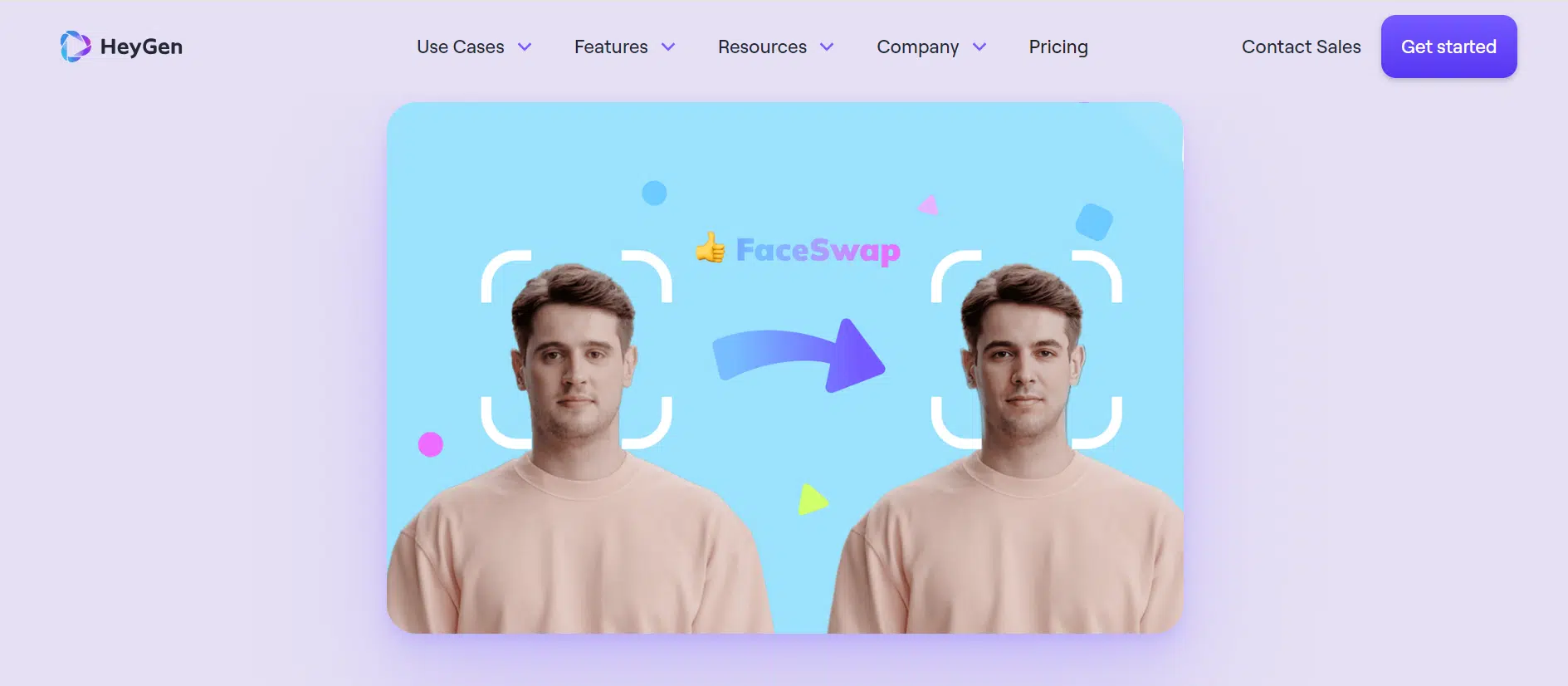
Another online video face swap app is HeyGen. It’s a beginner-friendly tool for creating amazing videos using AI-generated avatars and voices. It’s super easy to use, and the results are always impressive.
Features of HeyGen
Let’s have a look at some of the key features of HeyGen:
- Built-In Templates
HeyGen has many video templates you can use instantly. These templates cover marketing, education, and social media, making it easy and fast to create videos.
- Avatar Customization
You can make your AI-generated avatars match your brand or style by customizing their appearance, clothing, hair, and skin tone.
- Multiple Languages and Voices
HeyGen can translate your videos into more than 40 languages using 300+ voice effects.
Pros and Cons
Pros
- Easy to use
- Affordable
- High-quality videos
Cons
- Limited customization options compared to other similar tools
- It may not be suitable for all types of videos
5. Pictory

Now, let’s talk about another great face swap app called Pictory. It uses AI to help you create videos using your own or random videos. Pictory has useful features, like adding captions to your videos to make them look more professional.
Features of Pictory
Here’s a detailed look at Pictory’s features:
- Create Videos from Scratch or Existing Content
Pictory makes it easy to create videos using its built-in templates and media. You can also add your blog posts, pictures, and videos, and Pictory will turn them into videos for you.
- Captions and Subtitles
With Pictory, you can create captions for your text and change them to fit your brand or style.
Pros and Cons
Pros
- User-friendly interface
- Create videos from scratch or use existing content
- Add captions and subtitles
Cons
- Limited customization options
- The free plan has limited features
6. Fliki
If you’re looking for an AI video maker that can use your images to create a video, you should give Fliki a try.
It is an online tool that lets you create awesome videos by using images and adding voiceovers with AI.
Features of Fliki
Here’s what makes Fliki stand out from the rest:
- Photo to Video Conversion
Fliki uses smart AI tech to turn text and pictures into videos. This feature helps you make your photos more interesting and tell exciting stories.
- AI Voiceover
It has over 2000 different AI voices to choose from. You can use these voices to add narration or comments to your videos without recording your own voice.
Pros and Cons
Pros
- Beginner-friendly
- Create high-quality videos from photos
- Add AI-generated voiceovers
Cons
- It may not be suitable for complex video editing projects
7. InVideo
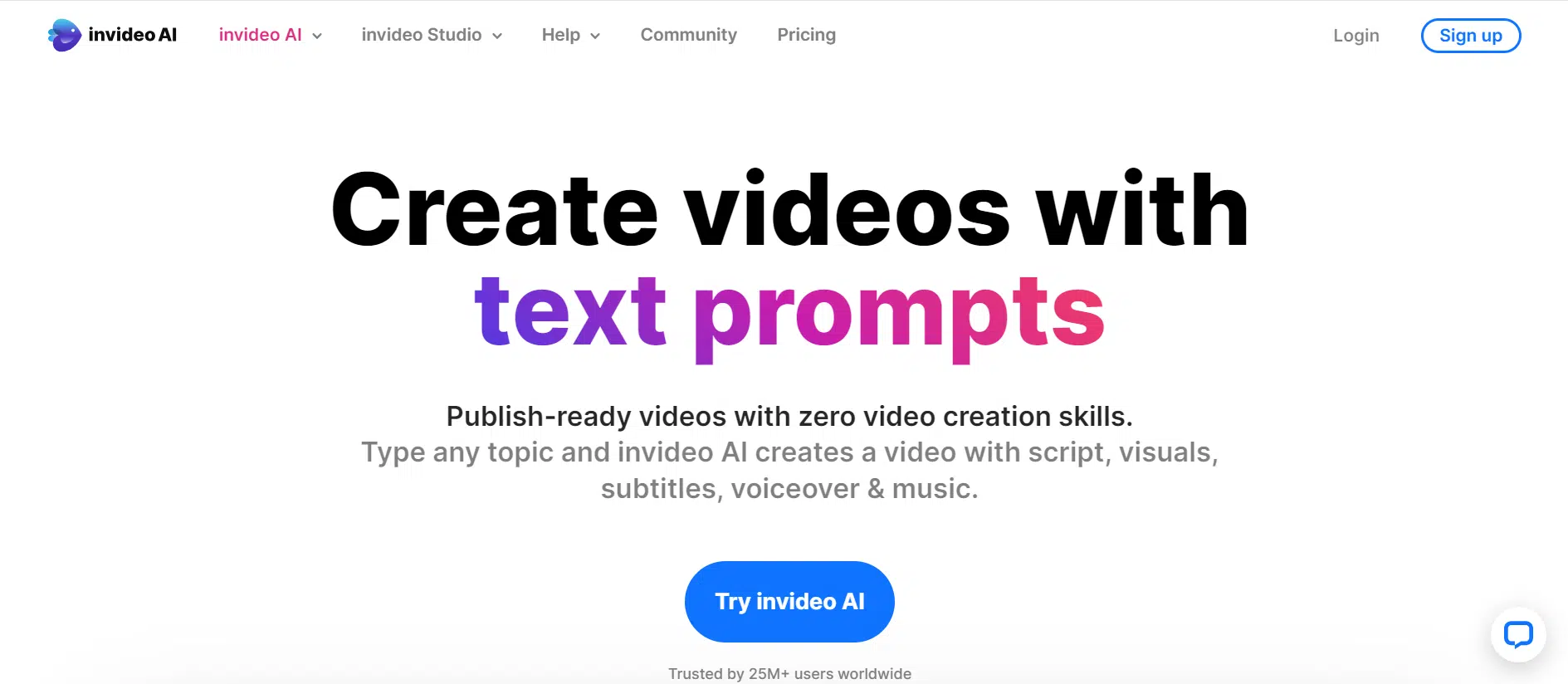
InVideo AI is another web-based tool that helps you make great videos quickly. Just give it some text, and it’ll create a script and add video clips, subtitles, and other elements to your video. You can also use your own video clips and add an avatar or text to them.
Features of InVideo
Some key features of InVideo include:
Text-to-Video Generation
InVdeo lets you type in text ideas, and then the AI creates a whole script for your video, complete with video clips, subtitles, and other things to make your video unique.
Extensive Stock Media Library
With 16 million stock media files to choose from, you can add a wide selection of video clips, images, and music to your videos.
Pros and Cons
Pros
- Easy to use
- Impressive media library
- Text-to-video generation
Cons
- Limited options for AI content
8. DeepSwap
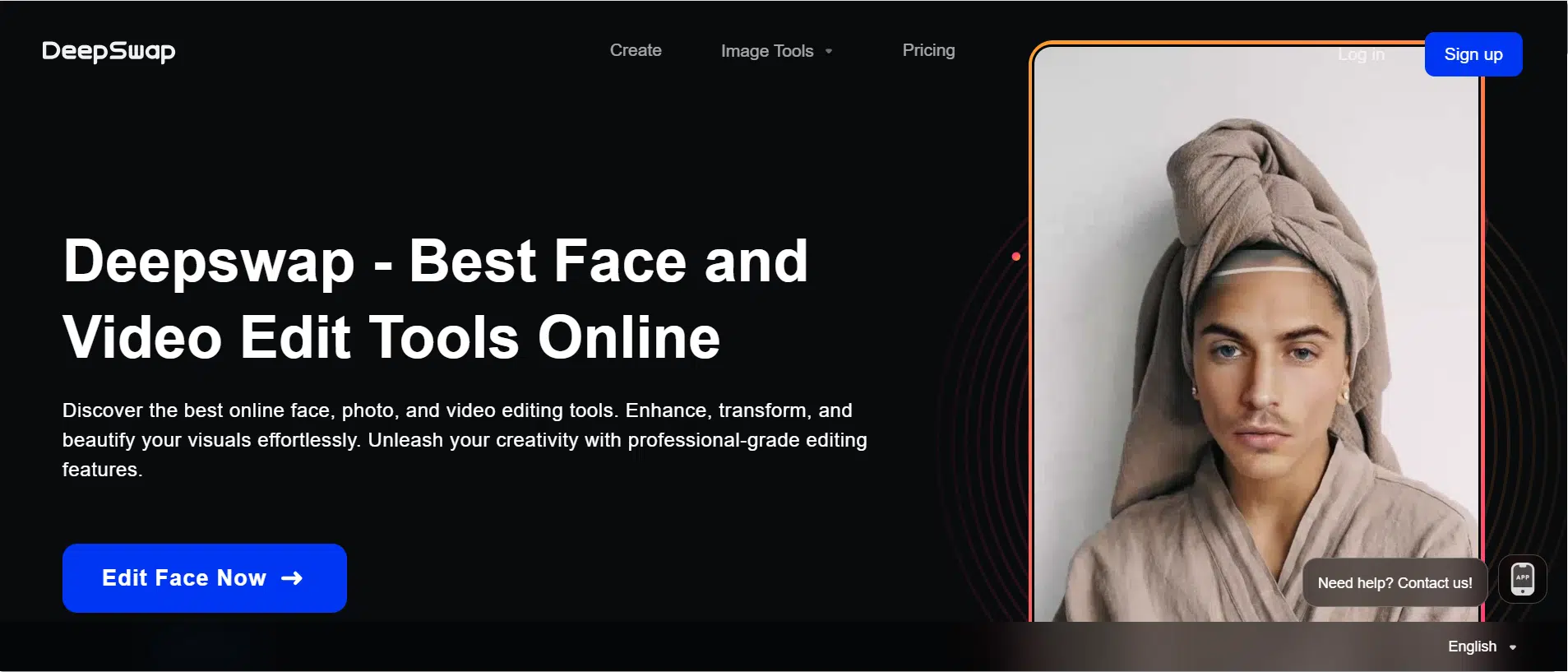
DeepSwap is a website that uses AI to change faces in your photos and videos. You can have fun making funny memes and GIFs or editing your pictures to be in your favorite scenes. It’s very easy to use and gives great results.
Features of DeepSwap
Some unique features of DeepSwap include:
- Easy to Use
DeepSwap’s simple interface makes it easy to use, even if you’ve never edited photos or videos before.
- Realistic Results
It uses AI to create realistic-looking face swaps.
- Edit Multiple Faces
DeepSwap can edit up to six faces in a photo or video at a time.
Pros and Cons
Pros
- User-friendly interface
- Produces realistic results
- Can edit multiple faces
Cons
- Requires a paid subscription
- It doesn’t have a free trial available
9. Deep Brain AI
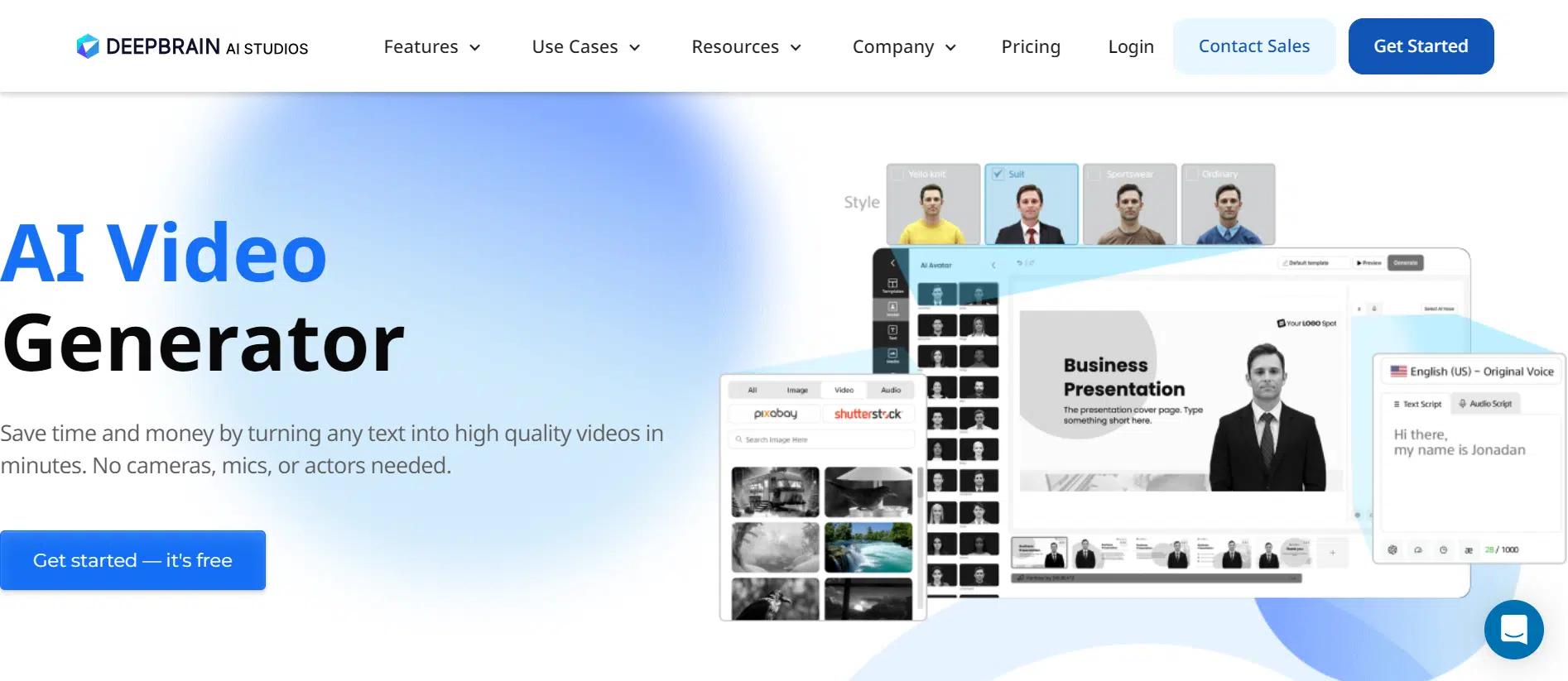
If you want an easy-to-use tool for making great face swap videos, you should try Deep Brain AI. It’s a video maker powered by AI that lets you make professional videos fast and easy, even if you’ve never done it before.
It uses AI and regular video editing tools to give you really good videos.
Features of Deep Brain AI
Here’s what makes Deep Brain AI one of the best:
- AI Avatars
Deep Brain AI Studios has almost 80 AI avatars that you can use in your videos. These avatars can be customized to look like you, or you can choose from a variety of pre-made avatars.
- Text-to-Speech in Over 80 Languages
Deep Brain’s text-to-speech feature allows you to add narration to your videos in over 80 languages.
- Customizable Templates
Deep Brain AI Studios comes with a variety of customizable templates that you can use in your videos.
Pros and Cons
Pros
- Beginner-friendly interface
- Cost-effective
- Plenty of personalization options
Cons
- The free version has limited features
10. Based Labs AI
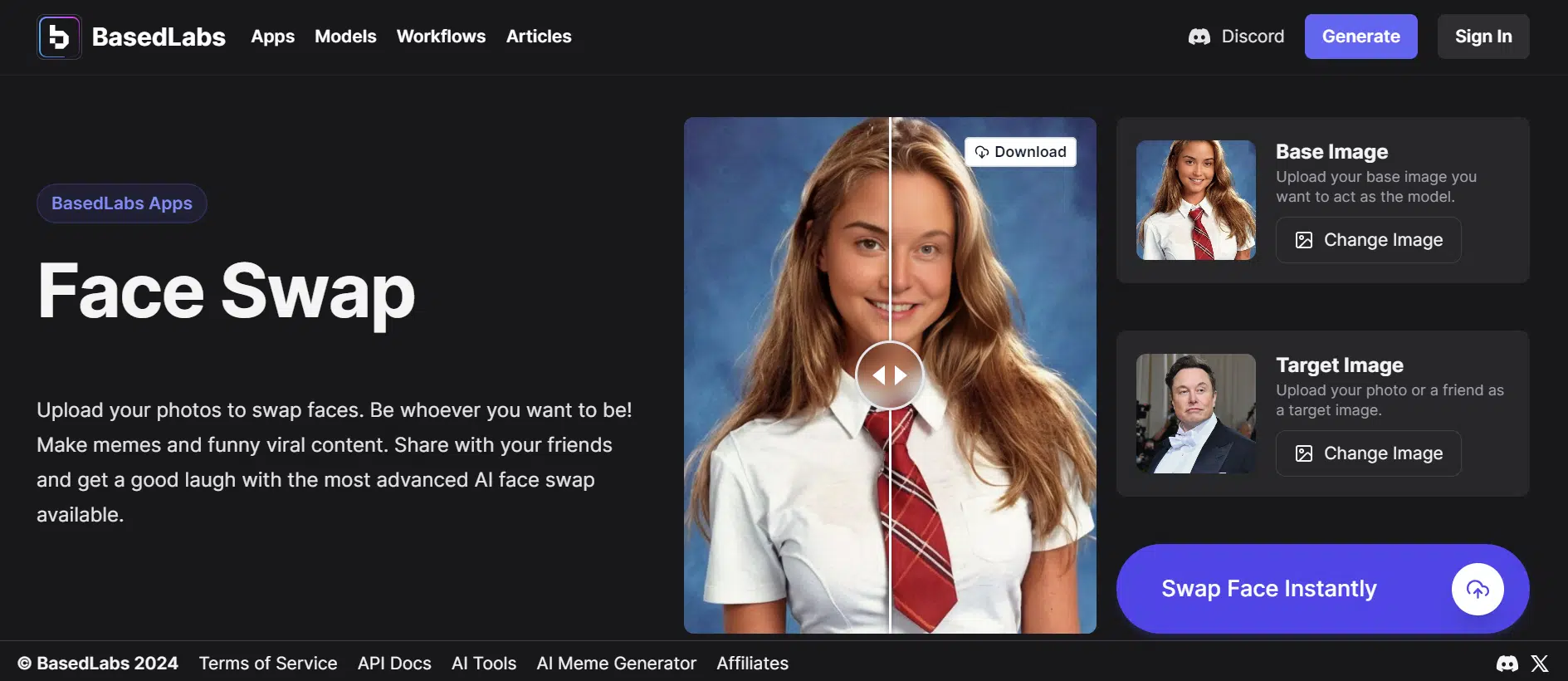
Let’s wrap up this article with Based Labs AI, another free online face swap app. It is one of the easiest tools out there, as all you have to do is upload your image and the target image and let Based Labs do its magic!
Features of Based Labs AI
Here are a few of Based Labs AI’s key features:
- Simple To Use
Simply upload photos of yourself and anyone else you want to swap faces with and see how Based Labs seamlessly merges the faces to create a realistic image.
- Recreate Viral Content
You can use this app to generate funny memes and viral content to share with your friends and family.
- Unlimited Face Swapping
The best part about Based Labs AI is that it allows unlimited face swapping. So, swap faces as many times as you want; there’s no limit!
Pros and Cons
Pros
- Easy to use
- Natural results
Cons
- It may not work perfectly on all photos
Conclusion
Face swapping is all the rage nowadays, so much so that it’s becoming increasingly difficult to differentiate between real and deepfake videos!
With all the hype, social media users are on the lookout for free tools to help them swap faces in videos and go viral. Therefore, to make things easier for all our little friends out there, we have rounded up 10 of the best online face swap apps. However, if you ask us, we hands down recommend FaceMod to swap faces in videos, as it is safe, reliable, has plenty of customization options, and produces natural and seamless results.
So, get FaceMod, swap faces, and be the coolest kid in the group!






















